ModsJava
Easy Sign Editing Mod (26.3) – Write Sign Text with Mouse Clicks and Copy-Paste
Java mod listed for Minecraft 26.x. Download on the author's site.
⬇ Download


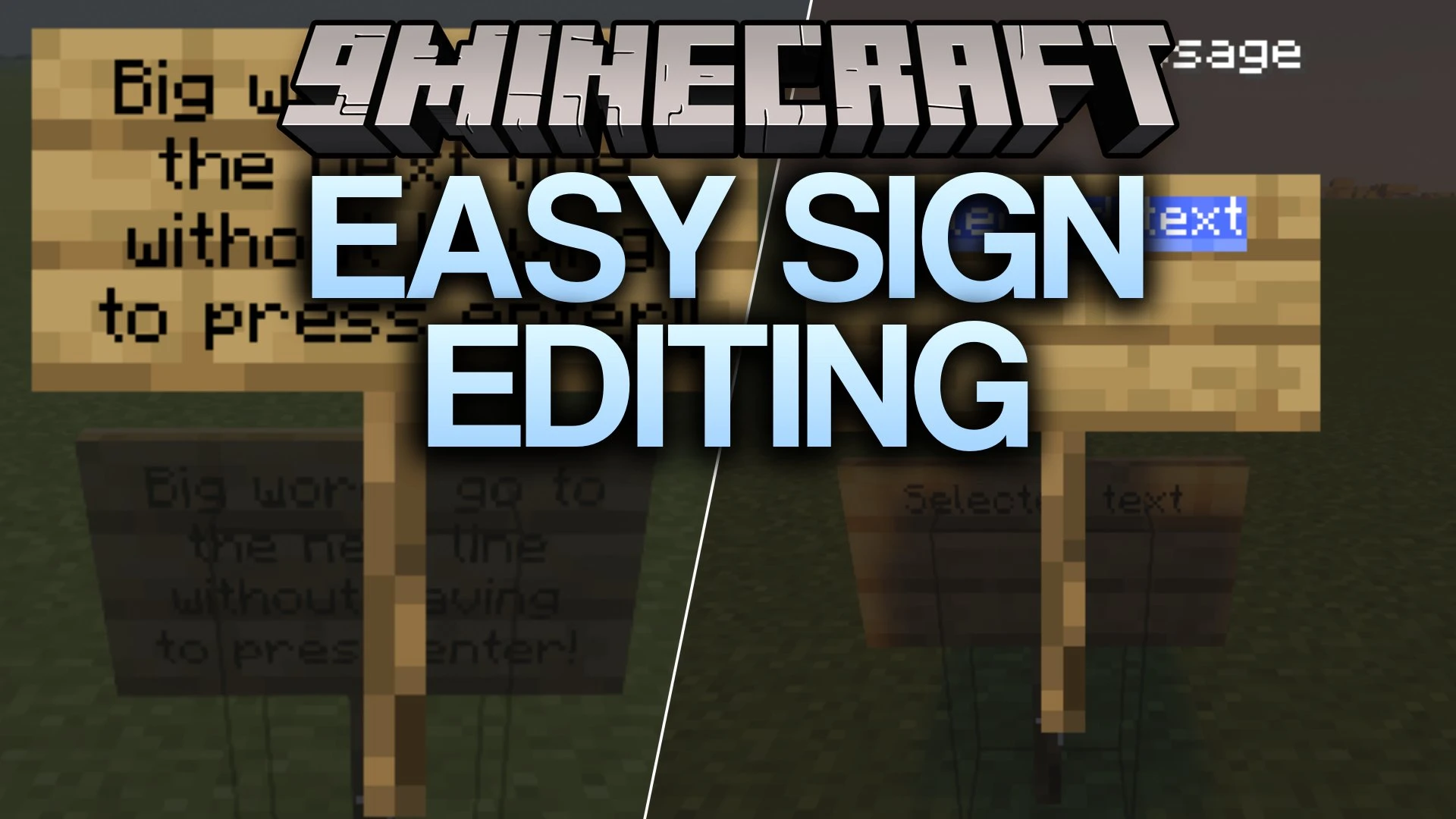
Easy Sign Editing Mod makes writing on signs much simpler in Minecraft Java Edition. It adds mouse controls and text editing tools to the sign screen. The mod is light, runs on the client side, and keeps the normal vanilla sign feel.
Features:
- Click to Type: Click any of the four sign lines to start typing there, and click between letters to place the cursor right where you want it.
- Text Selection: Select text by clicking and dragging with the mouse. Use Ctrl+A to select the current line, Ctrl+C to copy, Ctrl+X to cut, and Ctrl+V to paste.
- Auto Next Line Button: Moves a word to the next line when it does not fit on the current one. When you delete text, it can bring words back to the previous line if there is room. You can turn it on or off right in the sign editor.
- Replaces the small horizontal text cursor with a normal vertical one, so you can see exactly where you are typing.
- Works with both regular signs and hanging signs.
- Keeps the usual four-line format, text limits, dyes, glow ink, and other vanilla sign behavior.
Screenshots:
Easy Sign Editing Mod Download Links
Quick facts
- Edition: Minecraft Java
- File type: .jar
- Minecraft version listed: 26.3
- How to install: Install the matching mod loader (Forge, Fabric or NeoForge) for your Minecraft version. → Download the .jar. → Put it in the .minecraft/mods folder and launch that loader profile.
- Where to get it: Opens on the file's original source — not every file is mirrored on our own servers.
Install steps are the general flow for this file type — How to install Minecraft Java mods & modpacks walks through it step by step.
Easy Sign Editing Mod (26.3) – Write Sign Text with Mouse Clicks and Copy-Paste is a free Minecraft Java mod. Compatible with Minecraft 26.3. Download it and open it directly in the game.