AddonsBedrock
Backpack Plus Addon (1.26, 1.21) – MCPE/Bedrock Mod
Bedrock add-on listed for Minecraft 1.21–26.x (behavior + resource pack). File opened and checked on 22 Sep 2026; installs from the MC Bedrock Mods app on Android.
⬇ Download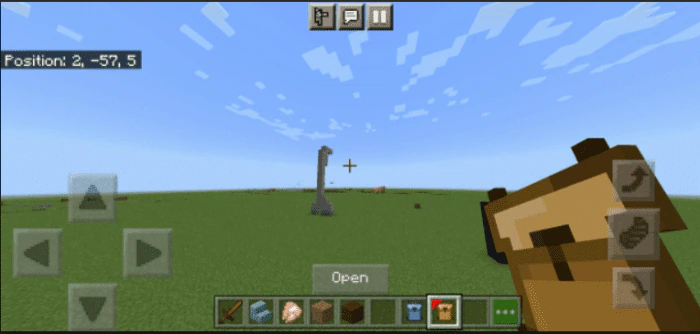
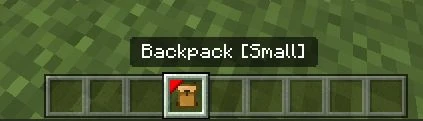
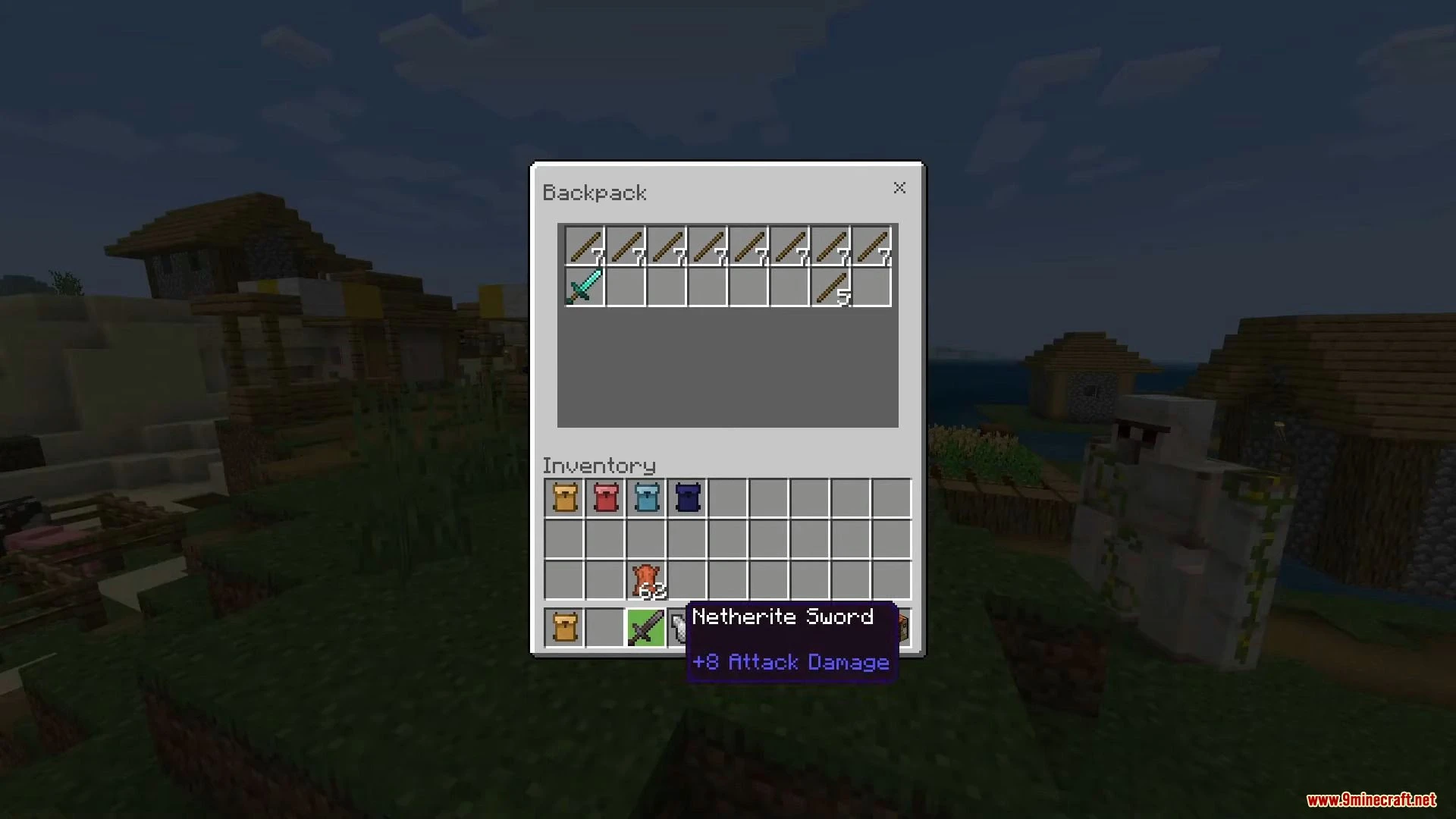
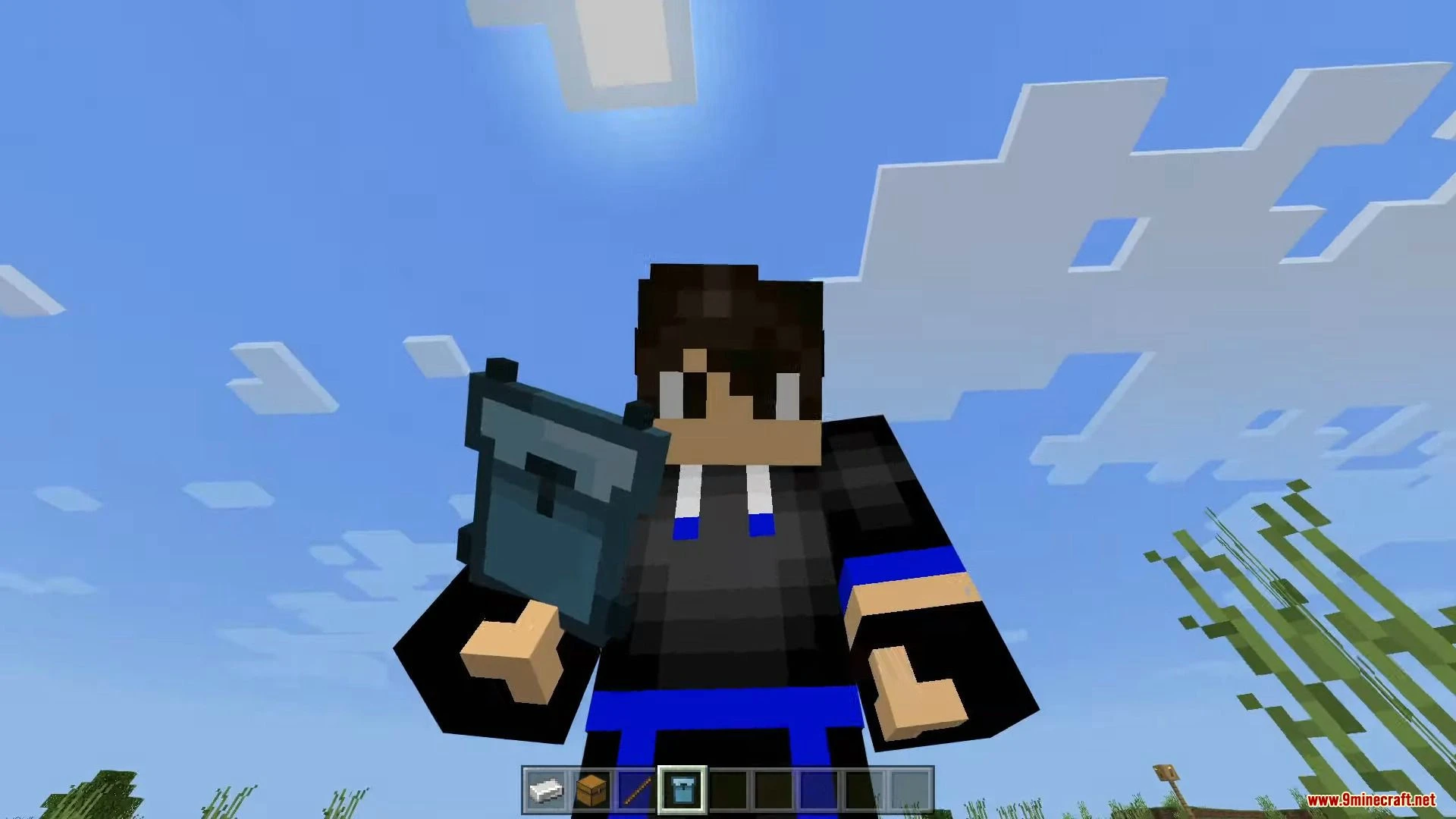
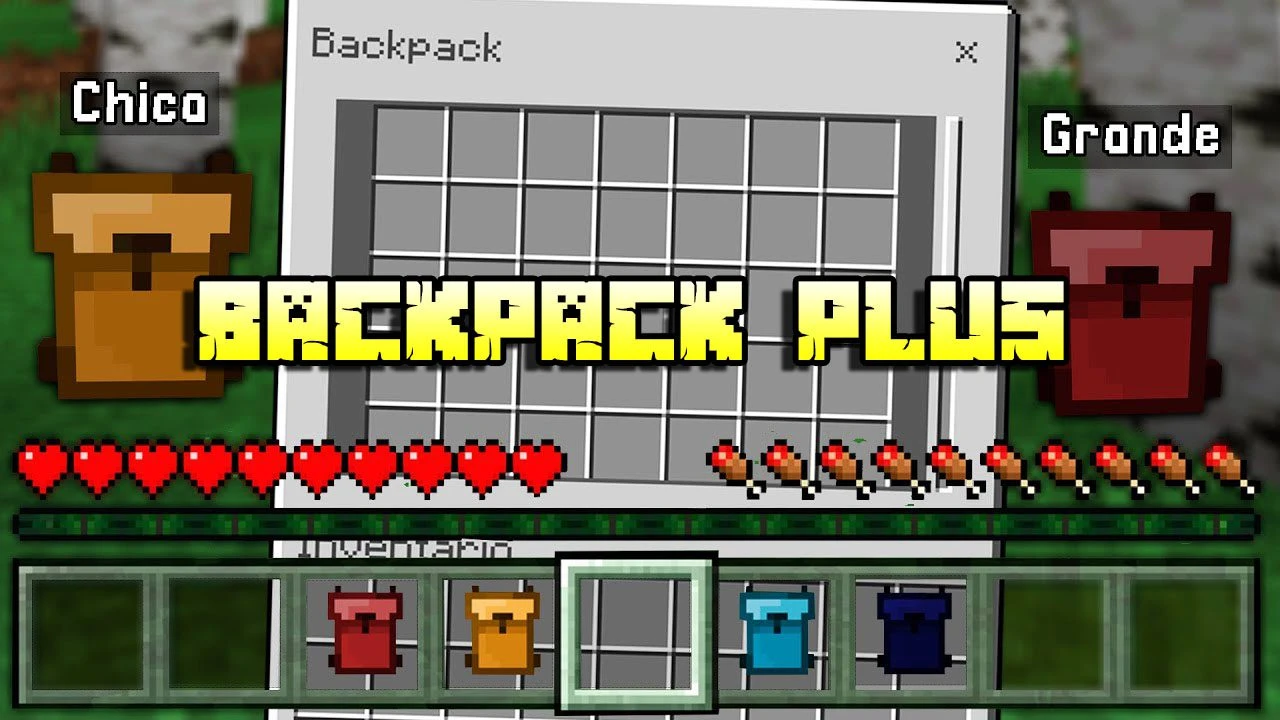
Backpack Plus Addon works very similarly to the Backpack mods from Java. Do you want to carry a lot of things but don’t have any more space in your inventory? Then this addon is just for you! If you have played any backpack mods from Java you might be familiar with how this addon will work.
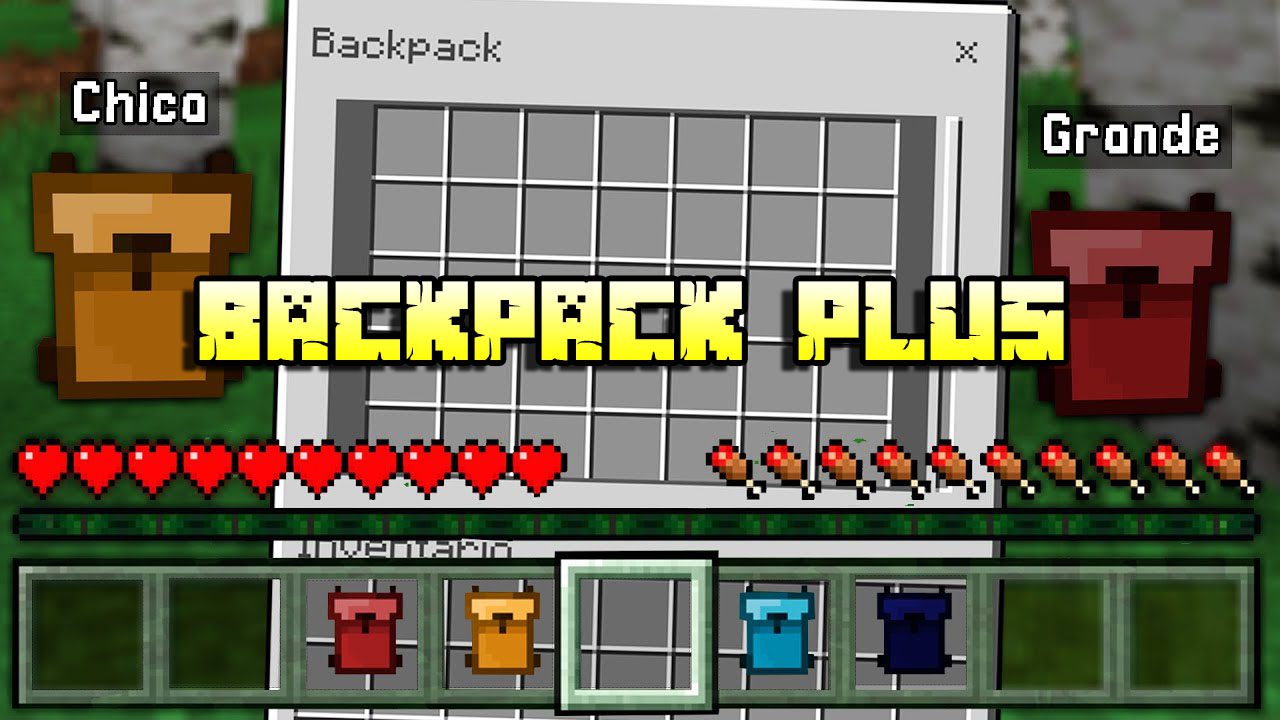
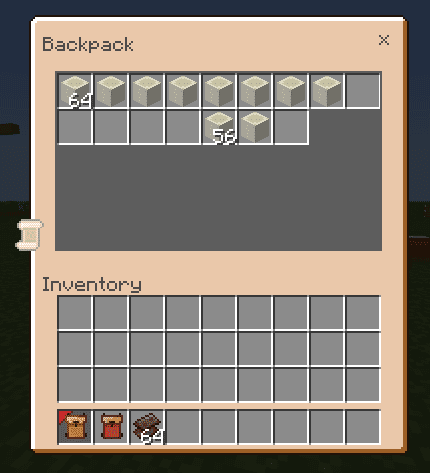
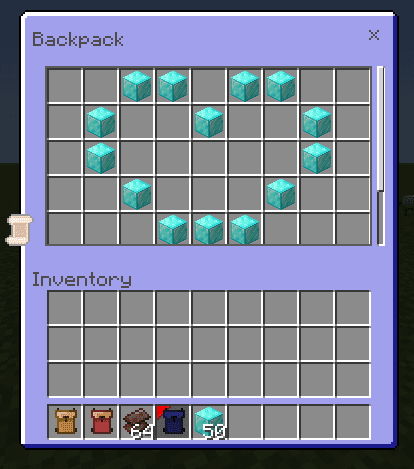
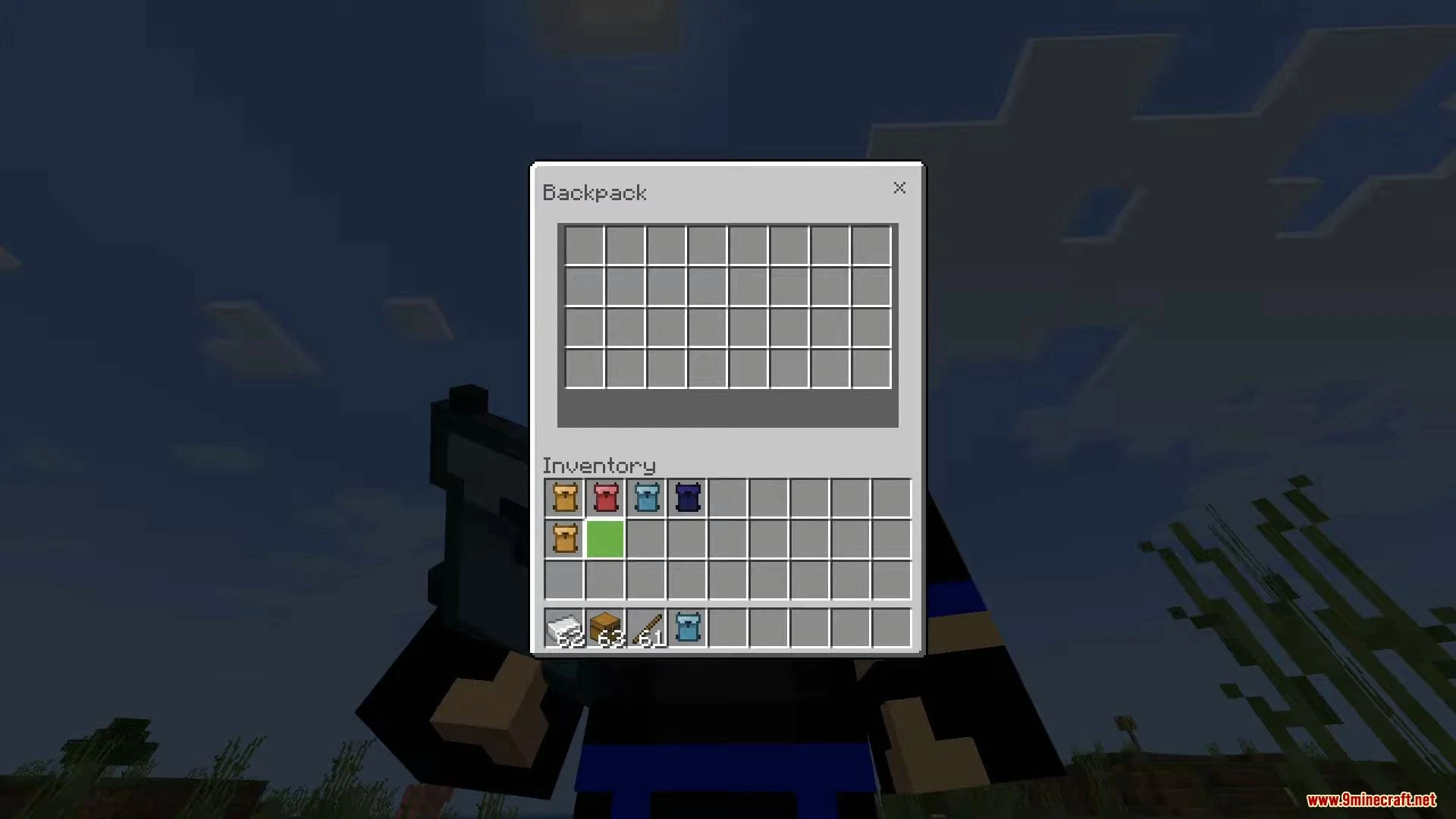
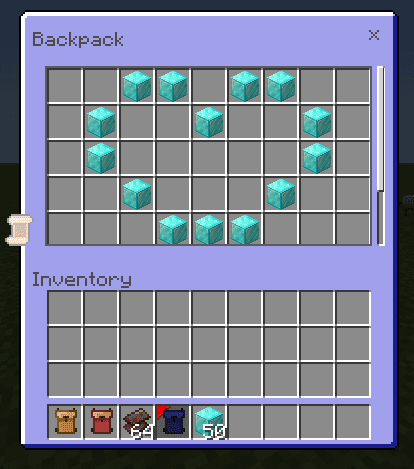
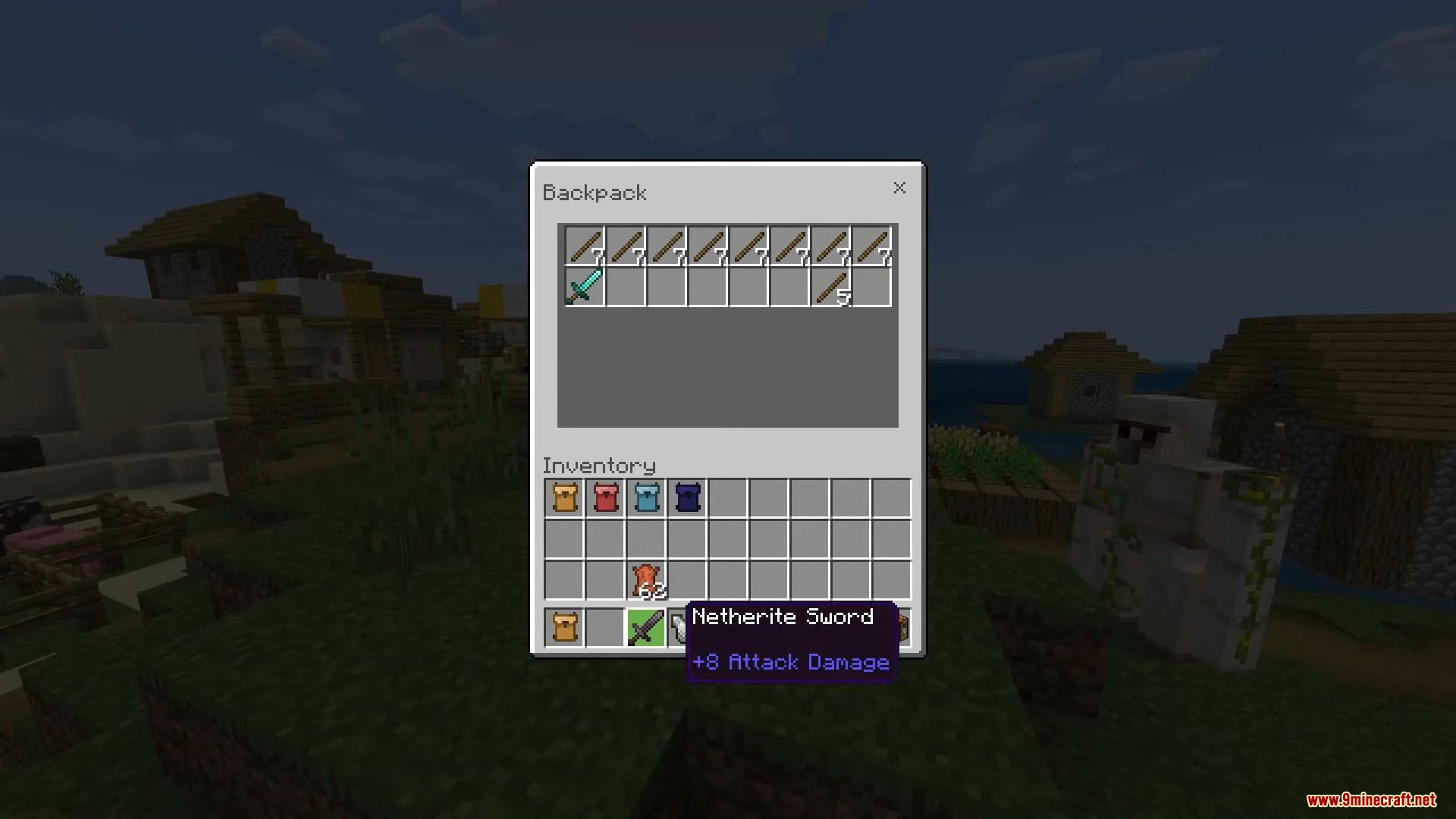
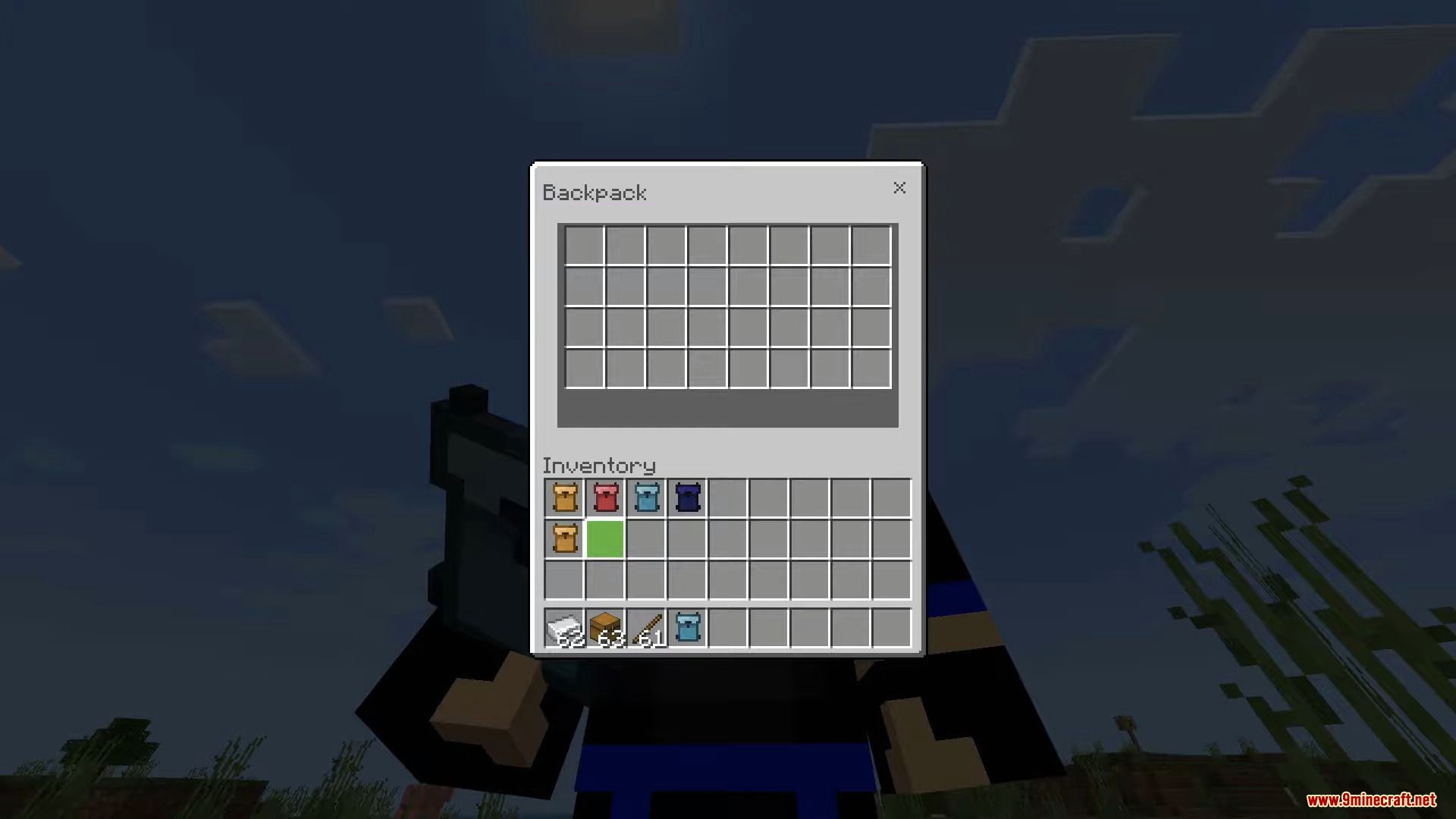
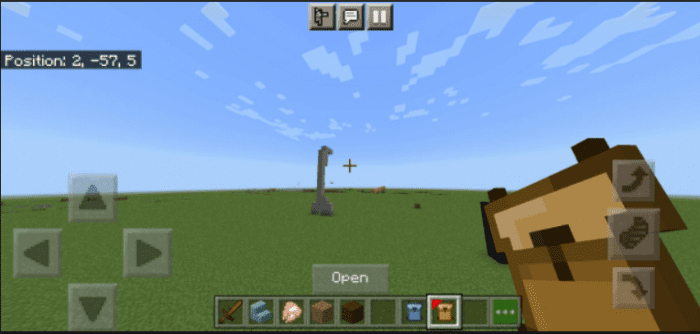 Pc and Mobile has the same backpack GUI.
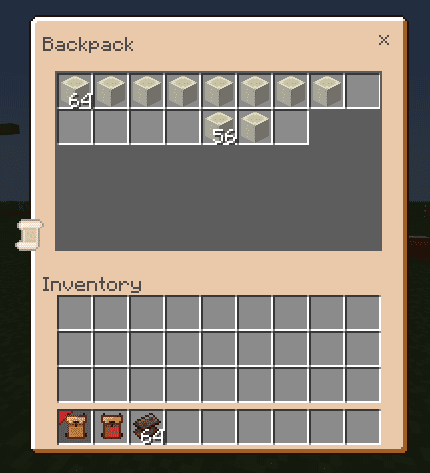 The items are saved per Backpack so you can put items in the backpack and share the backpack with your friends.
Features:
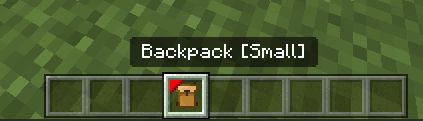
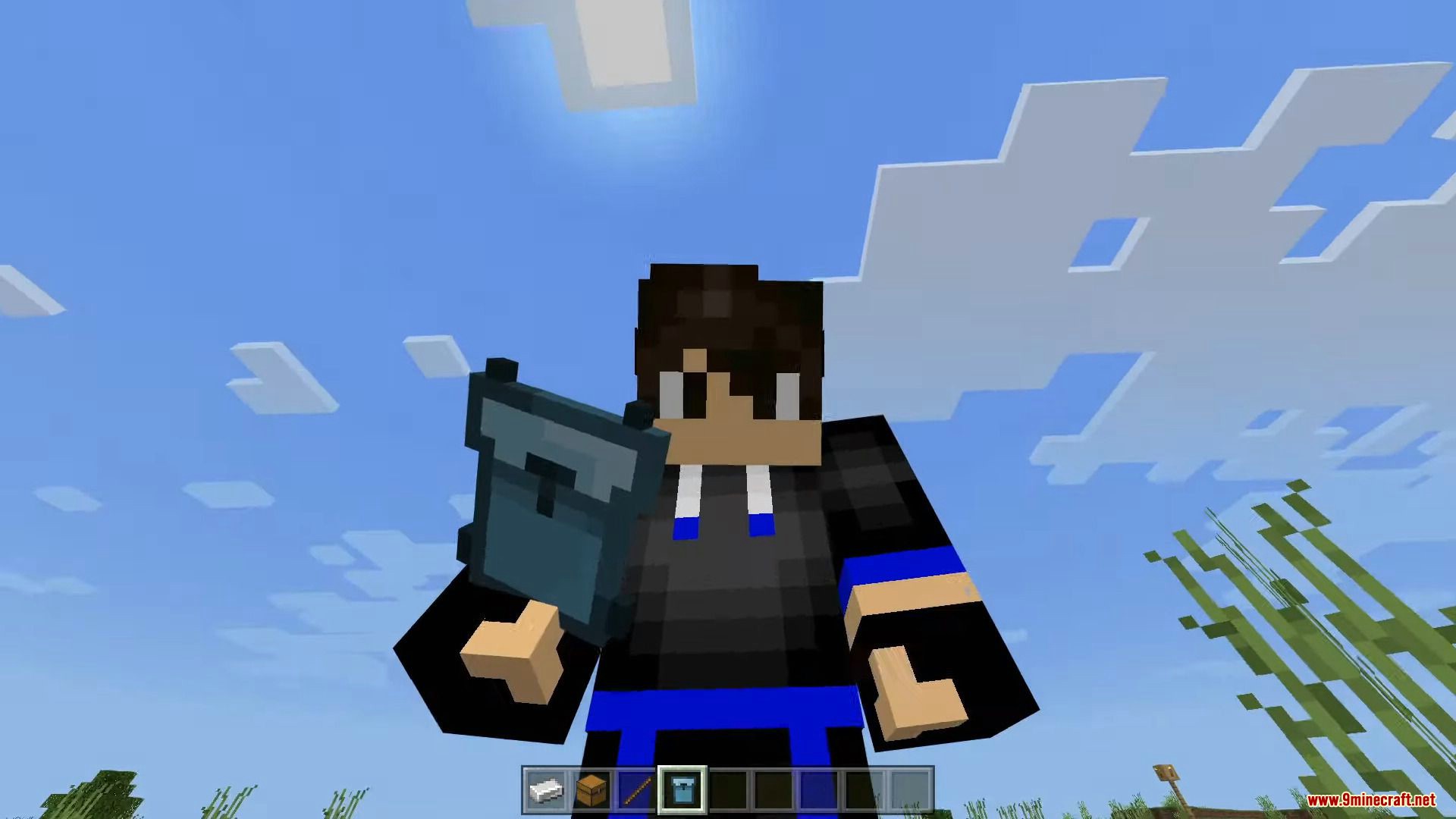
Now, if you are on a PC just right-click while the backpack is on your main hand and you can now access the backpack’s inventory. If you are on mobile simply tap the open button, or long tap the screen while holding the backpack.
Pc and Mobile has the same backpack GUI.
The items are saved per Backpack so you can put items in the backpack and share the backpack with your friends.
Backpack Commands:
- !bps reset – Reset the backpack item you holding.
- !bps clear bp – Deletes all backpacks and item recovery.
- !bps see <ID:int> – See specific backpack items.
- !bps retrieve <ID:int> – Retrieve backpack items.
- !bps set <ID:int> – Manually set your backpack id.
- !bps delete <ID:int> – Delete backpack and recovery items.
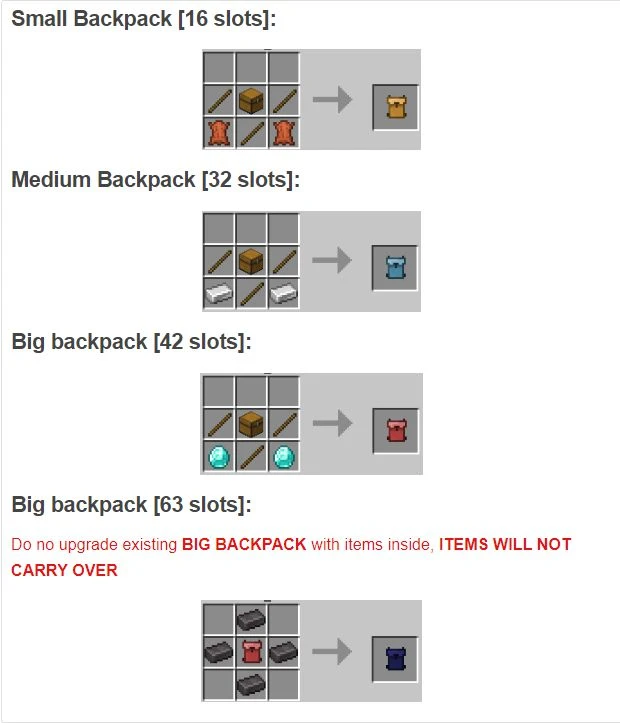
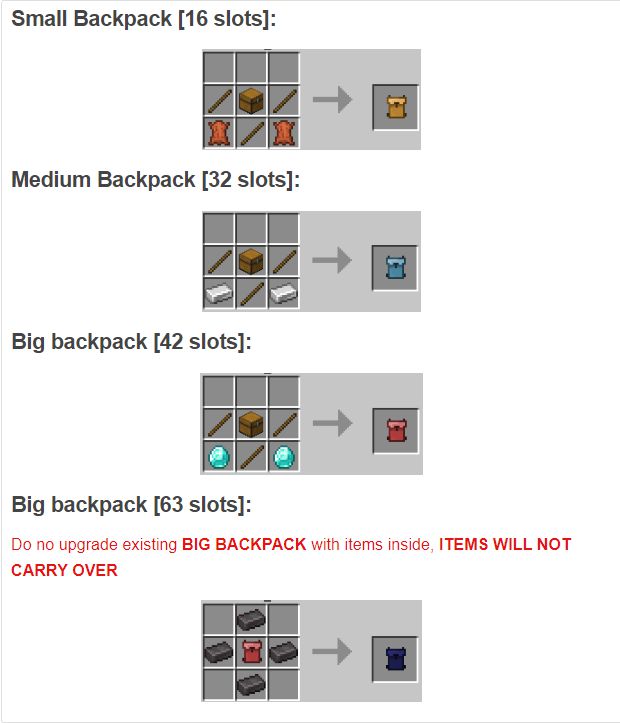
Crafting Recipes:
Screenshots:
Installation Note:
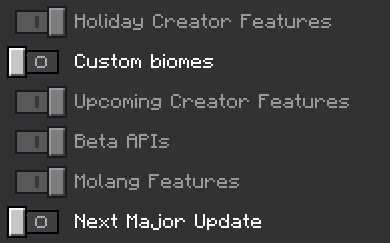
- Turn on these Experimental Gameplay options to run this addon.
- Make sure to turn on the backpack resource pack in your world if you are using this addon.
Backpack Plus Addon Download Links
Quick facts
- Edition: Minecraft Bedrock
- File type: .mcpack or .mcaddon
- Minecraft versions listed: 1.26, 1.21
- How to install: Download the .mcpack or .mcaddon file. → Open it — Minecraft imports it. → In your world: Behavior Packs → Available → Activate, then the same under Resource Packs.
- Where to get it: In MCModsHub, or directly above on this page.
Install steps are the general flow for this file type — How to install Minecraft Bedrock addons & mods walks through it step by step.
File checked by MCModsHub
- Pack type: .mcaddon — behaviour and resource pack in one file
- Manifest requires Minecraft 1.26.31 or newer
- Complete pack — everything it depends on is inside the file
- Download size: 131 KB
- Download link checked 22 Jul 2026 — working
- Mirrored on our own servers — the download does not depend on the original host
These come from our own check of the pack file, not from the source page.