
BashCraft
Java mod listed for Minecraft 26.x. Downloads from the MC Java Mods app on Android.
⬇ Download on Modrinth


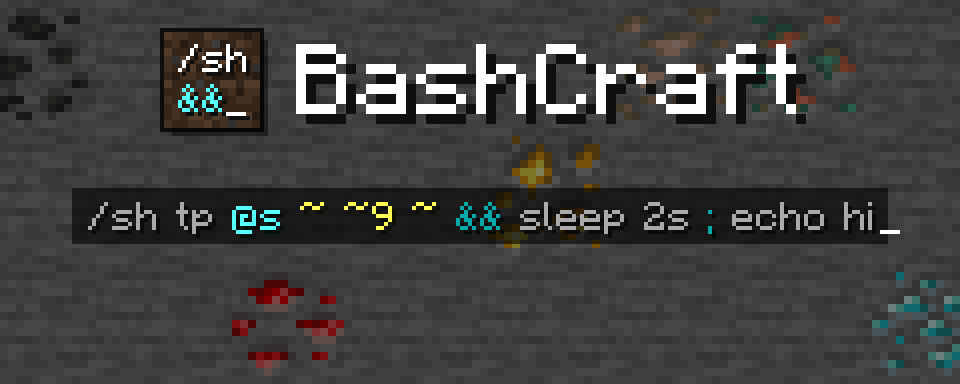
A bash shell for the command line: set timers, chain commands and much more.
BashCraft brings the best small ideas of bash to Minecraft commands. Run a command only if another worked, pass one command's result to the next, keep values in variables, make your own commands, set timers and much more; all from chat, command blocks or functions.



What it does
- Chains:
&&runs the next command if the last one worked,||if it failed,;always. - Pipes:
|passes a result along: find a village, land on its surface, teleport there. - Variables: remember values in one line and use them in the next, even after a restart.
- Timers:
sleeppauses a chain without freezing the game;&lets a timer run on its own. - Aliases: name a chain and use it like a command, with arguments.
- Groups:
( … )bundles commands so an operator applies to all of them.
Give it a try!
/sh tp @s ~ ~5 ~ && echo up you go
/sh locate structure #village | surface | tp @s
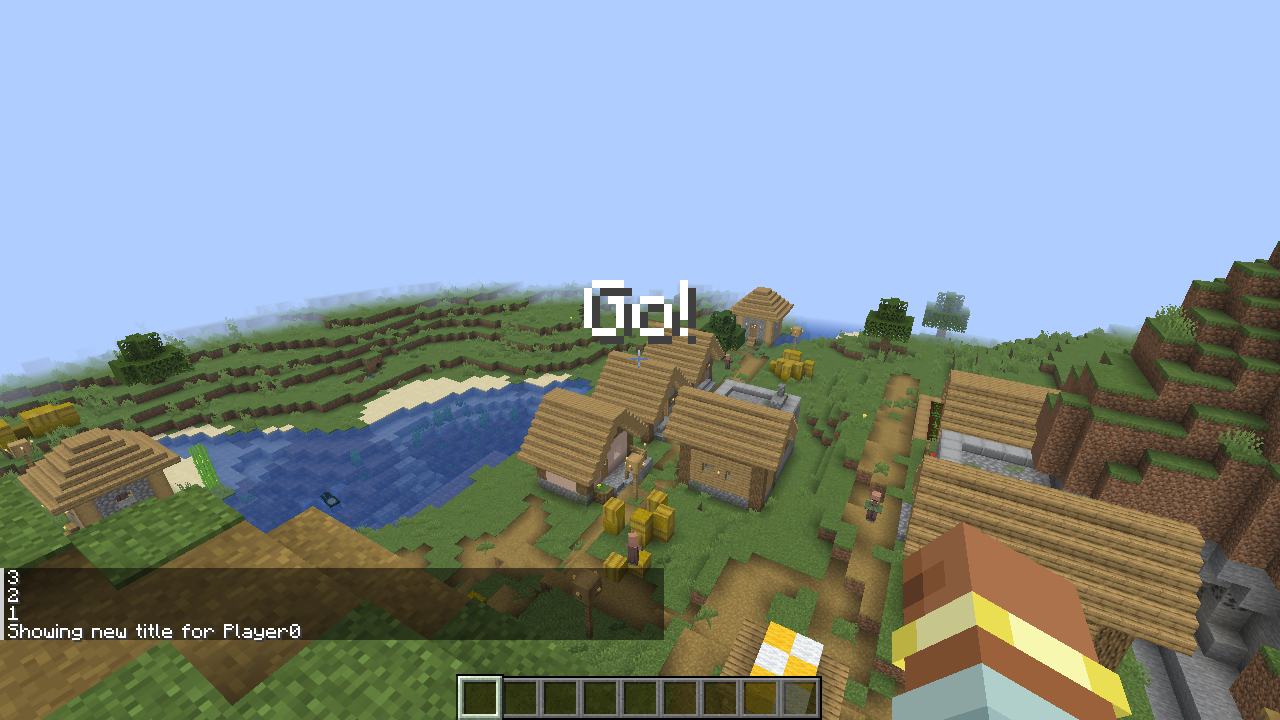
/sh echo 3 ; sleep 1s ; echo 2 ; sleep 1s ; echo 1
/sh alias up = tp @s ~ ~10 ~
/sh up
Install
Minecraft 26.3, Fabric Loader 0.19.5 or newer, Fabric API and Java 25. Put the jar in the server's mods folder (in
singleplayer, in your own). Plain clients can join and use everything; the same jar on a client is optional and adds
a chat companion that colours chains as you type them.
Learn more
The guide teaches every feature step by step, with snippets to paste into chat, starting with an optional five-minute primer if you're new to bash. Questions or bugs: issues.
License
MIT. The BashCraft icon and the images in docs/images/ (brand art and screenshots) contain Minecraft textures and font © Mojang AB; they are not covered by the MIT license. Not an official Minecraft product. Not approved by or associated with Mojang or Microsoft.
- Edition: Minecraft Java
- File type: .jar
- Minecraft version listed: 26.3
- How to install: Install the matching mod loader (Forge, Fabric or NeoForge) for your Minecraft version. → Download the .jar. → Put it in the .minecraft/mods folder and launch that loader profile.
- Where to get it: Opens on Modrinth — not every file is mirrored on our own servers.
Install steps are the general flow for this file type — How to install Minecraft Java mods & modpacks walks through it step by step.
- Ships as bashcraft-1.0.0.jar — drop this file into the mods folder
- Download size: 195 KB
- Download link checked 11 Nov 2026 — working
These come from our own check of the pack file, not from the source page.