
ModsJava
Bricklands
Java mod listed for Minecraft 1.21. Downloads from the MC Java Mods app on Android.
I don't know my version or loader
Open the Minecraft launcher and look at the profile you play on — it names both, like fabric-loader-1.21.4. The version also shows in the bottom-right corner of the game's main menu.
No loader in the profile name? Then it's plain Minecraft, and these mods won't run — you need Fabric or NeoForge installed first.


This mod is based on HexLands by AlcatrazEscapee (MIT), rewritten so biomes sit on a staggered brick grid instead of hexes. HexLands itself is based on the original Hex Lands (2019) by superfluke, anonlinux777, and TehNut.
Features
- Adds two world type presets: "Bricklands", and "Bricklands (Overworld)". The former enables brick terrain generation in the overworld and the nether; the latter only enables it in the overworld. The world create Customize button edits brick size, rims, merge-same-biome, and random biomes.
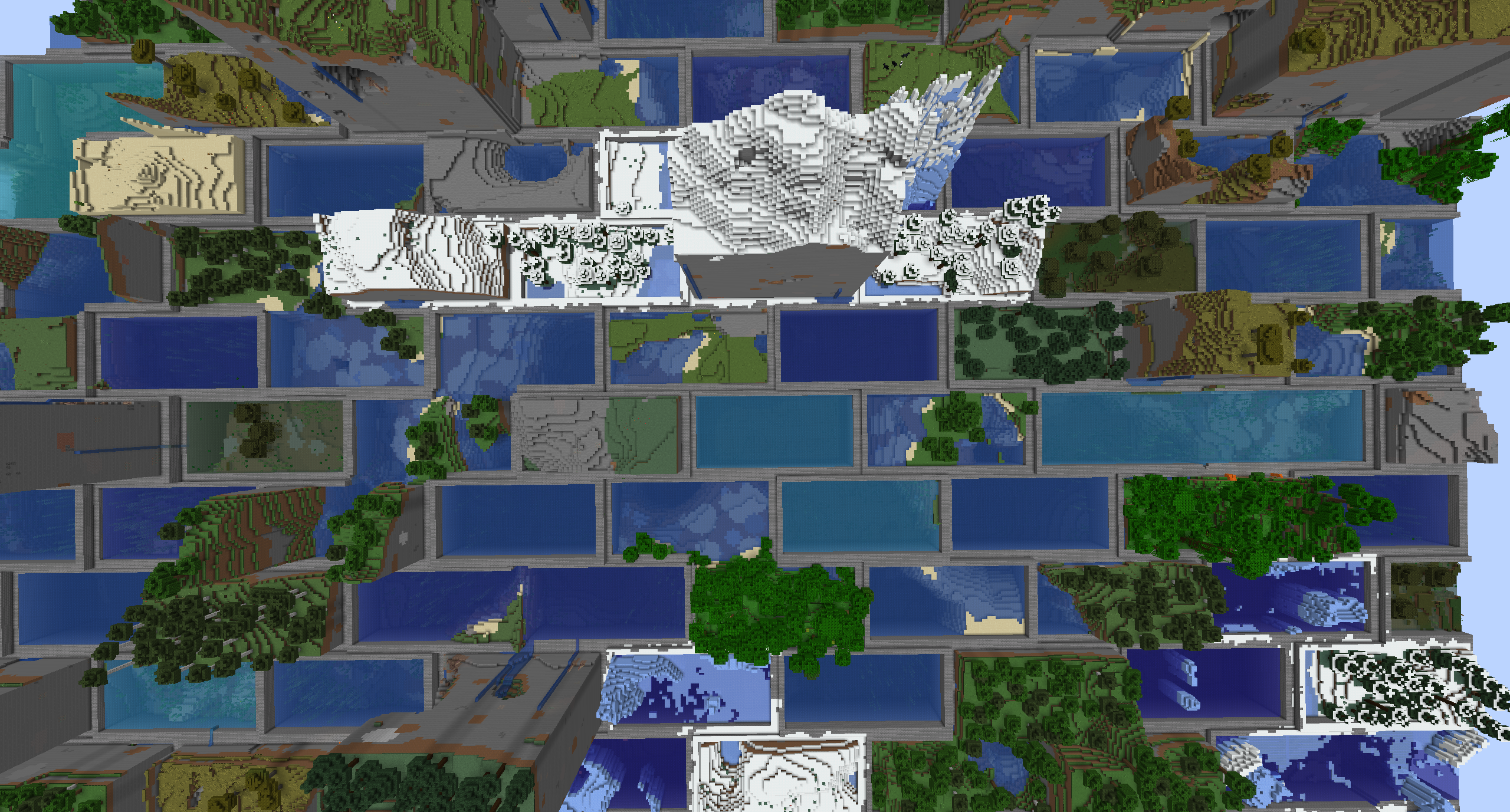
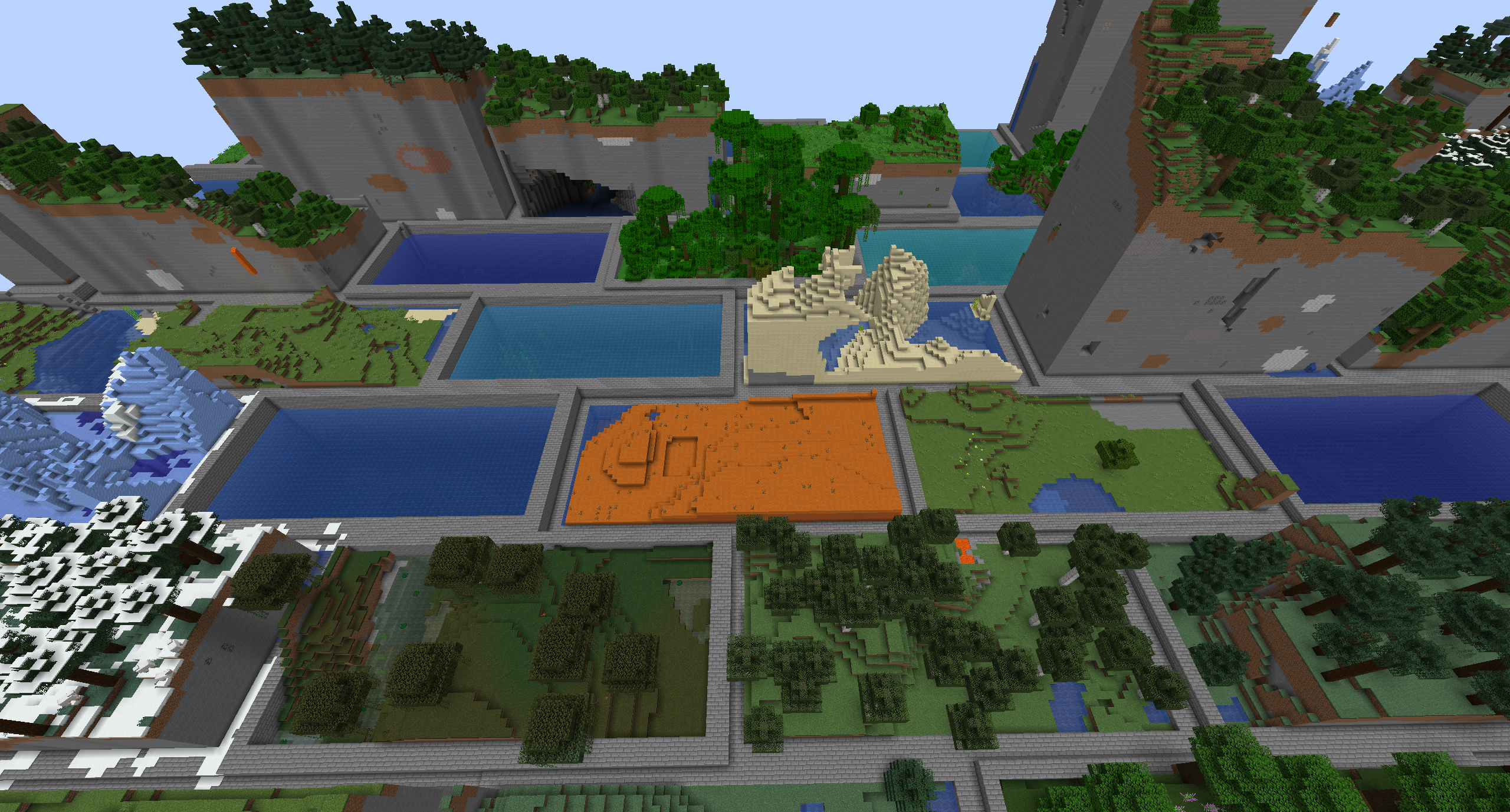
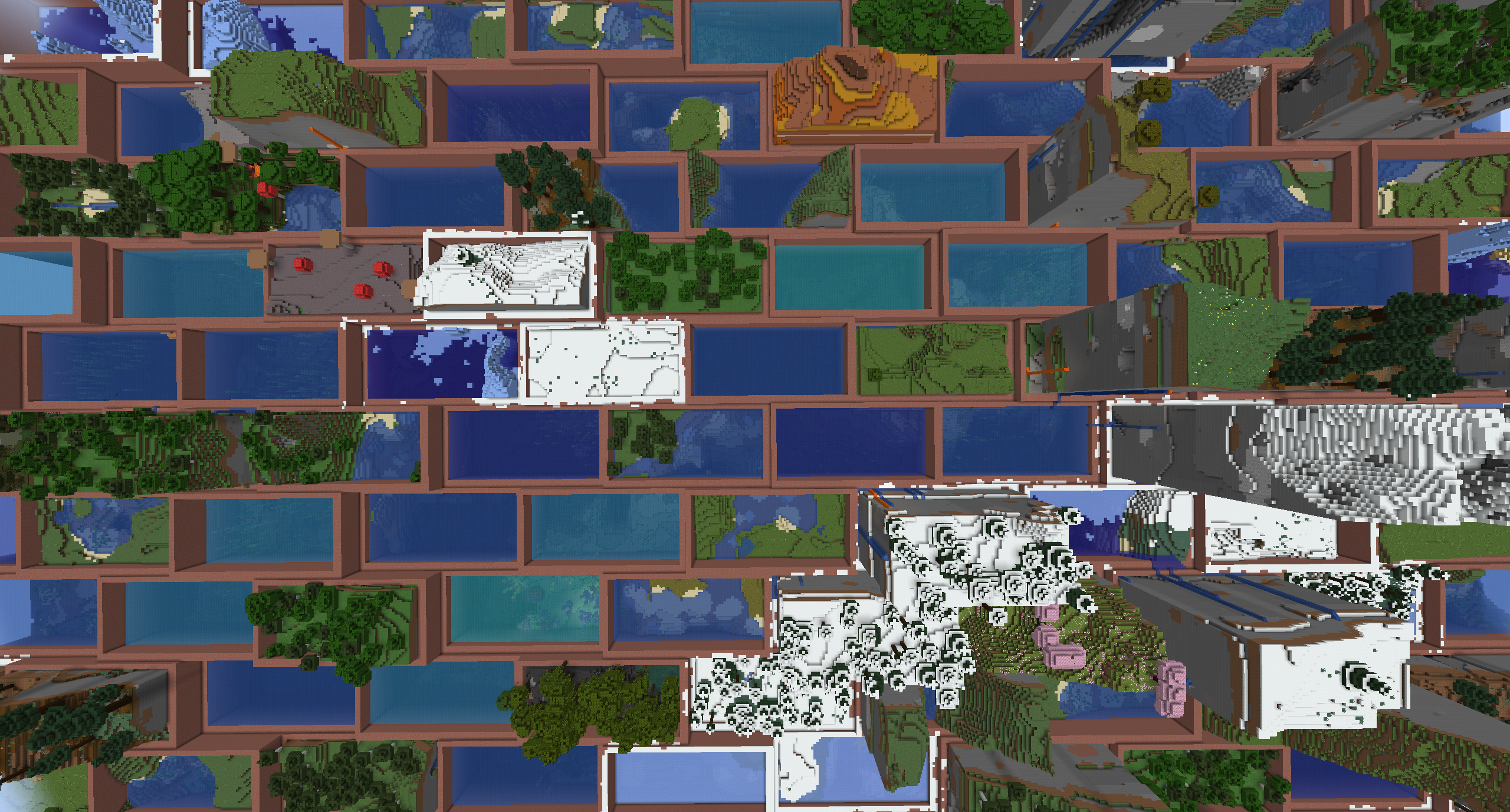
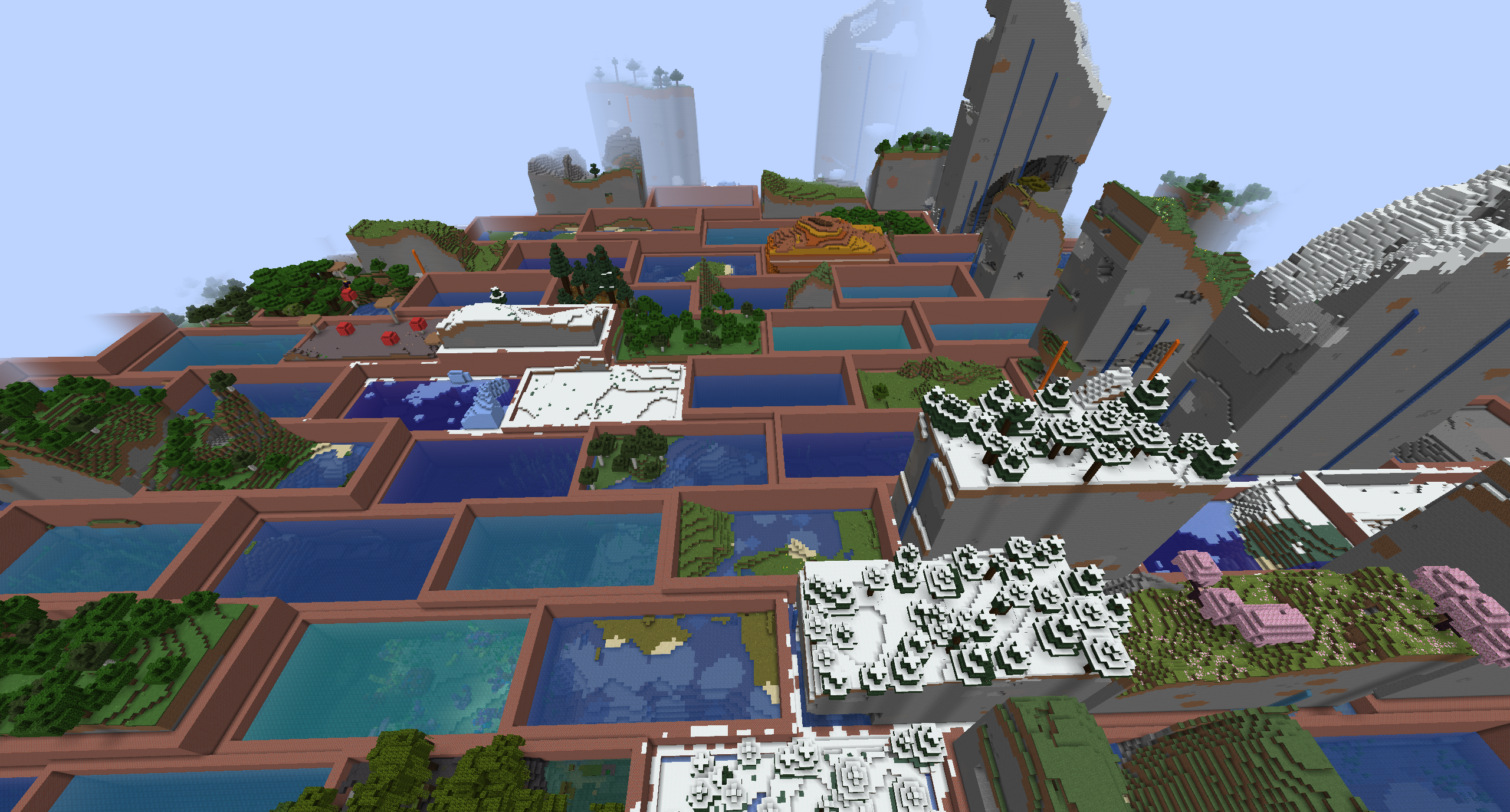
- Each brick is 4 chunks wide by 2 chunks tall, with odd rows shifted by half a brick. Each brick contains a single biome. Bricks of different types are bordered by walls.
- Automatic compatibility with mods that add biomes to the overworld or other world generation.
- Many options for world customization via data packs.
Configuration (Data Packs - 1.21)
Worlds are specified by World Presets. Bricklands can be customized by adding a new world preset, which uses the bricklands:bricklands chunk generator. The generator has the following fields:
typeis a string identifying what generator to use. It should bebricklands:bricklands. The olderbricklands:hexlandsid still works.settingsis a Noise Settings used by the dimension.biome_sourceis the biome source, as in vanilla. It can be a known preset, such as"minecraft:overworld", or"minecraft:nether", or it can be a JSON object following the vanilla biome source format.brick_settingsis an object with parameters defining how the brick grid works. It can either be a known preset, which must be one of"bricklands:overworld","bricklands:nether", or"bricklands:the_end", or it can be an object with the following fields:biome_scale(Default: 8) is the scale at which biomes are sampled to create bricks. Higher values create more random biome layouts.width_chunks(Default: 4) is the width of an individual brick, in chunks.height_chunks(Default: 2) is the height of an individual brick, in chunks. Odd rows are shifted by half this width.rim_size(Default: 2) is how many blocks thick the border is, measured inward from the brick edge.merge_same_biome(Default: false) when true, skips rims between neighboring bricks that share a biome so they merge. When false, every brick edge gets a rim.random_biomes(Default: false) when true, each brick picks a biome at random from that dimension's biome list instead of sampling climate.top_borderandbottom_borderare both border settings which define how the top and bottom borders of the world are built. The borders between bricks consist of a bottom border, air, and a top border. If not present, this section of the border will consist entirely of air. If present, it must have the following fields:min_height: The minimum height of the border.max_height: The maximum height of the border.state: A block state to generate as the border state. It must be an object with the following fields:Name: The name of the blockProperties: An object with any block state properties, such as{"snowy": "false"}that you desire to set
Example
// Below is an example object which can be used in the `generator` field of a world preset.
{
    "type": "bricklands:bricklands",
    "settings": "minecraft:overworld",
    "biome_source": {
      "type": "minecraft:multi_noise",
      "preset": "minecraft:overworld"
    },
    "brick_settings": "bricklands:overworld"
}
Gallery
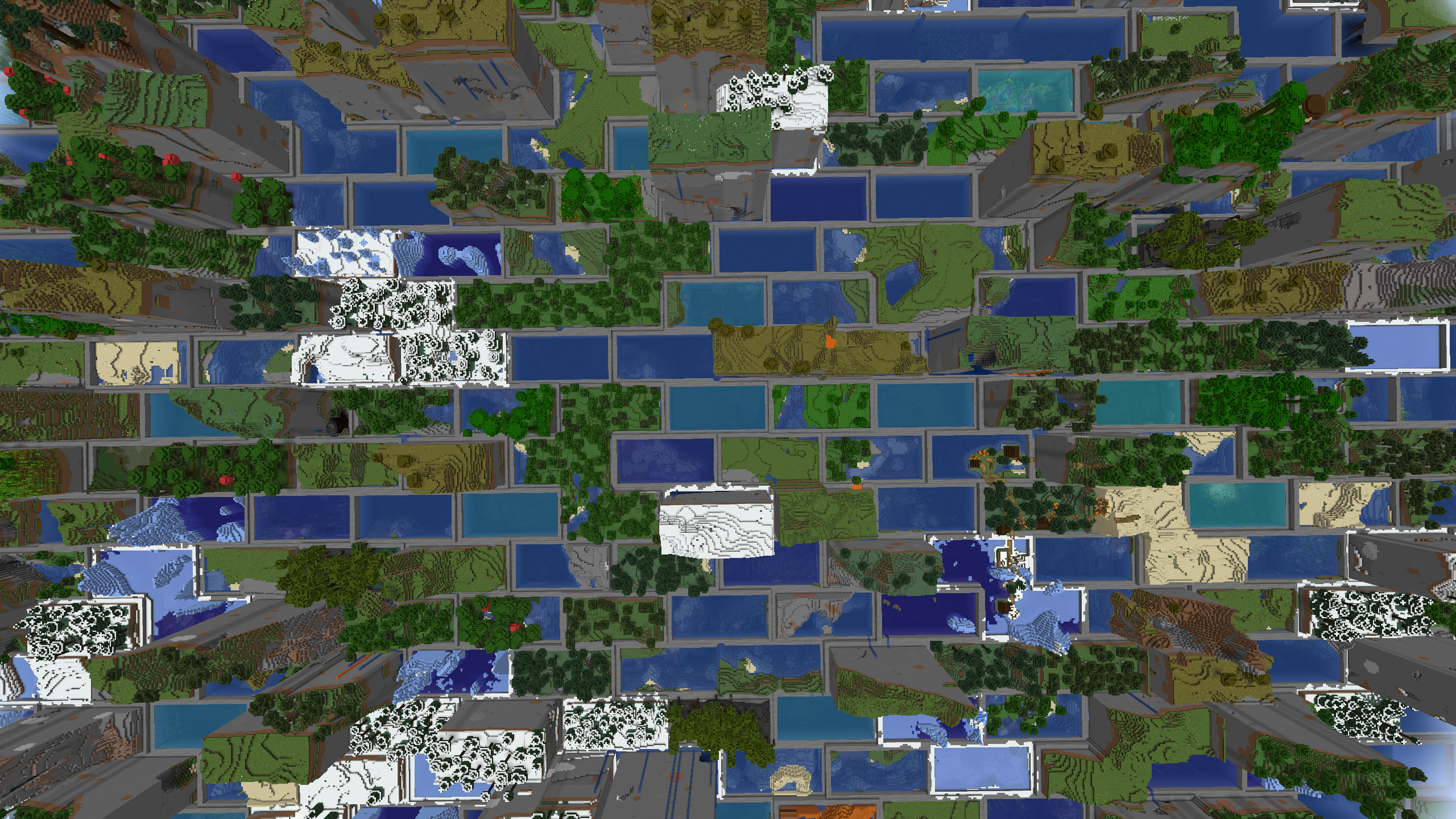 |
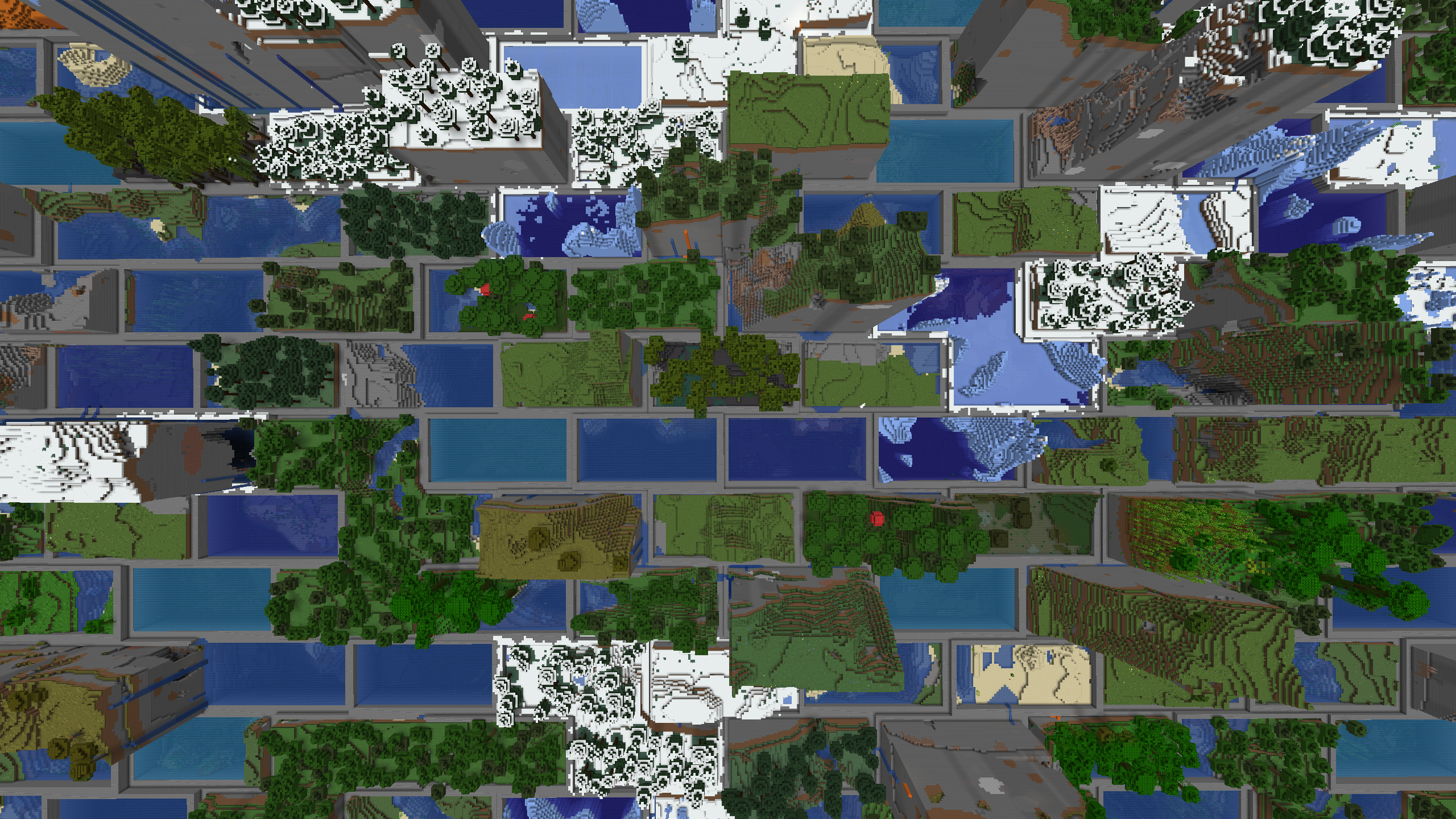 |
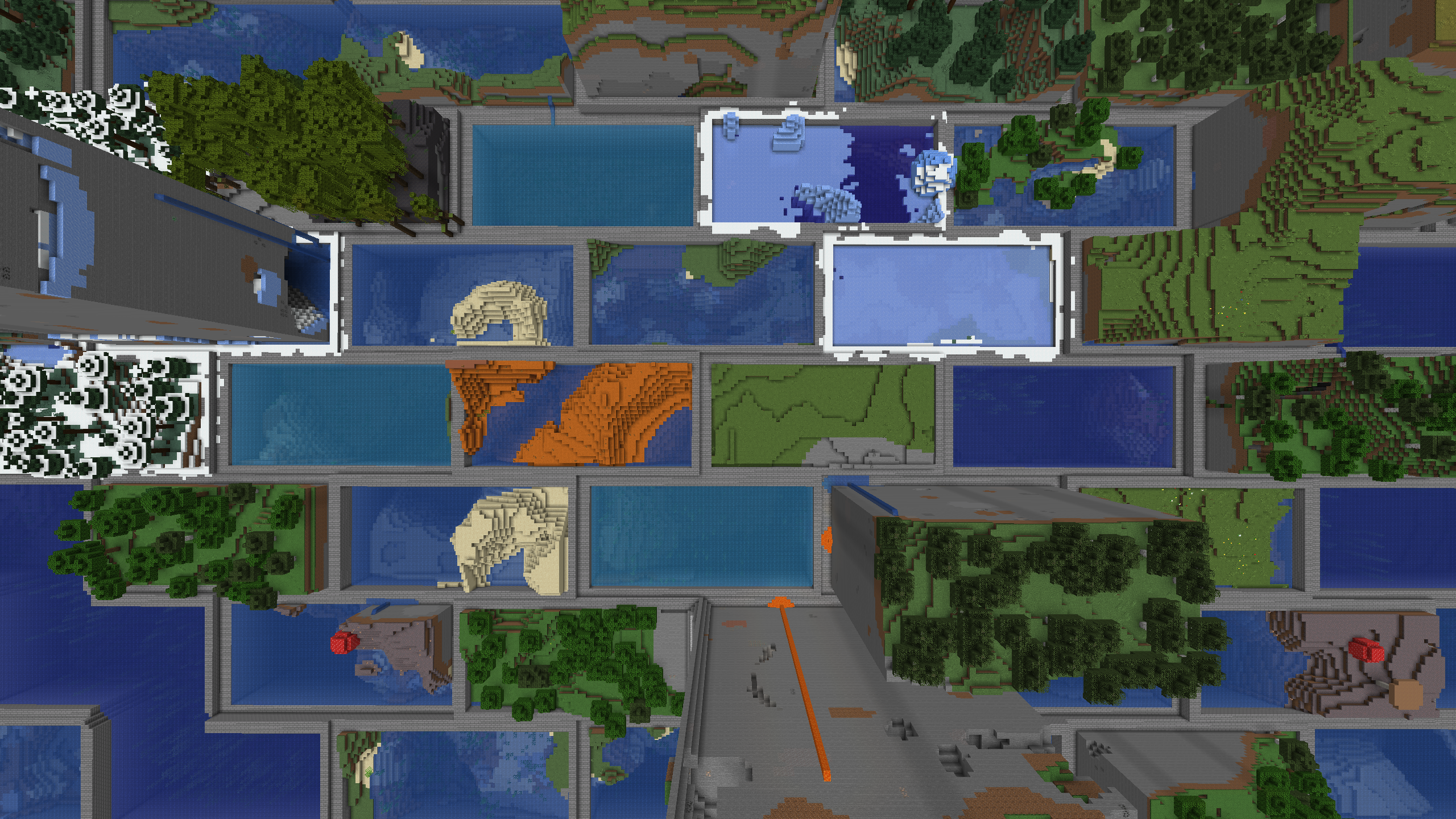 |
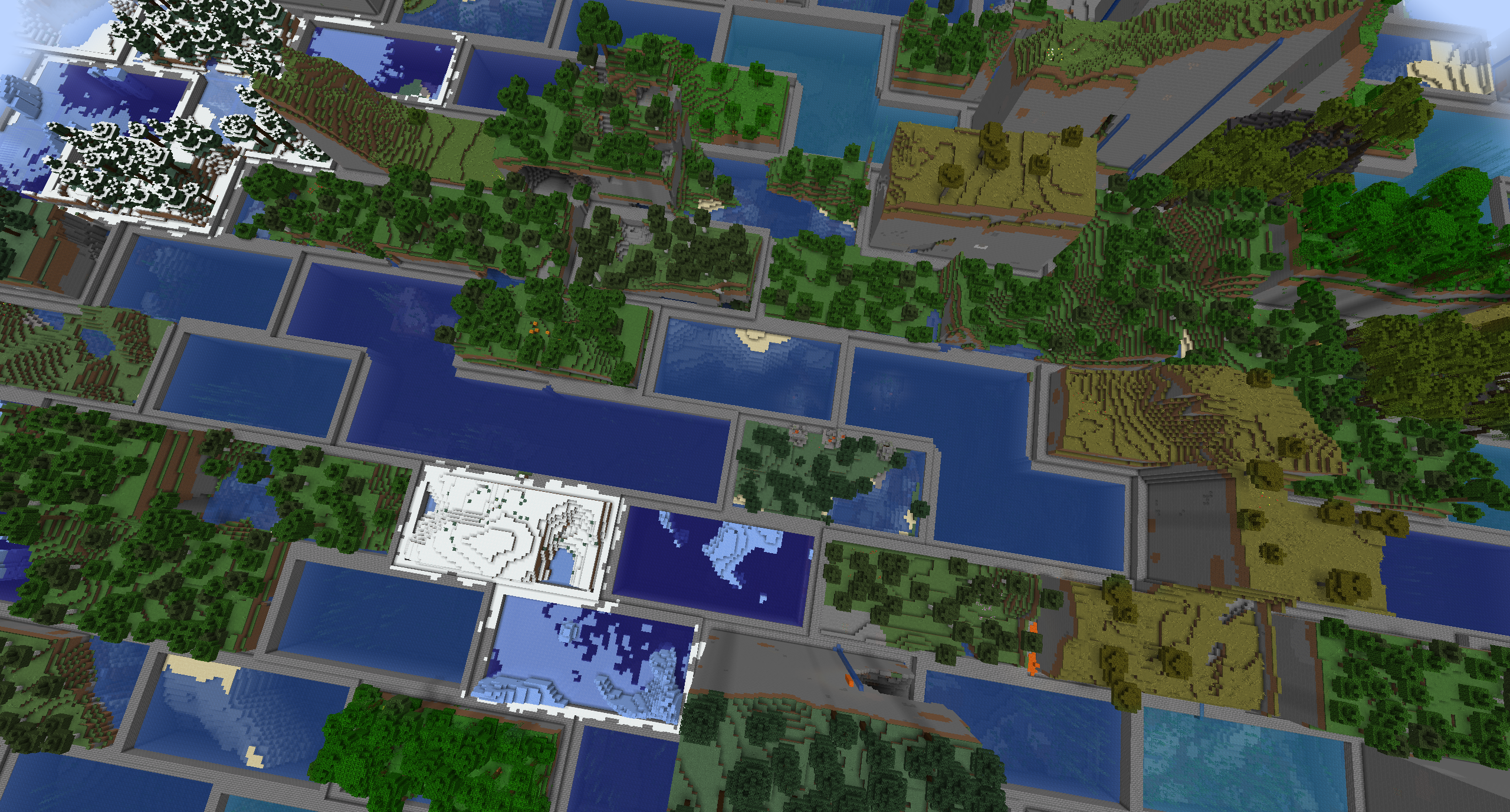 |
 |
 |
 |
 |
Attribution
Quick facts
- Edition: Minecraft Java
- File type: .jar
- Minecraft versions listed: 1.21, 1.21.1, 1.21.10
- How to install: Install the matching mod loader (Forge, Fabric or NeoForge) for your Minecraft version. → Download the .jar. → Put it in the .minecraft/mods folder and launch that loader profile.
- Where to get it: Opens on Modrinth — not every file is mirrored on our own servers.
Install steps are the general flow for this file type — How to install Minecraft Java mods & modpacks walks through it step by step.
File checked by MCModsHub
- Ships as bricklands-neoforge-1.21-1.2.0.0.jar — drop this file into the mods folder
- Download size: 88 KB
- Download link checked 11 Nov 2026 — working
These come from our own check of the pack file, not from the source page.