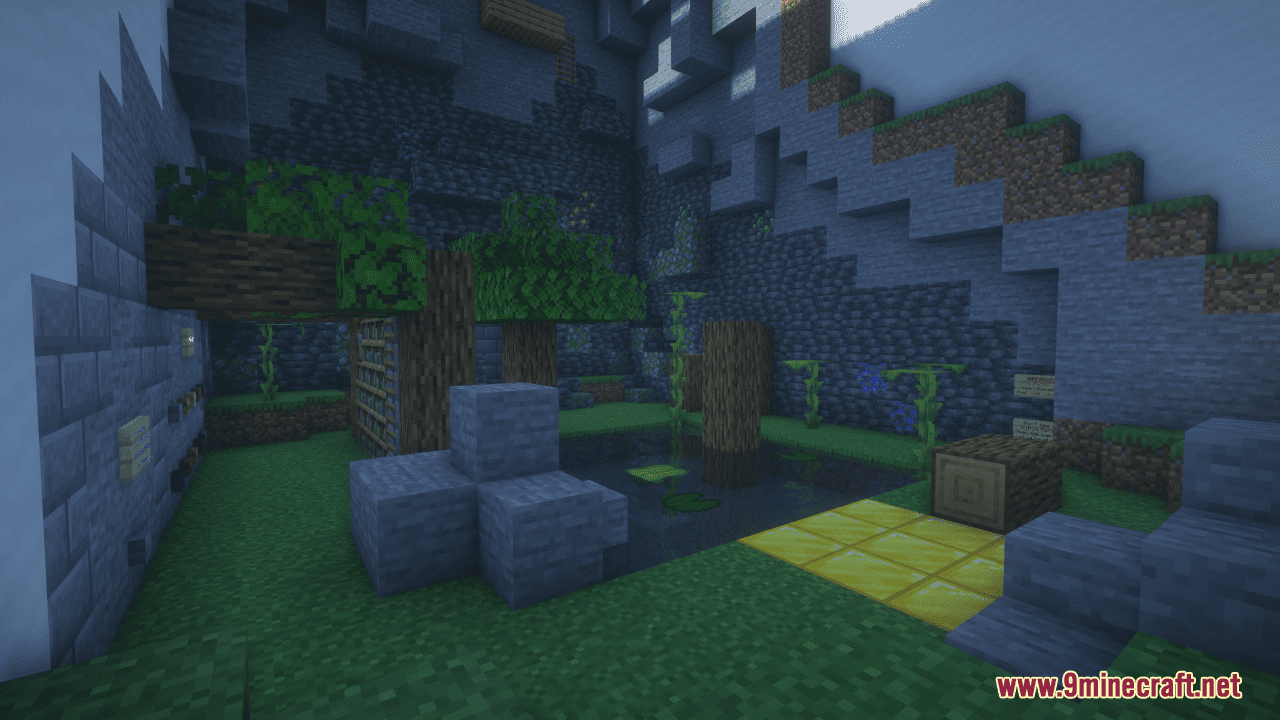
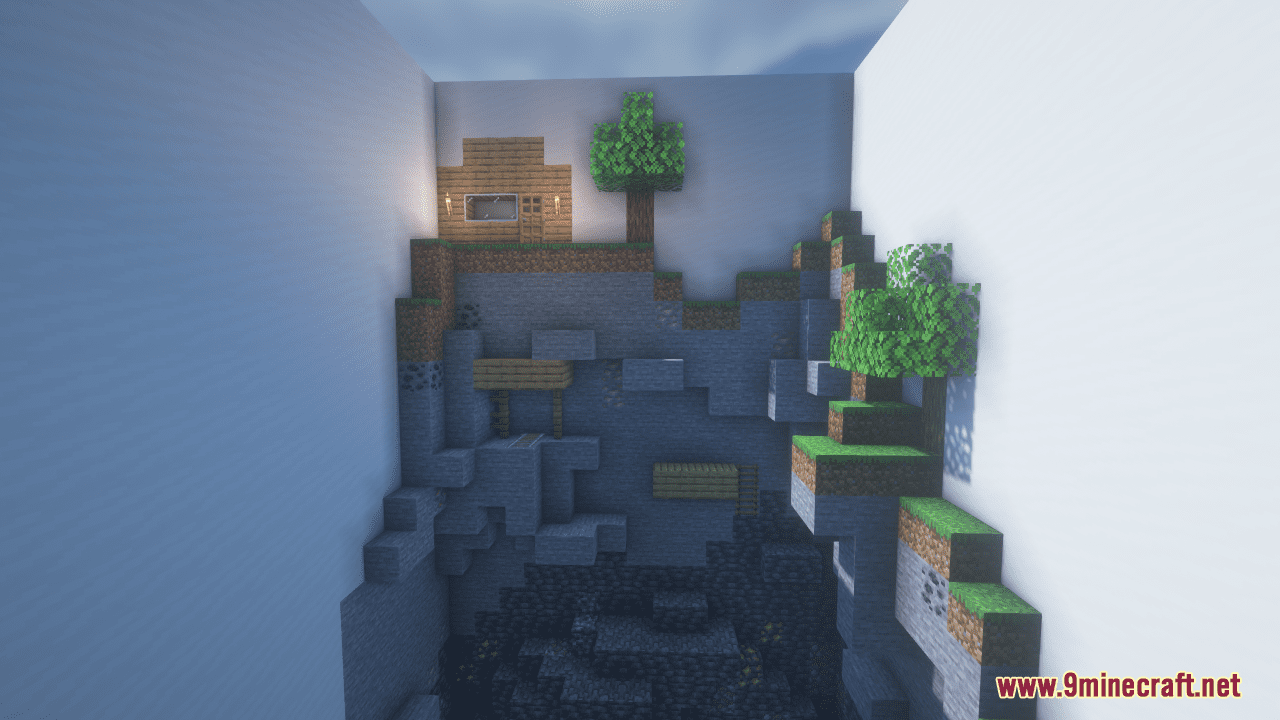
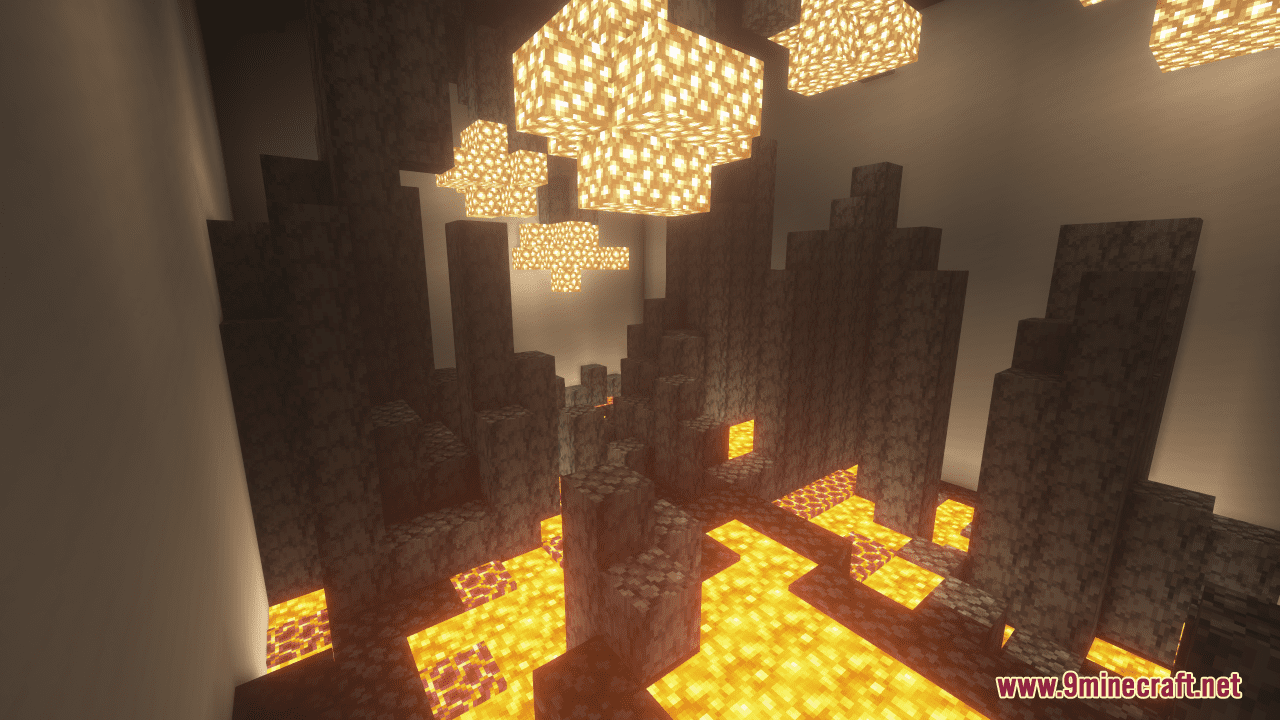
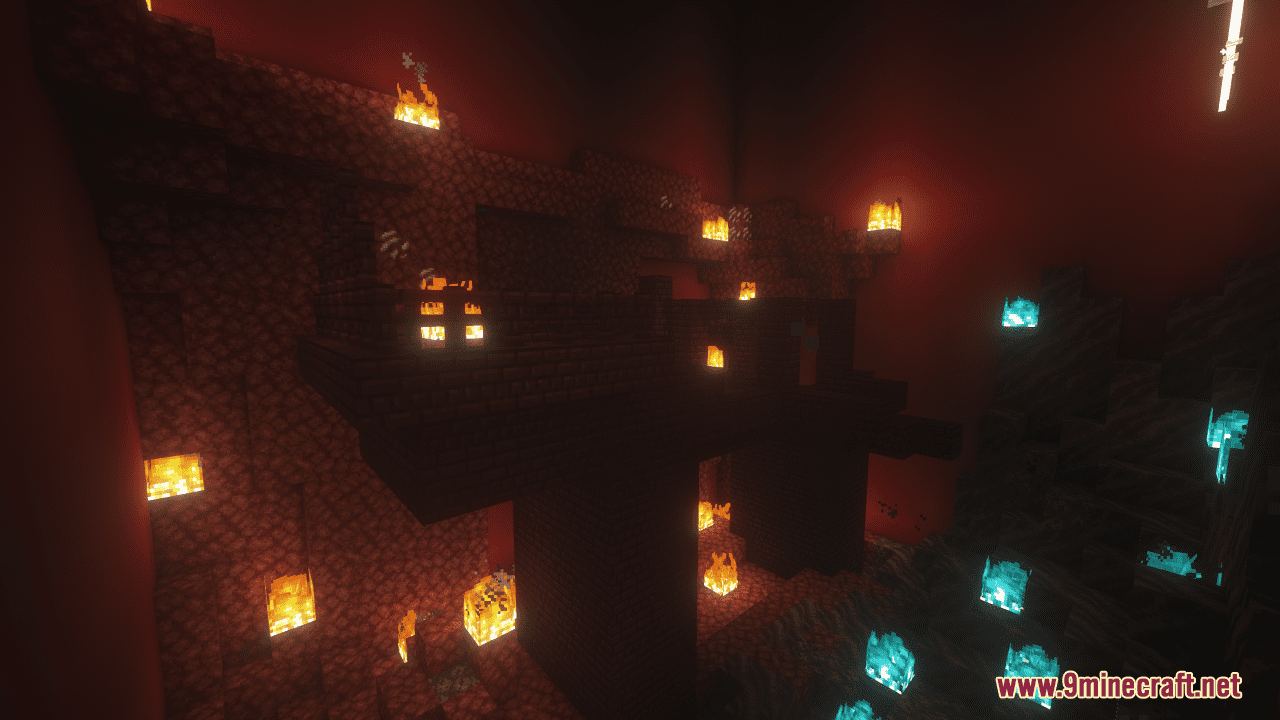
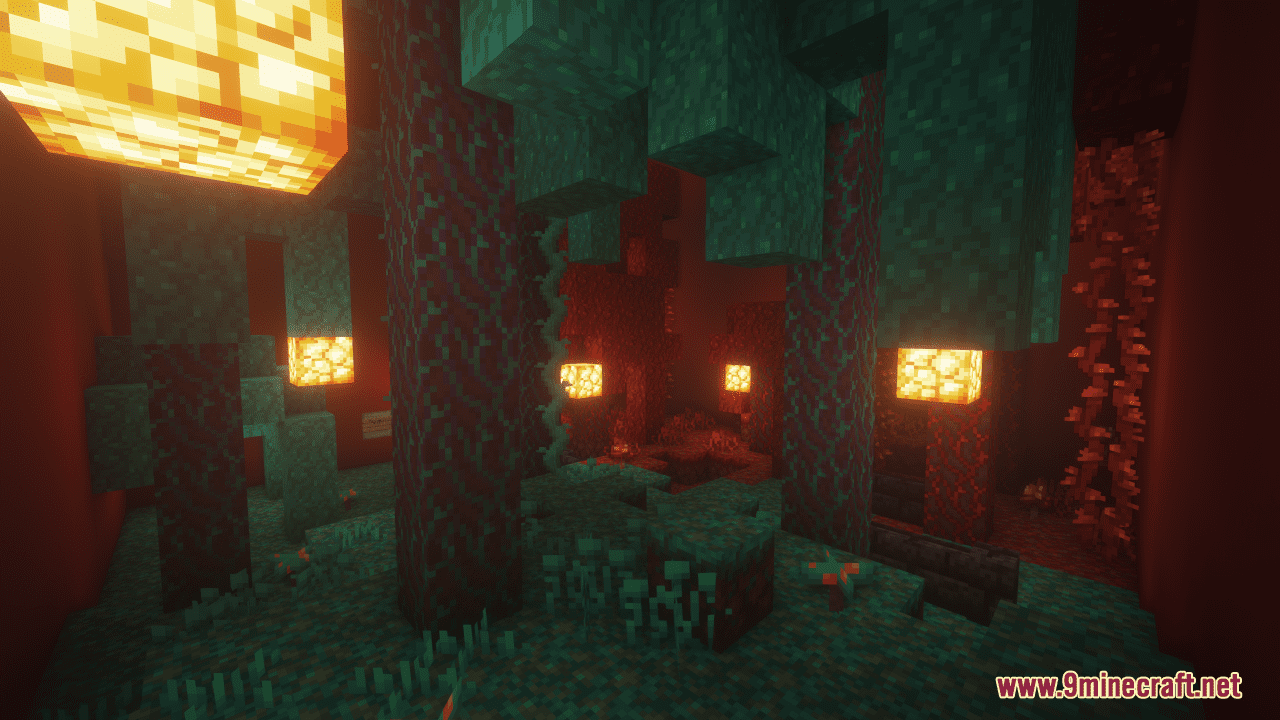
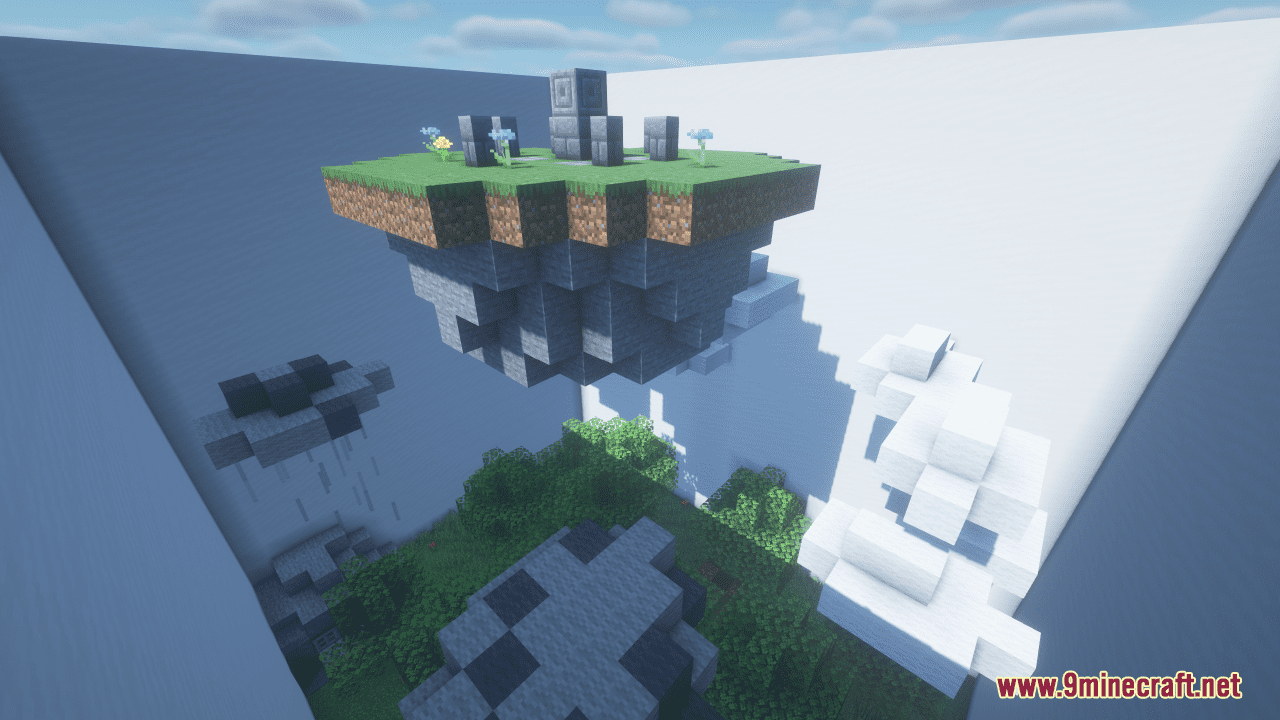
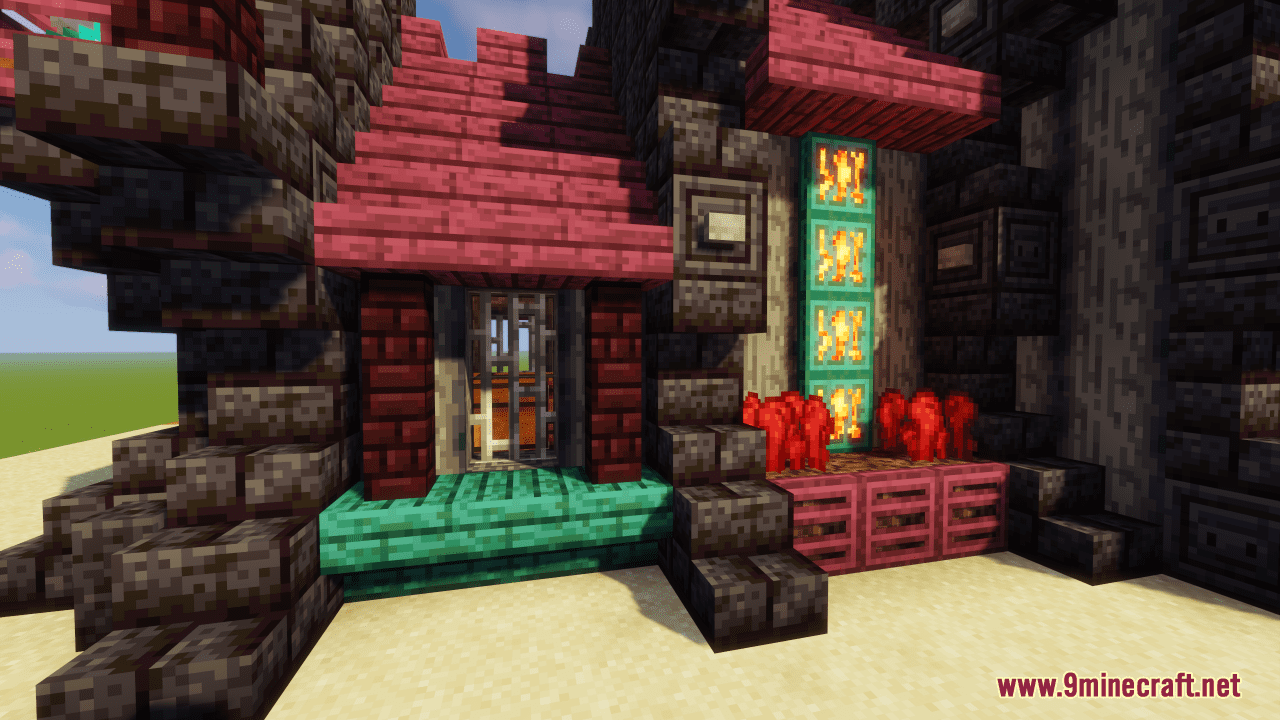
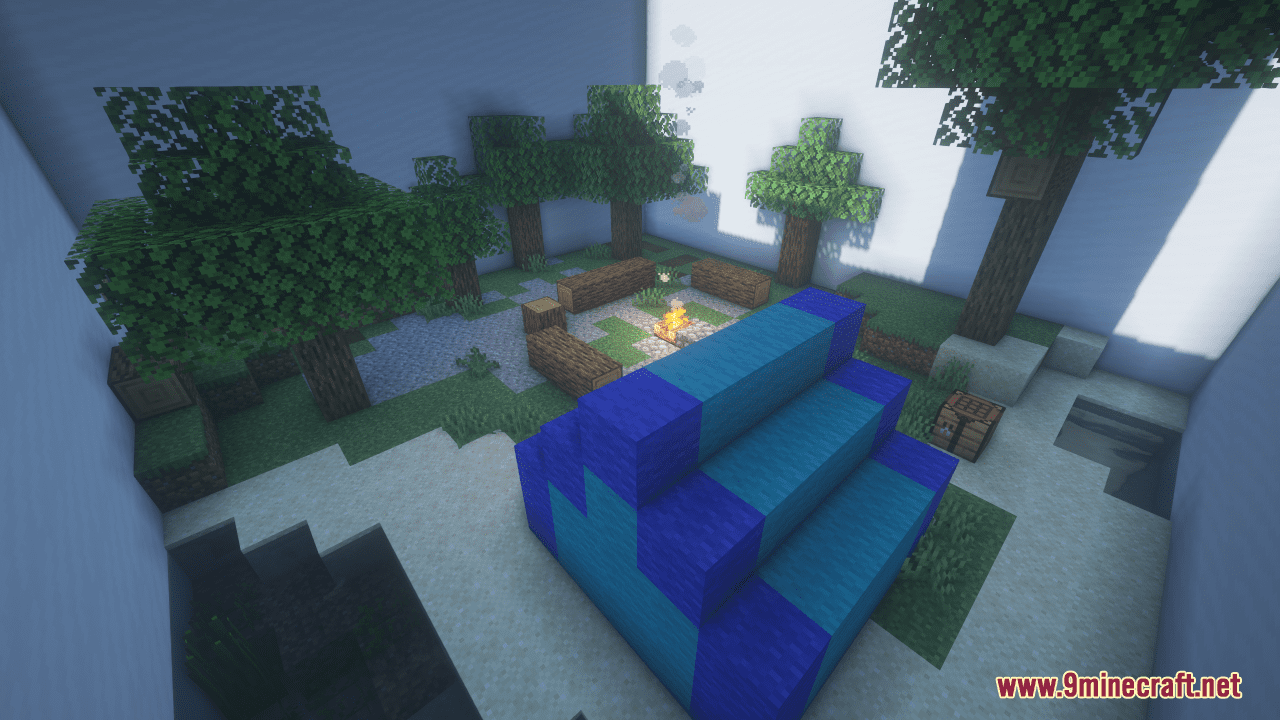
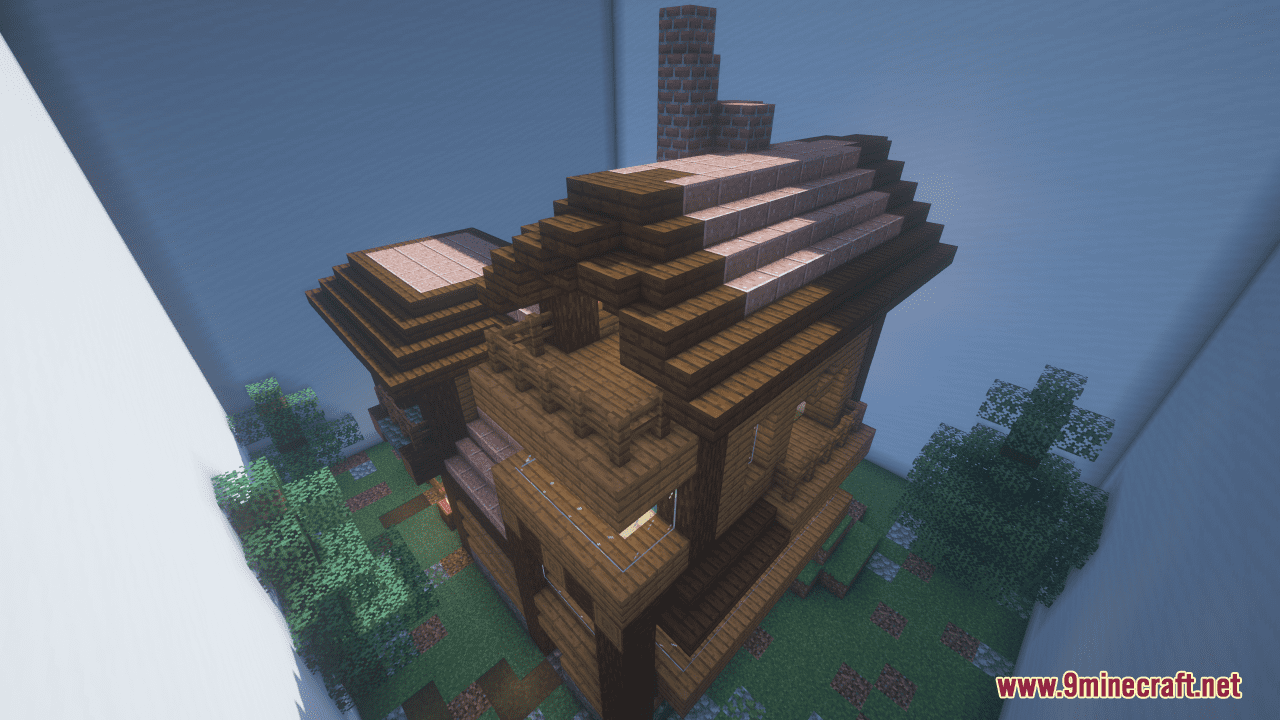
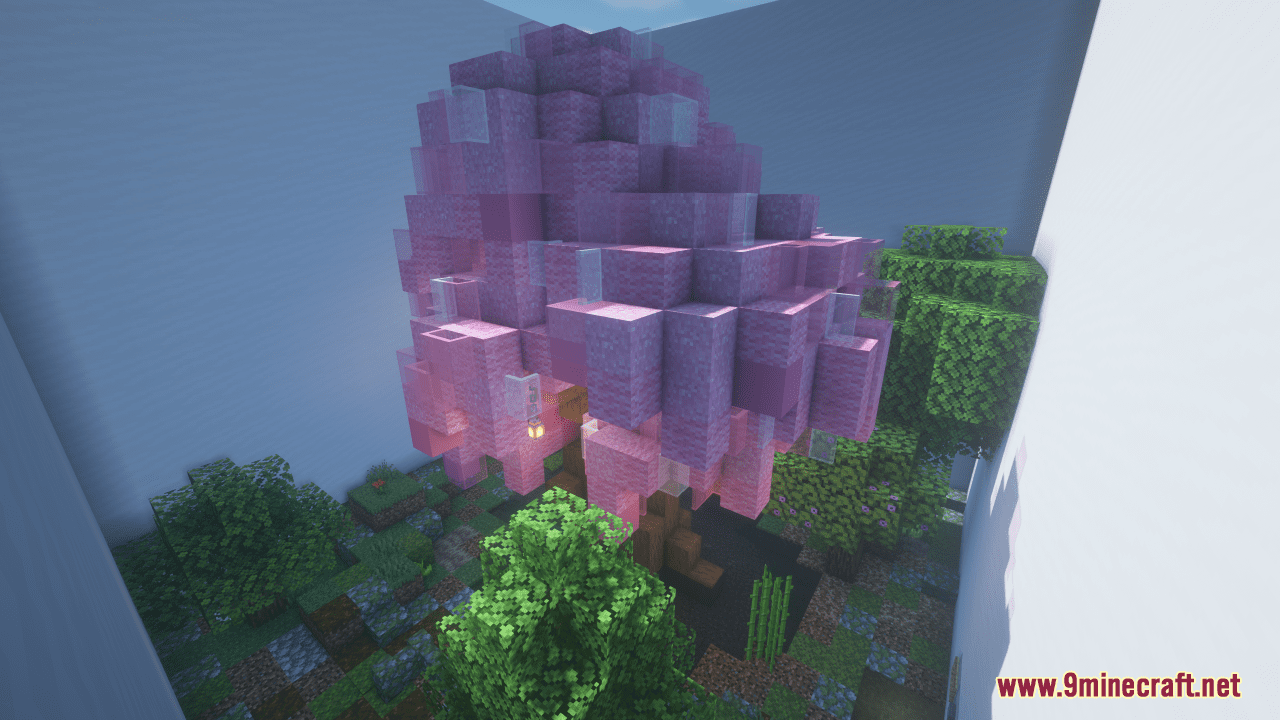
Find the Button Map is a finding map created by IceMaster1294. This is a take on the classic Find the Button that you may have played many times before. The map features many Minecraft vanilla structures and biomes as well as many unique and incredibly detailed designs. The rule is not new, you need to find a button in each level to go to the next one. There are 24 buttons for you to find before moving to the Difficult levels. If you are not a parkour pro, don’t worry too much as the map won’t require any crazy parkour. Just have fun!
Screenshots:
Features:
- 18 Overworld themed levels
- 4 Nether themed levels
- 2 End themed levels
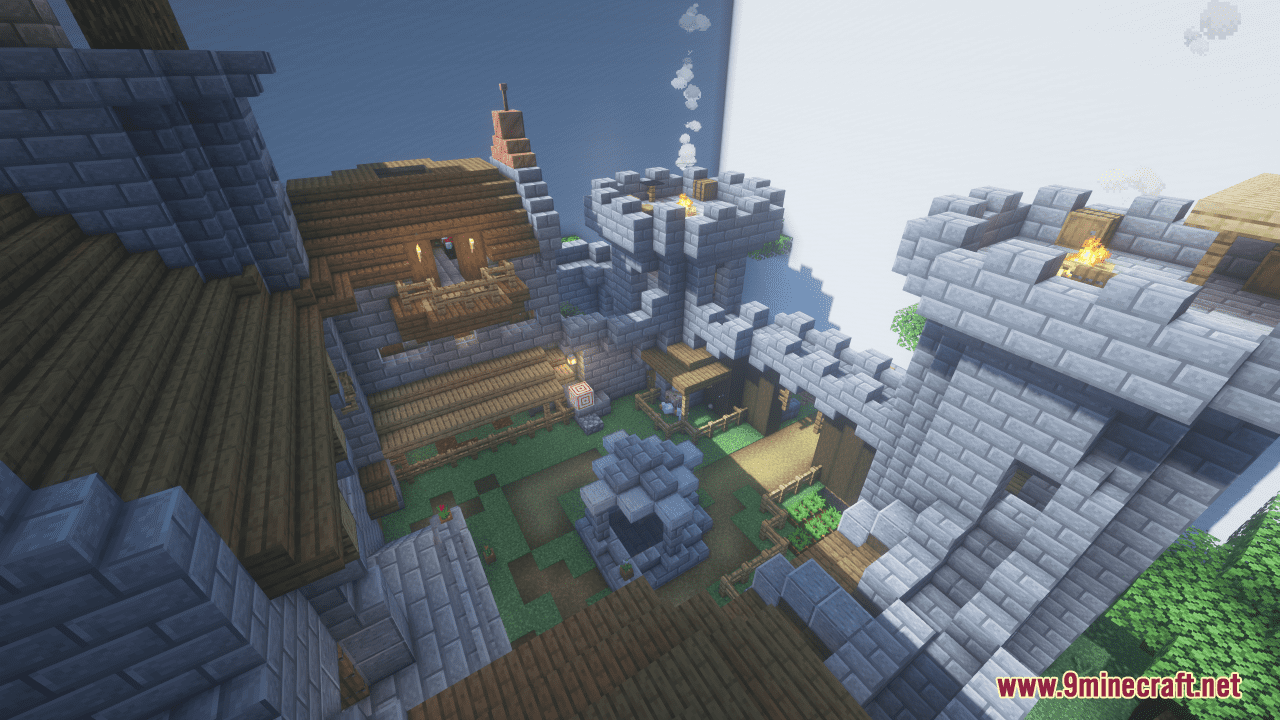
- 2 Difficult Castle themed levels
- 1 Expert Difficulty Mystical Mushroom Forest level
- A hints room! Need help on a level? Head over here to pick up anywhere from 1-3 hints on where the button is, what it looks like, and what block it’s on.
- Easter Eggs
What to expect:
- Each level has a button that you must find
- After you find the first 24 buttons, you can progress to the Difficult levels
- No levels will require any crazy parkour
- Some levels provide items such as potions but no items are needed to finish the map
- There are some spooky and mildly graphic elements in a few of the levels
- Upon finding the first set of 27 buttons, you will unlock more interesting and difficult buttons!
Find the Button Map Download Links
- Edition: Minecraft Java
- File type: .zip (world save)
- Minecraft version listed: 1.20.1
- How to install: Download the .zip world. → Unzip it. → Move the folder into .minecraft/saves.
- Where to get it: In MC Java Mods, or directly above on this page.
Install steps are the general flow for this file type — How to install Minecraft Java maps & worlds walks through it step by step.
Find the Button Map (26.2, 1.20.1) – The Classics is a free Minecraft Java map. Compatible with Minecraft 1.20.1. Download it and open it directly in the game.