
Arms 'n Artifice Heavy Artillery Mod (26.1.2, 1.21.1)
Java mod listed for Minecraft 1.21–26.x. Downloads from the MC Java Mods app on Android.
Arms 'n Artifice Heavy Artillery Mod adds late-game heavy guns for Iron's Arms 'n Artifice. It brings three big weapons: the Gunsteel Gatling, Gunsteel…
⬇ Download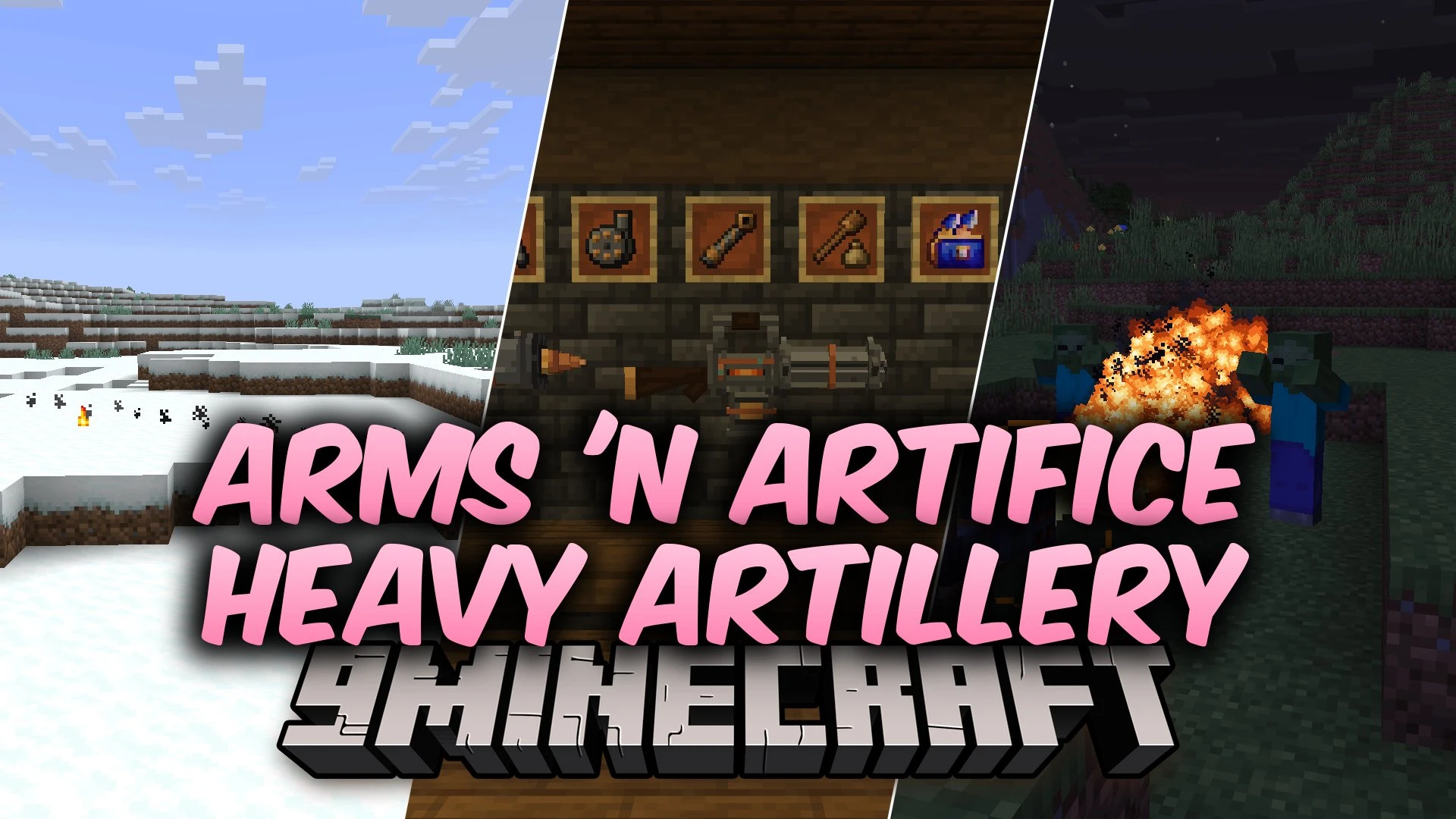


Arms ‘n Artifice Heavy Artillery Mod adds late-game heavy guns for Iron’s Arms ‘n Artifice. It brings three big weapons: the Gunsteel Gatling, Gunsteel Crucible and Gunsteel Congreve. Each one has room for 8 modifiers, so you can build wild combos. The mod also adds a tripod, a reflex sight and four new modifiers for every gun.
Features:
- Gunsteel Gatling: A hand-cranked six-barrel gun. Hold the trigger to spin up the barrels, and crouch to brace it when the crowd gets thick.
- Gunsteel Crucible: Melts your bullets into molten slag and sprays them in a burning cone. Be careful, because the fire can burn your buildings.
- Gunsteel Congreve: Packs bullets into war rockets that burst on impact and hit for full damage in an area.
- Tripod Attachment: Bolt it onto any gun and crouch to dig in.
- Modifier Slots: All three heavy guns hold up to 8 modifiers for crazy combos.
- Adds a Reflex Sight that shows a red dot when you aim.
- Brings four new modifiers that fit every gun, from bigger drum magazines to free reloads.
- Lets the parent mod’s modifiers work on these guns, and this mod’s modifiers work on the parent mod’s guns.
- Adds Heavy Components, the crafting step after Clockwork Components, for building the new weapons.
- Makes rocket jumps and burning ground part of the fight.
How to Use:
- Craft Heavy Components. They come right after Clockwork Components.
- Check every recipe in JEI to build the guns, attachments and modifiers.
- Hold the trigger on the Gatling to spin up its barrels, then crouch to brace it.
- Bolt a Tripod onto a gun and crouch to dig in.
- Install the mod on both the client and the server.
Screenshots:
Arms 'n Artifice Heavy Artillery Mod Download Links
- Edition: Minecraft Java
- File type: .jar
- Minecraft versions listed: 26.1.2, 1.21.1
- How to install: Install the matching mod loader (Forge, Fabric or NeoForge) for your Minecraft version. → Download the .jar. → Put it in the .minecraft/mods folder and launch that loader profile.
- Where to get it: In MC Java Mods, or directly above on this page.
Install steps are the general flow for this file type — How to install Minecraft Java mods & modpacks walks through it step by step.
- Downloads as 546023.mcaddon
- Download size: 252 KB
- Download link checked 12 Nov 2026 — working
- Mirrored on our own servers — the download does not depend on the original host
These come from our own check of the pack file, not from the source page.