
ModsJava
Trajectory Projected Mod (26.2) – Line Up Every Arrow, Trident and Pearl Throw
Java mod listed for Minecraft 26.x. Downloads from the MC Java Mods app on Android.
⬇ Download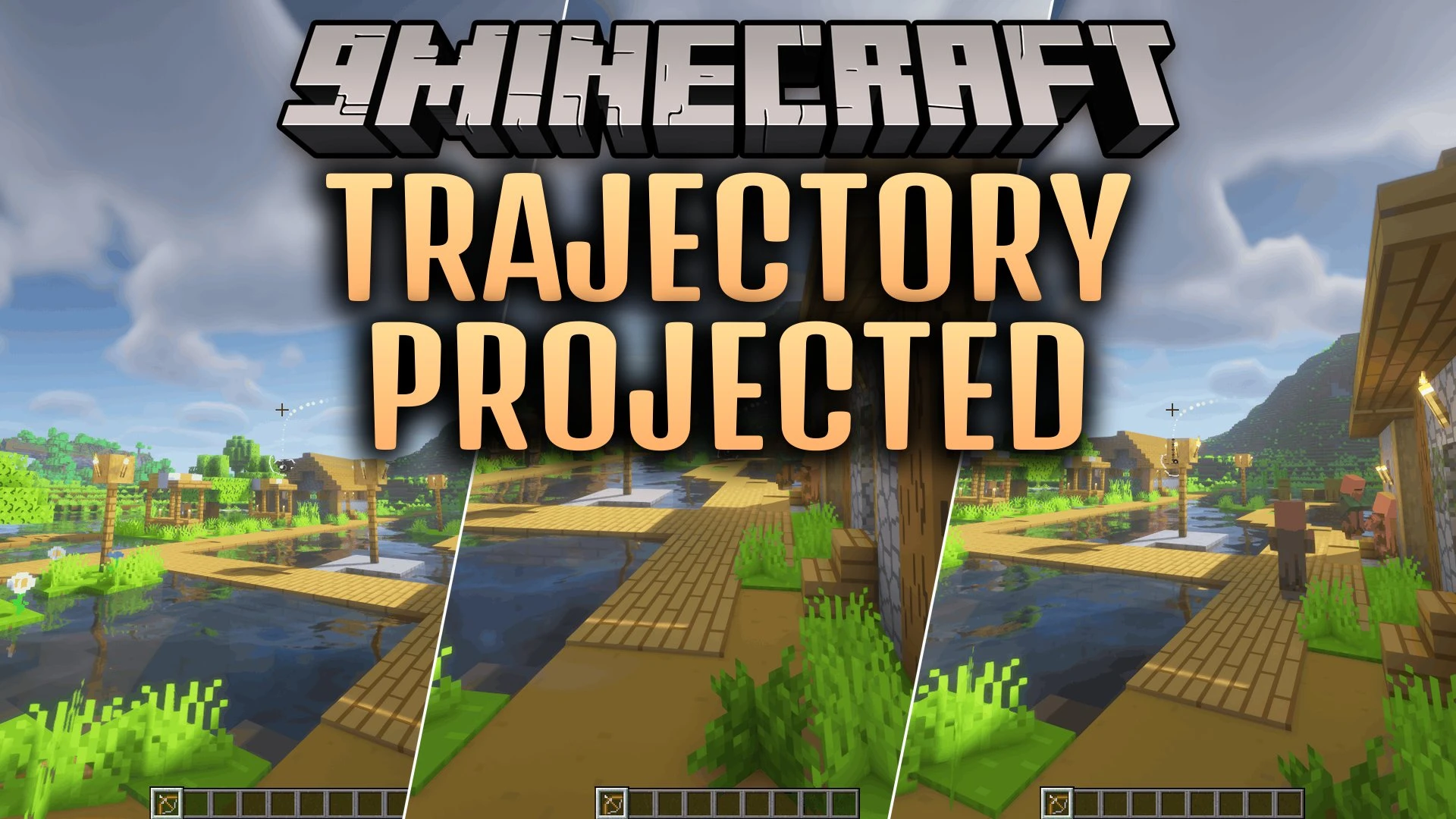


Trajectory Projected Mod lets you see where your bow, crossbow, trident or thrown item will land. It draws a clean dotted line and a hit marker, using the same physics as vanilla. It also shows a spread zone on the blocks, so you know where a shot can really end up. The mod runs only on your side and works with Iris shaders.
Features:
- Bow preview: shows the path while you draw, based on the draw it would fire with.
- Crossbow preview: works for charged arrows, Multishot volleys with each arrow on its own path, and firework rockets.
- Trident preview: shows the path while the trident is readied. A Riptide trident launches you, so it shows nothing.
- Thrown items: covers snowballs, eggs, ender pearls, splash and lingering potions, bottles o’ enchanting and wind charges.
- Dotted line: keeps an even spacing on screen, near and far, and stays steady while you move.
- Spread zone: falls on the blocks like a soft shadow and shows where the projectile can land. Its inner ring marks where about half of the shots go.
- Draws the parts of the line hidden behind blocks faint and outlined, so the path never vanishes behind a wall.
- Starts the line beside the view in first person, from the hand that throws. Crossbow lines start at the eyes.
- Puts a hit marker on the surface the projectile will meet.
- Turns the marker into a cross when you aim at a mob or a player. The line pulses gently and the crosshair becomes a cross too.
- Fades a rocket’s line out after the earliest moment it can explode, because rocket lifetime is random.
- Wraps the spread zone over steps and walls and leaves out spots that other blocks shield from the projectile.
- Offers an optional ring for 90% of shots and an optional allowance for draw timing on servers. Each part has its own switch.
- Shows less when the result is unknown. The path stops at chunks that are not loaded, and a shot into water shows no zone.
- Never aims, shoots or picks targets for you. It only shows what your game already knows.
- Draws the line, markers and zone over the finished image when you use Iris and a shader pack, so they stay sharp. Nothing needs to be installed on the server, but some servers do not allow mods like this one, so check the rules first.
How to Use:
- Press F7 in-game to open the settings. They are split into General, Line and Target, and you can search across all pages.
- Hover over a setting to read what it does. Changes save automatically.
- Go to Options → Controls → Key Binds → Trajectory Projected to set a key that turns trajectories on and off.
- Draw your bow, charge your crossbow, ready your trident or hold a throwable item to see the preview.
Screenshots:
Trajectory Projected Mod Download Links
Quick facts
- Edition: Minecraft Java
- File type: .jar
- Minecraft version listed: 26.2
- How to install: Install the matching mod loader (Forge, Fabric or NeoForge) for your Minecraft version. → Download the .jar. → Put it in the .minecraft/mods folder and launch that loader profile.
- Where to get it: In MC Java Mods, or directly above on this page.
Install steps are the general flow for this file type — How to install Minecraft Java mods & modpacks walks through it step by step.
File checked by MCModsHub
- Downloads as 546151.mcaddon
- Download size: 171 KB
- Download link checked 12 Nov 2026 — working
- Mirrored on our own servers — the download does not depend on the original host
These come from our own check of the pack file, not from the source page.