
ModsJava
Colossal Chests 2 Mod (26.3, 1.21.1) – Store Millions of Items in One
Java mod listed for Minecraft 1.21–26.x. Downloads from the MC Java Mods app on Android.
⬇ Download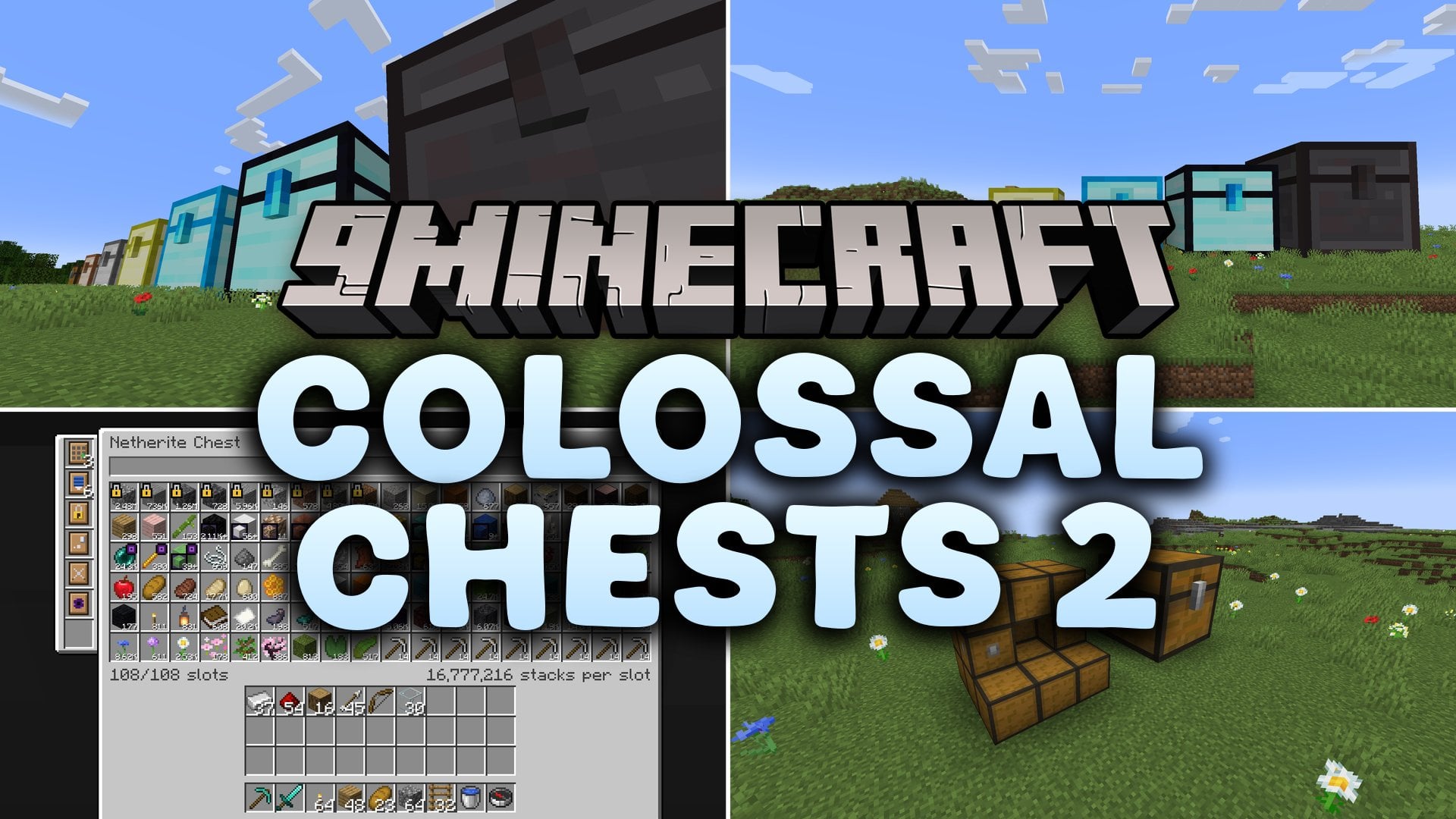
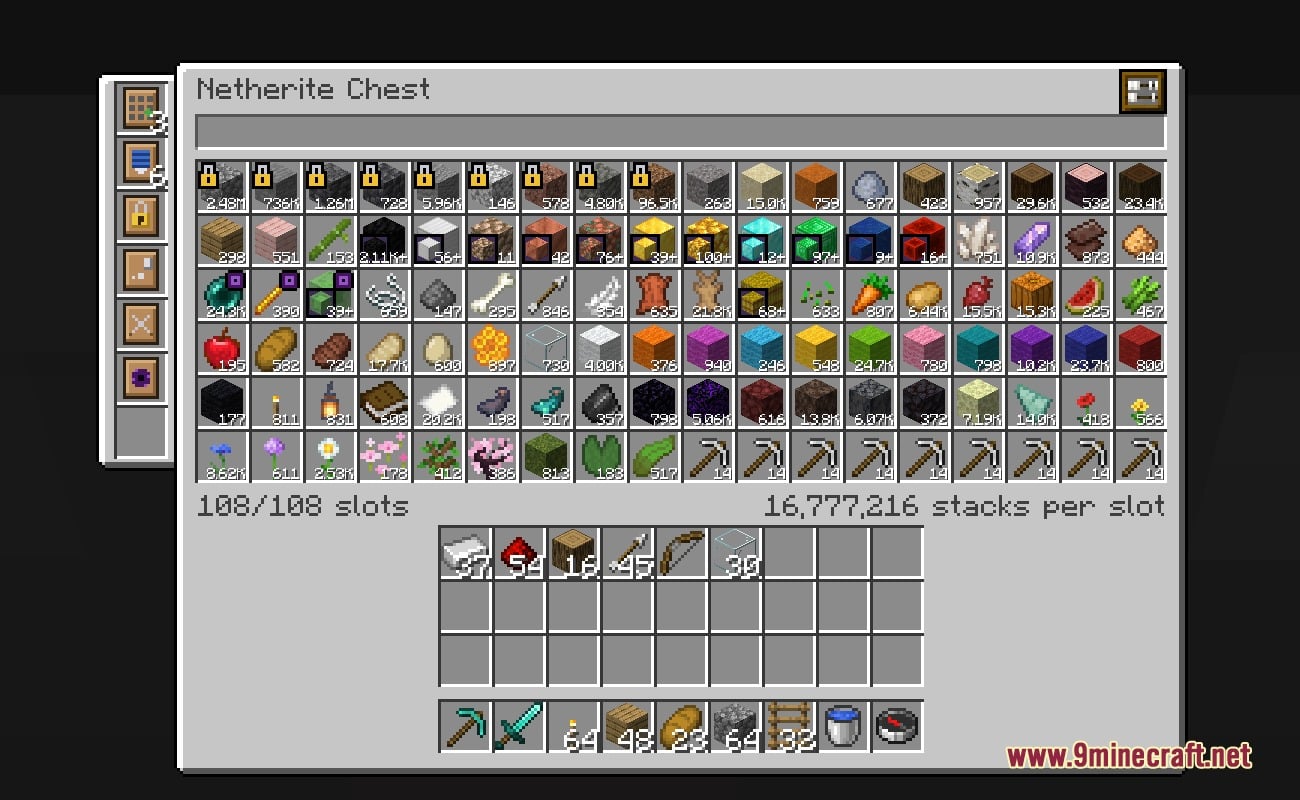
Colossal Chests 2 Mod lets you build huge multiblock chests when a regular chest is just too small. This mod does not add tons of slots. Instead, each slot holds many stacks of items. It works fine in plain vanilla worlds. It also pairs well with storage mods like Integrated Terminals, Refined Storage, and Applied Energistics. It uses a different mod ID from the first version of the mod, so you can use both in the same world.
Features:
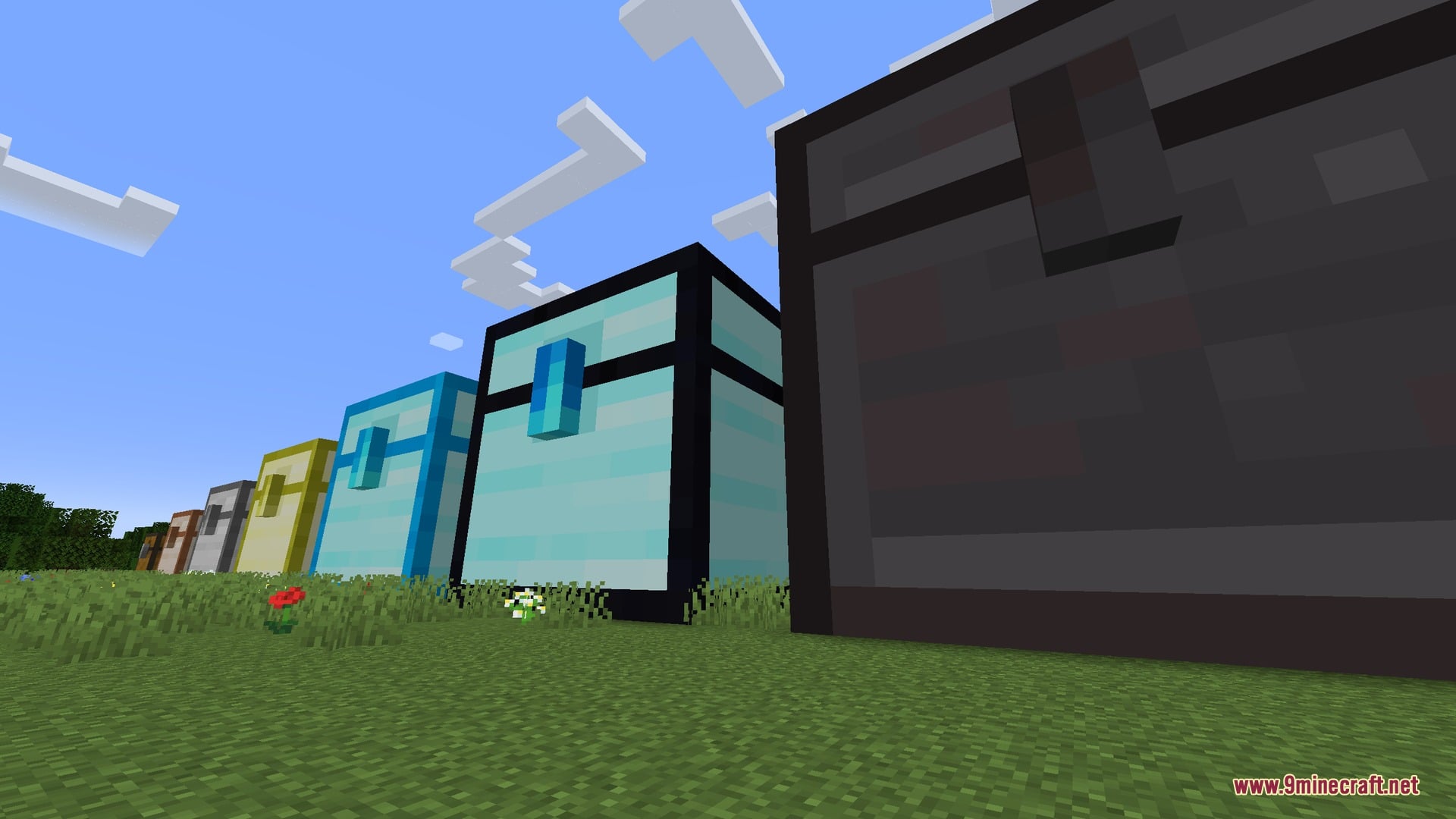
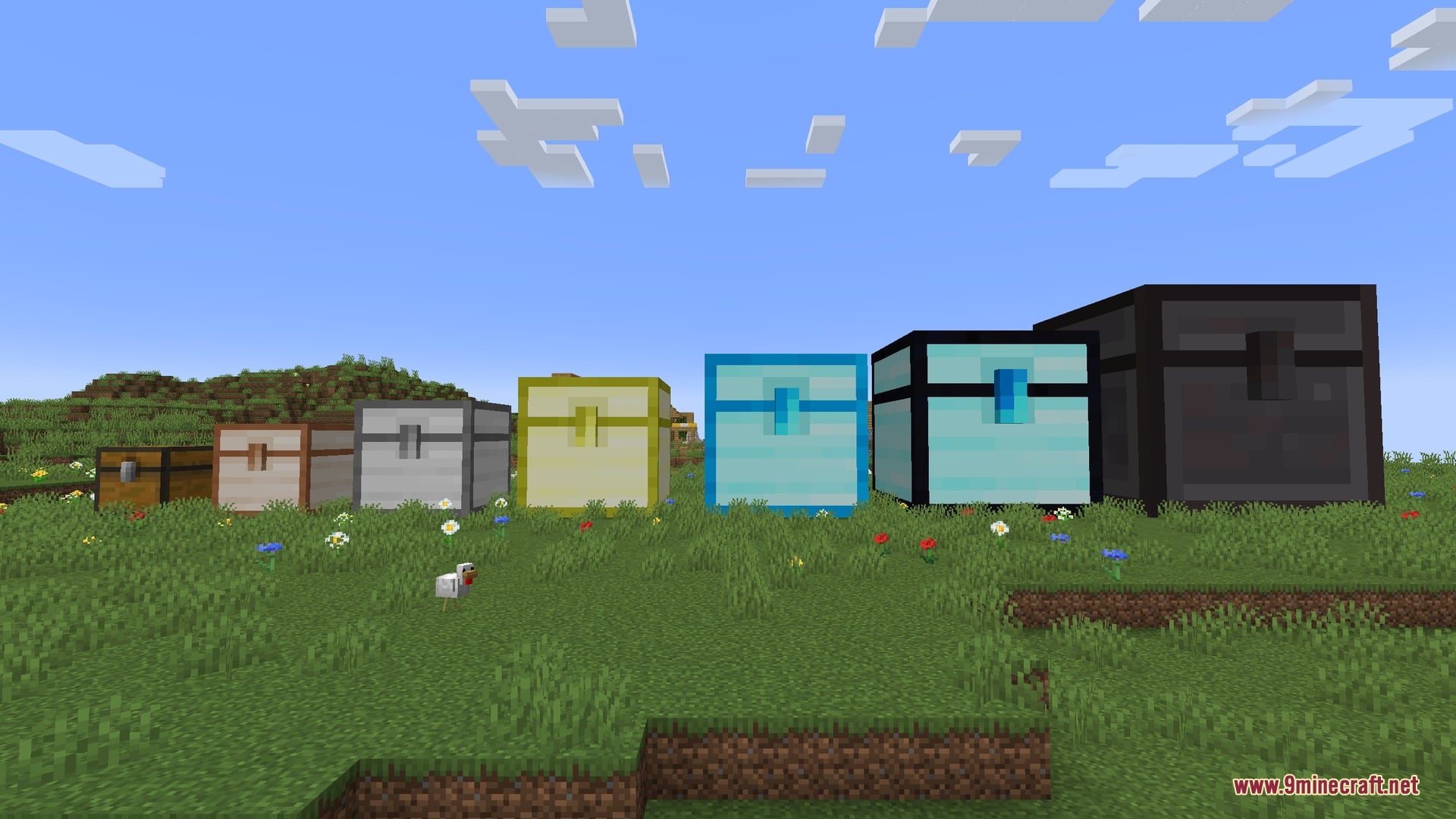
- Seven Materials: Chests come in wood, copper, iron, gold, diamond, obsidian, and netherite.
- Bigger Chests: Better materials let you build bigger chests, from 3x3x3 for wood up to 10x10x10 for netherite. They also get more upgrade slots.
- Deep Slots: Every chest starts with 27 slots, but each slot holds many stacks. A 2x2x2 chest holds 4 stacks per slot, and a 10x10x10 chest holds up to 262,144 stacks per slot.
- Upgrade Walls: You can swap normal wall blocks for special ones, like Interface, Display, Redstone, and Magnet walls.
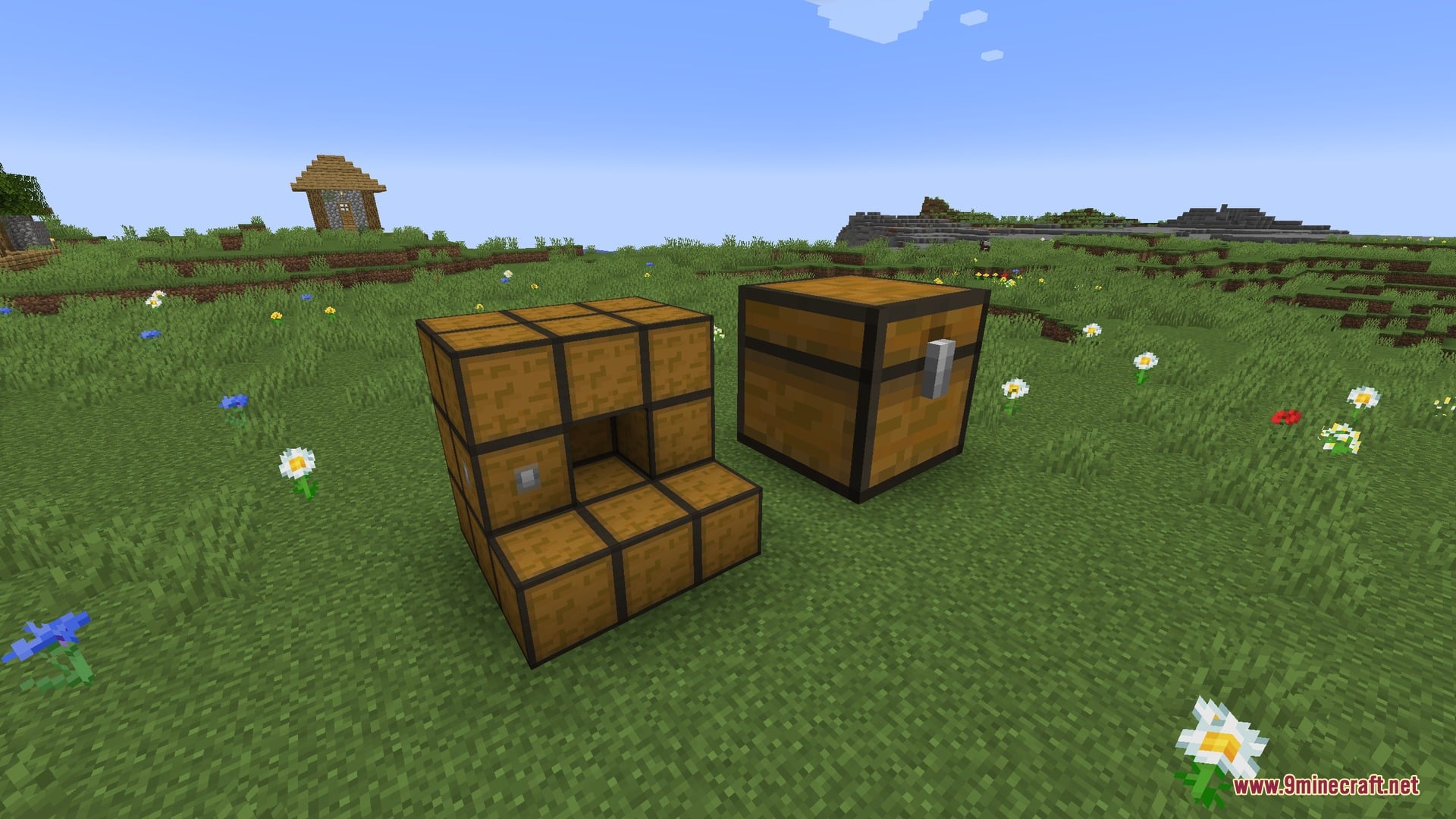
- Formation Help: Right-click an unfinished chest with an empty hand to see why it won’t form. Missing walls, walls of the wrong material, and blocks inside the chest get highlighted.
- Obsidian and netherite chests can’t explode.
- The lid opens when someone looks inside, just like a normal chest.
- You can search through the chest’s contents to find lost items fast.
- The Chest Material Upgrade Tool changes a chest to another material without breaking and replacing every block. The chest keeps all its items.
- Adds the Uncolossal Chest, the most colossal chest of them all.
- Materials live in datapacks, so modpacks can tweak or reorder them.
Chest Upgrades:
- Slot Expansion: adds 27 slots, up to 108 in total.
- Depth: doubles the stacks per slot. The chest material decides how many you can install.
- Lock: locks slots to one item type, shown with a padlock.
- Void: marks slots as voiding, so automation destroys extra items instead of getting stuck.
- Bundling: lets slots hold more unstackable items, like tools.
- Compression: puts different forms of an item, like nuggets, ingots, and blocks, into a single slot. Scroll on the slot to pick the form you want to take out.
Special Wall Blocks:
- Chest Interface: lets hoppers, pipes, and other automation reach the chest. You can add as many as you want.
- Void Chest Interface: works like an Interface but destroys items that don’t fit anymore.
- Chest Display Wall: shows an item inside the chest, its count, and how full it is.
- Redstone Chest Wall: sends out a redstone signal based on how full the chest is.
- Magnet Chest Wall: pulls nearby items from the world into the chest.
How to Use:
- Gather many Chest Wall blocks and exactly one Chest Core block of the same material.
- Build a cube where every side has the same length. The smallest size is 2 blocks per side.
- Only build the outer walls and keep the inside hollow. The structure forms into one giant chest once it is valid.
- If the chest doesn’t form, Right-click it with an empty hand to see what is wrong.
- Open the chest and place upgrades in the column on the left side of the menu.
- On a Display Wall, Left-click or Sneak + Left-click to take items out. Right-click or double Right-click to put items in.
- To set filters on an Interface, Sneak + Right-click it with an empty hand.
- To set the radius of a Magnet Wall, Sneak + Right-click it with an empty hand.
- To change the chest material, hold the Chest Material Upgrade Tool and Right-click in the air to pick a material. Then Right-click a formed chest to apply it. You need walls of the new material in your inventory.
Screenshots:
Colossal Chests 2 Mod Download Links
Quick facts
- Edition: Minecraft Java
- File type: .jar
- Minecraft versions listed: 26.3, 1.21.1
- How to install: Install the matching mod loader (Forge, Fabric or NeoForge) for your Minecraft version. → Download the .jar. → Put it in the .minecraft/mods folder and launch that loader profile.
- Where to get it: In MC Java Mods, or directly above on this page.
Install steps are the general flow for this file type — How to install Minecraft Java mods & modpacks walks through it step by step.
File checked by MCModsHub
- Downloads as 546194.mcaddon
- Download size: 643 KB
- Download link checked 12 Nov 2026 — working
- Mirrored on our own servers — the download does not depend on the original host
These come from our own check of the pack file, not from the source page.