
ModsJava
Tooltips Improved Mod (26.3, 1.21.1) – Read Every Tooltip Line Without It
Java mod listed for Minecraft 1.21–26.x. Downloads from the MC Java Mods app on Android.
⬇ Download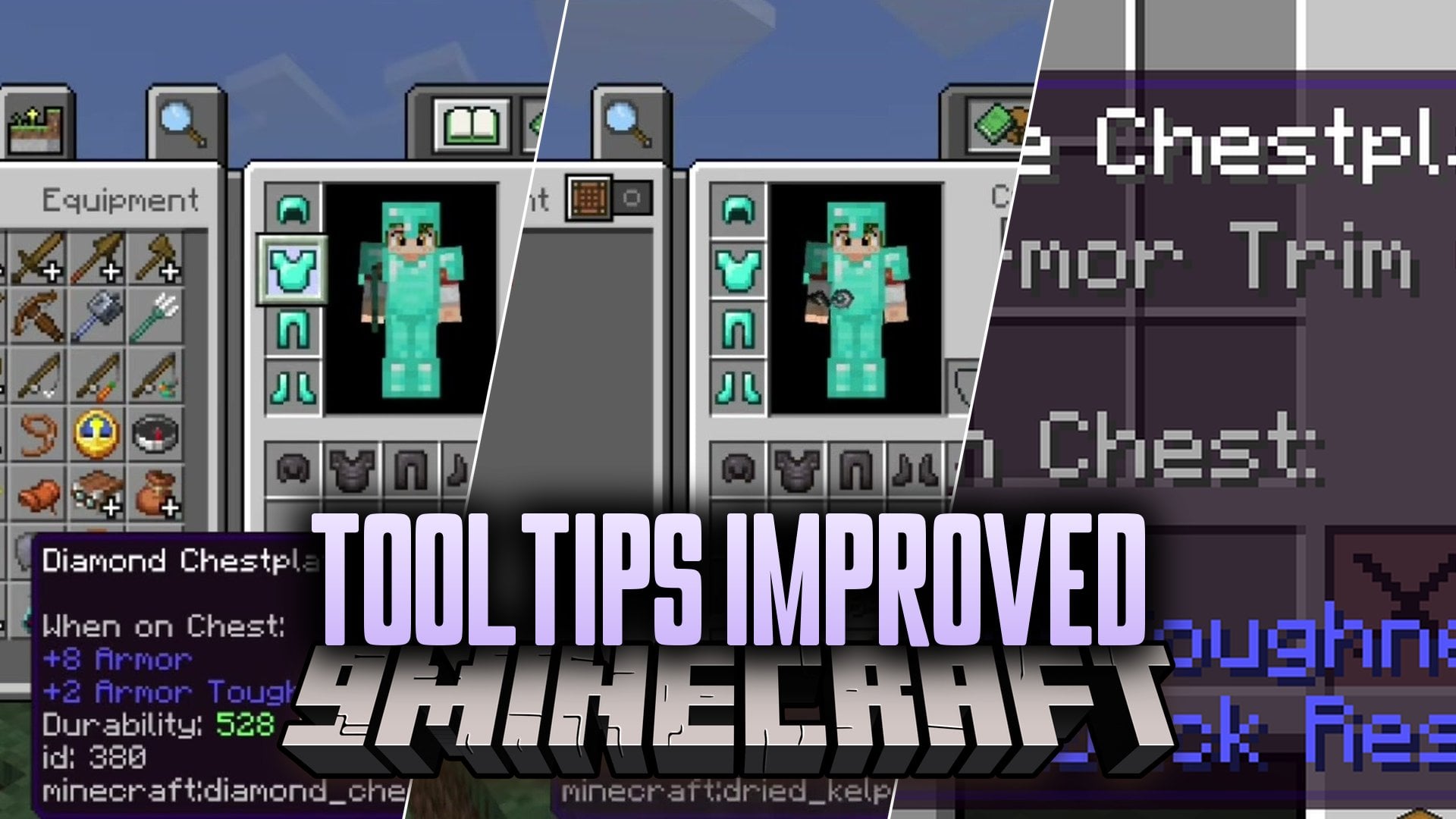
Tooltips Improved Mod reworks Minecraft tooltips so they are easier to read and more useful. It wraps long lines, moves tooltips so they fit on the screen, and lets you scroll the ones that are too tall. The mod also shows exact durability, compares gear with what you have equipped, and previews books, maps, banners and fireworks. It runs on the client side only and needs no other mods.
Features:
- Exact Durability: Shows how many uses an item has left.
- Equipment Comparison: Shows how armor, weapons and tools compare to what you have equipped, even when the slot is empty.
- Content Previews: Lets you see what is inside an item without opening it.
- Scrolling: Lets you move tooltips that run off the screen so you can read every line.
- Text Wrapping: Breaks long lines so they fit, and keeps their colors.
- Moves a tooltip above, below or to a corner when it does not fit beside the cursor, so it does not cover the thing you hover over.
- Shows the top of very tall tooltips first.
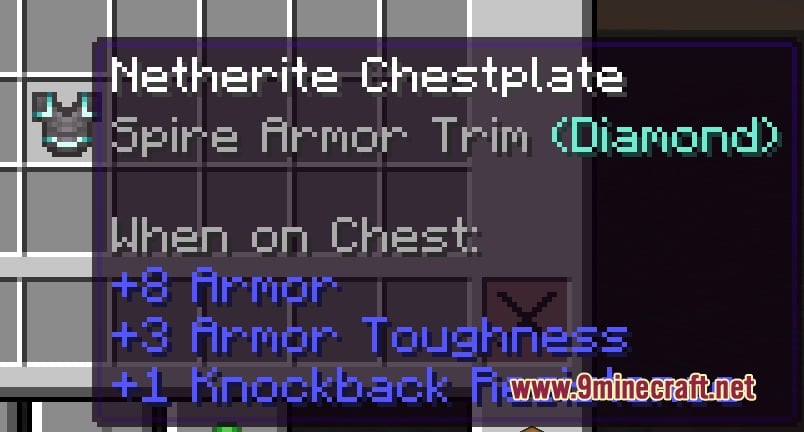
- Shrinks armor trim info from three lines to one, like Sentry Armor Trim (Iron).
- Lets you make the tooltip background see-through.
- Removes the gap under an item’s name if you want a tighter look.
- Keeps scrollable lists working as usual.
Content Previews:
- Books: shows the first page.
- Maps: shows the map.
- Banners: shows the banner pattern.
- Shields: shows the shield pattern.
- Firework rockets: shows the explosions inside.
- Firework stars: shows the explosion.
Text Wrapping Options:
- Beside your cursor.
- On the screen.
- At half the screen width.
- At a width you choose.
How to Use:
- Hover over an item in your inventory to see its tooltip.
- If the tooltip runs off the screen, use the Mouse Wheel or Page Up/Page Down to scroll it.
- Hold Left Alt to move the tooltip sideways.
- Hold Shift while hovering over trimmed armor to see the full trim lines.
- Open the settings from Mod Menu on Fabric, or the Config button in the mod list on Forge and NeoForge. You can also edit
config/tooltipsimproved.json. - Change the keys under Controls → Inventory.
Screenshots:
Tooltips Improved Mod Download Links
Quick facts
- Edition: Minecraft Java
- File type: .jar
- Minecraft versions listed: 26.3, 1.21.1
- How to install: Install the matching mod loader (Forge, Fabric or NeoForge) for your Minecraft version. → Download the .jar. → Put it in the .minecraft/mods folder and launch that loader profile.
- Where to get it: In MC Java Mods, or directly above on this page.
Install steps are the general flow for this file type — How to install Minecraft Java mods & modpacks walks through it step by step.
File checked by MCModsHub
- Download size: 278 KB
- Download link checked 12 Nov 2026 — working
- Mirrored on our own servers — the download does not depend on the original host
These come from our own check of the pack file, not from the source page.