
ModsJava
Too Many Enchantments Mod (26.1.2, 1.21.1) – Power Up Every Fight with 70+ New
Java mod listed for Minecraft 1.21–26.x. Downloads from the MC Java Mods app on Android.
⬇ Download
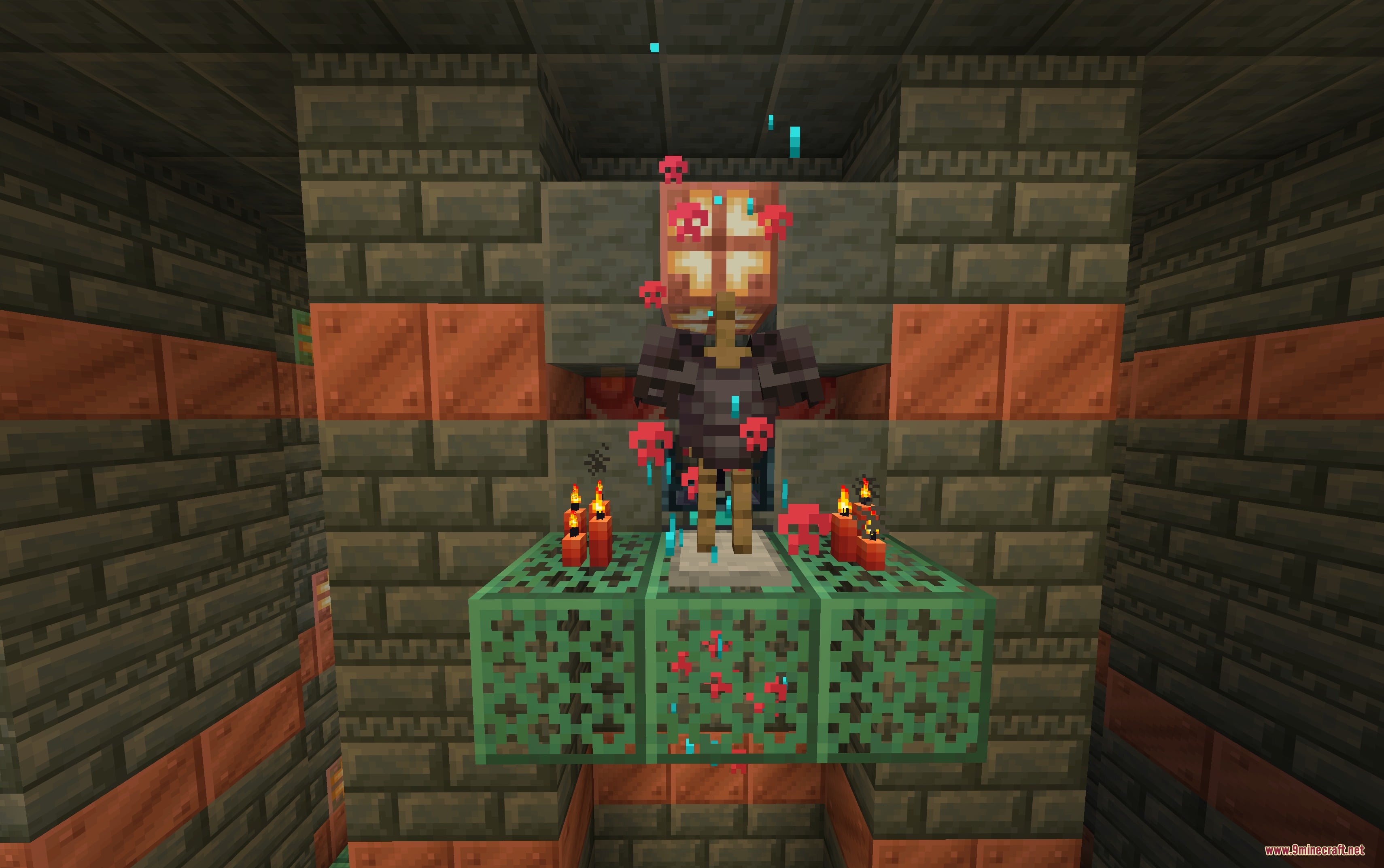
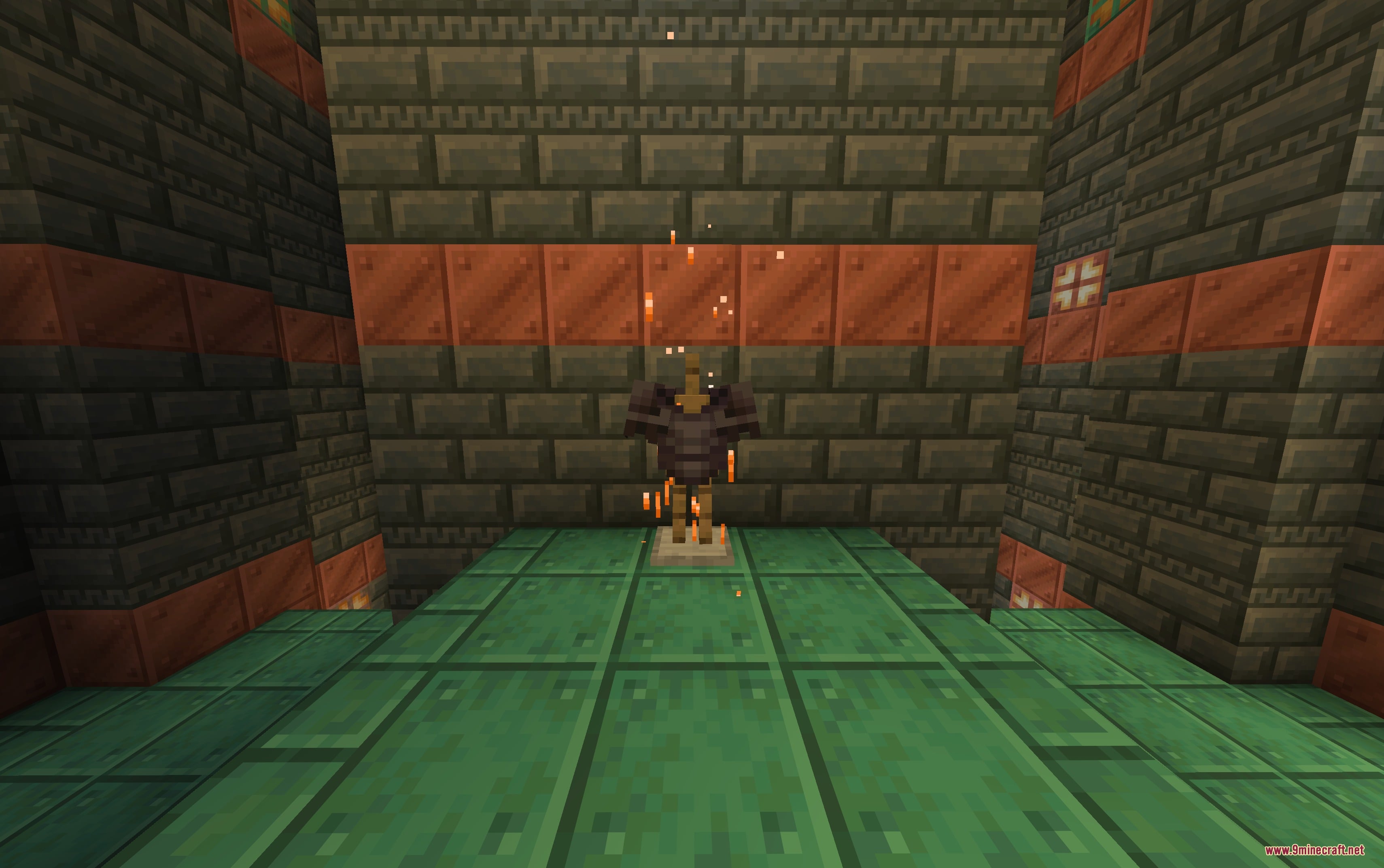
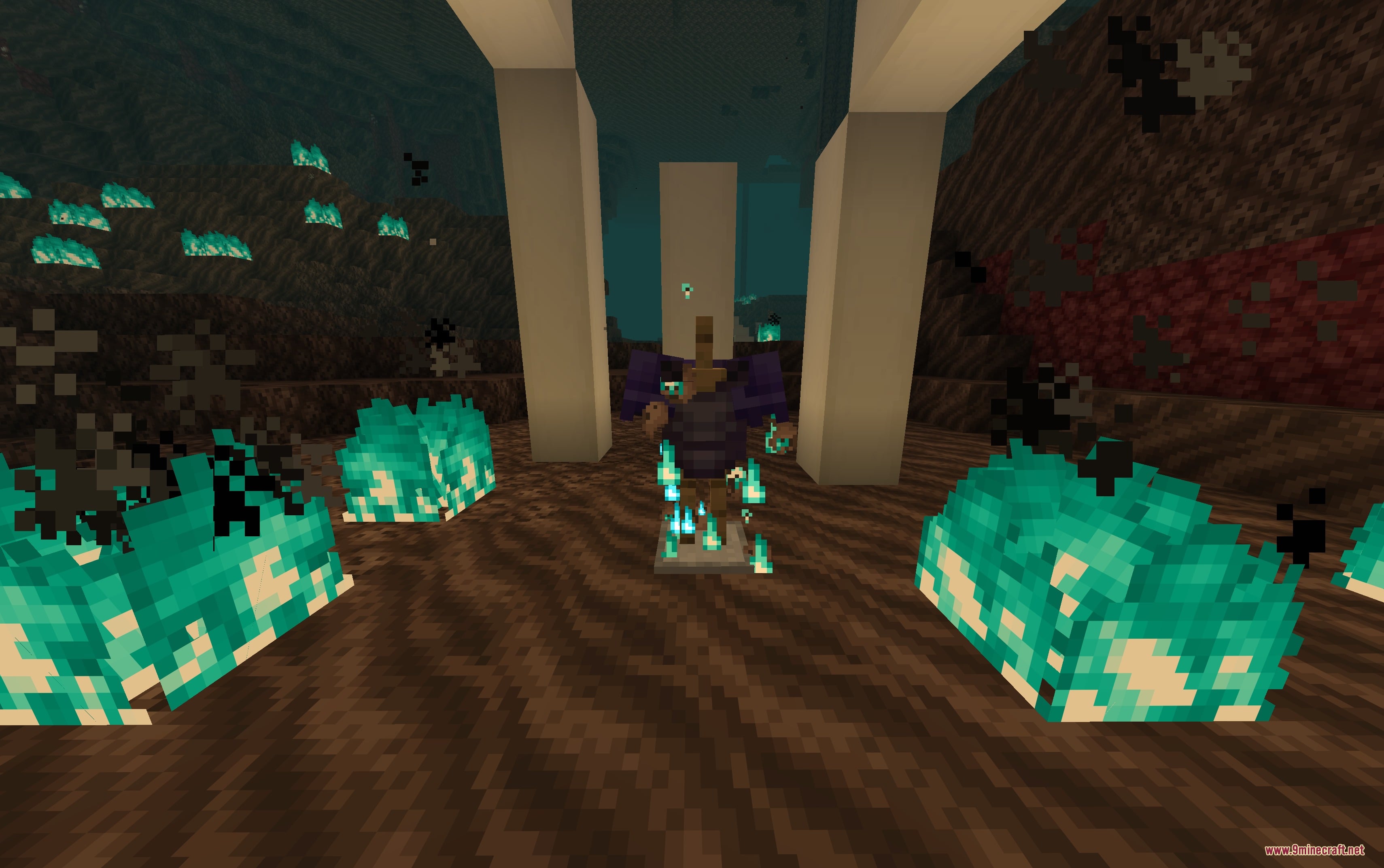
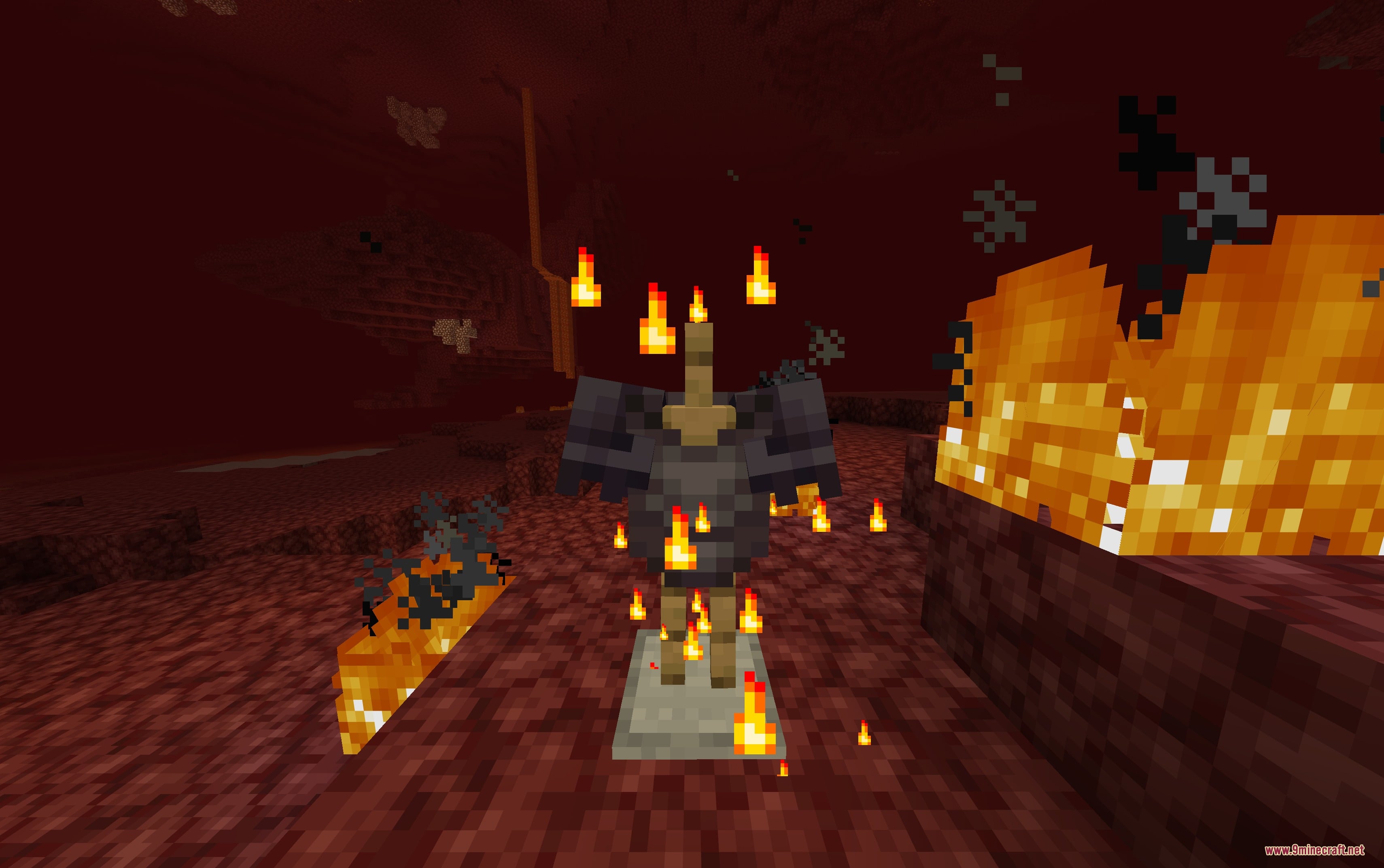
Too Many Enchantments Mod adds over 70 new enchantments to Minecraft. Most of them are balanced, so they fit well into normal survival play. Some help you a lot in a fight, while others are just for fun. The mod also brings new curses that cause trouble, plus aura enchantments that put cool particles around your player.
Features:
- 70+ Enchantments: Adds over 70 new enchantments, and most of them are balanced.
- New Curses: Brings four new curses, including the silly Curse of Slightly Too Tall.
- Aura Enchantments: Creates particles around the player just for show. They change how you look, not how you fight.
- Includes a new block called the Augmenting Table.
- Some enchantments are handy and strong, while others are more for laughs.
- Swooping, Radiance, and Rapid Fire have a chance to crash the game, so use them with care.
Enchantments:
- Evade, Pounce, Fury, Chisel, Heavy Blow, Cling
- Withered Edge, Soul Reaping, Power Of Music, Impact, Voice of the Village, Vibrate
- Linguistic, Draconic Essence, Tornado Launch, Swooping, Thunderfall, Crushing
- Radiance, Fire Barrage, Weaving, Flury Rush, Catshot, Poisoned Edge
- Electrified, Crouching, Smoke Screen, Seafaring, Stepping, Rapid Fire
- Slamming, Incindiary, Withered Heart, Rain of Fire, Eye of the Storm, Mad Alchemist
Curses:
- Curse of Blinding
- Curse of Conduction
- Curse of Congestion
- Curse of Slightly Too Tall
Aura Enchantments:
- Lovely Aura, Ominous Aura, Soul Aura, Sculk Aura, Peaceful Aura, End Aura
- Fire Aura, Howling Aura, Healthy Aura, Aquatic Aura, Trial Aura, Enchanting Aura
- Pale Aura, Storm Aura, Depressing Aura, Chilly Aura, Angelic Aura, Demonic Aura
Screenshots:
Too Many Enchantments Mod Download Links
Quick facts
- Edition: Minecraft Java
- File type: .jar
- Minecraft versions listed: 26.1.2, 1.21.1
- How to install: Install the matching mod loader (Forge, Fabric or NeoForge) for your Minecraft version. → Download the .jar. → Put it in the .minecraft/mods folder and launch that loader profile.
- Where to get it: In MC Java Mods, or directly above on this page.
Install steps are the general flow for this file type — How to install Minecraft Java mods & modpacks walks through it step by step.
File checked by MCModsHub
- Downloads as 546199.mcaddon
- Download size: 1.6 MB
- Download link checked 12 Nov 2026 — working
- Mirrored on our own servers — the download does not depend on the original host
These come from our own check of the pack file, not from the source page.