ModsJava
Block Draft Mod (26.3, 1.21.1) – Preview Any Schematic As a Hologram
Java mod listed for Minecraft 1.21–26.x. Downloads from the MC Java Mods app on Android.
⬇ Download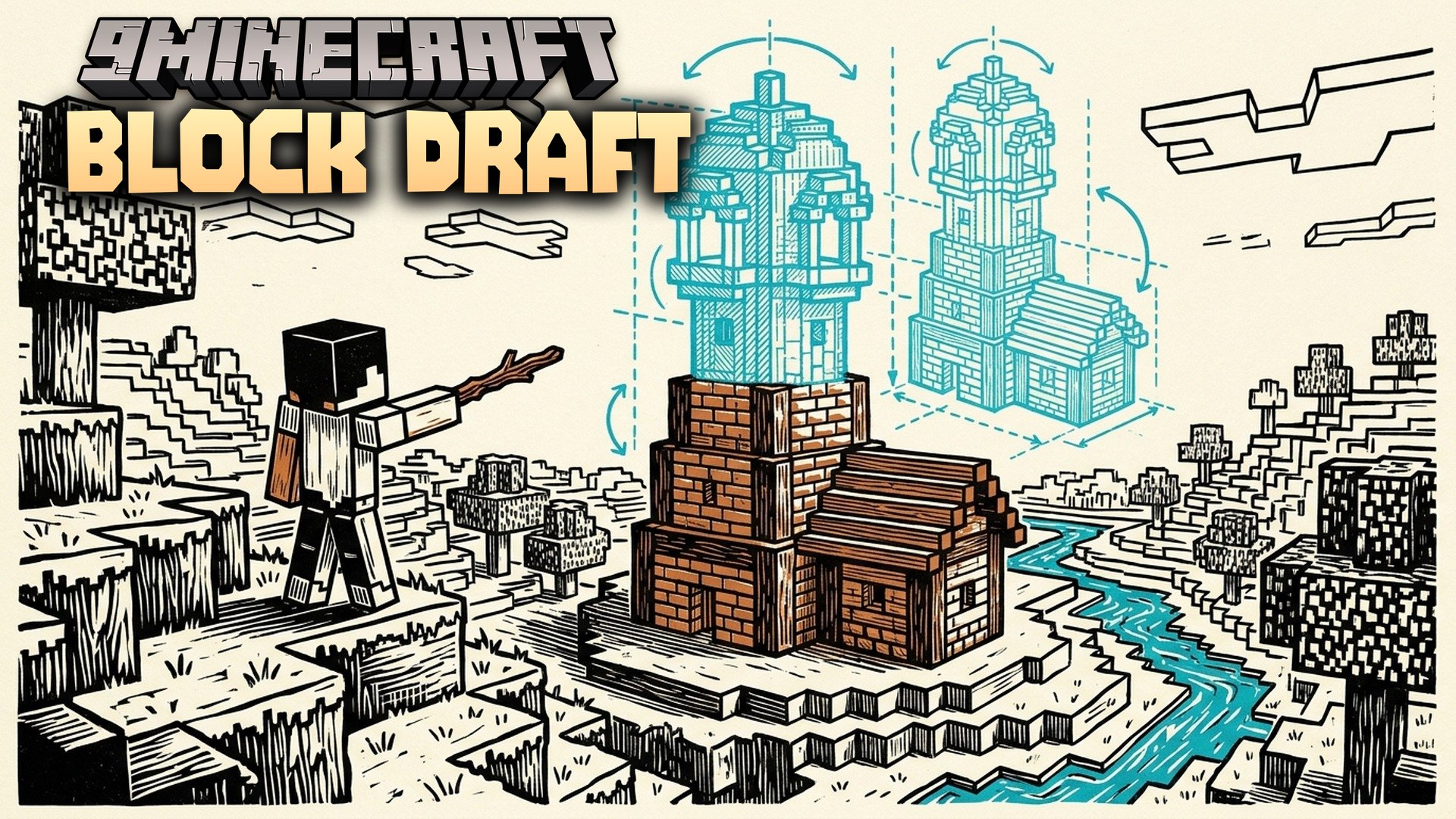
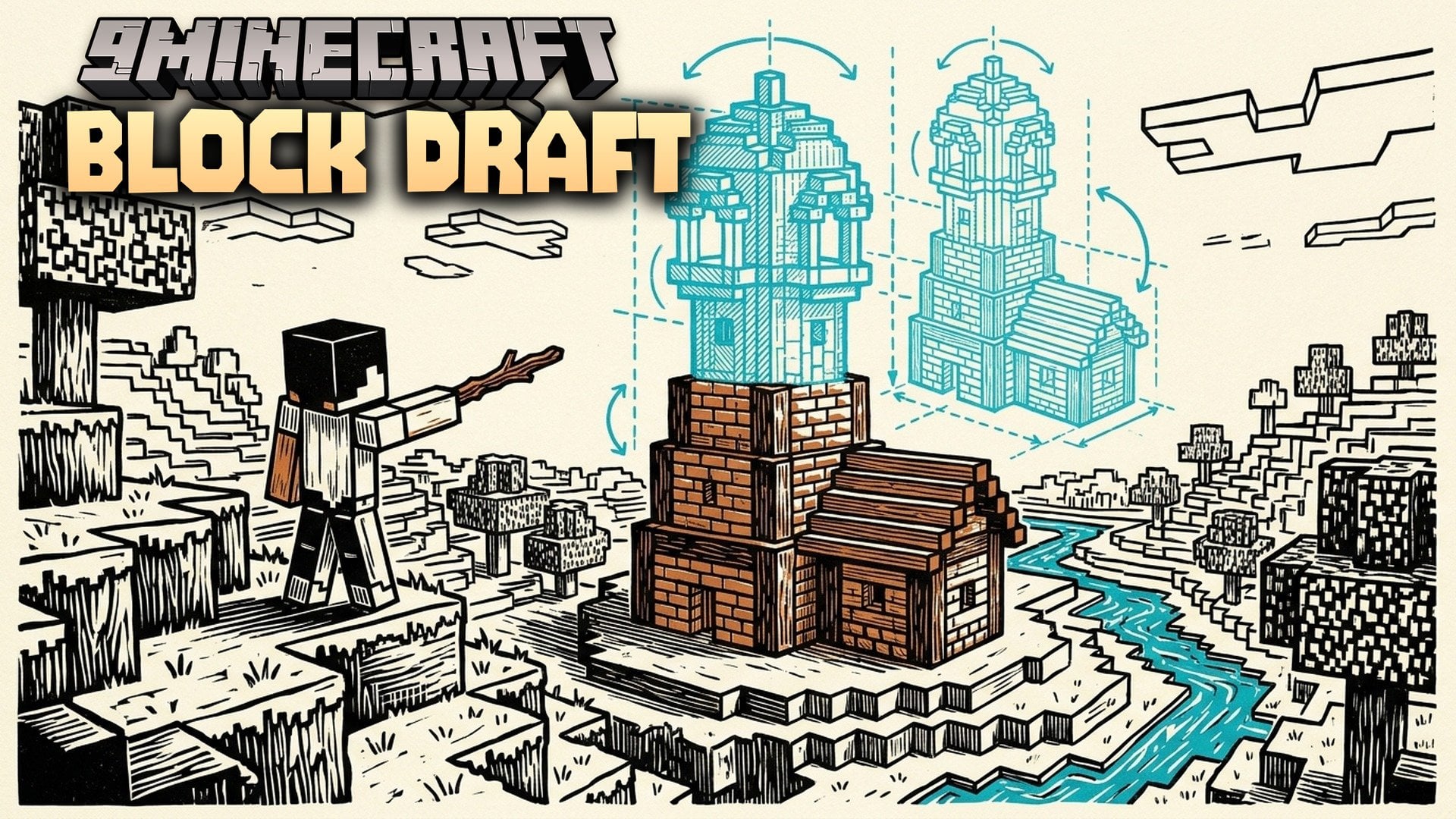
Block Draft Mod lets you load a .litematic file and see the build as a textured hologram. It works on the client side and gives you simple tools to move, rotate and mirror schematics right in the world. In private Creative singleplayer worlds, this mod also pastes your build and undoes the last paste.
Features:
- Textured Hologram: Shows a schematic with real Minecraft block textures, plus the origin, distance and target block.
- Live Placement: Lets you move, rotate or mirror a schematic and its subregions in the world before you confirm it.
- Independent Copies: Keep several schematics open, duplicate a placement, and position each copy on its own.
- Multi-area Capture: Lets you outline separate parts of your world and save them together in one
.litematicfile. - Block Editor: Lets you add, replace or remove single blocks in a schematic and save the changes as a new file.
- Creative Paste and Undo: In private Creative singleplayer worlds, pastes the active placement into free space and undoes the last successful paste.
- Undo checks for changes to the affected blocks and container data before it runs.
- Shows missing or mismatched blocks so you can spot mistakes fast.
- Filters the preview by height and shows material lists.
- On Minecraft 1.21 through 1.21.10, placement, selection and inspection outlines stay visible through terrain.
Two Editions:
- The standard edition has all the manual building tools.
- The AutoBuilder edition adds block-by-block building and a read-only build check for target blocks and available materials.
- AutoBuilder testing works in private Creative singleplayer worlds. Use Survival automation in multiplayer only where the server allows it.
How to Use:
- Press F8 to open the dashboard. The dashboard text is in German.
- Load a
.litematicfile to see the build as a hologram. - Move, rotate or mirror the schematic until it sits where you want.
- In a private Creative singleplayer world, paste the placement. Undo it if you change your mind.
Block Draft Mod Download Links
Quick facts
- Edition: Minecraft Java
- File type: .jar
- Minecraft versions listed: 26.3, 1.21.1
- How to install: Install the matching mod loader (Forge, Fabric or NeoForge) for your Minecraft version. → Download the .jar. → Put it in the .minecraft/mods folder and launch that loader profile.
- Where to get it: In MC Java Mods, or directly above on this page.
Install steps are the general flow for this file type — How to install Minecraft Java mods & modpacks walks through it step by step.
File checked by MCModsHub
- Download size: 433 KB
- Download link checked 13 Nov 2026 — working
- Mirrored on our own servers — the download does not depend on the original host
These come from our own check of the pack file, not from the source page.