ResourcepacksJava
All the Furniture Optimized Java Edition RP Resource Pack (26.3)
Java resource pack listed for Minecraft 26.x. Downloads from the MC Java Mods app on Android.
⬇ Download


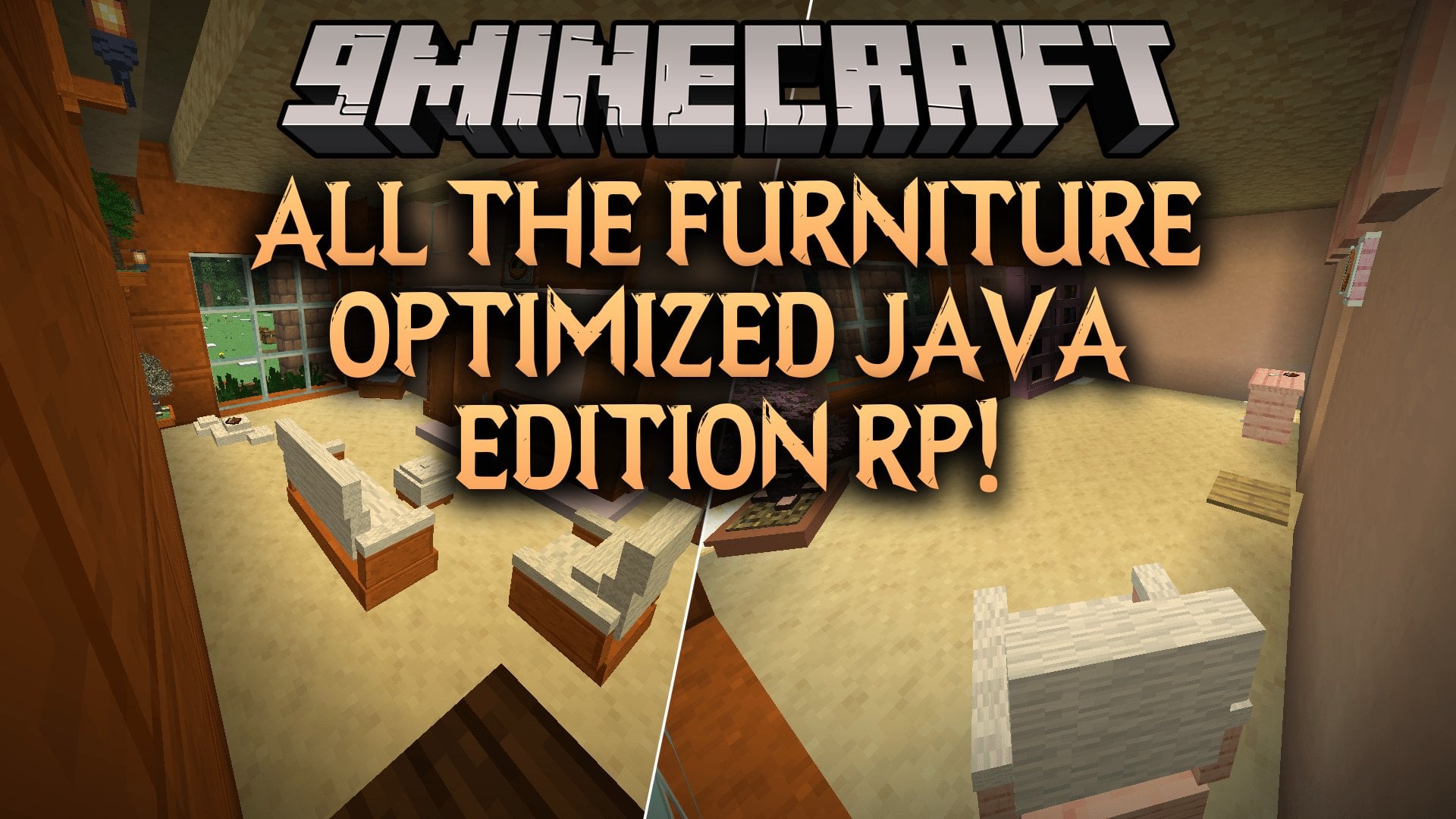
All the Furniture Optimized Java Edition RP Resource Pack replaces heavy block displays with lighter item displays for the All The Furniture data pack. In a rough test, the cost per frame drops from 14.1 ms to 5.6 ms. That is a near 2.5x framerate boost, which helps a lot on servers. This pack also works with Geyser servers, so Bedrock players see the same furniture.
Features:
- Faster Frames: Cuts the cost per frame from 14.1 ms with 4928 block displays to 5.6 ms with 640 item displays.
- Geyser Ready: Works with Geyser servers, so Java and Bedrock players share the same furniture in the same world.
- 247 Furniture Pieces: Lets you place, turn, restyle, tilt, scale and stack furniture, then pick it back up.
- Furnishing Catalogue: Opens the shop where every piece comes from. You craft it with one book and one log of any kind.
- Manage Menu: Opens when you sneak and right-click a placed piece. Buttons only show on pieces that can use them.
- Remembered Settings: Keeps material, tilt and scale when you pick a piece up, so it looks the same when you place it again.
- Uses the new block movement structure added in 26.3 to get the speed boost.
- Shows the cost of each piece in Survival and takes the materials from your inventory. Woods are priced as a family, so any six logs pay a six-log price.
- Makes every piece free in Creative and shows the full list.
- Lets you sit on a chair, sofa, bench, stool, cushion, hammock or bed with a right-click. Sneak to stand back up.
- Turns the bed into a seat by day and a bed for sleep at night. If enough online players rest, the night passes.
- Needs no commands. Every control is in the menu.
- Works alongside other packs. Furniture is its own entity and does not replace vanilla blocks.
Placing and Aiming:
- Rotate turns the piece one step. Eight steps take it all the way around.
- Face opens a compass with N, NE, E, SE, S, SW, W and NW, so the piece turns to that direction at once.
- Mirror flips the whole piece left to right. It is handy for matching pairs.
- Scale + and Scale − resize the piece in quarter steps.
- Raise and Lower float the piece half a block at a time, up to 4 up and 6 down.
Look and Finish:
- Material re-skins the whole piece. Most pieces can use all 355 blocks in the game, and their natural woods or stones come first.
- Transform changes one part at a time, so you can swap a table top without touching its legs.
- Paper and Cloth show up on shoji and screens. Cloth is solid, and Paper lets light glow through.
- Dressing hides the topper items on a piece and leaves the bare furniture.
- Reset puts every setting back to default.
Shape and Motion:
- Height switches between Short (1 block tall) and Full (3 blocks tall).
- Thin and Wide give you the narrow or wide version of the same piece.
- Length sets how far curtains and hangings fall: Short, Long or all the way to the Floor.
- Flip and Hinge change the moving part, like which way a door swings or a panel slides.
- Tilt and the roll buttons turn a piece through 8 stops of 45 degrees.
- Solid bolts a piece down so you can stand on it. Walk Through makes it decorative again.
Pieces That Hold Things:
- Shelves, cases, racks and plinths hold real items. Right-click with an item in hand to place it.
- Rotate and Spin turn a shown item or set it spinning on its plinth.
- Reskin cycles the metal on gear pipes, and Facade dresses a pipe in the block you hold.
- Vertical stands a pipe upright or lays it flat.
- The tool rack lets you pick Sword, Pickaxe, Axe, Shovel or Hoe, and the tier it is made from.
Fire and Light:
- Emblaze and Snuffed light or put out fireplaces, braziers, fire pits, candles and lanterns.
- Lit pieces give off real light.
- Smoke sets whether a lit piece smokes.
Figurines:
- Collectible creature figurines can be posed on a shelf or plinth.
- Wake turns their AI on and lets them wander. Figurines are asleep by default, and awake ones can be risky.
- Look picks the variant, like cat breeds or axolotl colors.
- Baby switches between adult and baby.
- Pose gives you Standing, Sitting, Sleeping, Crouched or Rolled up.
- Effect adds a particle aura, like soul embers and ten others.
- Stand shows or hides the little plinth under the figurine.
Moving and Removing:
- Pick Up returns the piece to your inventory with all settings saved.
- Move lets you aim at a spot and right-click to set the piece down there.
- Replace swaps the piece with a different furnishing you hold.
Screenshots:
All the Furniture Optimized Java Edition RP Resource Pack Download Links
Quick facts
- Edition: Minecraft Java
- File type: .zip (resource pack)
- Minecraft version listed: 26.3
- How to install: Download the .zip resource pack — do not unzip it. → Put it in .minecraft/resourcepacks. → Enable it in Options → Resource Packs.
- Where to get it: In MC Java Mods, or directly above on this page.
Install steps are the general flow for this file type — How to install Minecraft Java resource packs walks through it step by step.
File checked by MCModsHub
- Downloads as 546814.mcpack
- Download size: 2.9 MB
- Download link checked 13 Nov 2026 — working
- Mirrored on our own servers — the download does not depend on the original host
These come from our own check of the pack file, not from the source page.