AddonsBedrock
Farming 3D Addon (26.x) – MCPE/Bedrock
Bedrock add-on listed for Minecraft 1.21 (behavior pack only). File opened and checked on 20 Sep 2026; installs from the MC Bedrock Mods app on Android.
⬇ Download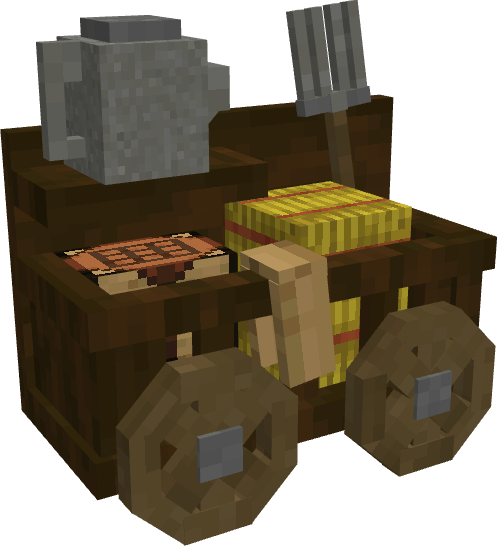
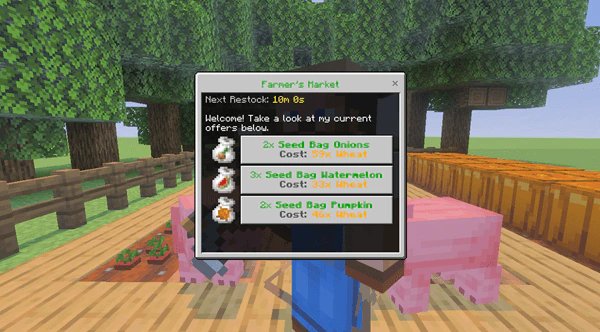
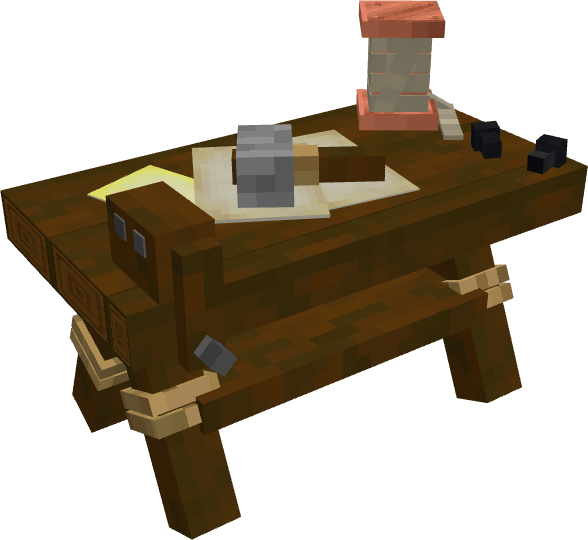




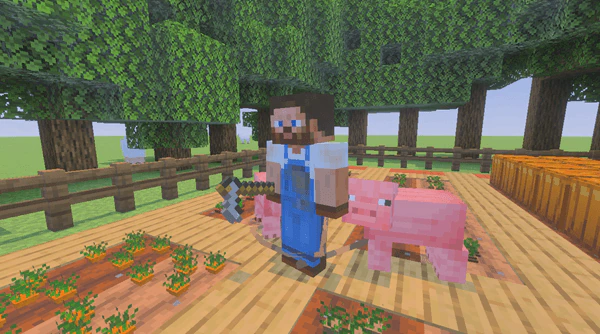
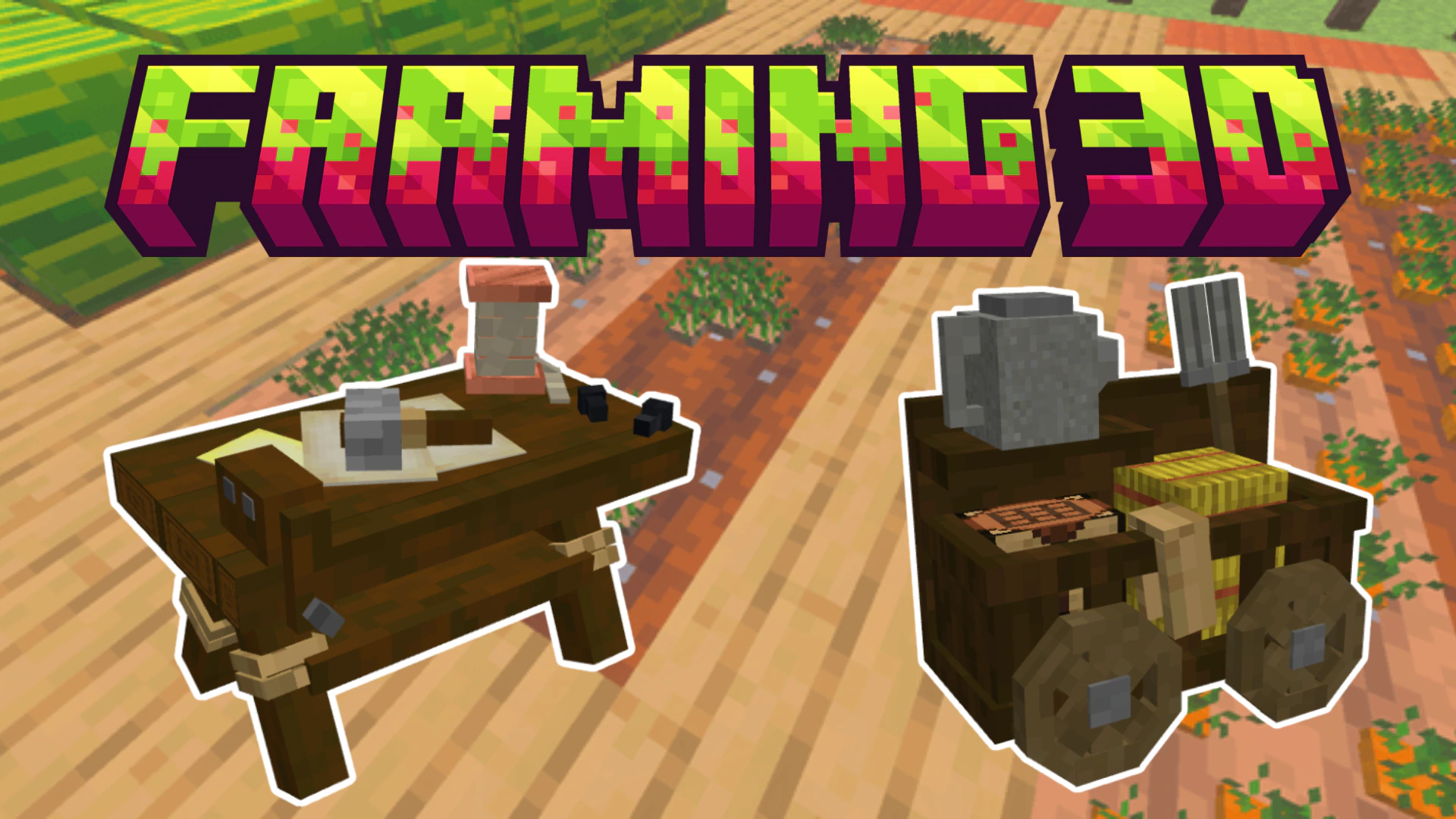

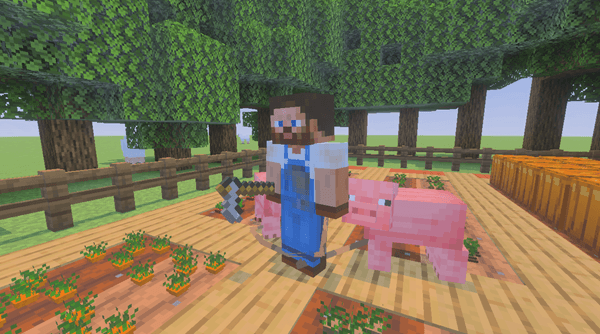
Farming 3D Addon lets you grow custom crops with new 3D models in your Minecraft Bedrock world. It adds special crafting tables and new farming tools like watering cans to help your plants grow faster. You can also trade with a new wandering farmer to get unique seed bags for your farm.
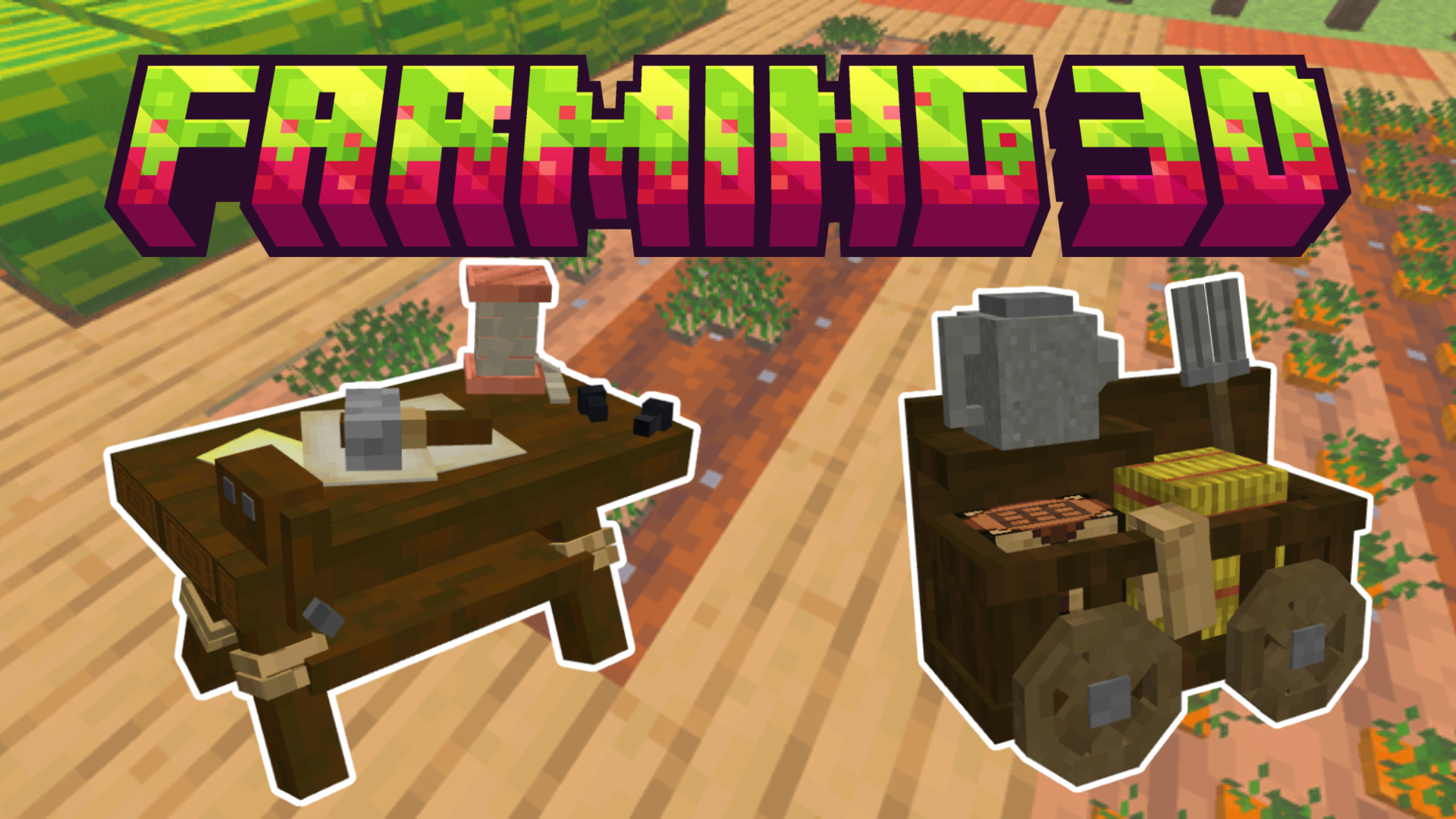
Features:
- All crops have brand new custom 3D models.
- Watering cans make your crops grow much faster.
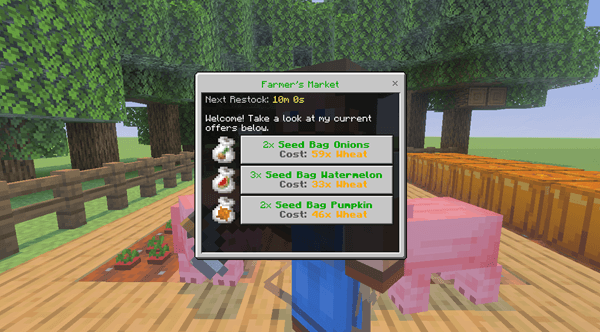
- Find the wandering farmer to trade for special seed bags.
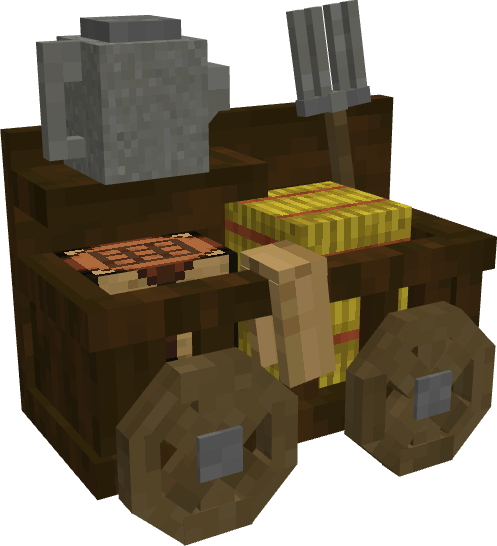
- Build a farmers workbench to craft your own custom seeds.
- Play without turning on any experimental settings in your world.
Screenshots:
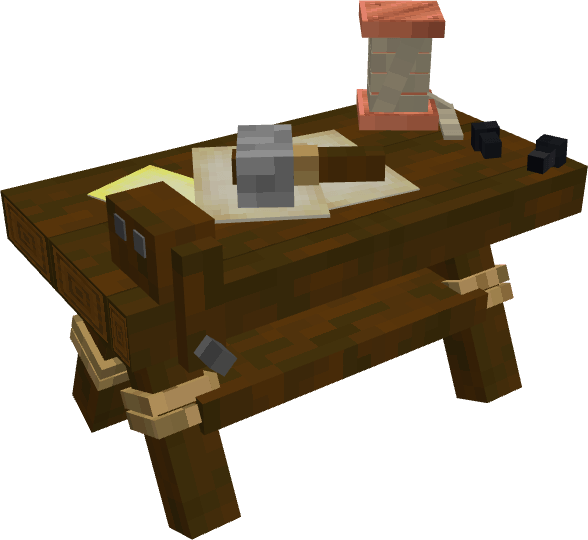



Farming 3d Addon Download Links
Quick facts
- Edition: Minecraft Bedrock
- File type: .mcpack or .mcaddon
- How to install: Download the .mcpack or .mcaddon file. → Open it — Minecraft imports it. → In your world: Behavior Packs → Available → Activate, then the same under Resource Packs.
- Where to get it: In MCModsHub, or directly above on this page.
Install steps are the general flow for this file type — How to install Minecraft Bedrock addons & mods walks through it step by step.
File checked by MCModsHub
- Pack type: .mcaddon — behaviour and resource pack in one file
- Manifest requires Minecraft 1.21.0 or newer
- Complete pack — everything it depends on is inside the file
- Download size: 255 KB
- Download link checked 22 Jul 2026 — working
- Mirrored on our own servers — the download does not depend on the original host
These come from our own check of the pack file, not from the source page.