
ModsJava
Block Duplicator Tree Mod (26.3, 1.20.1) – Farm Rare Blocks Directly Next
Java mod listed for Minecraft 1.20–26.x. Downloads from the MC Java Mods app on Android.
⬇ Download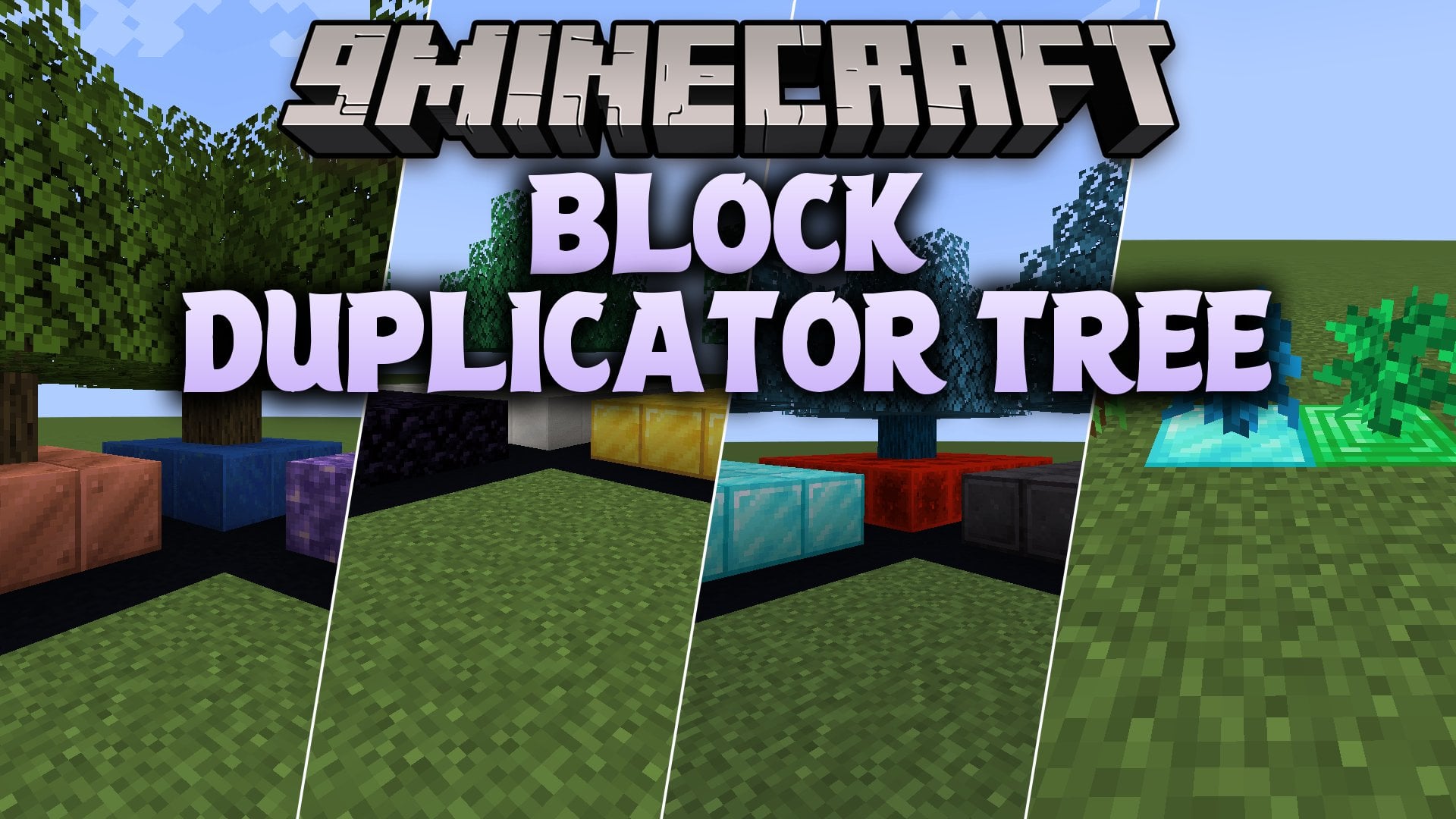
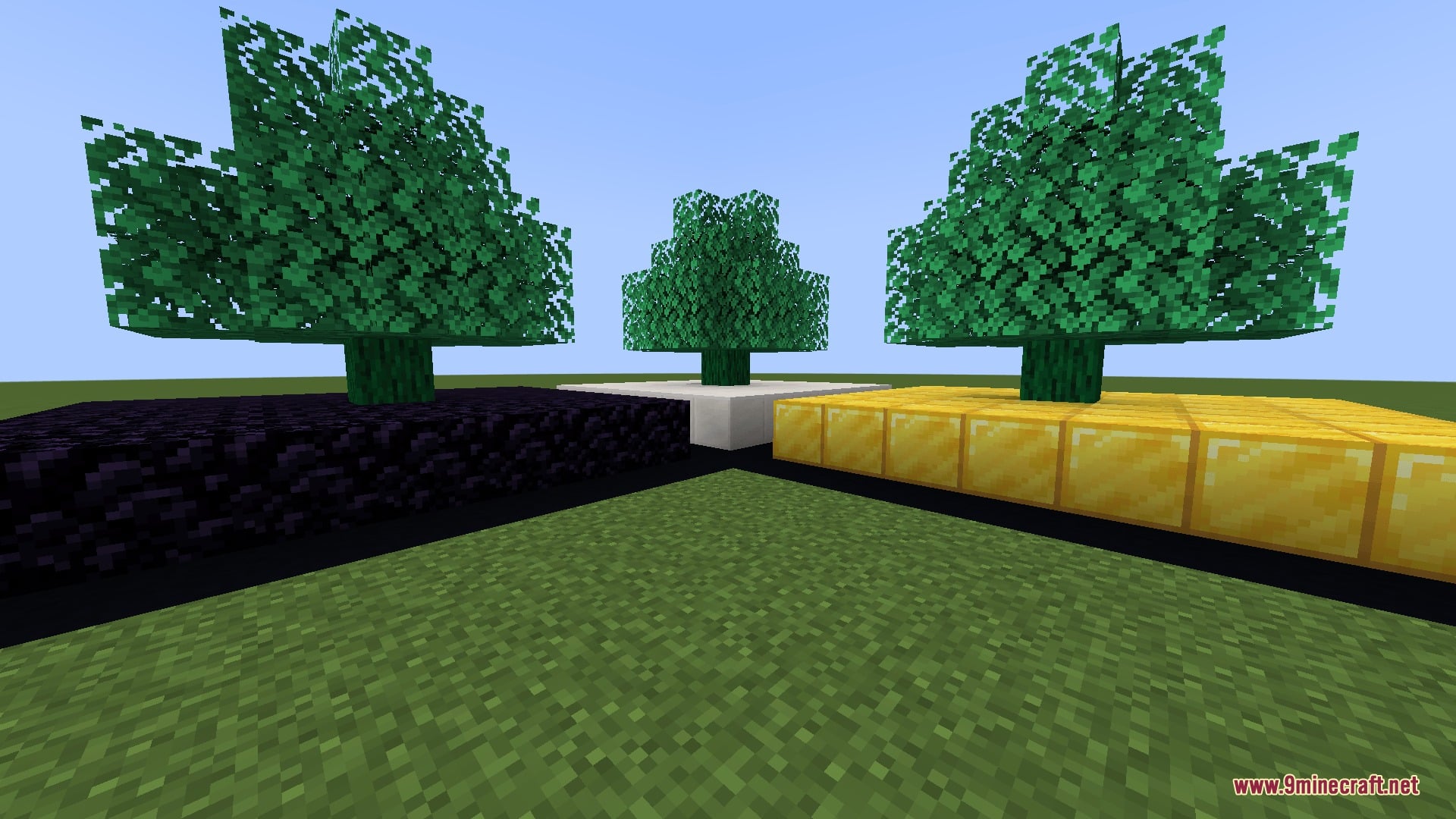
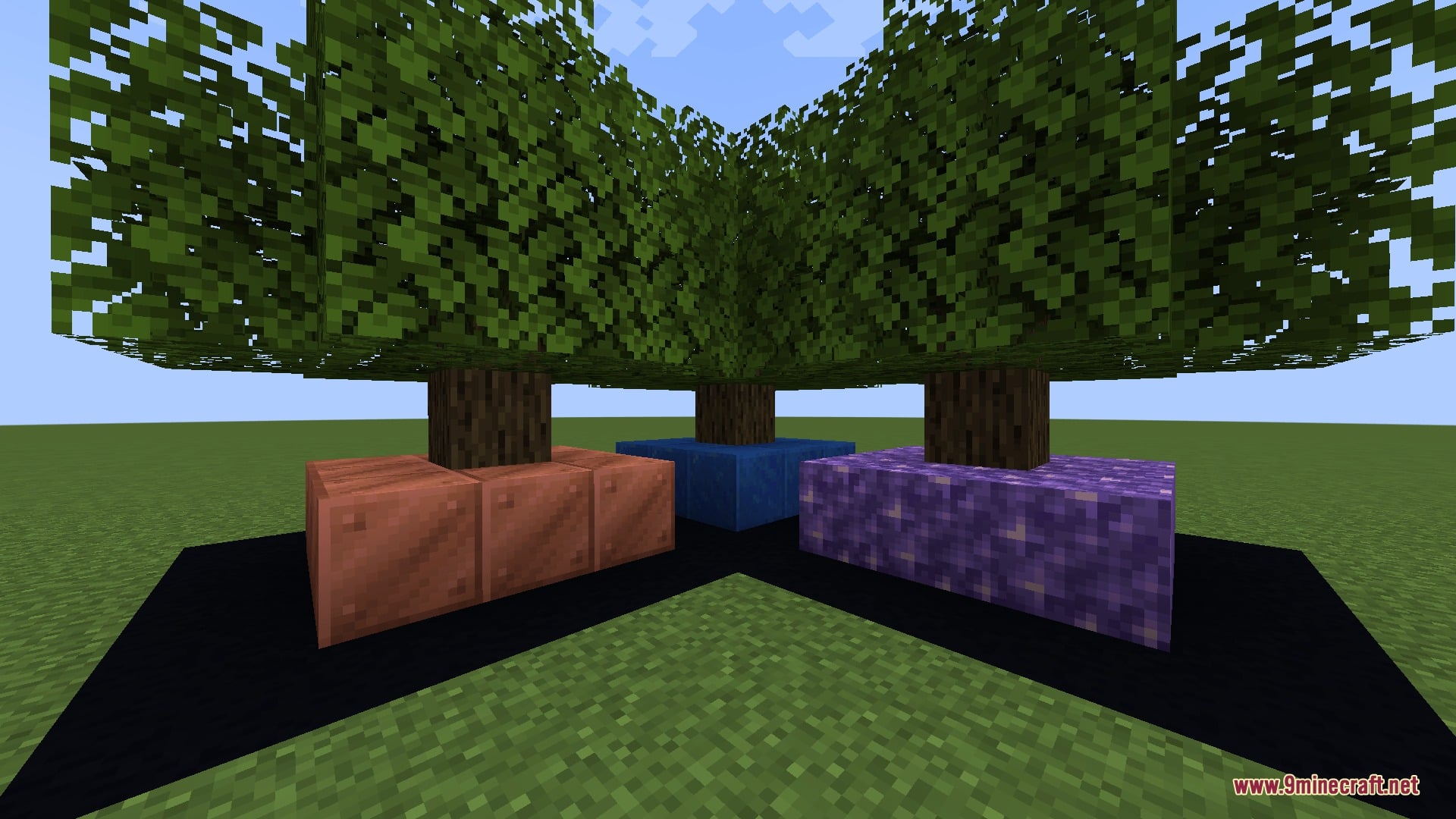
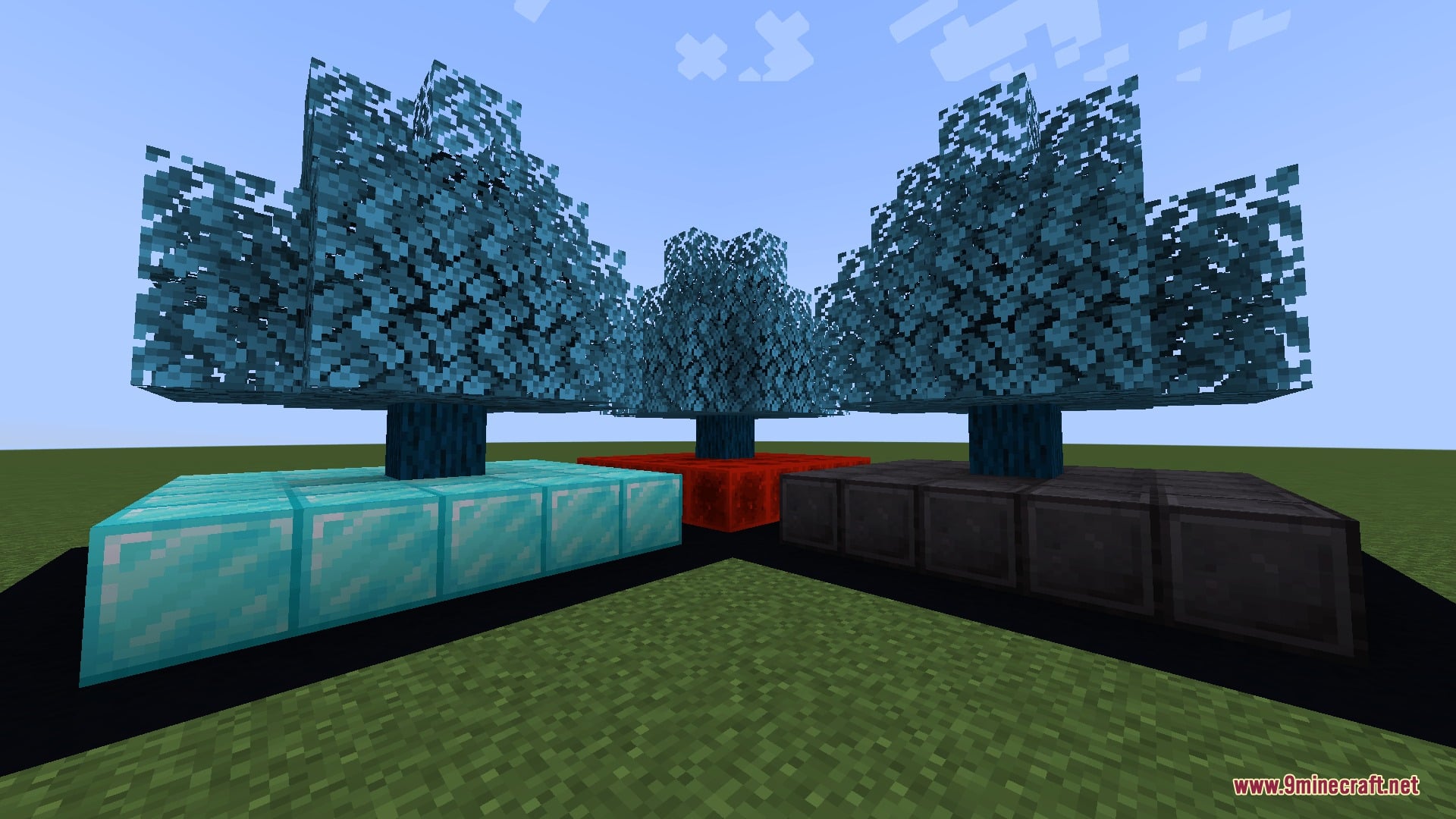
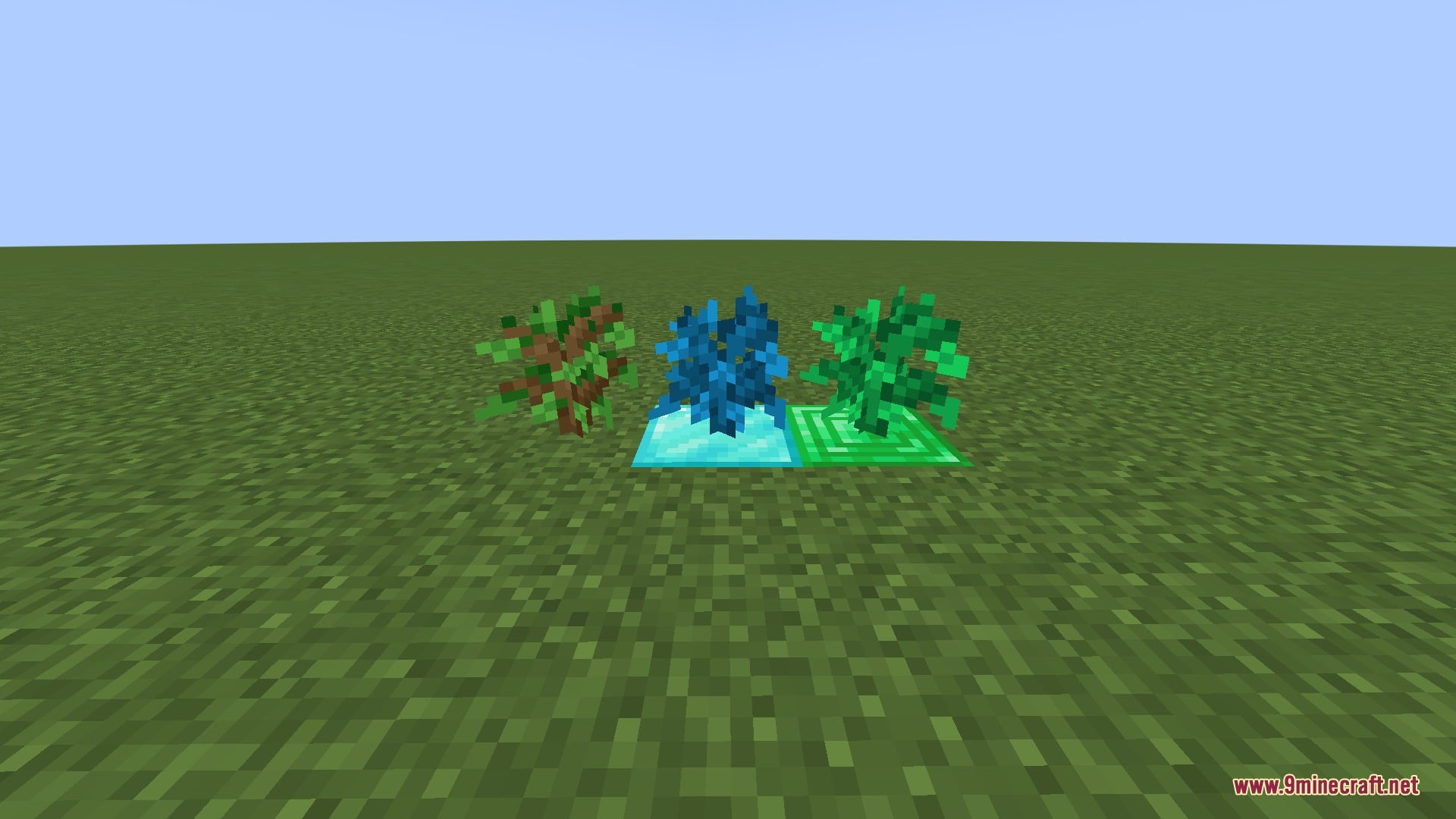
Block Duplicator Tree Mod adds special trees that copy any block you place next to their trunks. Inspired by the classic Orespawn tree, this mod gives you a fast way to gather rare resources without spending hours mining underground. You can upgrade your setup through three different tiers to expand the duplication area and speed up production.
Features:
- Three Tree Tiers: Includes Classic Duplicator, Diamond, and Emerald trees with larger grids and faster copying speeds at each tier.
- Self-Regrowing Logs: Placing a harvested tree log on its matching soil block makes the tree grow back on its own.
- Modded Block Compatibility: Copies almost any standard block from vanilla Minecraft or other mods, except for blocks that hold special data like chests or furnaces.
- Each tree grows one log every 5 minutes until the trunk is four blocks tall, and then the leaves appear on top.
Tree Tiers Comparison:
| Feature | Classic Duplicator | Diamond | Emerald |
|---|---|---|---|
| Required Soil | Grass Block | Diamond Block | Emerald Block |
| Duplication Grid | 3×3 | 5×5 | 7×7 |
| Duplication Speed | 1 block every 15 minutes | 1 block every 5 minutes | 1 block every 50 seconds |
| Appearance | Oak log and leaves | Blue trunk and leaves | Green trunk and leaves |
How to Use:
- Place the correct soil block on the ground for your chosen tree tier (Grass Block, Diamond Block, or Emerald Block).
- Plant the matching sapling or place a harvested duplicator log directly on top of that soil block.
- Wait for the trunk to grow four blocks tall and sprout leaves (if regrowing from a single log, it adds one log every 5 minutes).
- Place the block you want to copy next to the tree trunk, and the tree will multiply it inside its grid area.
Screenshots:
Block Duplicator Tree Mod Download Links
Quick facts
- Edition: Minecraft Java
- File type: .jar
- Minecraft versions listed: 26.3, 1.20.1
- How to install: Install the matching mod loader (Forge, Fabric or NeoForge) for your Minecraft version. → Download the .jar. → Put it in the .minecraft/mods folder and launch that loader profile.
- Where to get it: In MC Java Mods, or directly above on this page.
Install steps are the general flow for this file type — How to install Minecraft Java mods & modpacks walks through it step by step.
File checked by MCModsHub
- Downloads as 547533.mcaddon
- Download size: 52 KB
- Download link checked 14 Nov 2026 — working
- Mirrored on our own servers — the download does not depend on the original host
These come from our own check of the pack file, not from the source page.