
Bedbugs Mod (26.3, 1.20.1) – See the Hidden Monsters Keeping You Awake at Night
Java mod listed for Minecraft 1.20–26.x. Downloads from the MC Java Mods app on Android.
⬇ Download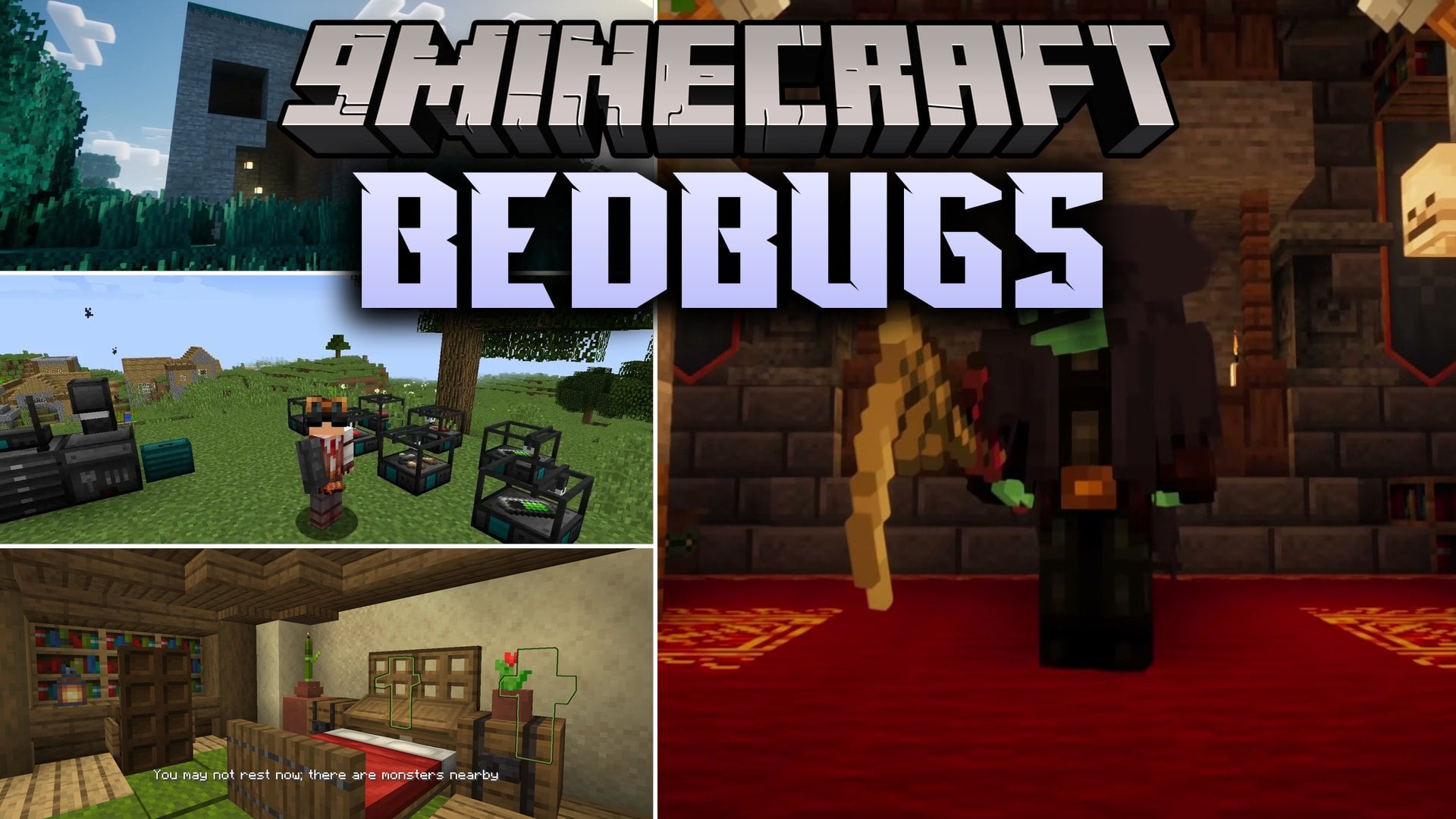
Bedbugs Mod highlights the nearby monsters that stop you from sleeping in your bed. When the game tells you that monsters are nearby, this mod marks those exact mobs with a glowing outline right through walls, floors, and ceilings. You no longer have to break your house apart just to find one hidden zombie under the floor. It shows you the exact spot where you need to dig, place a torch, or fight.
Features:
- Through-Wall Highlighting: Marks the monsters keeping you awake so you can see them clearly through solid walls, ceilings, and floors.
- Exact Sleep-Check Range: Limits the glowing markers to the actual sleep-check distance, showing only the specific mobs that block you from using your bed.
- Triggers automatically right when you click a bed and get the “You may not rest now; there are monsters nearby” message.
- Shader packs and resource packs can change how the mob outlines look in your world.
How to Use:
- Try to sleep in a bed when monsters are close by.
- Look around after the “You may not rest now; there are monsters nearby” message pops up on your screen.
- Follow the glowing outlines through your walls or floors to find and clear out the hidden mobs.
Bedbugs Mod Download Links
- Edition: Minecraft Java
- File type: .jar
- Minecraft versions listed: 26.3, 1.20.1
- How to install: Install the matching mod loader (Forge, Fabric or NeoForge) for your Minecraft version. → Download the .jar. → Put it in the .minecraft/mods folder and launch that loader profile.
- Where to get it: In MC Java Mods, or directly above on this page.
Install steps are the general flow for this file type — How to install Minecraft Java mods & modpacks walks through it step by step.
Bedbugs Mod (26.3, 1.20.1) – See the Hidden Monsters Keeping You Awake at Night is a free Minecraft Java mod. Compatible with Minecraft 26.3, 1.20.1. Download it and open it directly in the game.