
ModsJava
EaseGUI Mod (26.3, 1.20.1) – Smooth Entry Animations for Every Screen
Java mod listed for Minecraft 1.20–26.x. Downloads from the MC Java Mods app on Android.
⬇ Download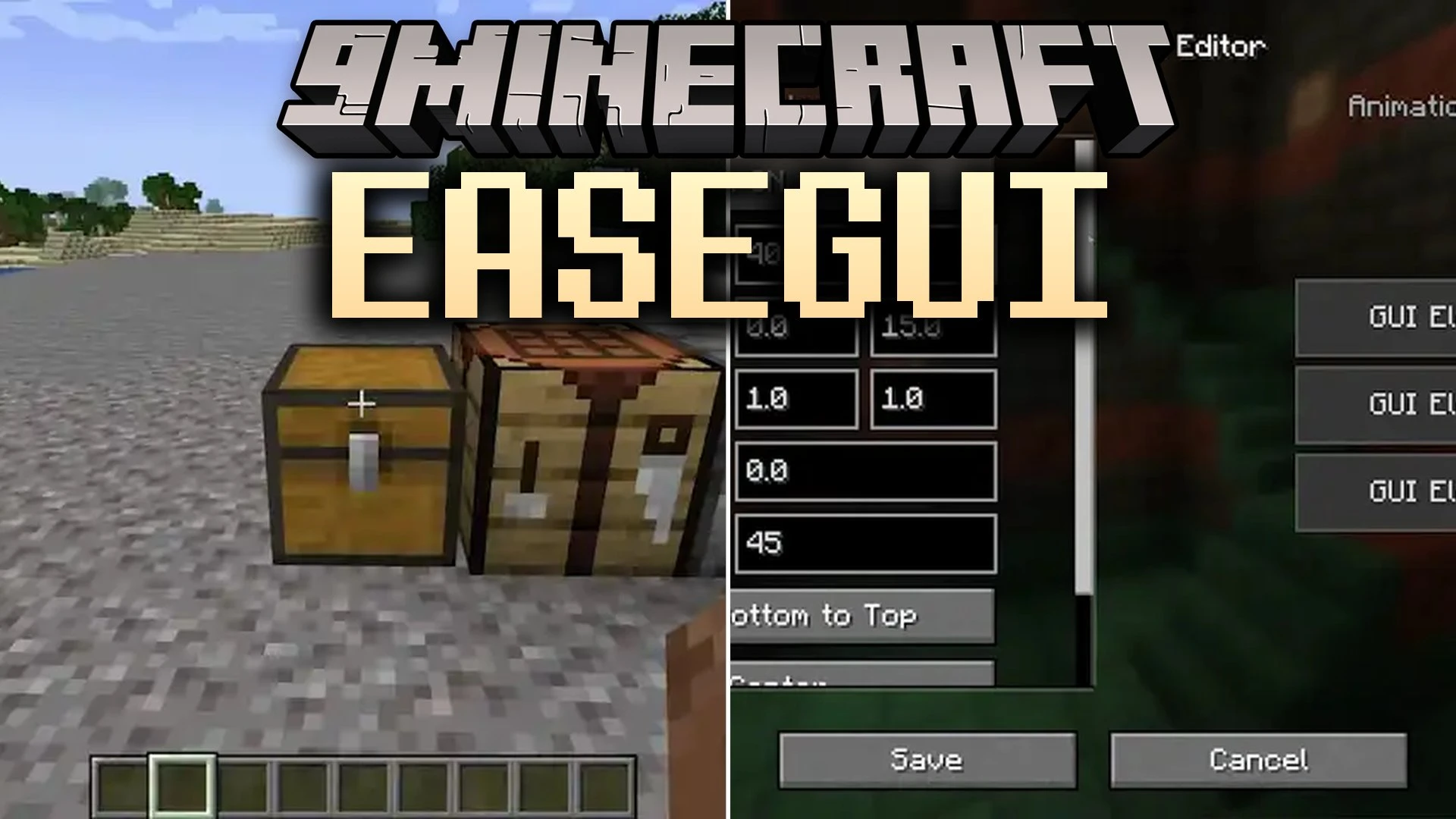


EaseGUI Mod adds smooth entry animations to your Minecraft screens and menus. Every time you open a chest or pause the game, buttons and lists slide into place instead of popping up all at once. It runs on the client side and starts with a clean global preset right away. You can also adjust the motion for all menus together or tweak single screens one by one.
Features:
- Animated Screen Parts: Animates background blur, the main menu logo, buttons, text labels, scrollable lists, and item containers like chests.
- Global and Per-Screen Presets: Applies a clean default animation across the game while letting you craft custom transitions for single menus in the animation profile editor.
- Resource Pack Friendly: Works alongside custom resource packs while keeping your custom textures and logos intact.
- Runs on the client side to animate your game menus locally.
- Lets you tweak or turn off animations for individual menus if another UI mod causes visual glitches on a certain screen.
Configuration:
Animation [ON/OFF]: Turns animations on or off for the selected group of screen elements.Duration: Sets how long the animation lasts in milliseconds.Offset [X/Y]: Sets the starting spot of an element compared to its final position on the screen.Initial Scale [X/Y]: Controls how big or small an element starts when the animation begins.Initial Alpha: Adjusts how see-through an element looks at the start of the animation.Cascade Delay: Adds a short pause between matching items so rows of buttons or slots appear one after another.Cascade Order: Sets the direction of the staggered entry effect.Pivot Point: Picks the anchor spot used for scaling, such as the center or top-left corner.Easing: Controls the speed curve and overall feel of the movement.Logo Type: Lets you switch this option toWhole Textso custom main menu logos from resource packs display properly.
Screenshots:
EaseGUI Mod Download Links
Quick facts
- Edition: Minecraft Java
- File type: .jar
- Minecraft versions listed: 26.3, 1.20.1
- How to install: Install the matching mod loader (Forge, Fabric or NeoForge) for your Minecraft version. → Download the .jar. → Put it in the .minecraft/mods folder and launch that loader profile.
- Where to get it: In MC Java Mods, or directly above on this page.
Install steps are the general flow for this file type — How to install Minecraft Java mods & modpacks walks through it step by step.
File checked by MCModsHub
- Downloads as 548234.mcaddon
- Download size: 273 KB
- Download link checked 15 Nov 2026 — working
- Mirrored on our own servers — the download does not depend on the original host
These come from our own check of the pack file, not from the source page.