MapsJava
Naruto the Shinobi World Map (26.3, 1.20.1) – Explore Iconic Ninja Villages
Java map listed for Minecraft 1.20–26.x. Download on the author's site.
⬇ Download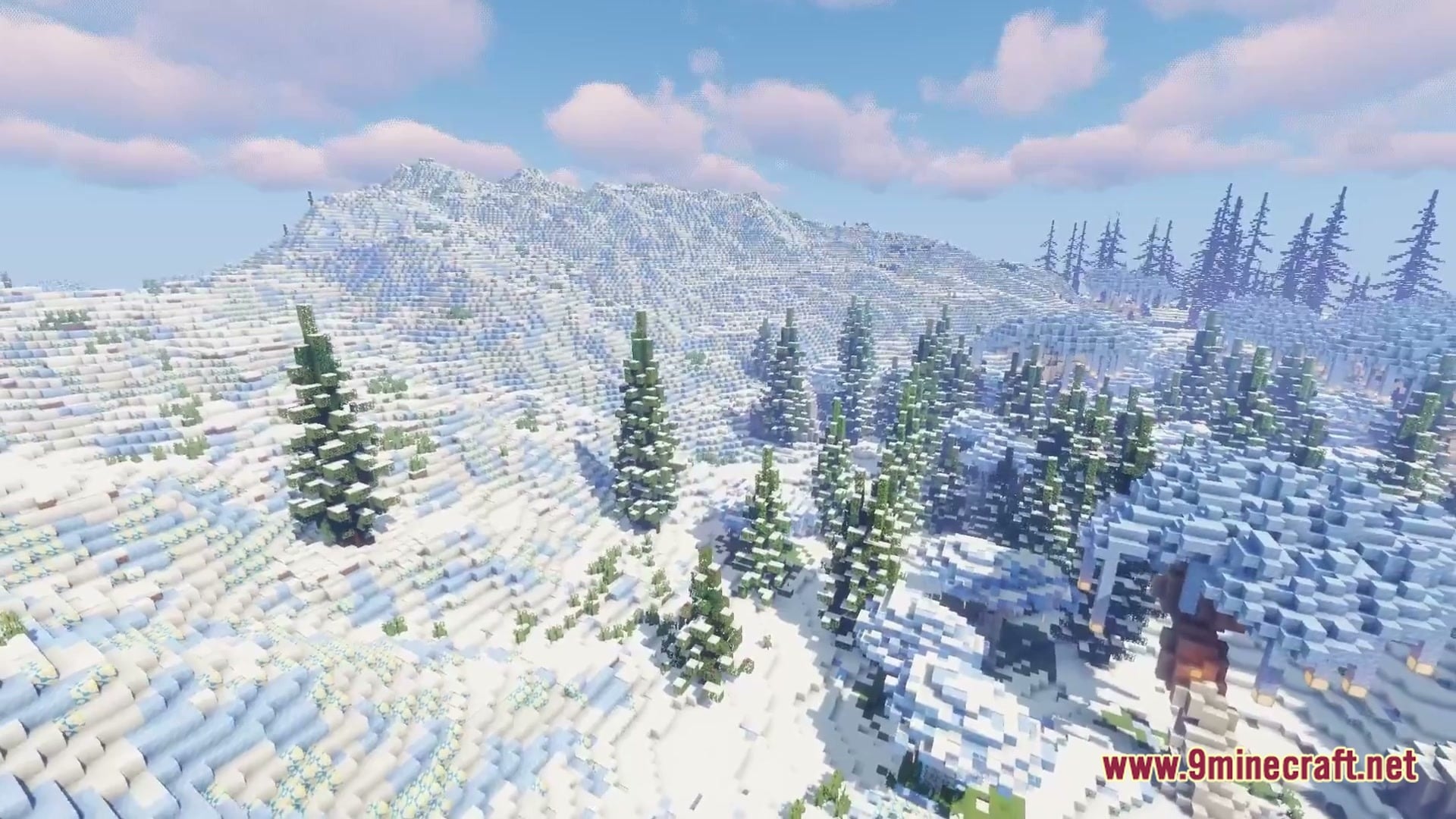
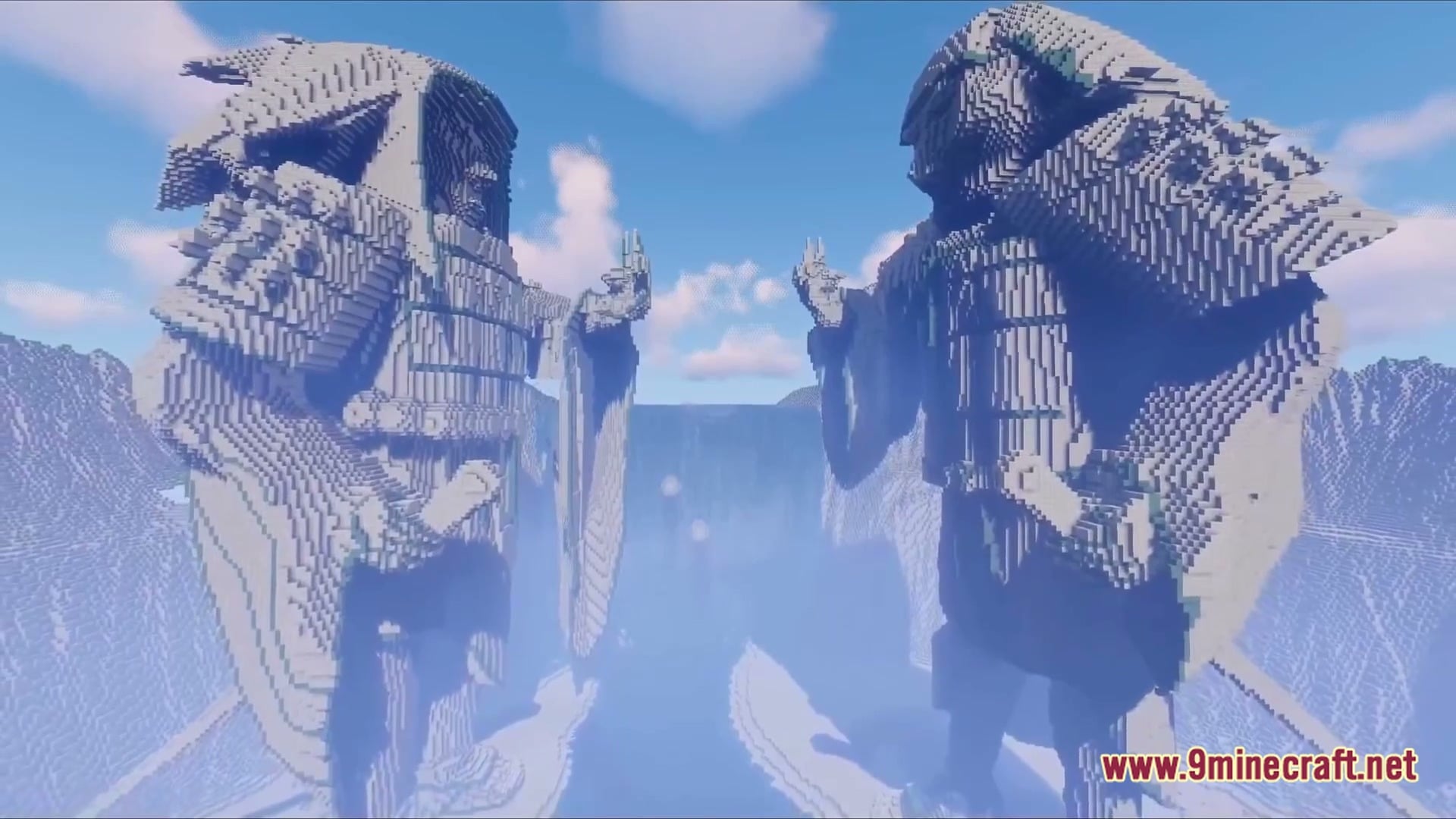
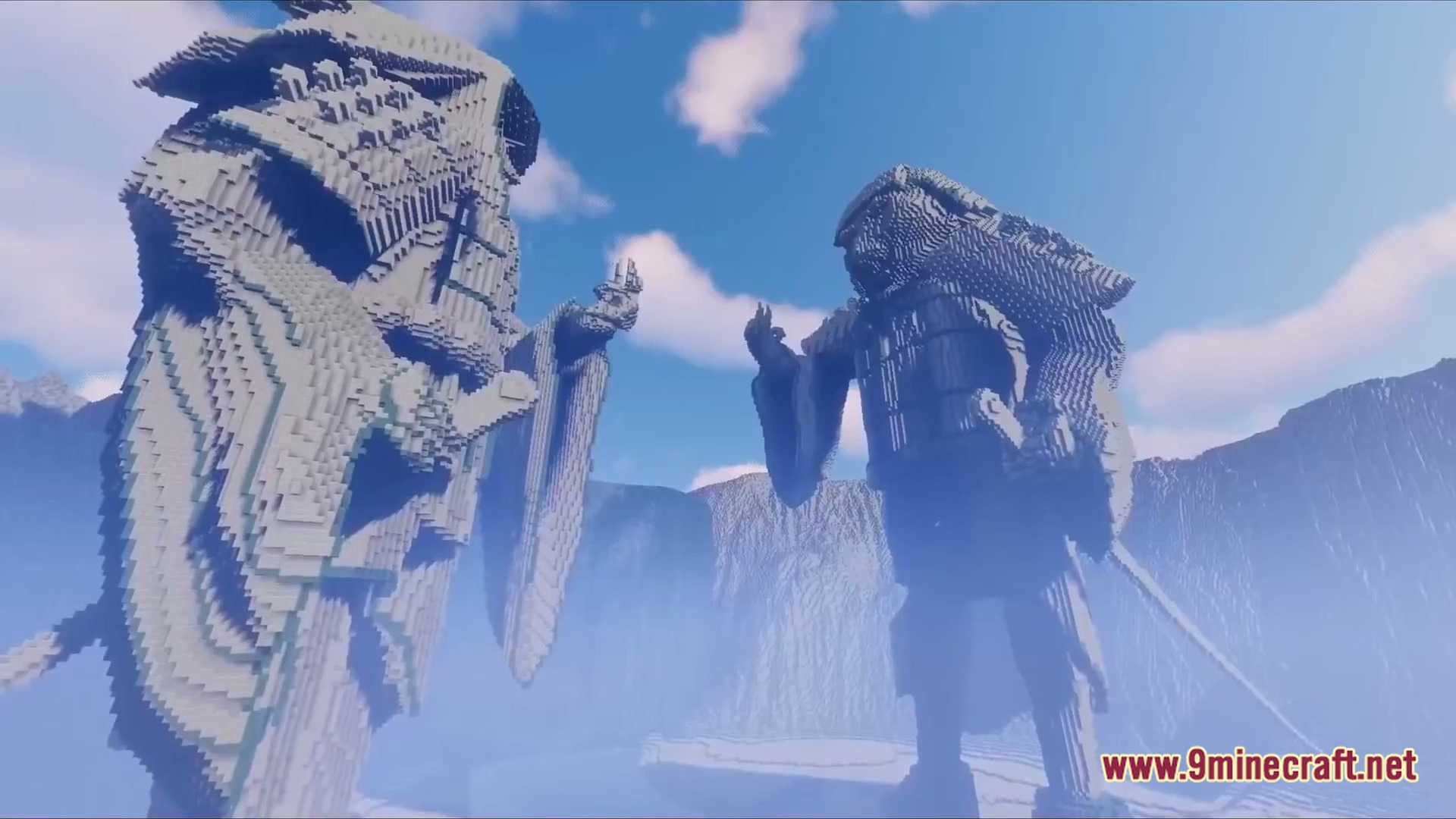
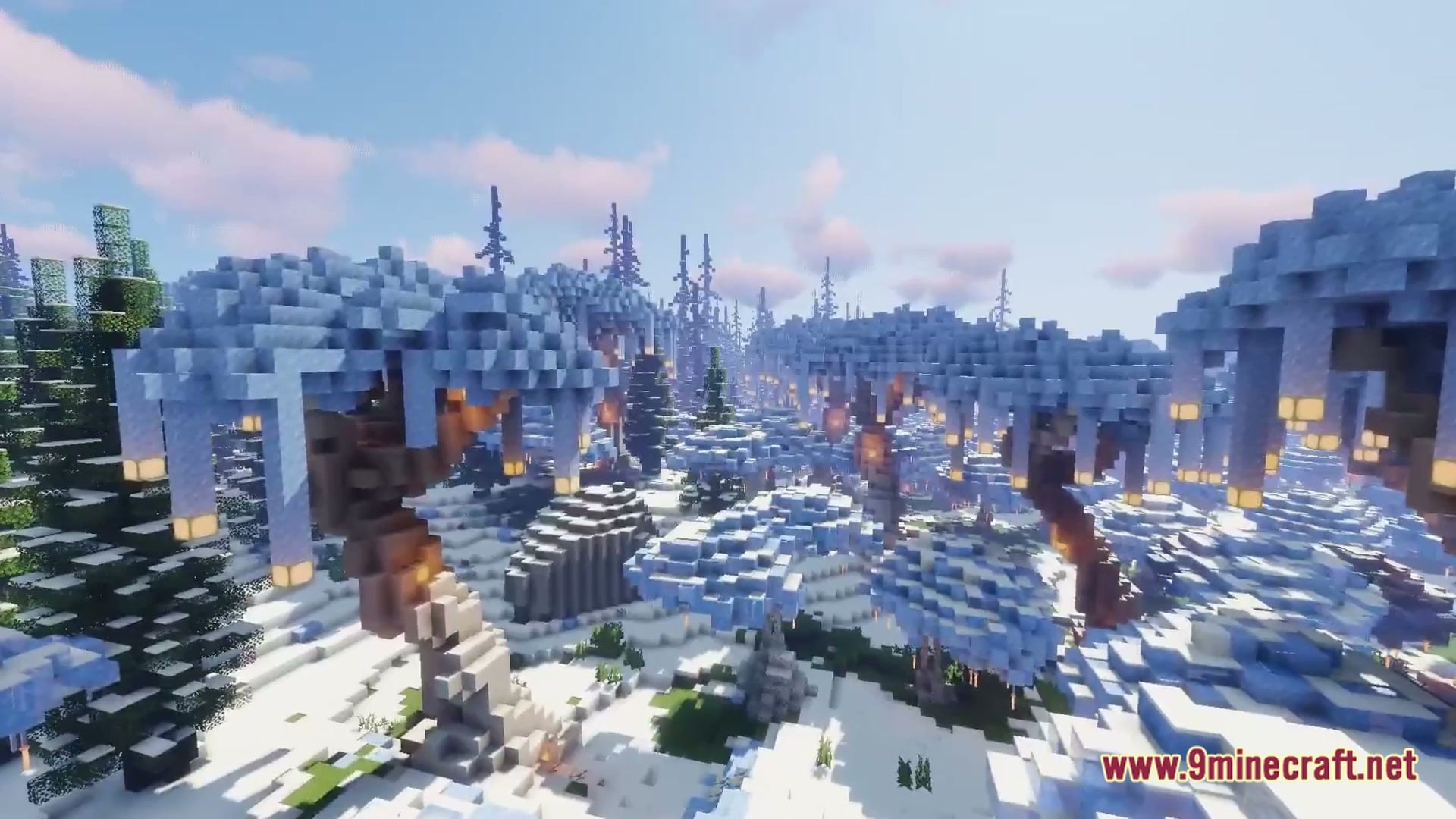
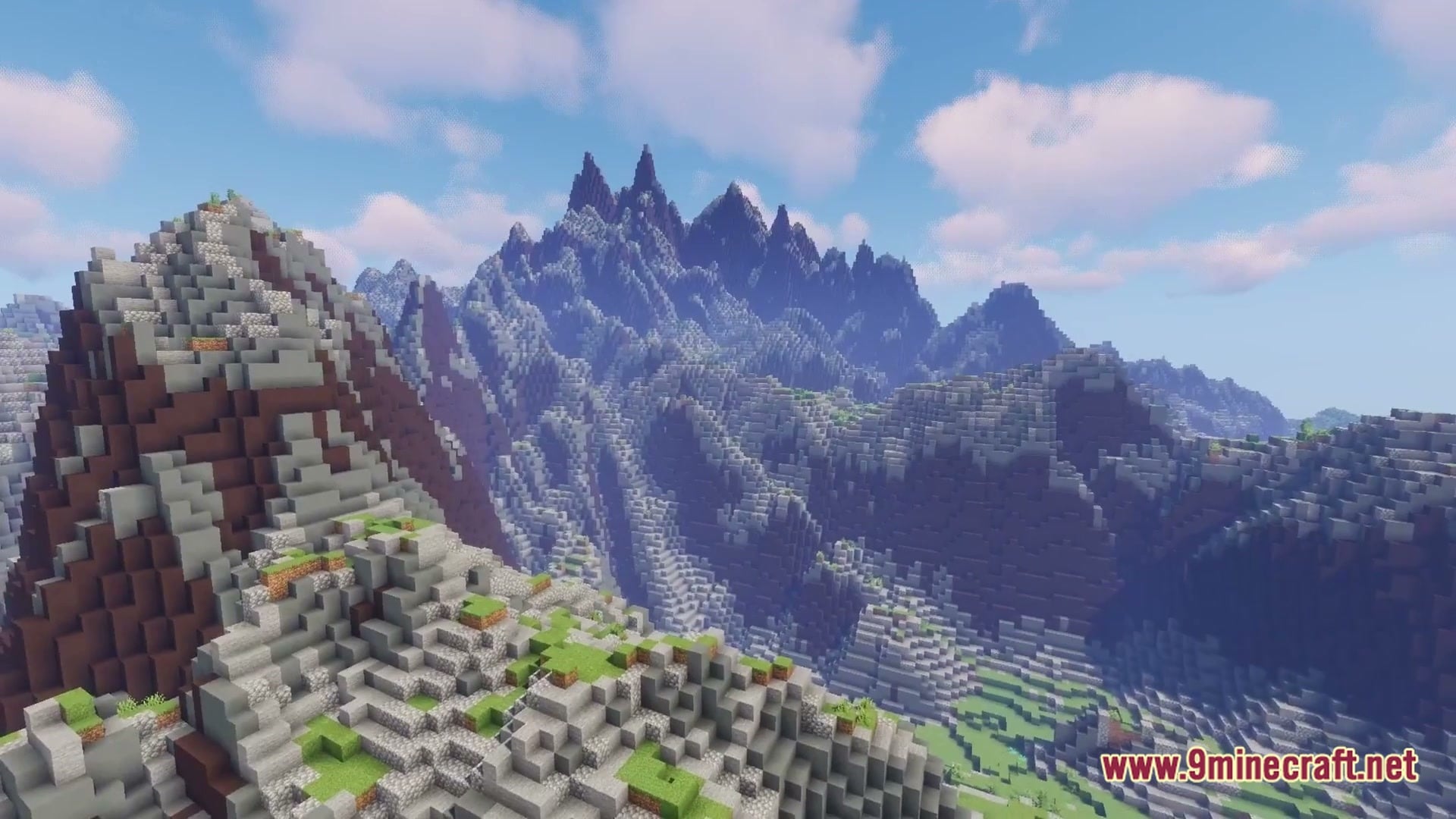
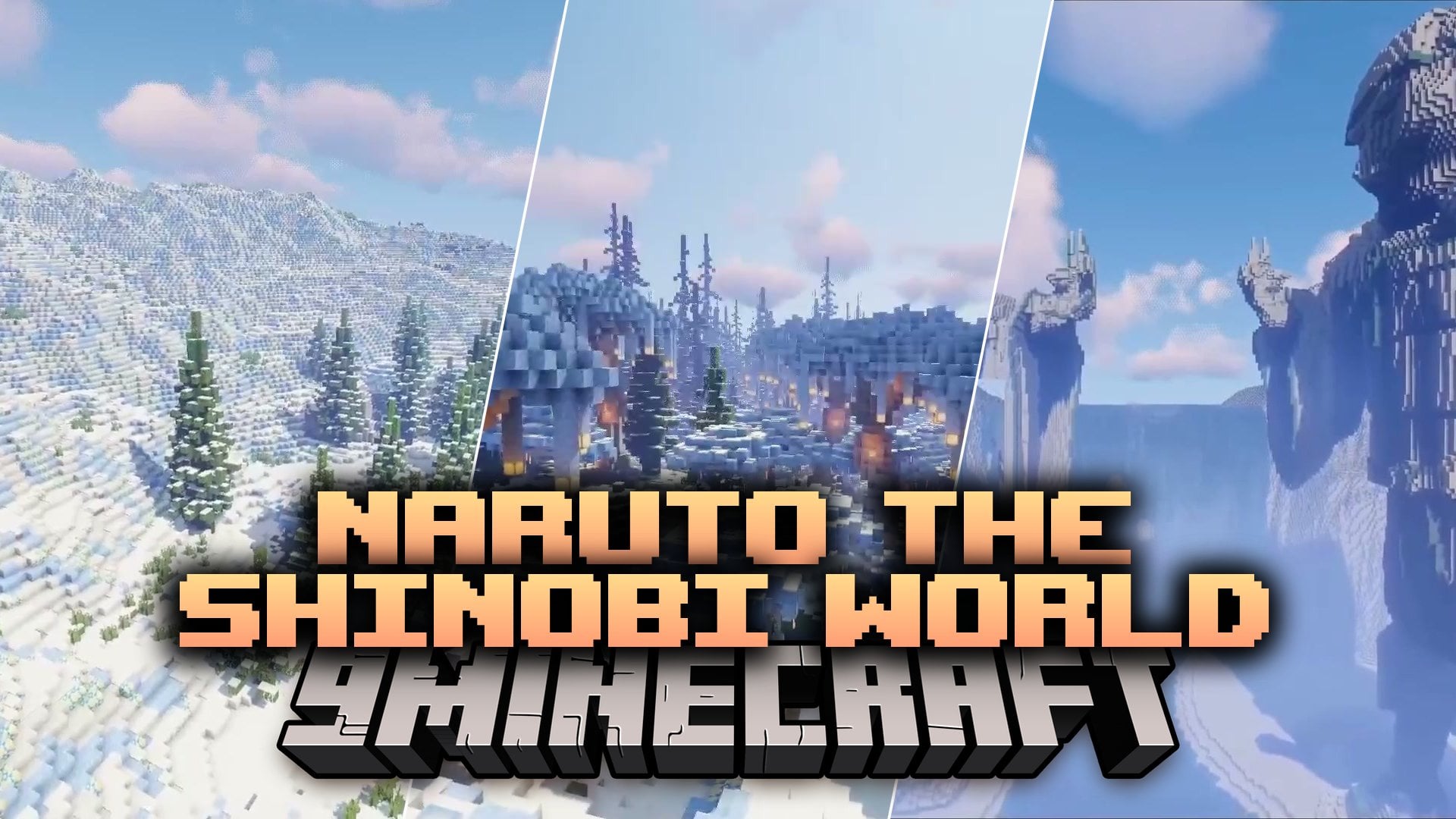
Naruto the Shinobi World Map lets you explore the complete world of Naruto inside Minecraft. This map brings famous ninja villages, classic locations, and recognizable landmarks from across the Shinobi World into one big playable space. You can use specific coordinates to find and visit every single spot with ease.
Features:
- Complete Shinobi World: Recreates the full world of Naruto as an adventure map for you to walk around and see.
- Iconic Villages and Landmarks: Includes famous villages, locations, and landmarks from all over the series.
- Easy Navigation: Provides exact village coordinates and locations so you never get lost while exploring the map.
How to Play:
- Load into the world and check the list of village coordinates to pick your first stop.
- Travel to your chosen coordinates to visit famous ninja villages and landmarks from Naruto.
- Walk around each area to see all the buildings and hidden spots up close.
Screenshots:
Naruto the Shinobi World Map Download Links
Quick facts
- Edition: Minecraft Java
- File type: .zip (world save)
- Minecraft versions listed: 26.3, 1.20.1
- How to install: Download the .zip world. → Unzip it. → Move the folder into .minecraft/saves.
- Where to get it: Opens on the file's original source — not every file is mirrored on our own servers.
Install steps are the general flow for this file type — How to install Minecraft Java maps & worlds walks through it step by step.
Naruto the Shinobi World Map (26.3, 1.20.1) – Explore Iconic Ninja Villages is a free Minecraft Java map. Compatible with Minecraft 26.3, 1.20.1. Download it and open it directly in the game.