AddonsBedrock
Keystone Addon (26.x, 1.21) – MCPE/Bedrock
Bedrock add-on listed for Minecraft 1.21 (behavior + resource pack). File opened and checked on 1 Oct 2026; installs from the MC Bedrock Mods app on Android.
⬇ Download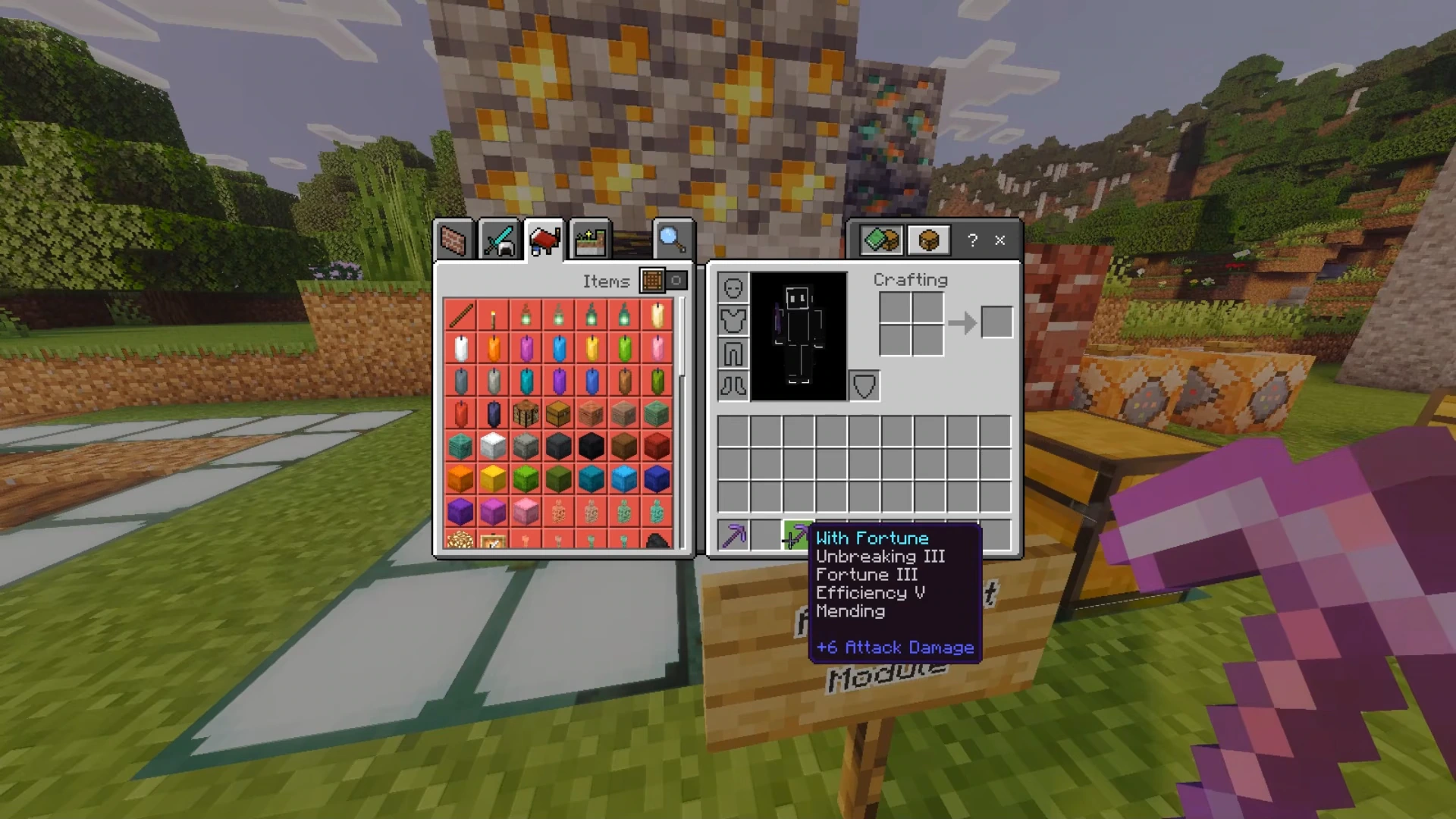
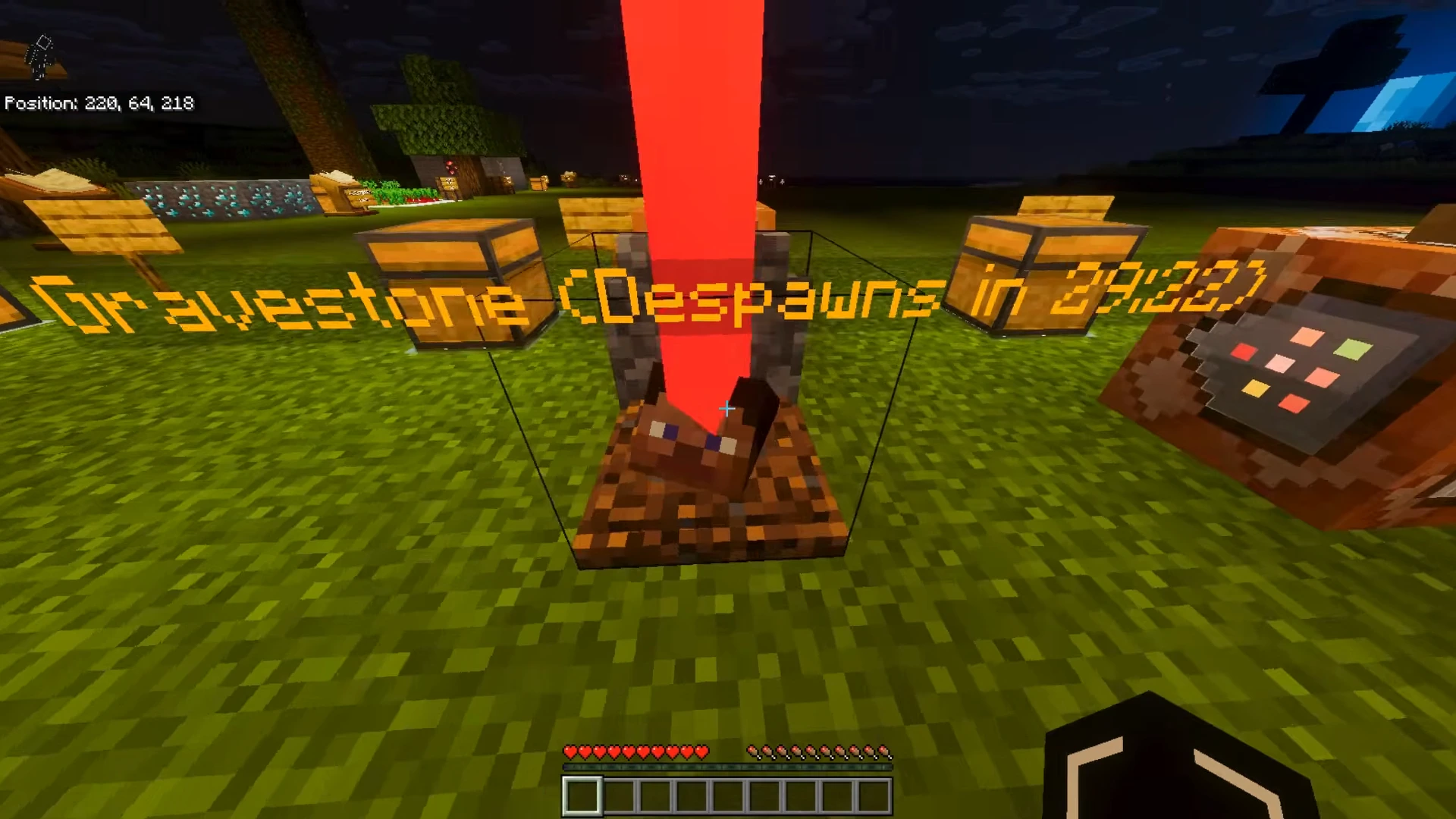
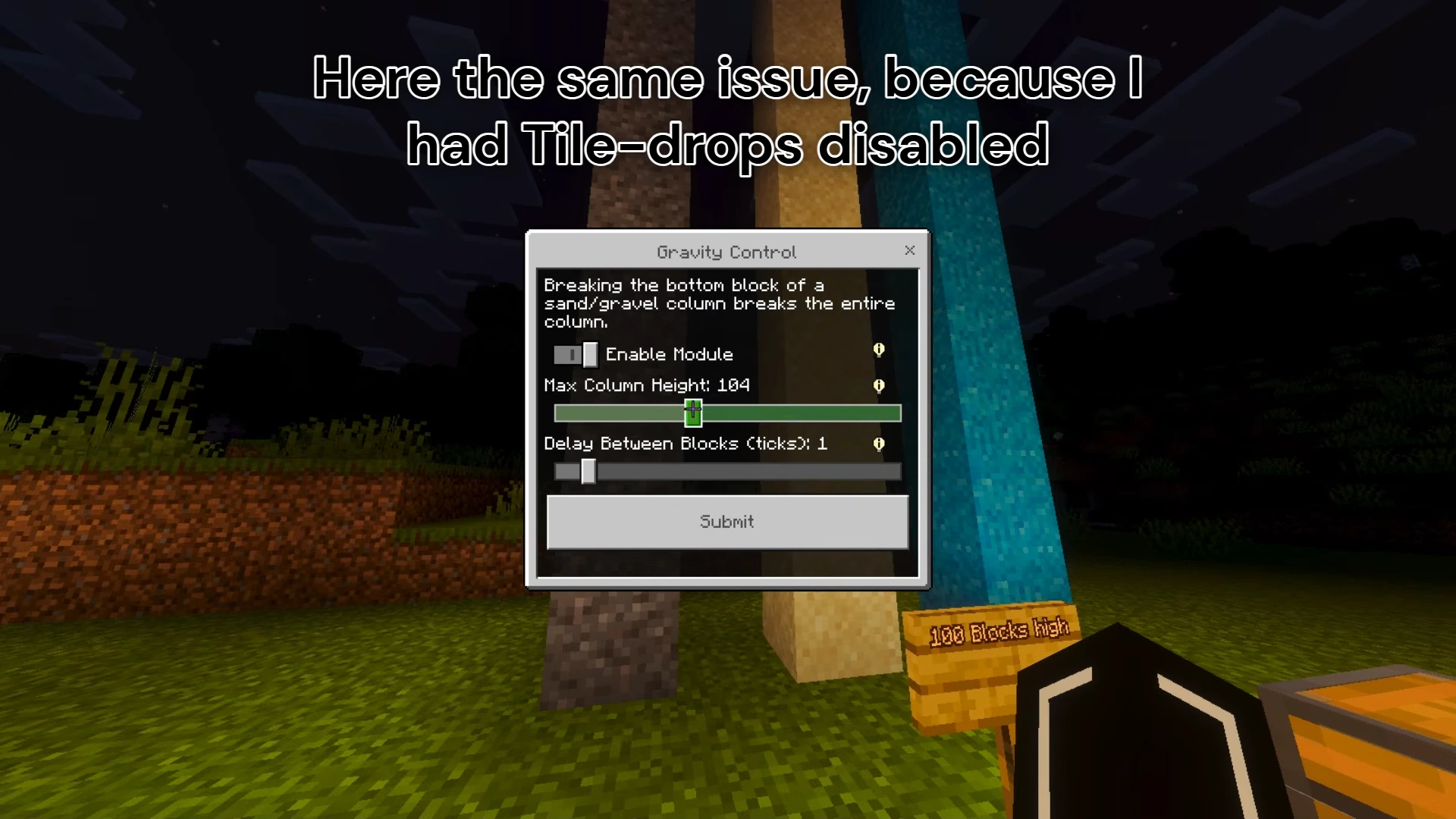
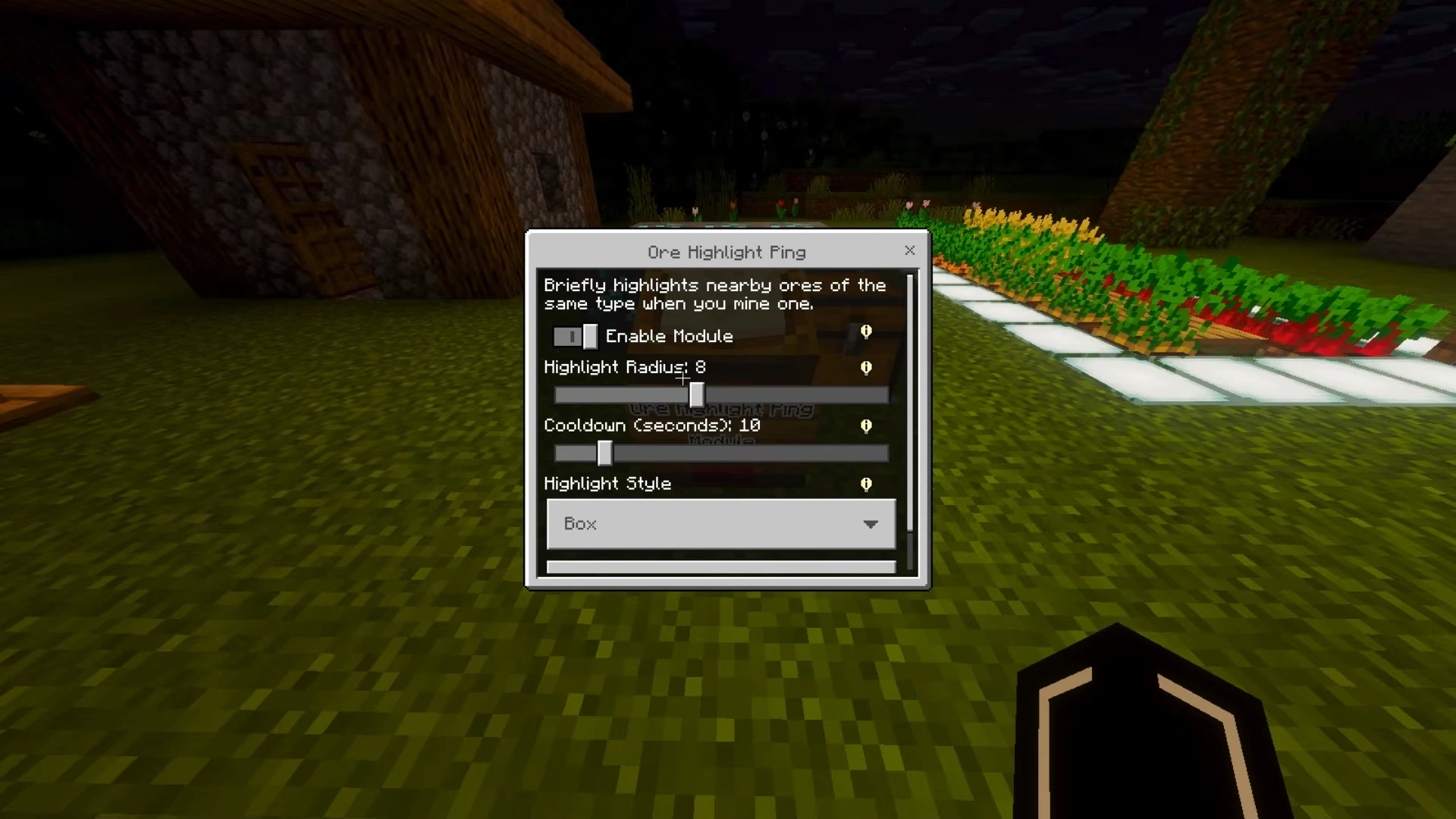
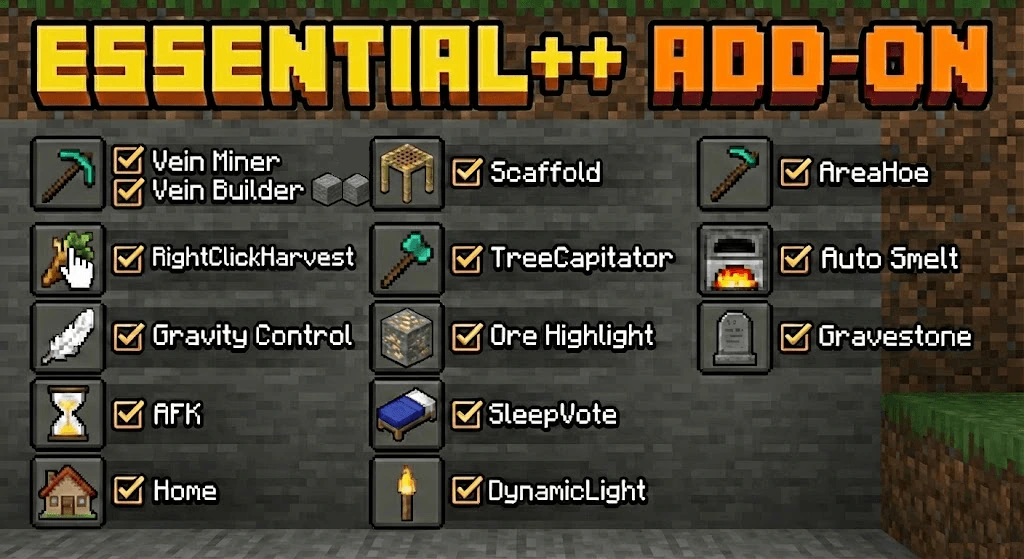
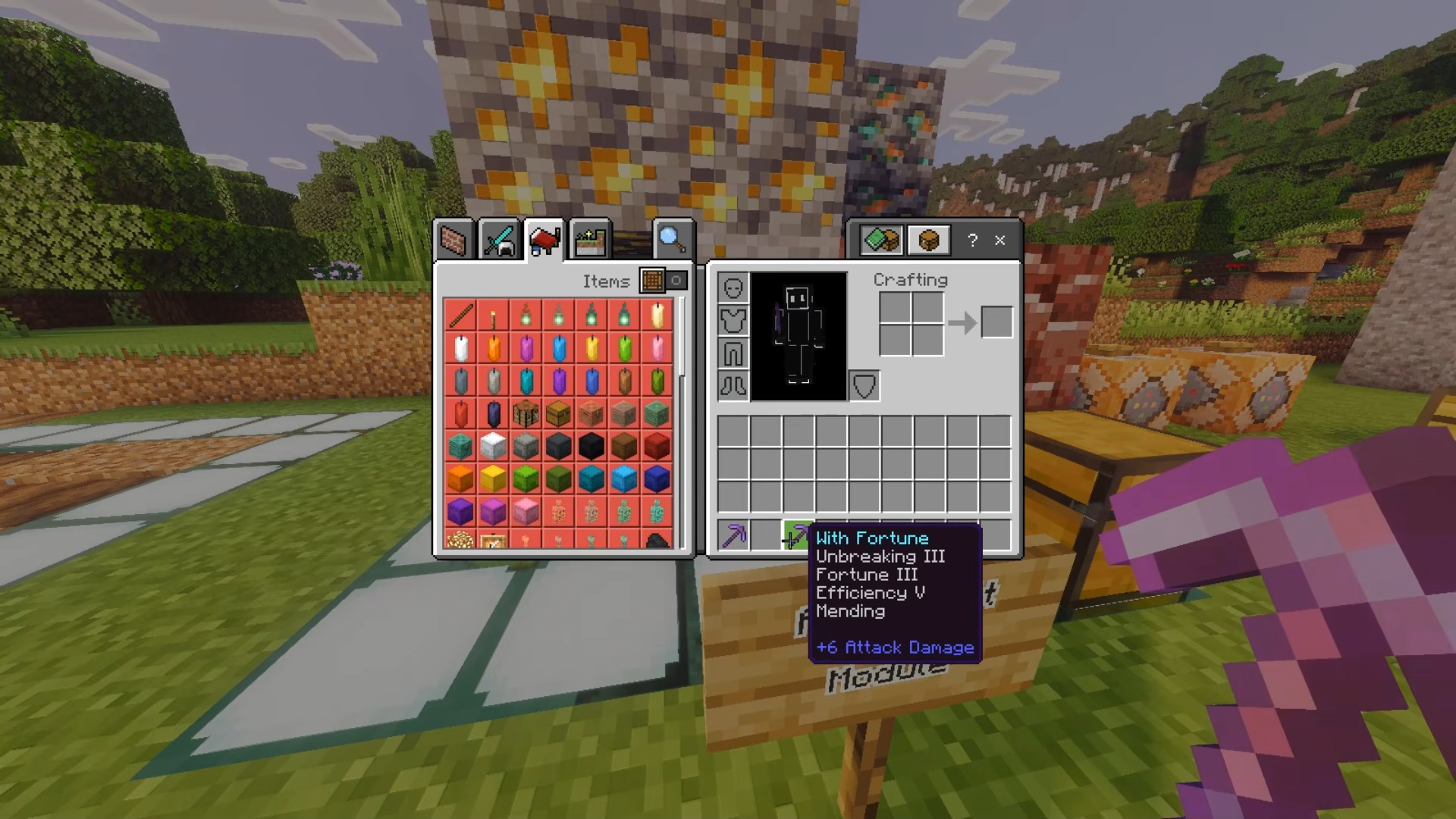
Keystone Addon adds many helpful tools to speed up your daily tasks. It lets you chop down whole trees at once and mine entire ore veins with a single block break. It also allows you to set homes, skip the night, and keep your items safe when you die.
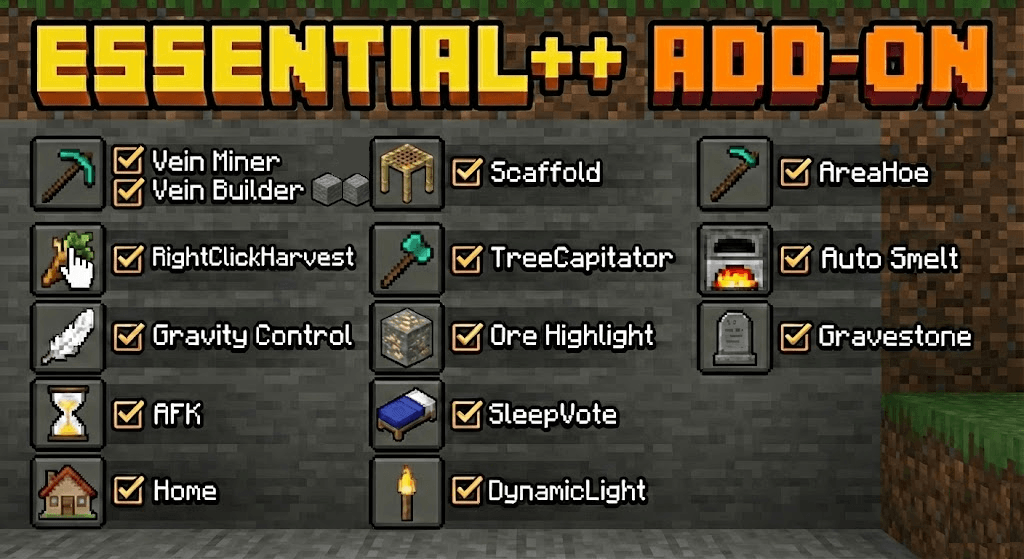
Features:
- Mine entire ore veins at once while sneaking.
- Chop down whole trees by breaking the bottom log.
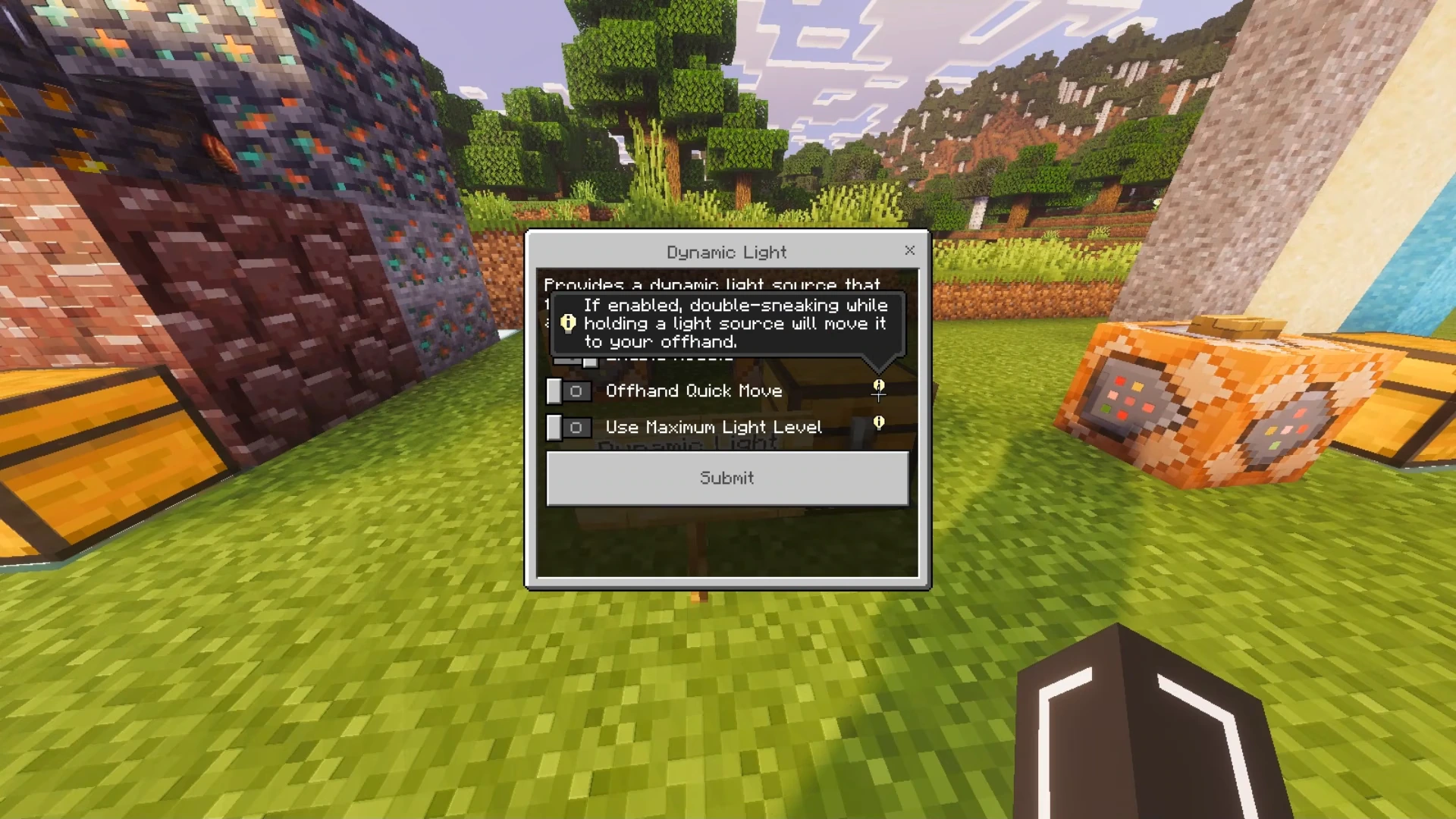
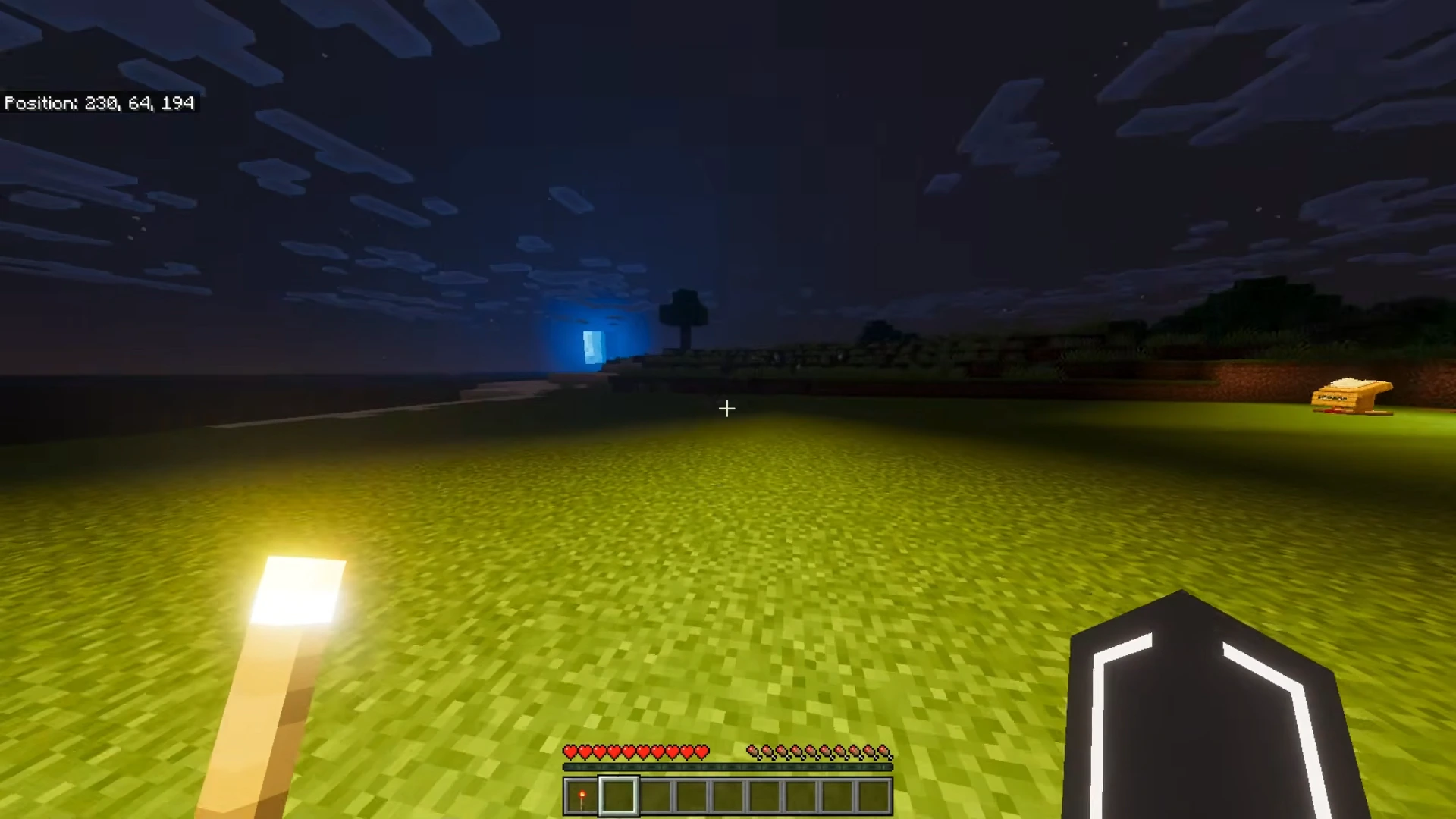
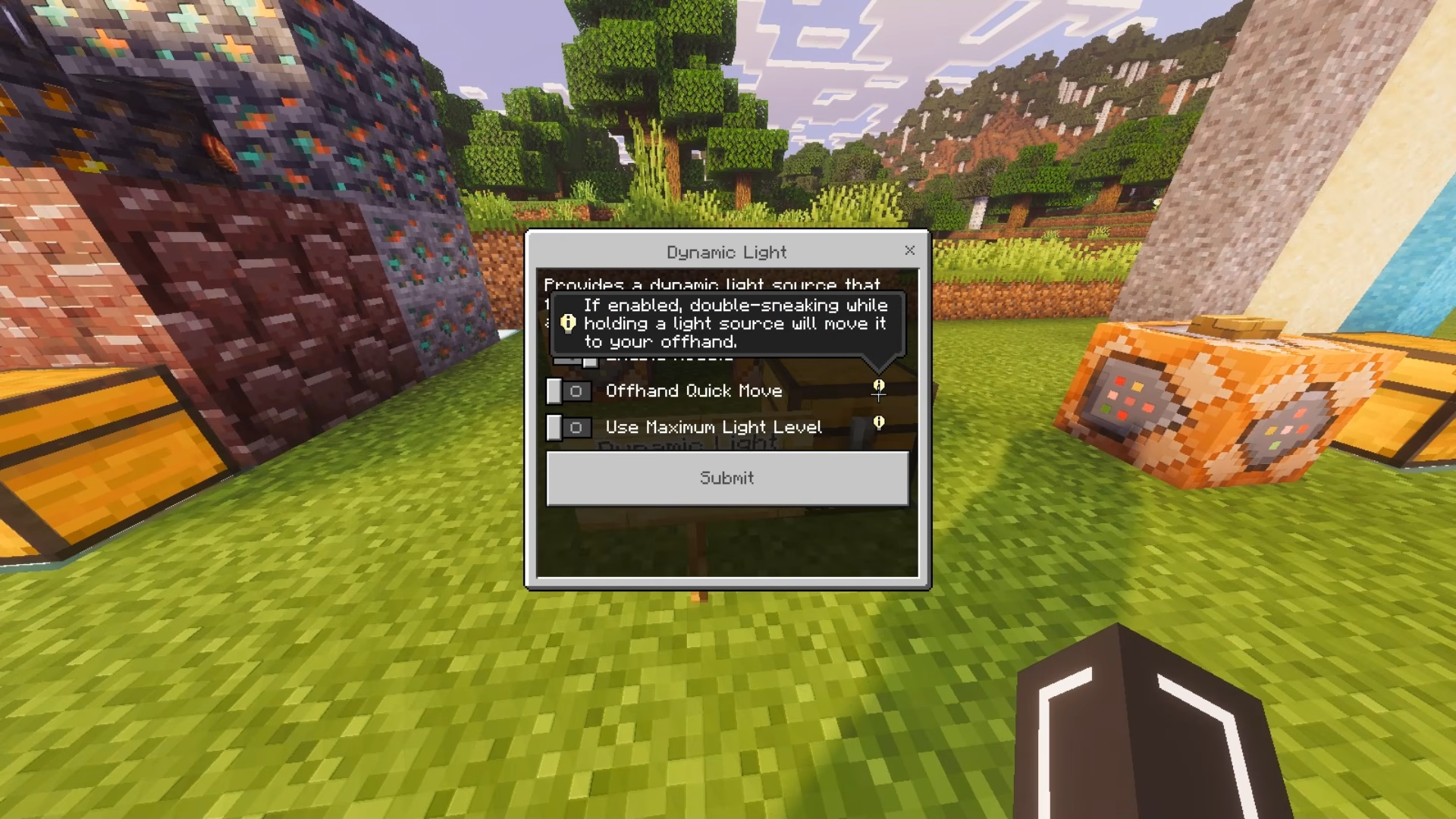
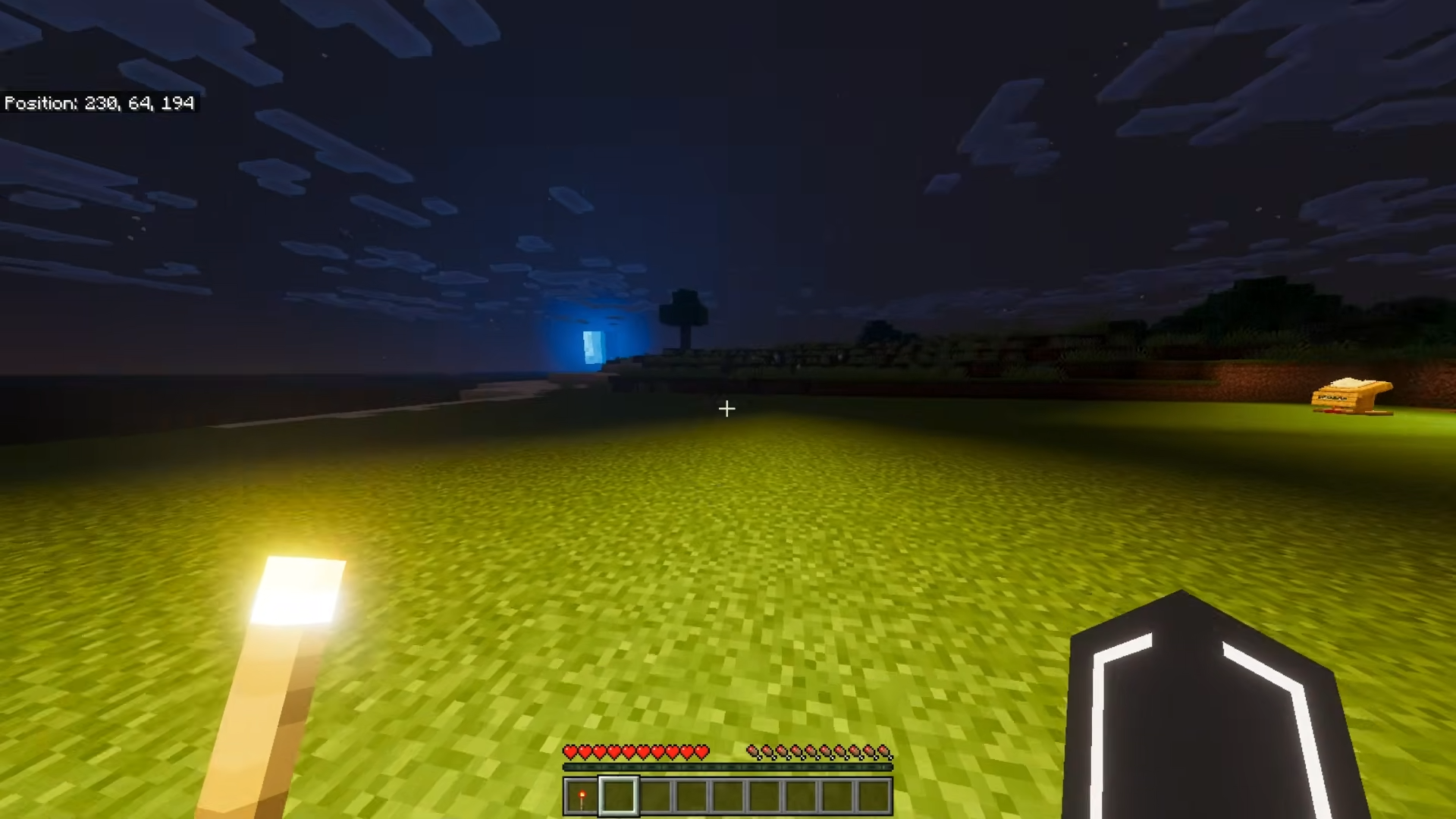
- Light up dark areas just by holding a torch.
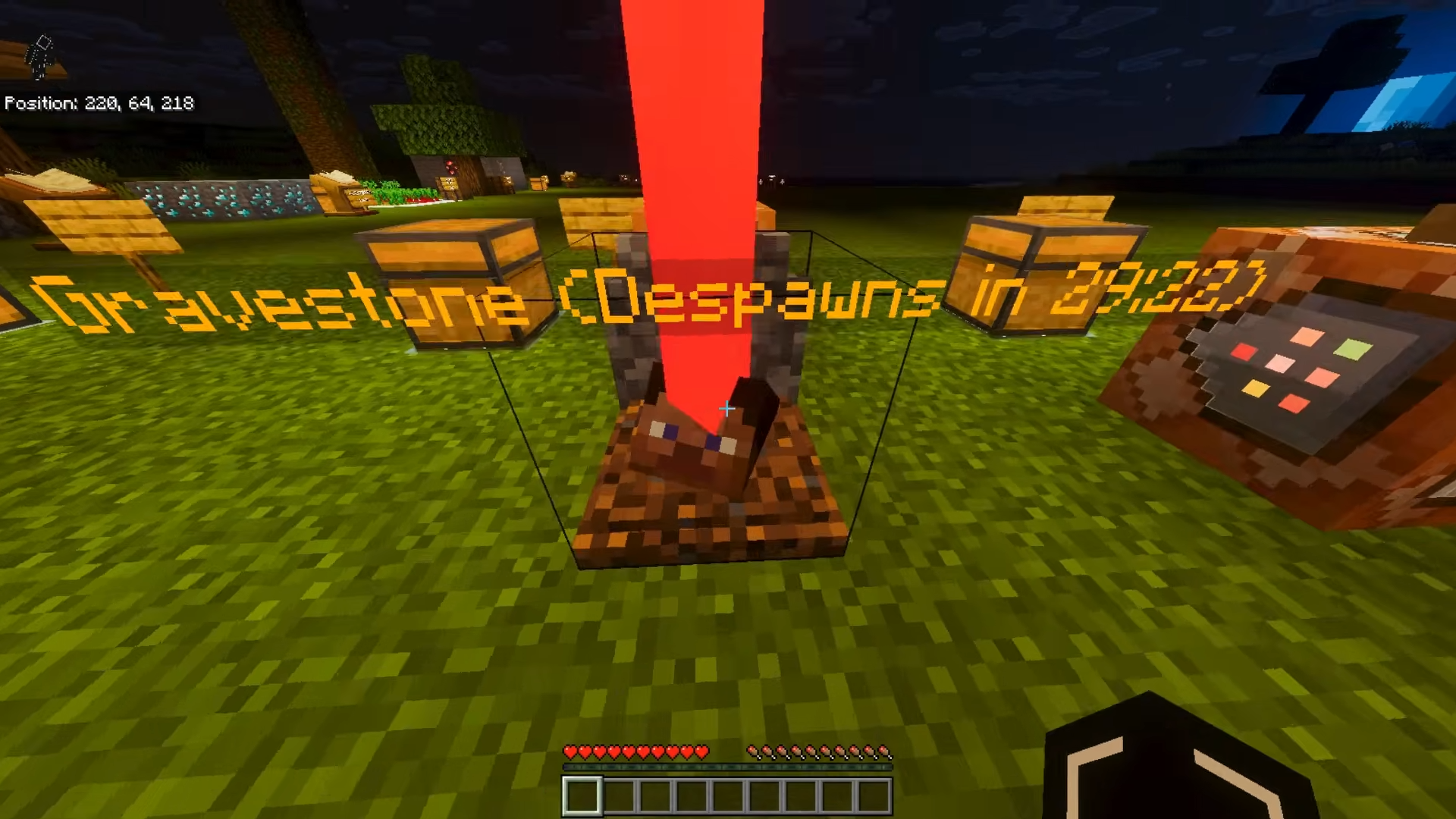
- Keep your items safe inside a gravestone upon death.
- Harvest and replant your crops with a single click.
Commands:
- /es:config – Opens the main settings menu.
- /es:pvp – Turns player combat on or off.
- /es:sethome – Saves your current location.
- /es:home [name] – Teleports you to a saved home.
- /es:delhome – Deletes a saved home.
Screenshots:
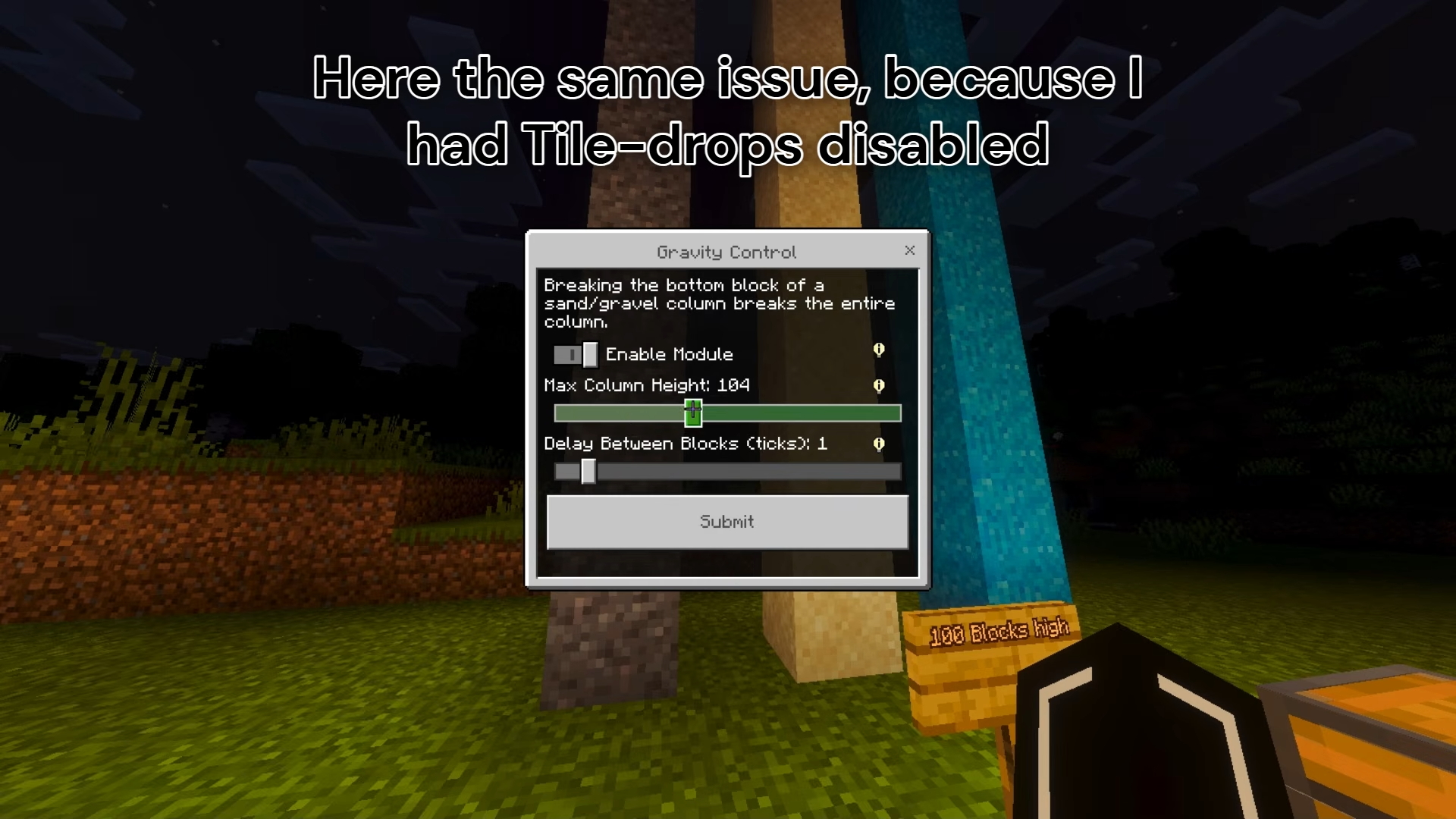
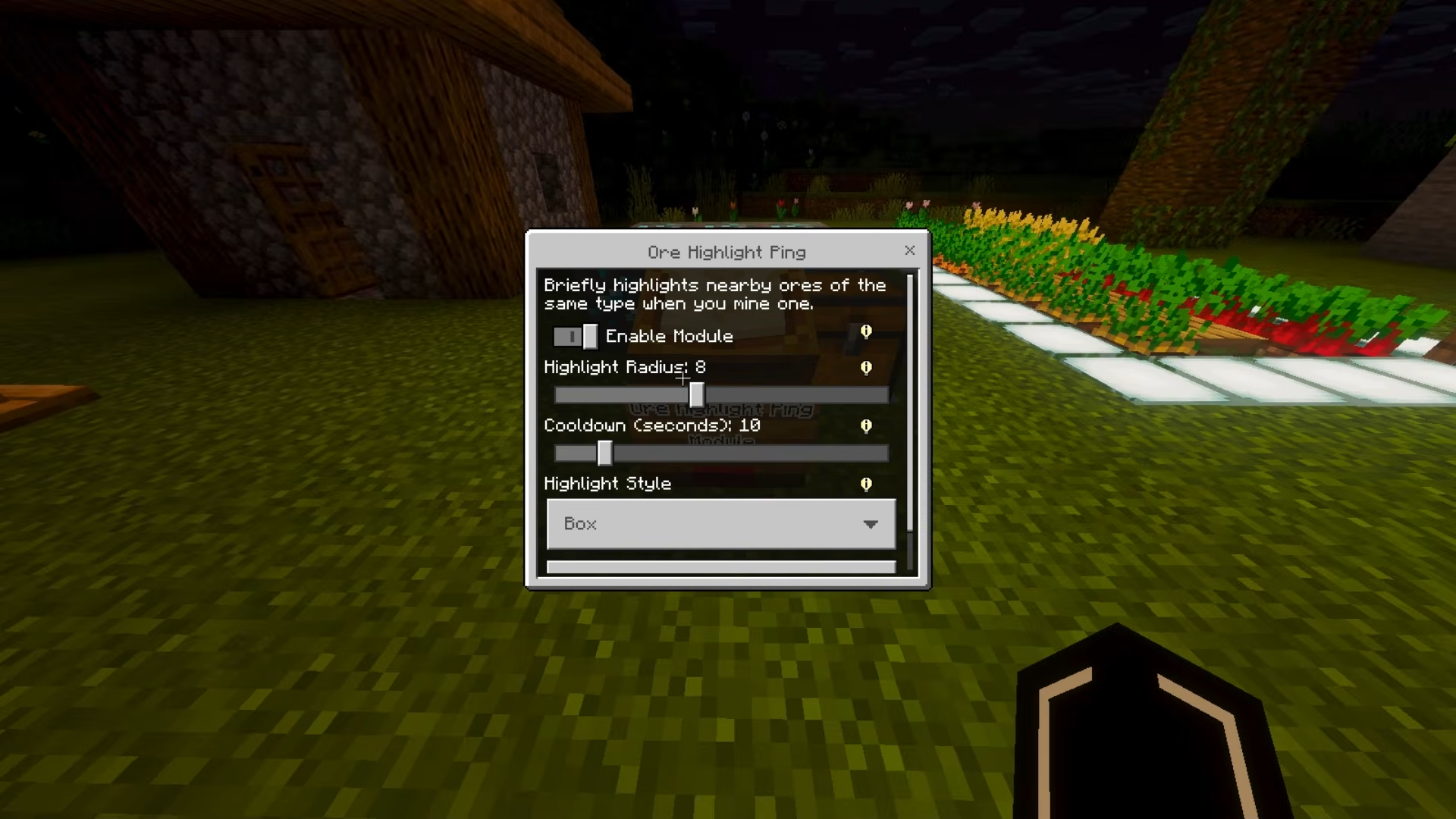
Keystone Addon Download Links
Quick facts
- Edition: Minecraft Bedrock
- File type: .mcpack or .mcaddon
- Minecraft version listed: 1.21
- How to install: Download the .mcpack or .mcaddon file. → Open it — Minecraft imports it. → In your world: Behavior Packs → Available → Activate, then the same under Resource Packs.
- Where to get it: In MCModsHub, or directly above on this page.
Install steps are the general flow for this file type — How to install Minecraft Bedrock addons & mods walks through it step by step.
File checked by MCModsHub
- Pack type: .mcaddon — behaviour and resource pack in one file
- Manifest requires Minecraft 1.21.90 or newer
- Complete pack — everything it depends on is inside the file
- Download size: 777 KB
- Download link checked 22 Jul 2026 — working
- Mirrored on our own servers — the download does not depend on the original host
These come from our own check of the pack file, not from the source page.