
ModsJava
PPL Mini Mod (26.3) – Follow Visual GPS Routes and Sort Your Inventory Faster
Java mod listed for Minecraft 26.x. Downloads from the MC Java Mods app on Android.
⬇ Download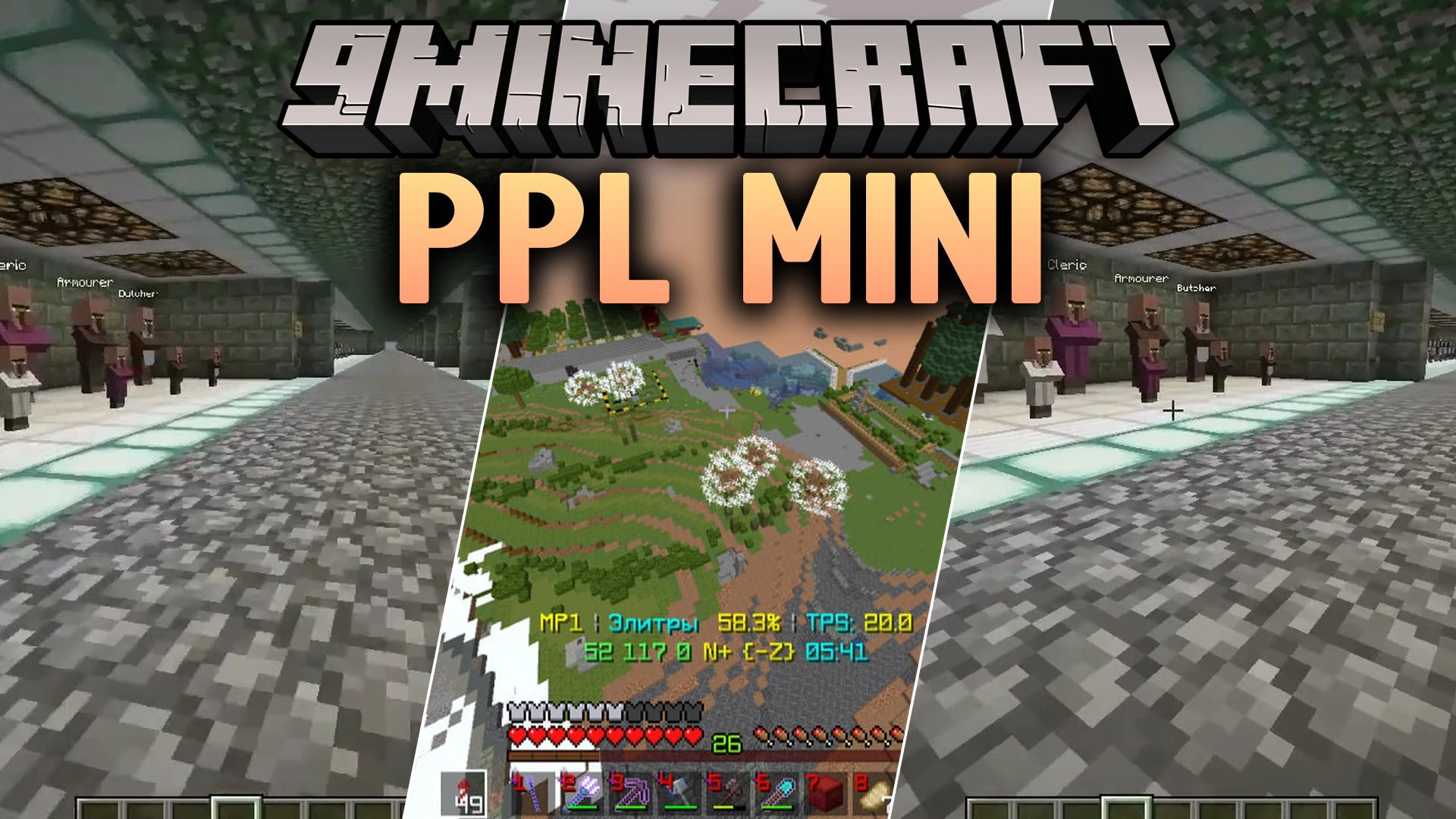
PPL Mini Mod packs in navigation tools, inventory helpers, and HUD upgrades for the Pepeland server. This client-side mod brings a custom action bar, GPS routing, and fast search tools for signs and item frames. While some features connect directly to Pepeland server systems like lobbies and custom badges, many of the inventory and screen tools work on any world you play.
Features:
- Custom Action Bar: Shows your current world, online player count, server TPS, coordinates, compass direction, and real or in-game time.
- Visual GPS Routing: Draws a colored path line in the world to guide you to specific coordinates across the Overworld, Nether, and End.
- Sign and Frame Search: Highlights signs by text or price and finds specific items sitting inside item frames around you.
- Inventory Management: Adds one-click sorting, auto-transfer, mass dropping, and slot locking so you never toss important gear by mistake.
- Container Labels and Previews: Displays floating labels with up to 9 item icons above chests, barrels, and shulker boxes, plus an inside preview for shulker boxes.
- Pepeland Server Integration: Adds a direct join button, total playtime stats, a lobby button, automatic resource pack updates, and player nametag badges.
- Tracks your Elytra durability percentage or estimated flight time left right on the screen.
- Shows active potion timers, block mining progress, and alerts when your held item gains or loses durability.
- Shifts the action bar position automatically so it does not cover up standard game messages.
- Integrates with Xaero’s World Map to show world borders, add waypoints from clickable chat coordinates, and start GPS routes from map markers.
- Performs mass crafting and villager trading until you run out of materials, with adjustable delay settings for crafting tables and stonecutters.
- Displays anvil use counts, maximum enchantment levels, hotbar keybind labels, and a viewer for items with custom model data.
Commands:
/gps <world> <x> <y> <z> [name]: Builds a visual route ribbon in the world to the target coordinates./wp <x> <y> <z> [name]: Creates a new Xaero waypoint at the given location./f <query> [price]: Searches nearby signs for matching text and optional prices, then highlights the results./signsearch: Works as an alternative command to search nearby signs./fm <query>: Finds and highlights matching items inside nearby item frames./framesearch: Works as an alternative command to search item frames./fetch <nickname>: Looks up a player’s UUID, NameMC profile, name history, and player head./phead <nickname>: Requests a specific player’s head if the server allows it.
How to Use:
- Hold Shift + Middle Mouse Button while looking at a sign to repeat a search using that sign’s text.
- Press Ctrl + Left Click on any inventory slot to lock it and protect that item from sorting or mass dropping.
- Press Right Click on a piece of armor or gear in your inventory to equip or swap it right away.
- Drag with Right Click to place one item into each slot, or use Left Click and Shift + Left Click tweaks to gather and move stacks quickly.
- Hold Left Alt while hovering over a shulker box to inspect the descriptions of the items inside.
- Click on coordinates in the chat box to save them directly as a waypoint on your map.
PPL Mini Mod Download Links
Quick facts
- Edition: Minecraft Java
- File type: .jar
- Minecraft version listed: 26.3
- How to install: Install the matching mod loader (Forge, Fabric or NeoForge) for your Minecraft version. → Download the .jar. → Put it in the .minecraft/mods folder and launch that loader profile.
- Where to get it: In MC Java Mods, or directly above on this page.
Install steps are the general flow for this file type — How to install Minecraft Java mods & modpacks walks through it step by step.
File checked by MCModsHub
- Download size: 37.9 MB
- Download link checked 16 Nov 2026 — working
- Mirrored on our own servers — the download does not depend on the original host
These come from our own check of the pack file, not from the source page.