ModsJava
Tac Ops Mod (26.3) – Peek Corners and Customize Firearms in Tactical Firefights
Java mod listed for Minecraft 26.x. Downloads from the MC Java Mods app on Android.
⬇ Download


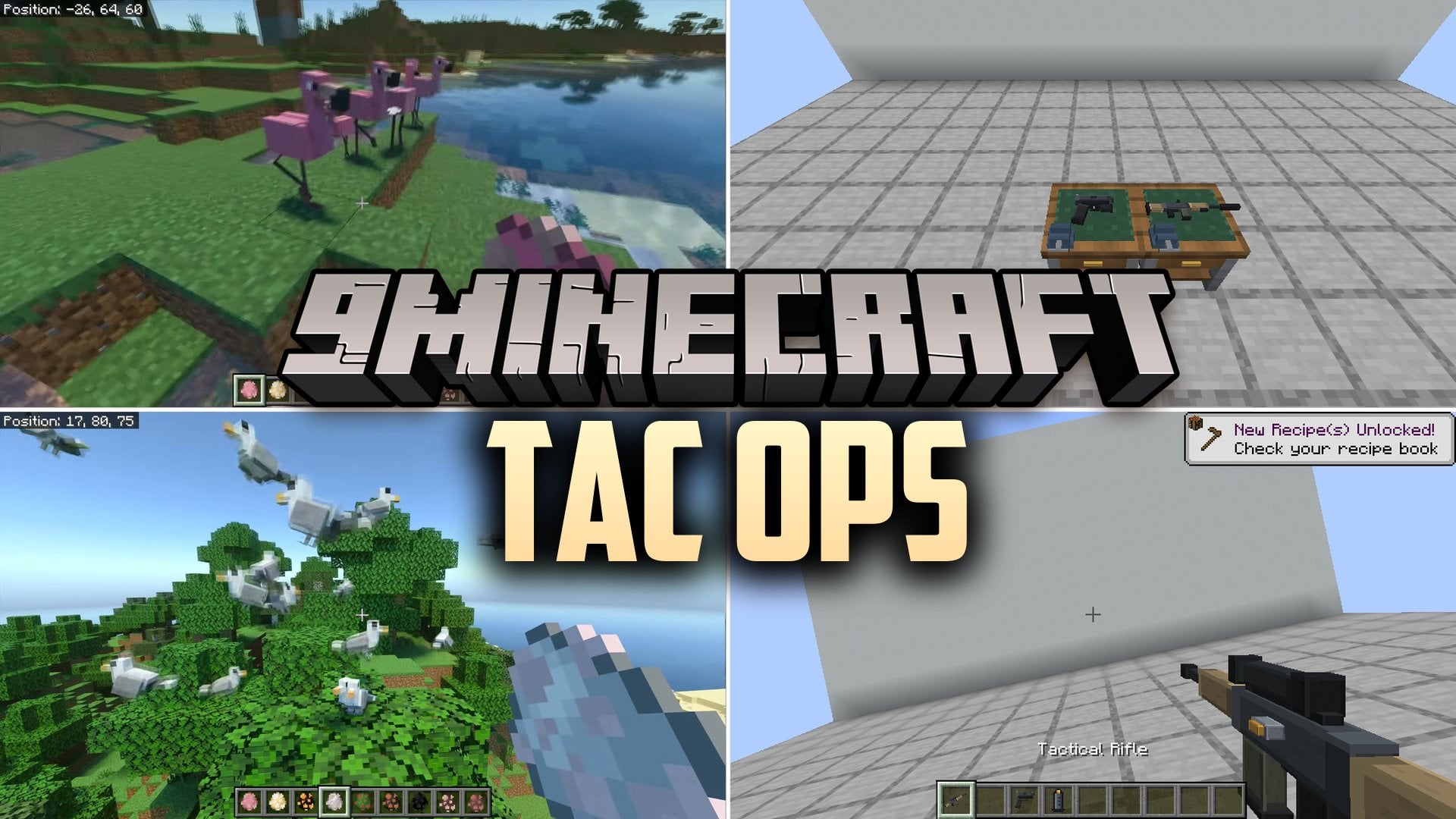
Tac Ops Mod brings tactical first-person shooter mechanics and 3D animated firearms into Minecraft. It adds realistic bullet behavior, corner peeking, weapon attachments, and a custom workbench. You can customize your guns, maintain them with cleaning kits, and use throwable explosives in combat. The mod also tracks specific body hitzones and checks firing angles on the server for fair fights.
Features:
- Tactical Ballistics: Weapons feature procedural recoil curves, spread bloom, iron sights, and 3X scope overlays.
- Weapon Maintenance: Guns have durability, wear states, and jamming mechanics that you can fix using Gun Cleaning Kits.
- Body Hitzones: Damage calculations check whether shots hit the head, torso, or legs, while Plate Carrier armor absorbs hits to the torso.
- Corner Peeking: Press the Q and E keys to lean your camera around corners with wall collision checks.
- 3D Gunsmith Workbench: A placeable workshop block displays your gun in 3D so you can swap attachments, service weapons, and check stat changes with color coding.
- Eliminates head glitching by checking eye firing origins on the server and exposing the head hitbox when you peek.
- Includes firearms like the Tactical Rifle and Tactical Pistol along with matching Rifle Magazines, Pistol Magazines, and Extended Magazines that hold 50% more rounds.
- Offers extra gear and attachments such as the Red Dot Sight, Suppressor, Night Vision Goggles, and a Target Dummy for practice.
Underbarrel Attachments:
- Red Laser Sights: Casts a visible red beam up to 30 blocks away and cuts base hipfire spread by 35%.
- Tactical Flashlights: Projects a light cone that blinds close-range mobs and causes a glare whiteout for players within 6 blocks.
Tactical Ordnance:
- Frag Grenades: Explosive grenades that you can cook before throwing.
- Smoke Grenades: Creates a smoke screen that lasts for 15 seconds.
- Flashbangs: Blinds the screen and causes a ringing sound in the ears.
- M18 Claymores: Placeable mines that blast in a specific direction.
- C4 Charges: Explosives that you trigger from a distance using a Remote Detonator.
How to Use:
- Place a Gunsmith Workbench block on the ground and interact with it to attach sights, lasers, or flashlights to your firearms.
- Press Q or E while near a wall to lean and peek around corners during a fight.
- Use a Gun Cleaning Kit on worn firearms to keep them from jamming in combat.
Screenshots:
Tac Ops Mod Download Links
Quick facts
- Edition: Minecraft Java
- File type: .jar
- Minecraft version listed: 26.3
- How to install: Install the matching mod loader (Forge, Fabric or NeoForge) for your Minecraft version. → Download the .jar. → Put it in the .minecraft/mods folder and launch that loader profile.
- Where to get it: In MC Java Mods, or directly above on this page.
Install steps are the general flow for this file type — How to install Minecraft Java mods & modpacks walks through it step by step.
File checked by MCModsHub
- Downloads as 549092.mcaddon
- Download size: 1.5 MB
- Download link checked 16 Nov 2026 — working
- Mirrored on our own servers — the download does not depend on the original host
These come from our own check of the pack file, not from the source page.