Whiteveil Shaders
Java shader pack listed for Minecraft 1.16–26.x. Downloads from the MC Java Mods app on Android.
⬇ Download on CurseForge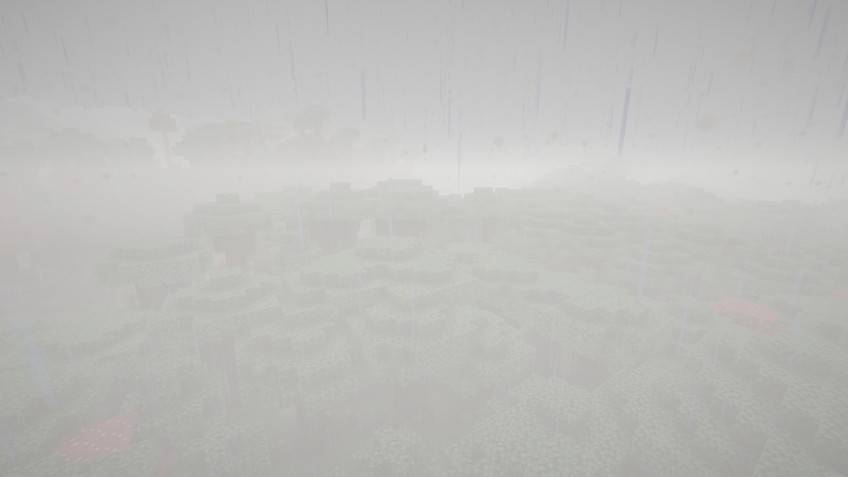
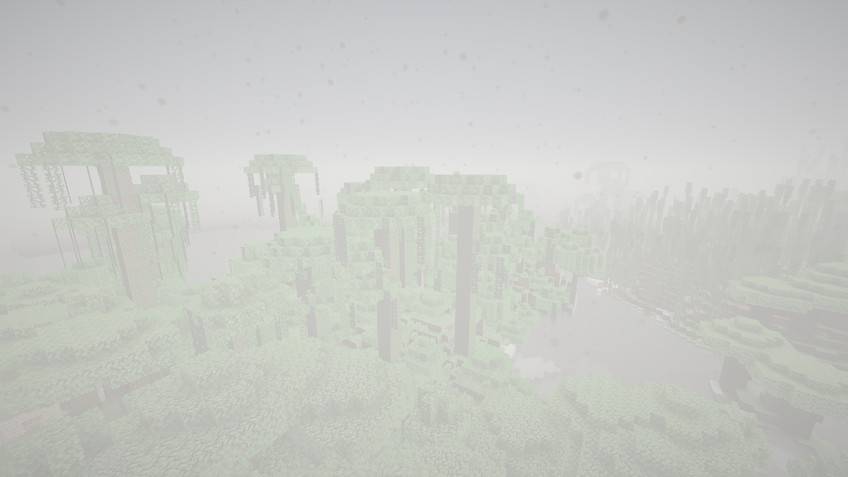
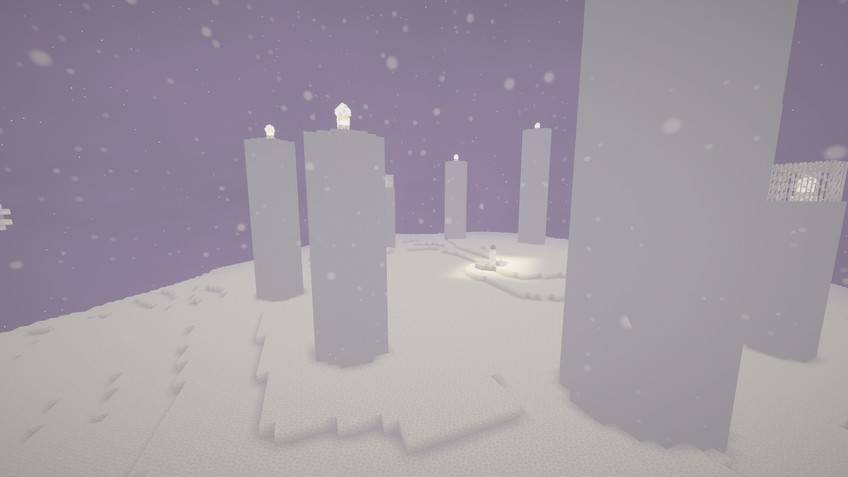
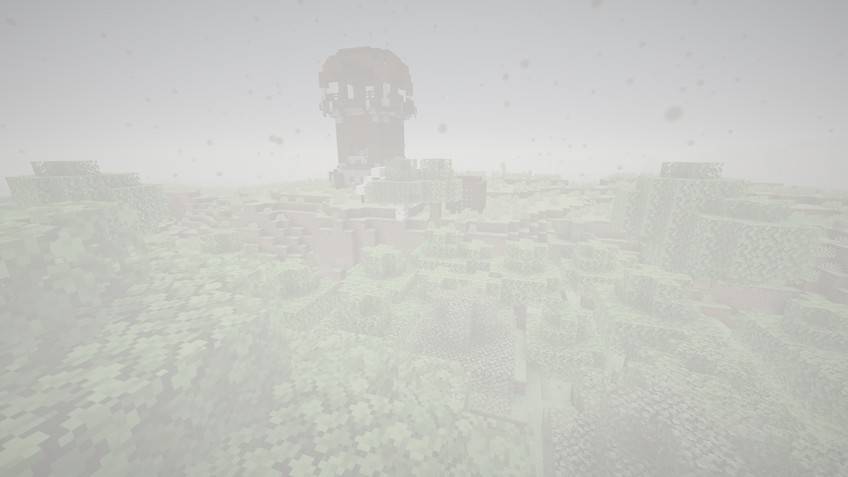
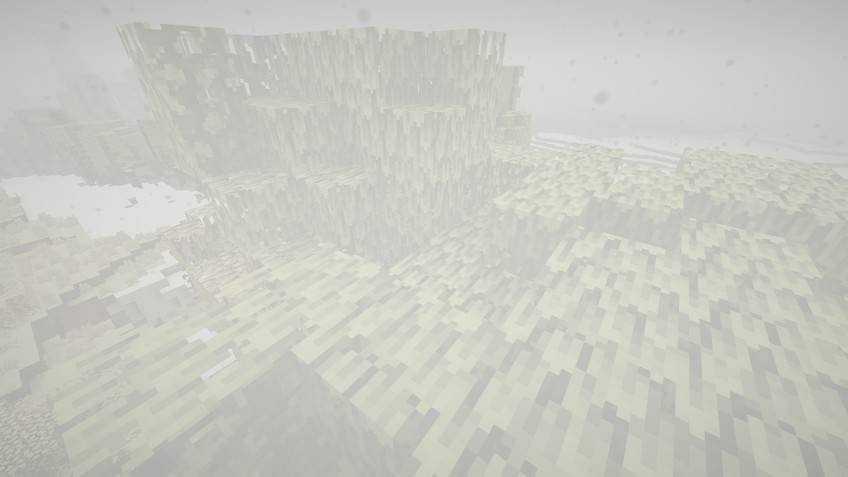
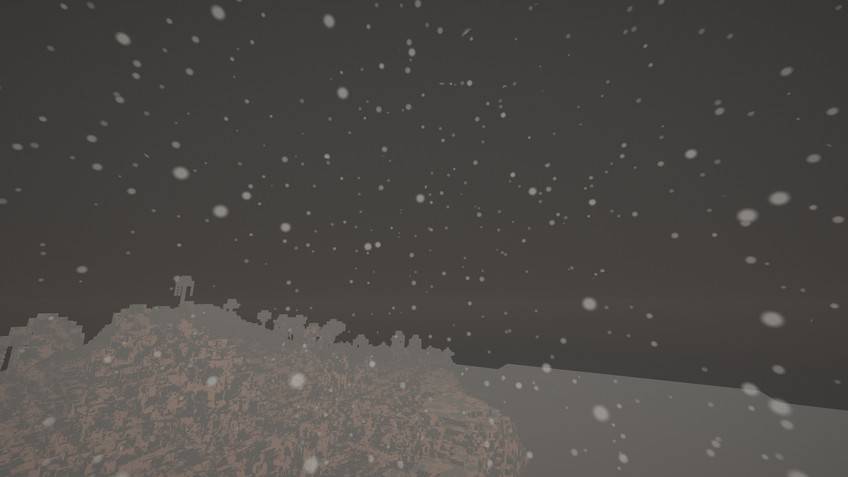
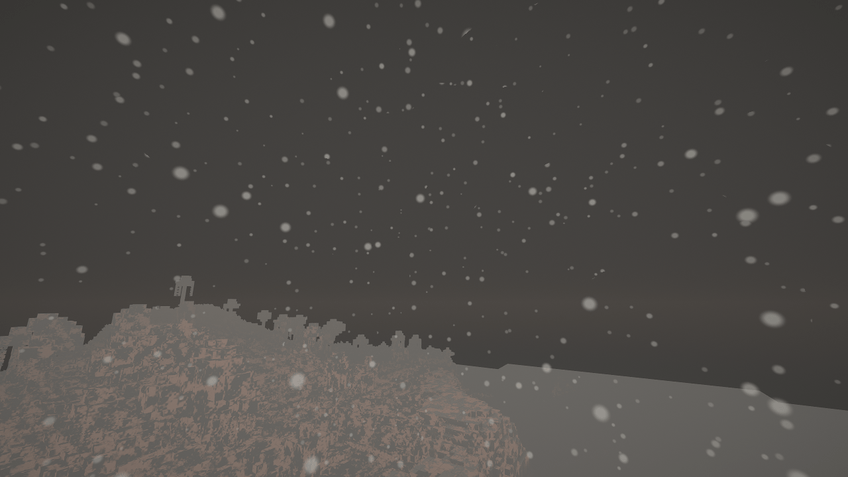
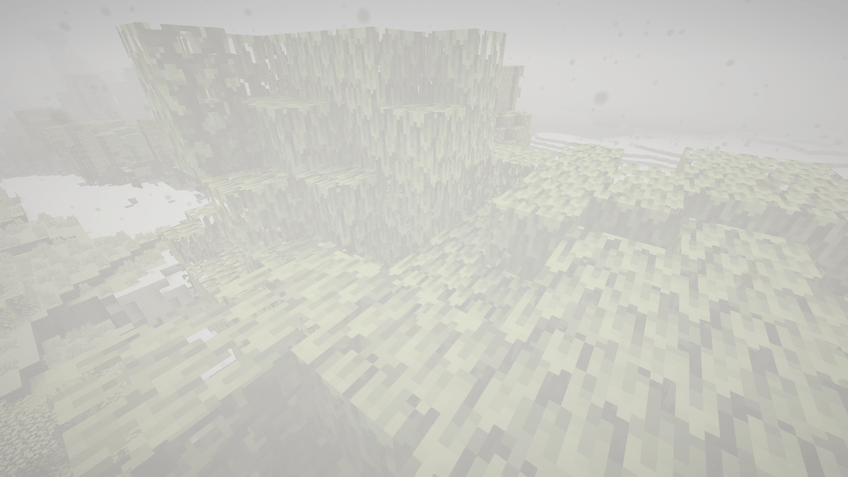
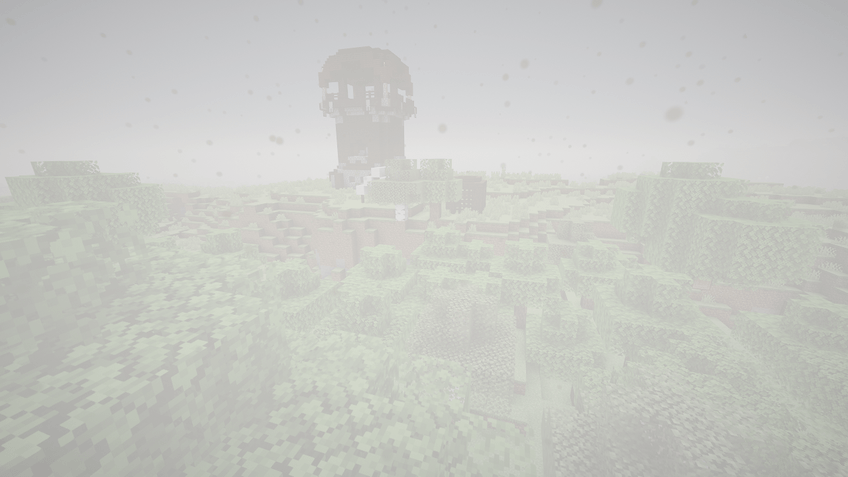
A fog horror shader: thick flowing volumetric fog, light that dies inside it and a flashlight cone that cuts through — you only see what you light.
Why Whiteveil?
- Horror Intensity: One slider for all horror effects: from a light chill to a full nightmare.
- Visibility: How far you can see into the fog, in blocks.
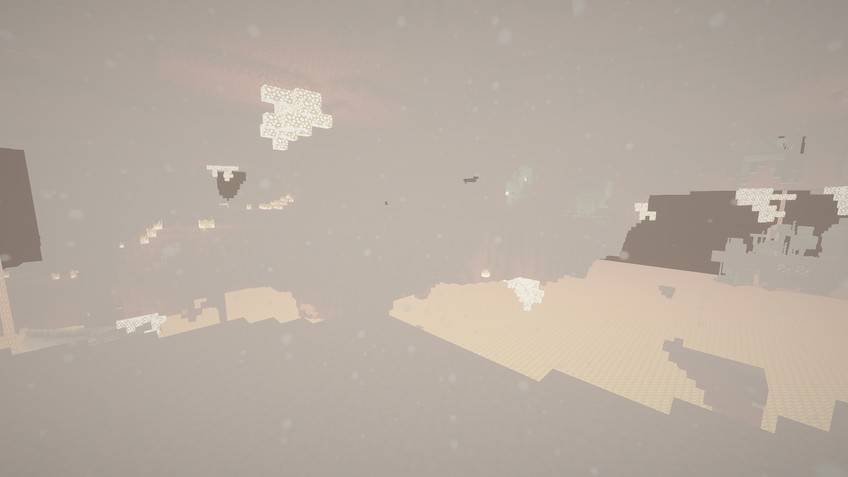
- The Other World: At night the fog turns to rust and darkness, and surfaces rot.
- Flashlight Cone: A held torch or lantern casts a visible beam into the fog.
- Fog Flow Speed
- Fog Quality
Every effect above is a real setting in the shader menu (Signature Effects page), so you can tune it or turn it off. Underneath: real-time shadows, animated water, volumetric clouds, fog, bloom and colour grading.
Files
Six quality levels, each as its own zip, for Minecraft 1.13 and newer (Iris or OptiFine) and for 1.8.9–1.12.2 (OptiFine): Potato, Low, Medium, High, Extreme and Extreme Astor (the full look, as in the screenshots). Not sure? Start with Medium. Every zip also contains all levels as profiles in the shader menu, so you can switch in game.
Compatibility (what was actually checked)
- Checked in game: Minecraft 1.21.4 with Iris (Overworld, Nether and End screenshots on this page).
- All shader programs of both files pass a GLSL compile check.
- Other versions and OptiFine were not all tested in game; please report problems in the comments.
- Distant Horizons: not supported. Client-side only.
Installation
- Install Iris (with Sodium) or OptiFine.
- Put the zip into
.minecraft/shaderpacks(do not unzip it). - Options → Video Settings → Shader Packs → select the pack.
License
All Rights Reserved, with permission to play with it, record videos and streams, and include it in modpacks (link back to this page). Re-uploading, copying the code into other packs or selling it is not allowed.
- Edition: Minecraft Java
- File type: .zip (resource pack)
- Minecraft versions listed: 1.16.3, 1.17.1, 1.21
- How to install: Download the .zip resource pack — do not unzip it. → Put it in .minecraft/resourcepacks. → Enable it in Options → Resource Packs.
- Where to get it: Opens on CurseForge — not every file is mirrored on our own servers.
Install steps are the general flow for this file type — see the MC Java Mods guides for the full walkthrough.
- Downloads as WHITEVEIL_EXTREME_ASTOR_v1.0.0_MC1.8.9-1.12.2_AstorShaders.zip
- Download size: 137 KB
- Download link checked 16 Nov 2026 — working
These come from our own check of the pack file, not from the source page.