
ModsJava
Insta Pack Mod (26.3, 1.21.1) – Load Server Resource Packs in Seconds Instead
Java mod listed for Minecraft 1.21–26.x. Downloads from the MC Java Mods app on Android.
⬇ Download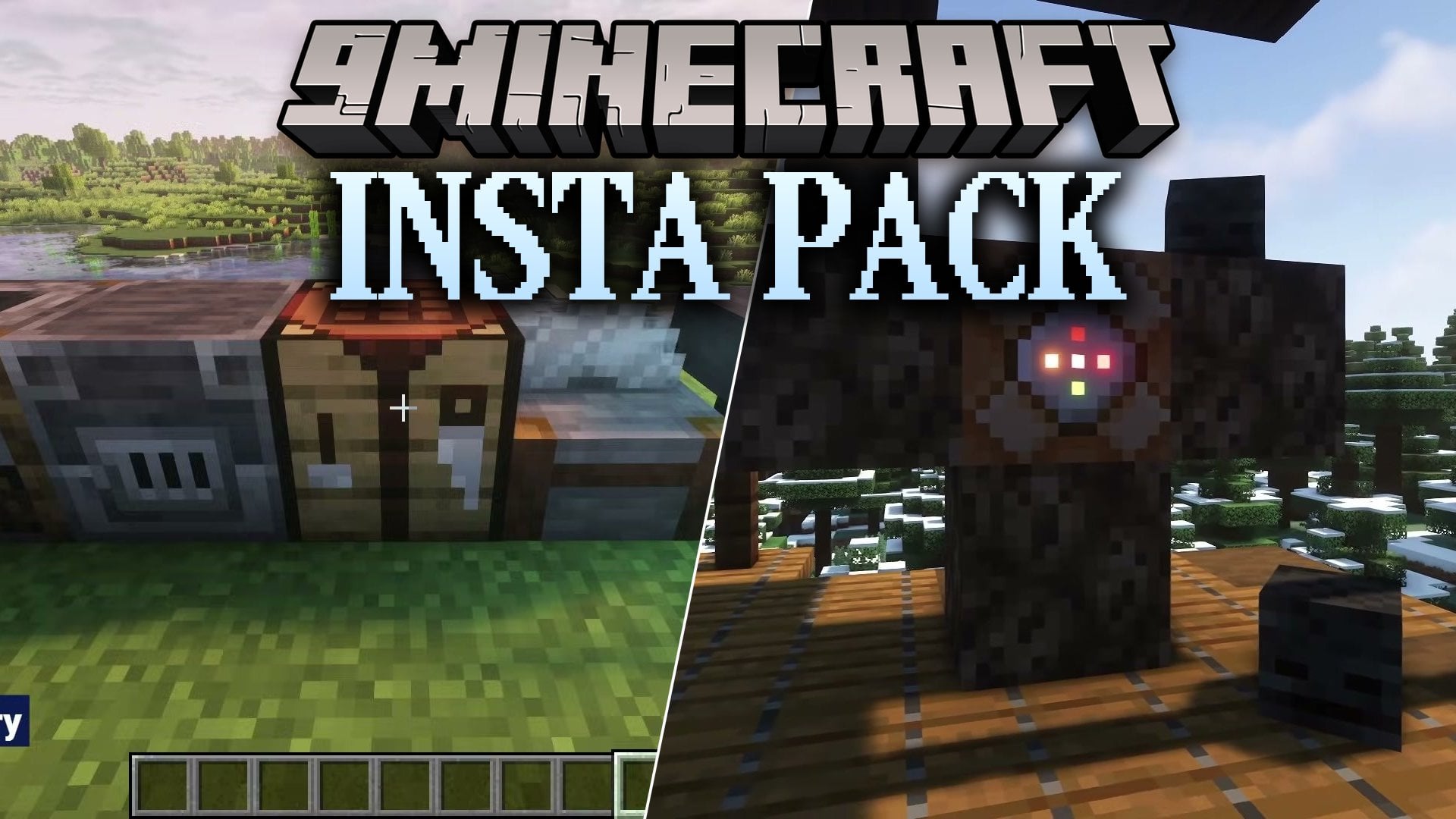
Insta Pack Mod speeds up server resource packs and resource reloads so they take seconds instead of minutes. Vanilla Minecraft scans every file inside every zip pack whenever a mod checks for resources. This mod indexes the zip file just once, cutting an 80-second reload on a 90-mod client down to only 4 seconds. It runs on the client side and works on any server.
Features:
- Fast Resource Reload: Indexes zip files once instead of scanning every single file repeatedly during reloads.
- Smart Reload Skipping: Skips the reload process completely when you rejoin a server or switch between proxy servers that use the exact same pack.
- Partial Reloads: Reloads only languages, sounds, fonts, or splash texts without showing a loading screen if the pack only changes those specific parts.
- Shared Pack Cache: Saves resource packs by their hash so you never download the same pack twice, even if it comes from a different server or has a new UUID.
- Delta Downloads: Downloads only the changed files when a server updates its pack, as long as the server runs the optional plugin.
- Includes an optional server plugin for Paper and Velocity that hosts the pack with a built-in web server.
- Sends packs to players when they join and pushes live updates the moment any files change.
- Sends a normal zip file byte-for-byte to vanilla players who do not have the client mod installed so nothing breaks.
- Reads unzipped packs placed inside the
plugins/InstaPack/pack/folder or points thesourcesetting to a zip file made by another plugin.
Configuration:
config/instapack.properties: Client configuration file where you can turn off any individual feature.
Insta Pack Mod Download Links
Quick facts
- Edition: Minecraft Java
- File type: .jar
- Minecraft versions listed: 26.3, 1.21.1
- How to install: Install the matching mod loader (Forge, Fabric or NeoForge) for your Minecraft version. → Download the .jar. → Put it in the .minecraft/mods folder and launch that loader profile.
- Where to get it: In MC Java Mods, or directly above on this page.
Install steps are the general flow for this file type — How to install Minecraft Java mods & modpacks walks through it step by step.
File checked by MCModsHub
- Download size: 41 KB
- Download link checked 17 Nov 2026 — working
- Mirrored on our own servers — the download does not depend on the original host
These come from our own check of the pack file, not from the source page.