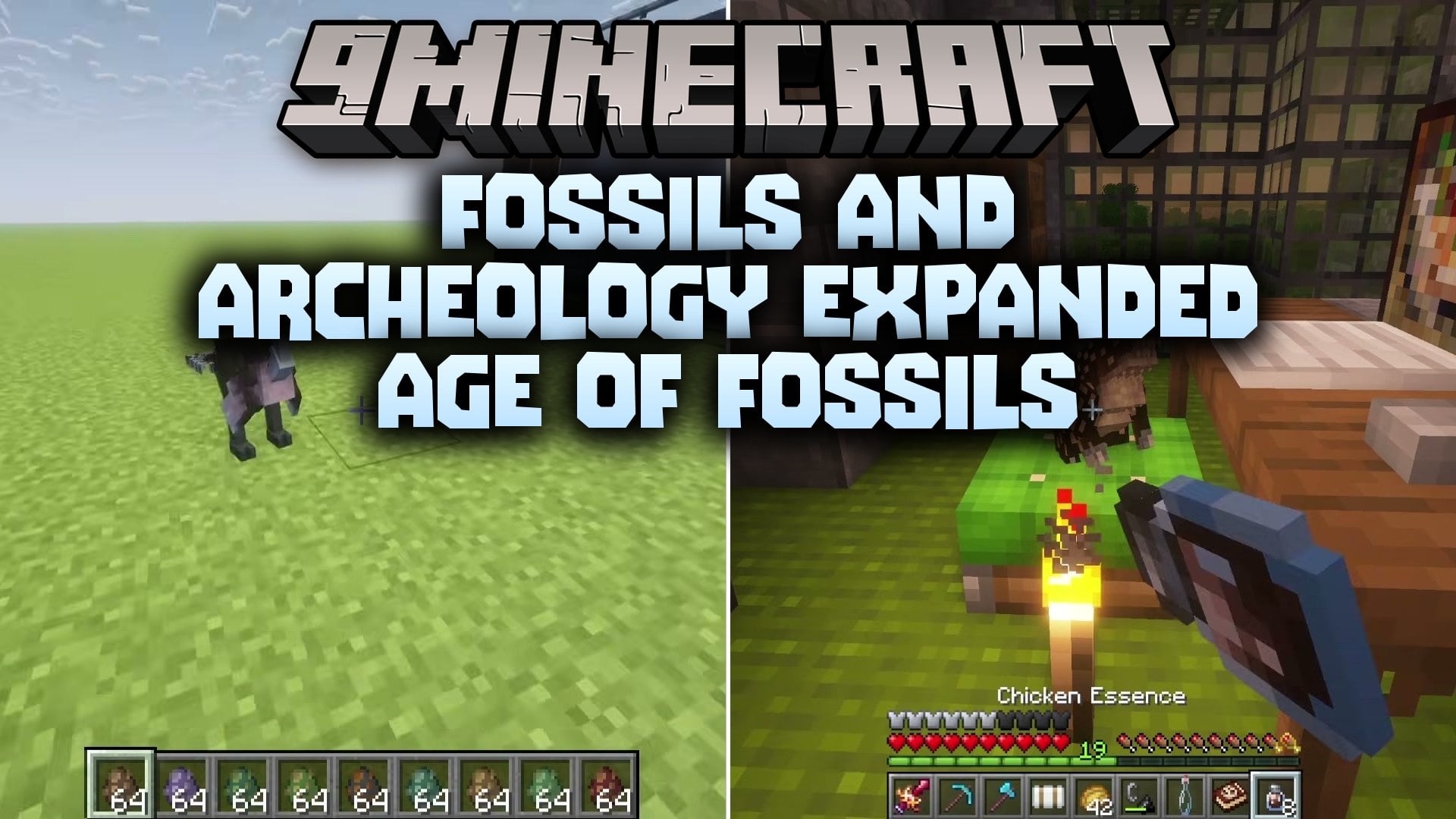
Fossils And Archeology Expanded Age Of Fossils Modpack (1.20.1) – Dig Up Dinosaurs, Explore Everywhere
Java modpack listed for Minecraft 1.20. Download on the author's site.
⬇ Download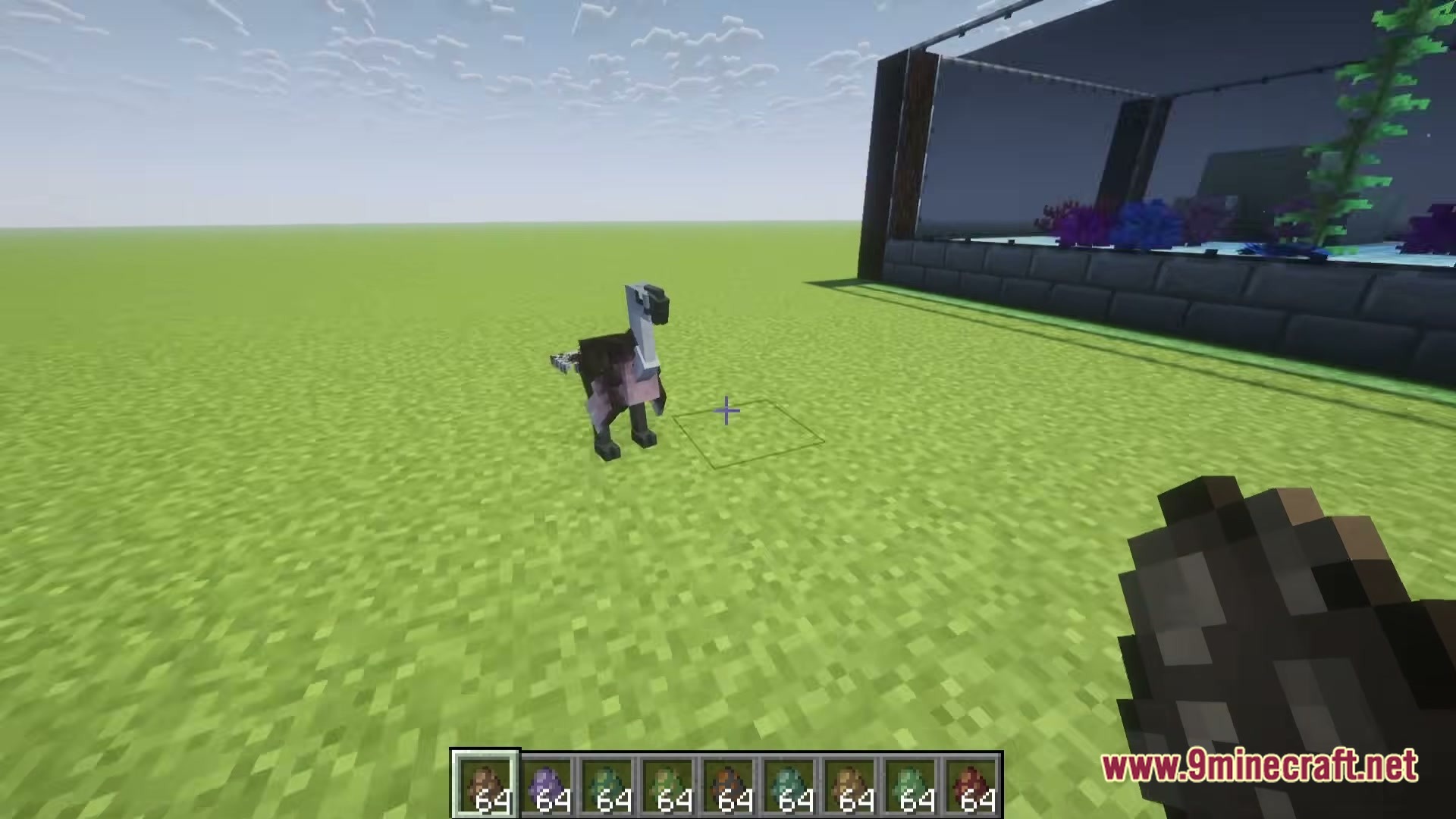
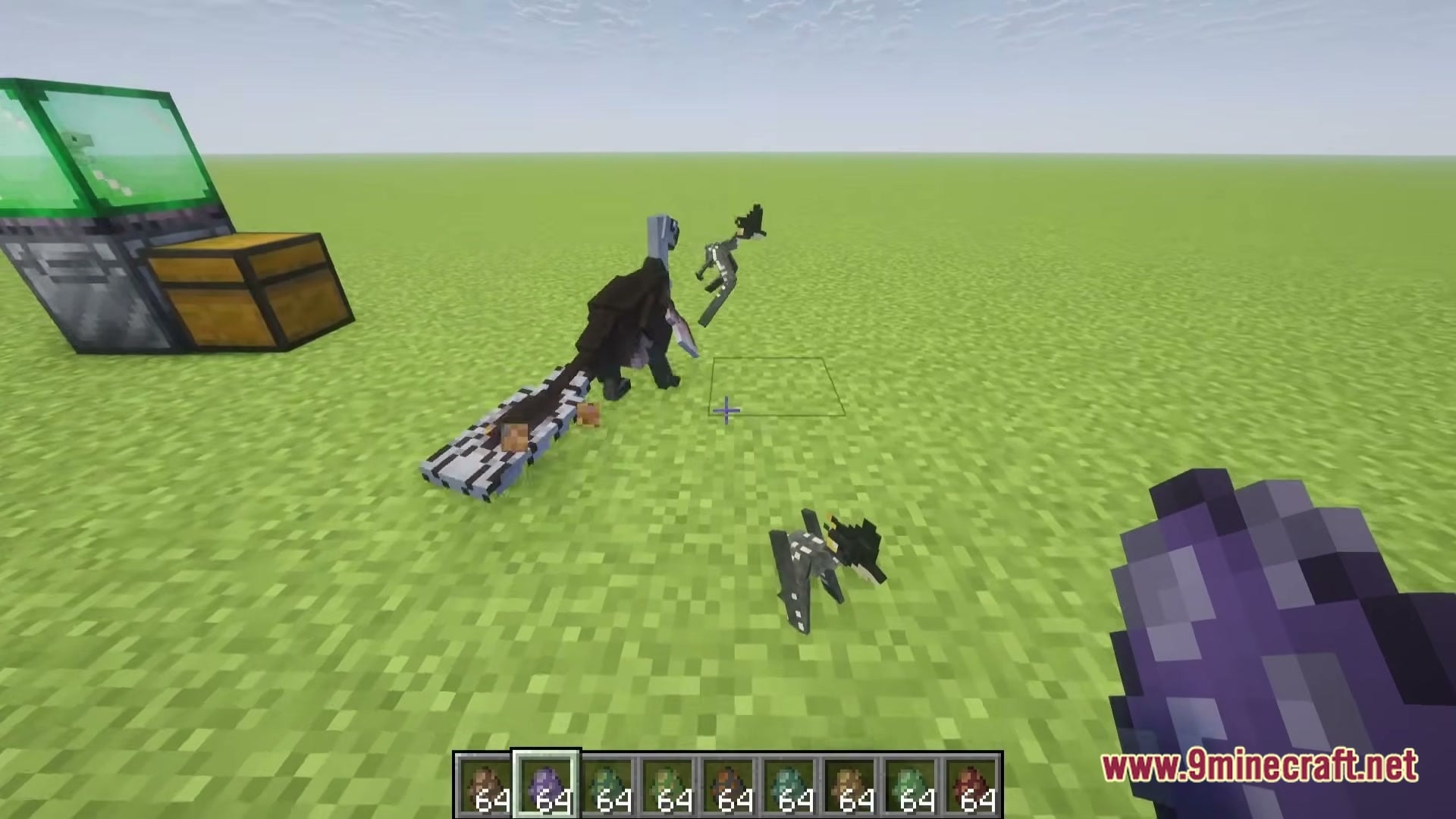
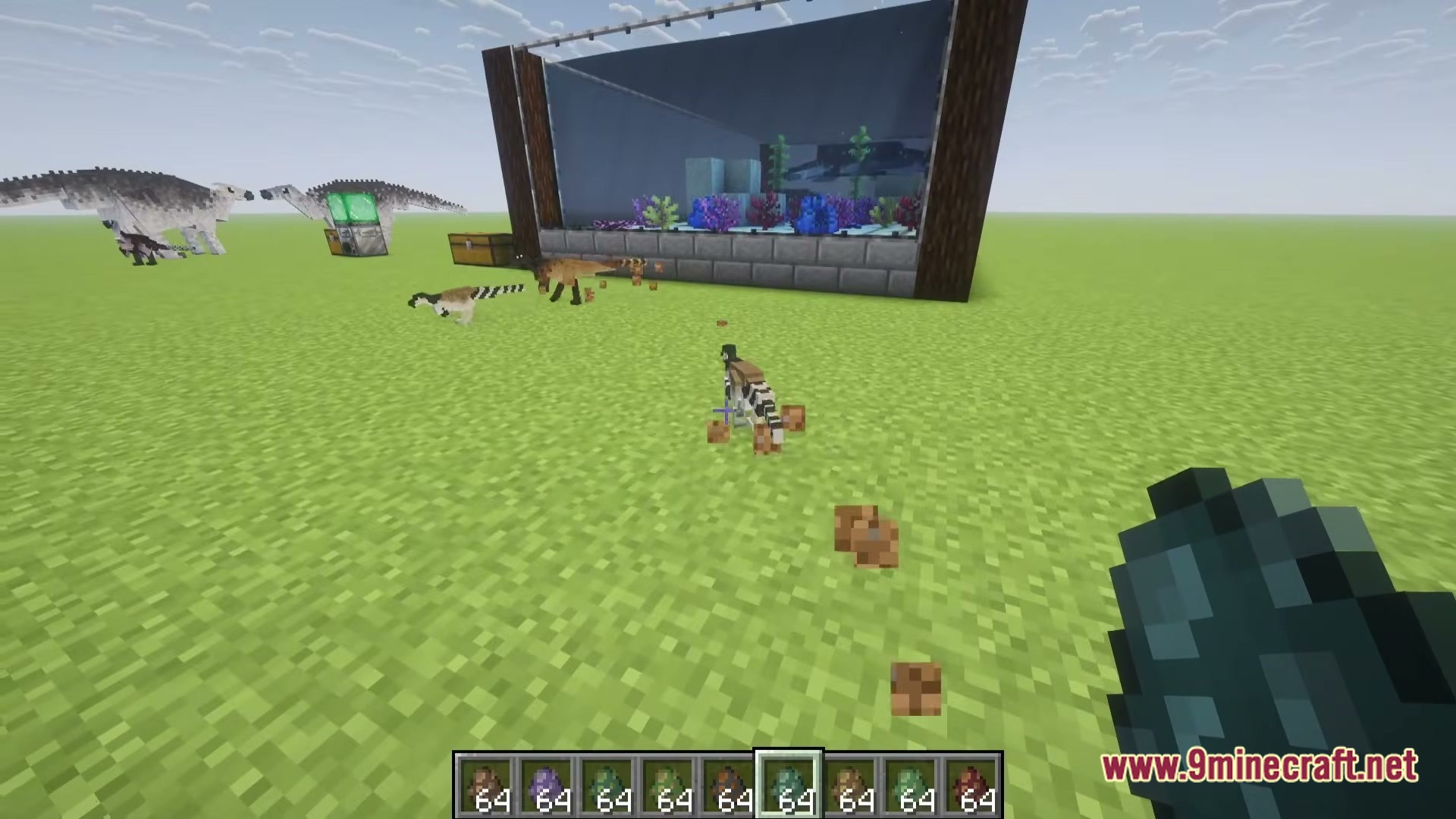
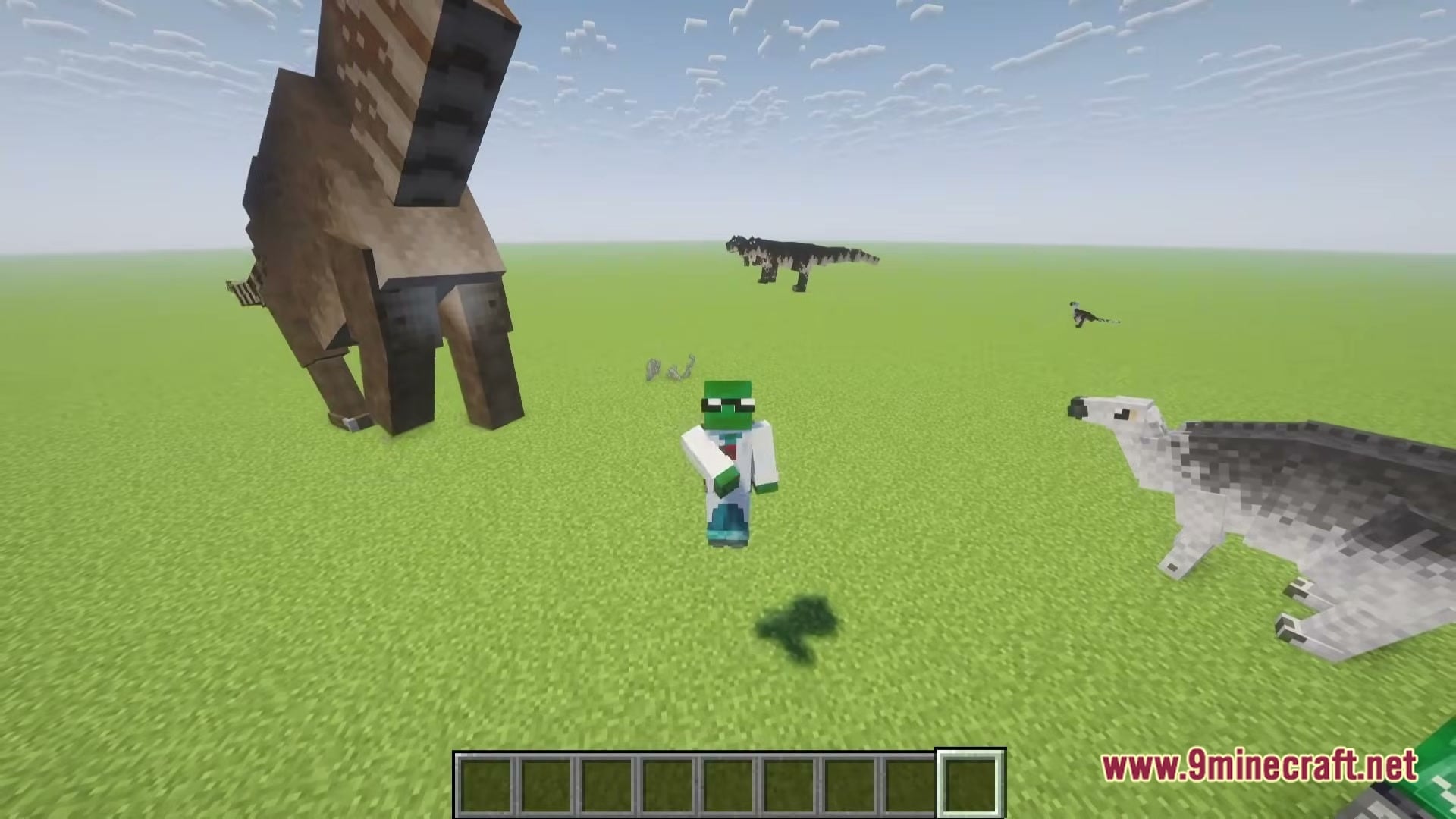
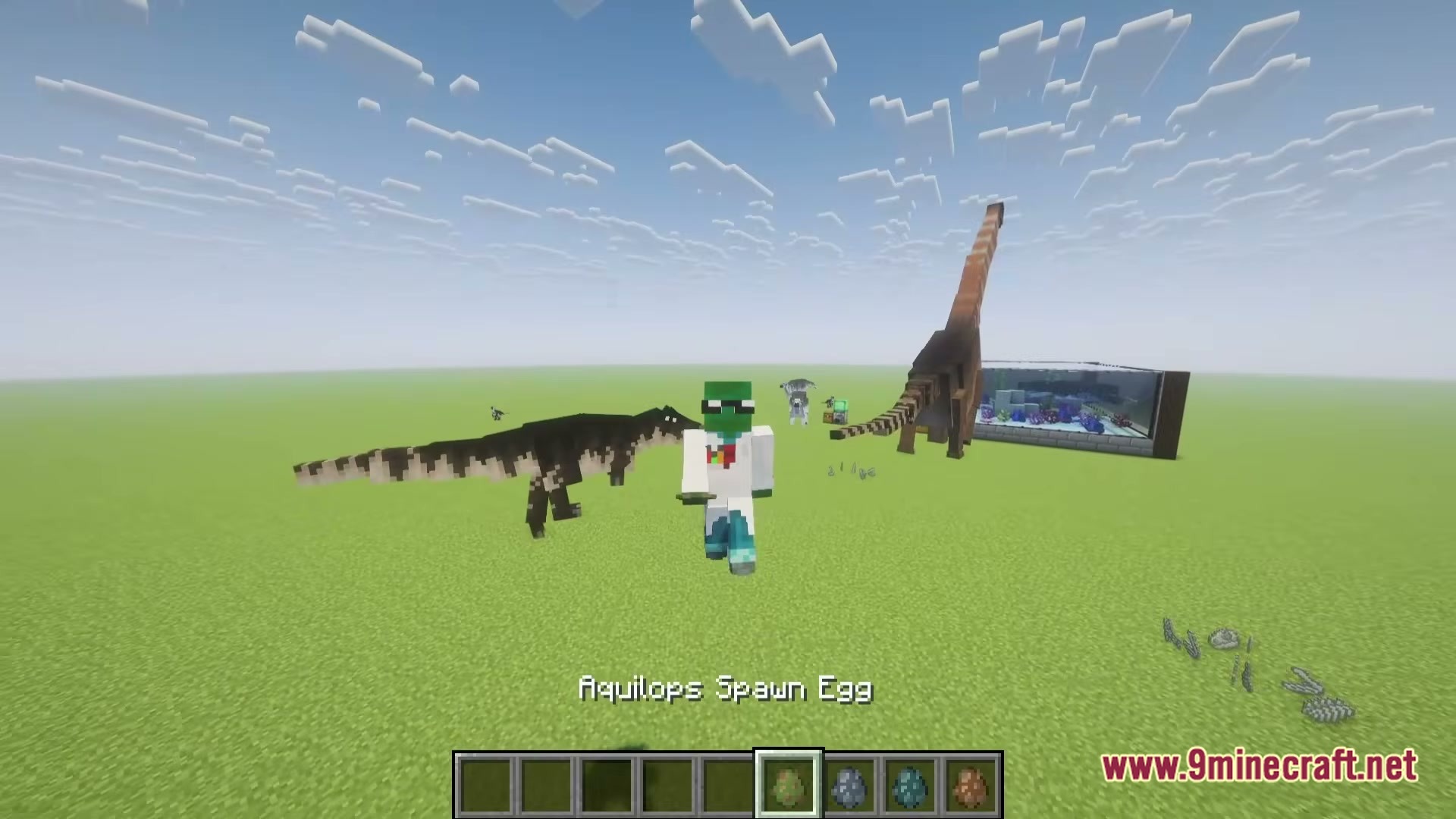
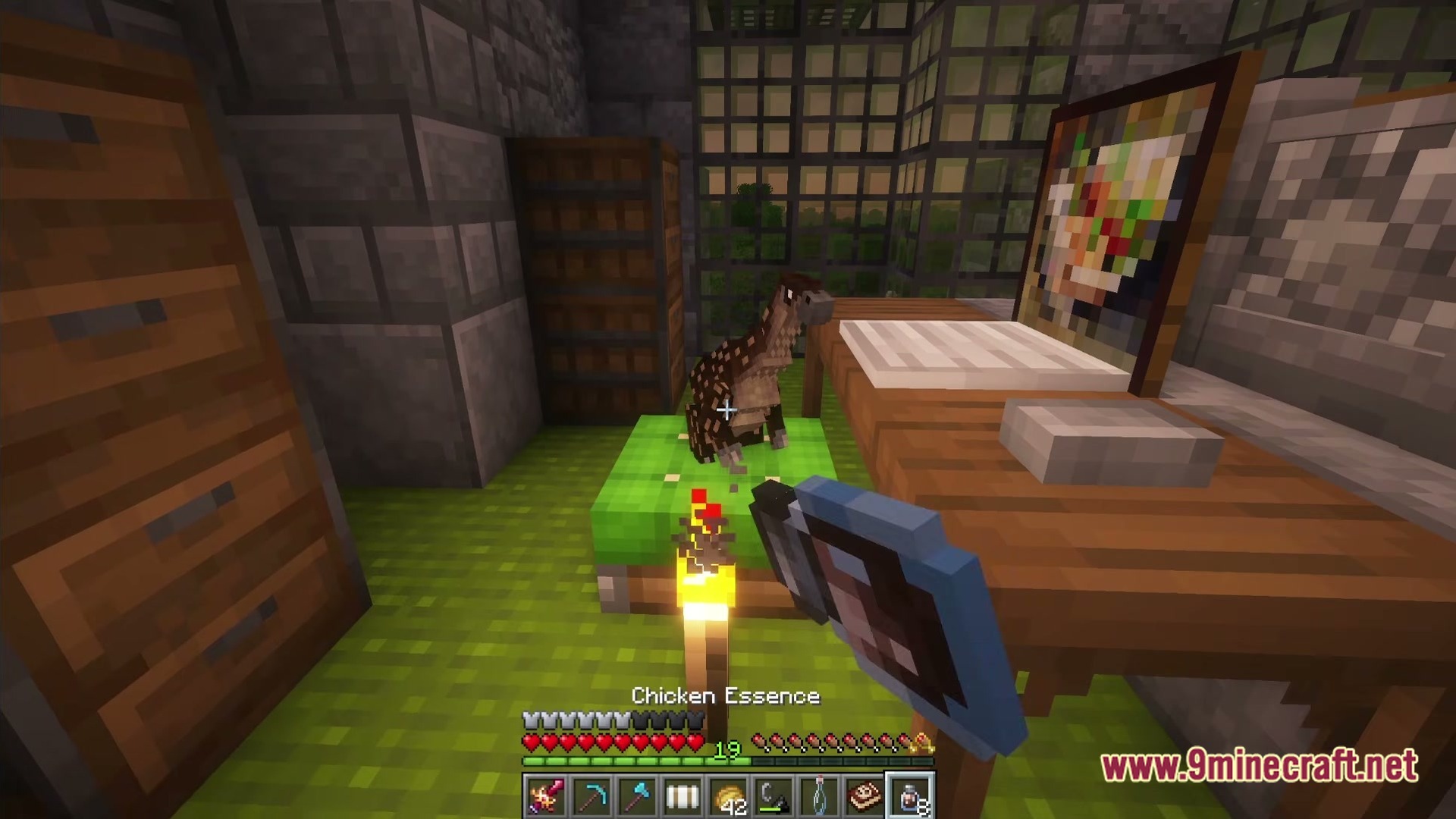
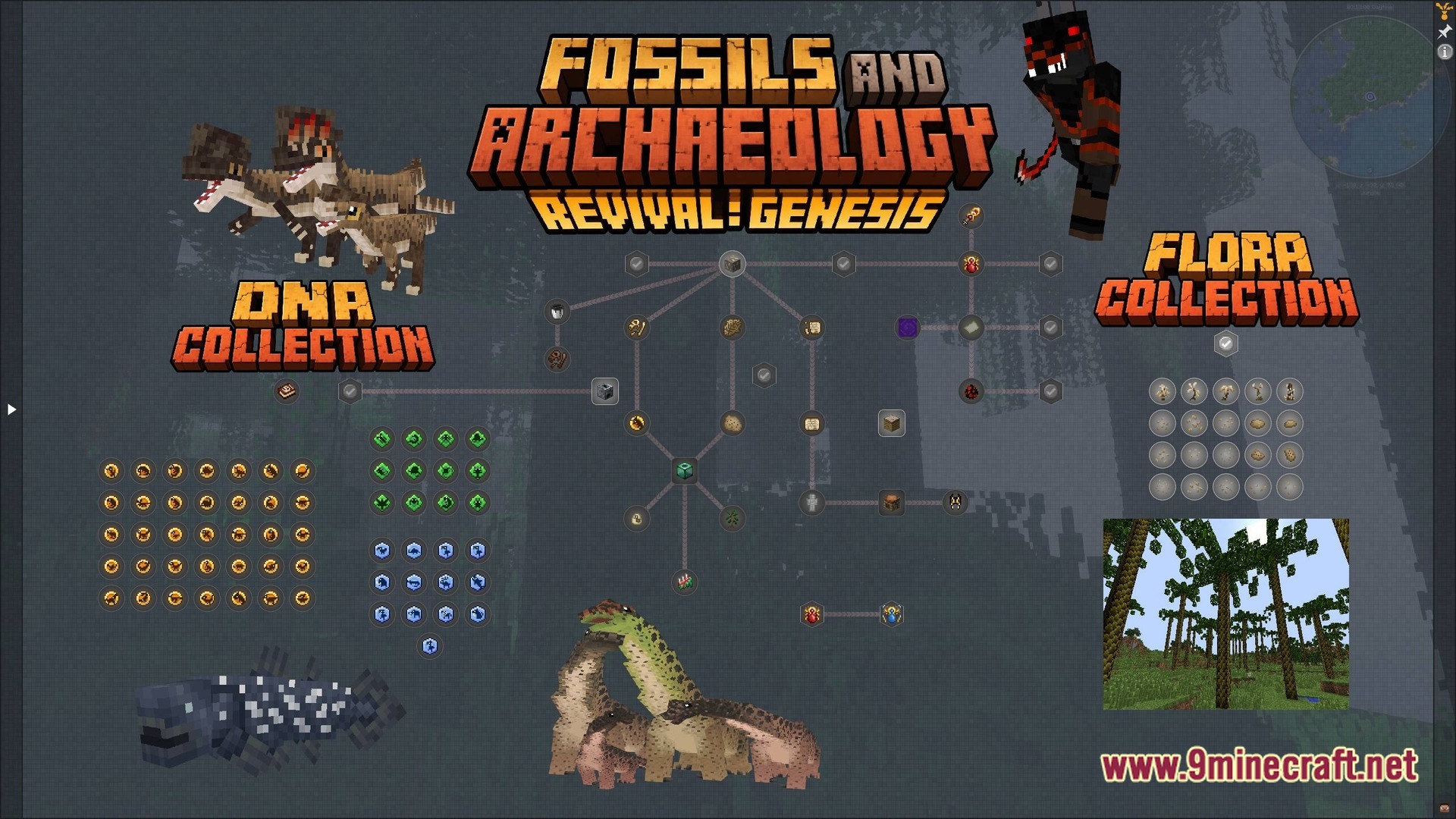
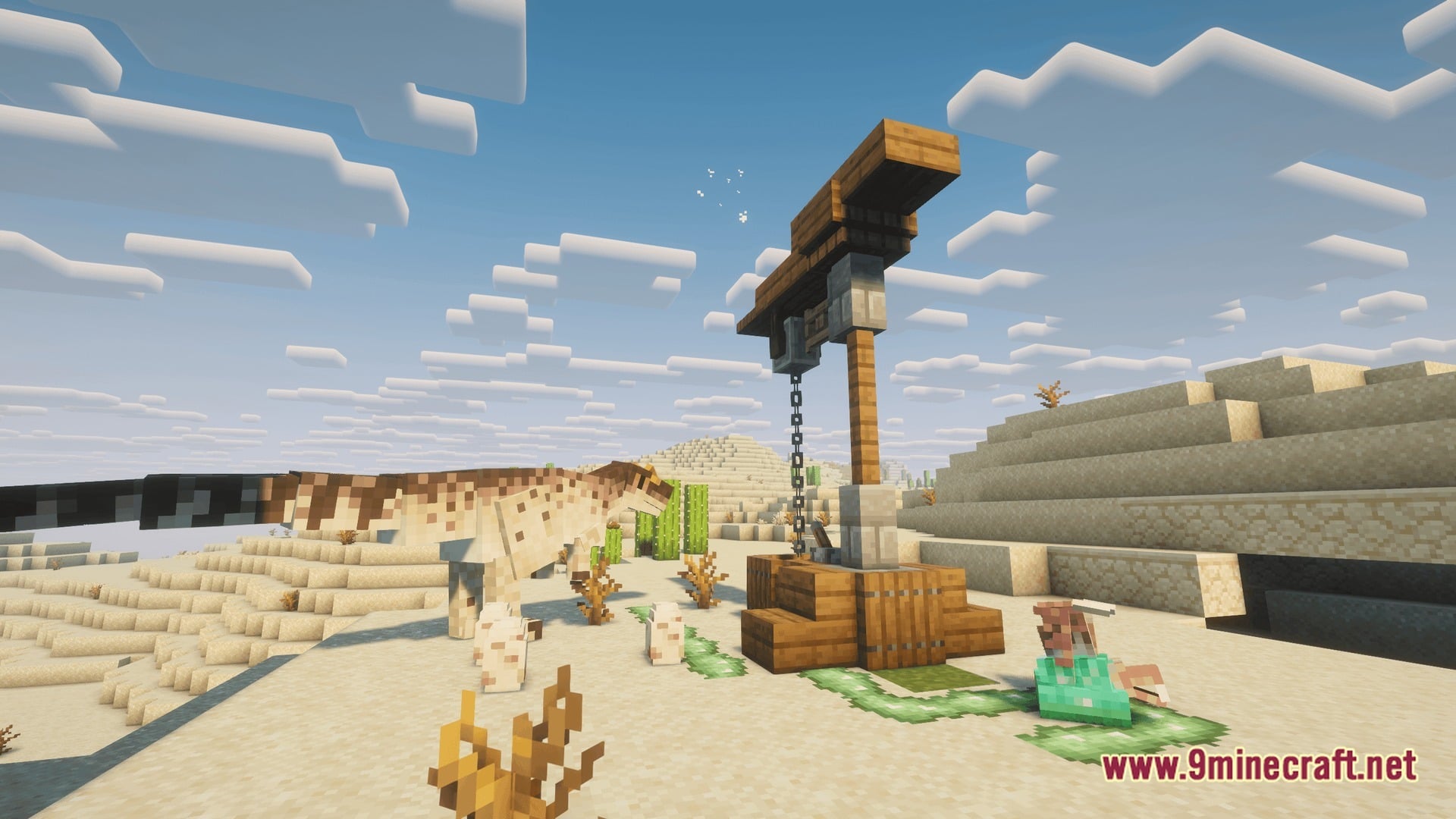
Fossils And Archeology Expanded Age Of Fossils Modpack sets you loose in a world packed with dinosaurs, old ruins, and wild new places to find. You can dig up fossils and bring ancient creatures back to life, then head out to explore dungeons, new lands, and even other worlds. The goal is simple: make wandering around Minecraft fun and full of surprises again.
Features:
- Bring Back Dinosaurs: Fossils and Archeology: Revival lets you find fossils and turn them into living prehistoric creatures
- Lots More Wildlife: Alex’s Mobs, Ecologics, and Aquaculture 2 fill the land and water with new animals and fish
- Tough New Monsters: Mutant Monsters and Mowzie’s Mobs add strong, scary creatures to fight
- Better Archeology gives you even more old remains and treasures to dig up
- YUNG’s mods rebuild dungeons, strongholds, mineshafts, temples, and ocean monuments so they are bigger and more fun to explore
- Towns and Towers, Explorify, YUNG’s Bridges, and Moog’s structure mods spread new buildings and places across the world
- New biomes and more varied land make long trips feel fresh instead of samey
- The Aether and Deeper and Darker add new worlds to visit, and the Nether and End get new structures too
- There is also plenty to do if you want to settle down and build a home after your trips
How to Play:
- Explore the land and dig for fossils and old remains.
- Use your fossils to bring prehistoric creatures back to life.
- Search ruins, temples, and dungeons for loot while fighting the monsters inside.
- Travel to new biomes and visit worlds like The Aether and Deeper and Darker.
- Build a base to rest and show off what you found on your adventures.
Screenshots:
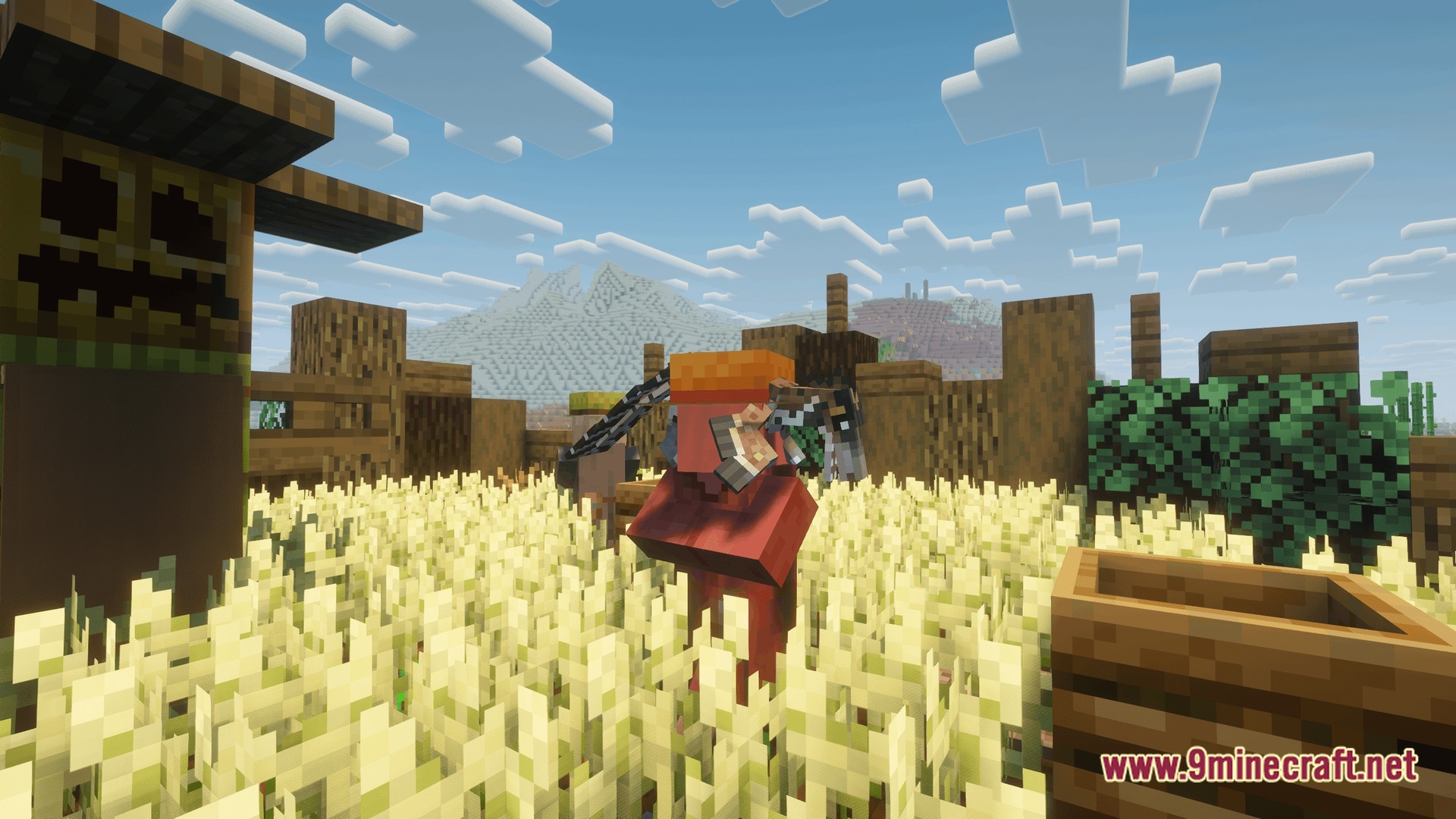
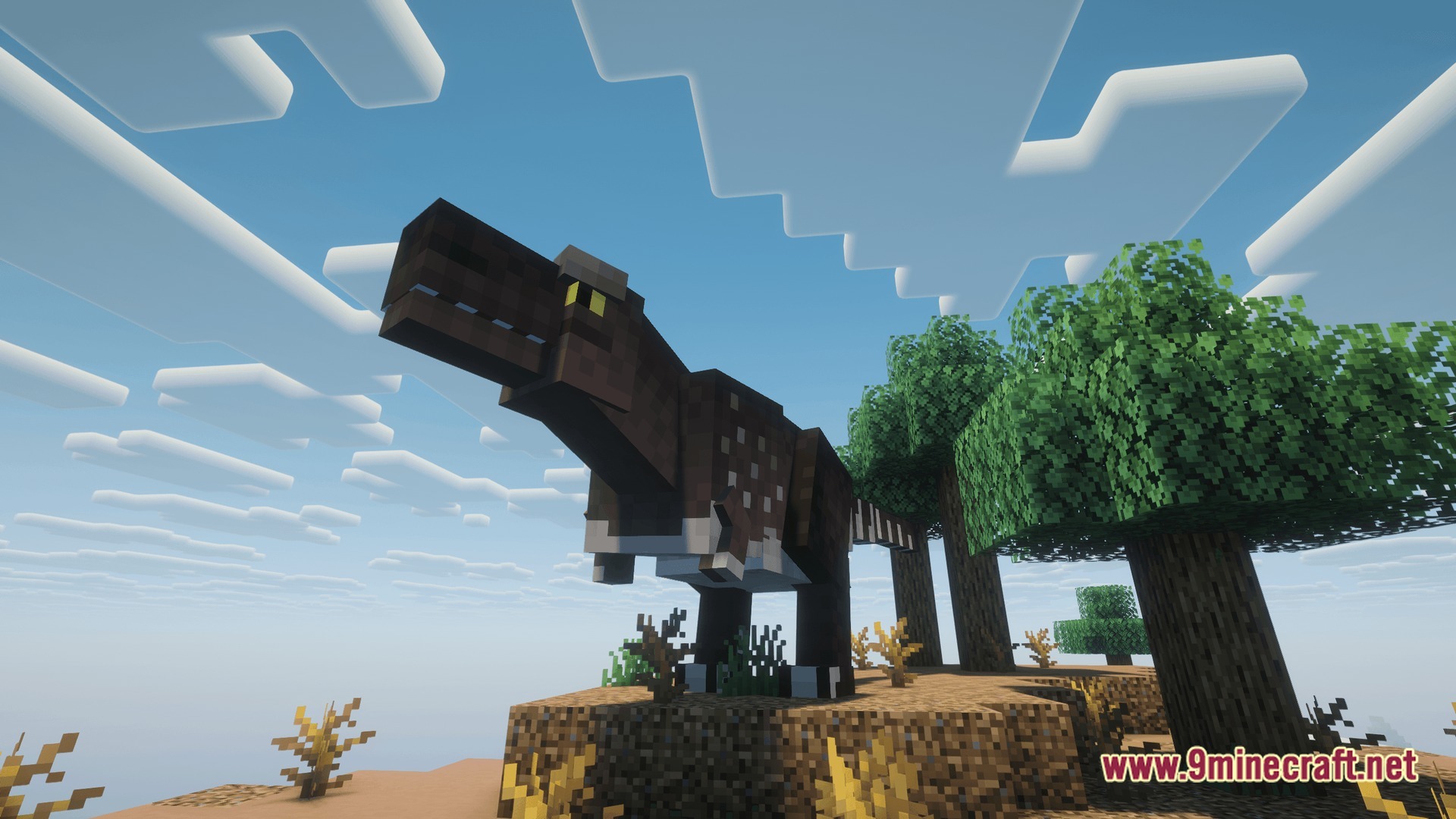
Fossils And Archeology Expanded Age Of Fossils Modpack Download Links
- Edition: Minecraft Java
- File type: .jar
- Minecraft version listed: 1.20.1
- How to install: Install the matching mod loader (Forge, Fabric or NeoForge) for your Minecraft version. → Download the .jar. → Put it in the .minecraft/mods folder and launch that loader profile.
- Where to get it: Opens on the file's original source — not every file is mirrored on our own servers.
Install steps are the general flow for this file type — How to install Minecraft Java mods & modpacks walks through it step by step.
Fossils And Archeology Expanded Age Of Fossils Modpack (1.20.1) – Dig Up Dinosaurs, Explore Everywhere is a free Minecraft Java modpack. Compatible with Minecraft 1.20.1. Download it and open it directly in the game.