
ModsJava
Load Shift Mod (26.3) – Auto-Tune Graphics to Keep Your Frame Rate Stable
Java mod listed for Minecraft 26.x. Downloads from the MC Java Mods app on Android.
⬇ DownloadLoad Shift Mod adjusts your video settings automatically to hit your chosen FPS target. It starts working right after installation with a default goal of 120 FPS. The mod checks your CPU and GPU load in real time to change the graphics options that matter most. When your game runs fast, it raises visual quality, and when frames drop, it lowers heavy settings to keep gameplay smooth.
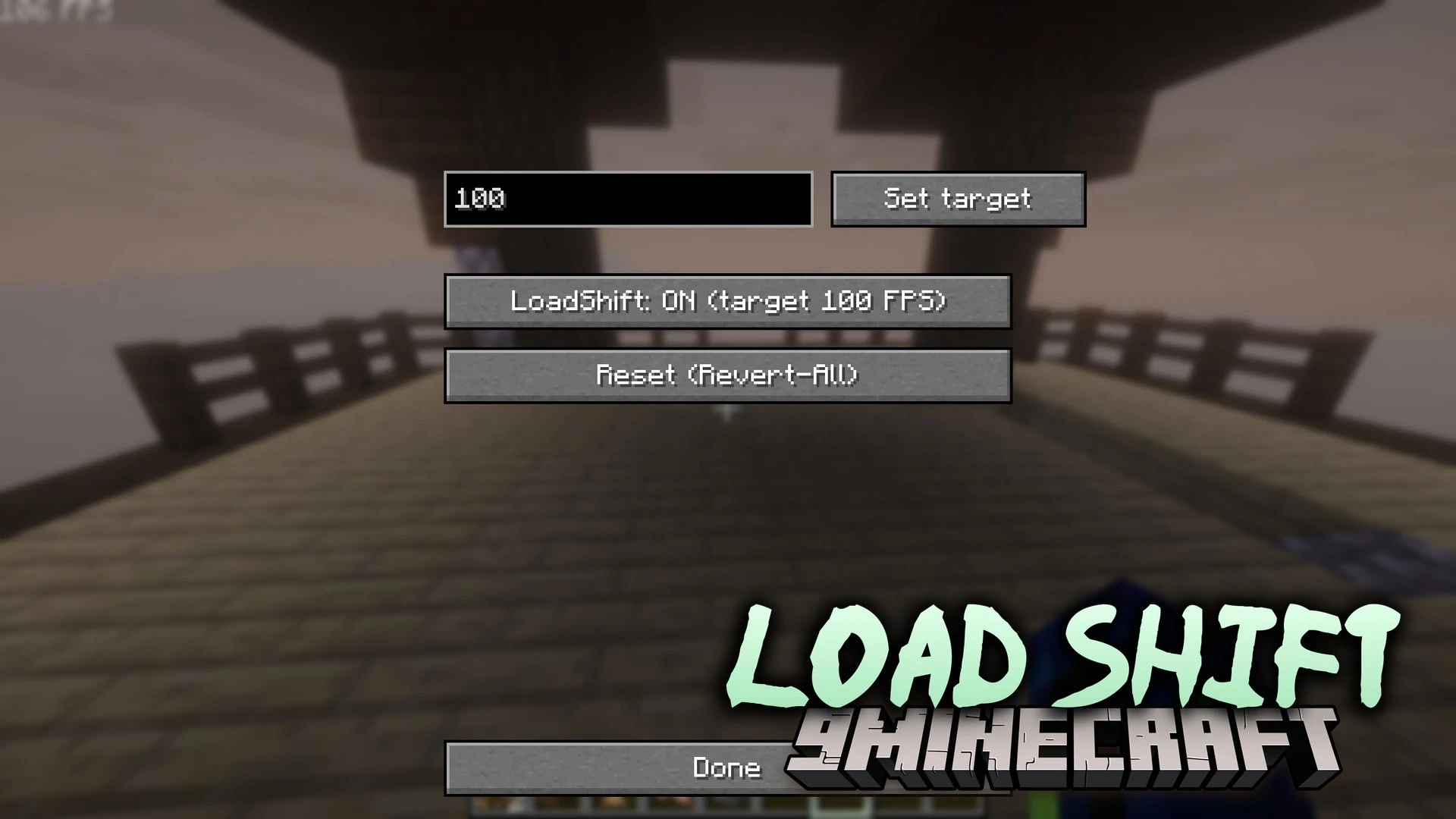
Features:
- Smart Quality Balancing: Raises visual quality when you have spare performance and lowers the heaviest setting when frames drop below your target.
- Fast Shader Switching: Changes Iris shader profiles (like BSL or Complementary) in the background so switching takes about 0.4 seconds without freezing.
- Safe Timing: Waits until you are out of combat, not falling, not in lava, not using an elytra, and have at least 8 hearts before making noticeable changes.
- Analyzer HUD: Pressing F8 opens a display showing your current FPS, CPU and GPU load, and a helpful tip on what is slowing your game down.
- Preloads Nether and End shaders in the background so changing dimensions on servers does not hang on the loading screen.
- Keeps render distance at 4 chunks or higher, and restores your view distance right after you slow down from flying or riding.
- Respects manual tweaks by never raising a setting above what you lowered, or lowering a setting below what you raised during your session.
- Saves a stable graphics setup for each individual world and server to use as your starting point next time.
- Works alongside Sodium, Iris, Voxy, and Distant Horizons without touching your custom Sodium settings.
- Adjusts render distance, mob distance, particles, clouds, weather radius, leaf quality, mob shadows, ambient occlusion, biome blend, FPS cap, and shaders.
Commands:
/loadshift on: turns automatic graphics balancing on./loadshift off: turns the automatic adjustments off./loadshift target <fps>: sets a new frame rate goal for the mod to reach./loadshift status: shows a log of every setting change made so far./loadshift revert: puts all your original video settings back to normal and turns the mod off./loadshift diag: runs a diagnostic check on your current performance setup.
Configuration:
config/loadshift.json: lets you disable automatic changes for any specific graphics setting.
How to Use:
- Join any world or server to let the mod start targeting 120 FPS automatically.
- Type
/loadshift target <fps>in chat if you want to set a different frame rate goal. - Press F8 at any time to view the Analyzer HUD and see whether your CPU or GPU is limiting your frames.
- Type
/loadshift revertif you want to undo all automatic changes and return to your original settings.
Load Shift Mod Download Links
Quick facts
- Edition: Minecraft Java
- File type: .jar
- Minecraft version listed: 26.3
- How to install: Install the matching mod loader (Forge, Fabric or NeoForge) for your Minecraft version. → Download the .jar. → Put it in the .minecraft/mods folder and launch that loader profile.
- Where to get it: In MC Java Mods, or directly above on this page.
Install steps are the general flow for this file type — How to install Minecraft Java mods & modpacks walks through it step by step.
File checked by MCModsHub
- Downloads as 550661.mcaddon
- Download size: 392 KB
- Download link checked 18 Nov 2026 — working
- Mirrored on our own servers — the download does not depend on the original host
These come from our own check of the pack file, not from the source page.