
ModsJava
Simple Web Mod (26.3) – Browse Websites and Watch Videos Right Inside Your World
Java mod listed for Minecraft 26.x. Downloads from the MC Java Mods app on Android.
⬇ Download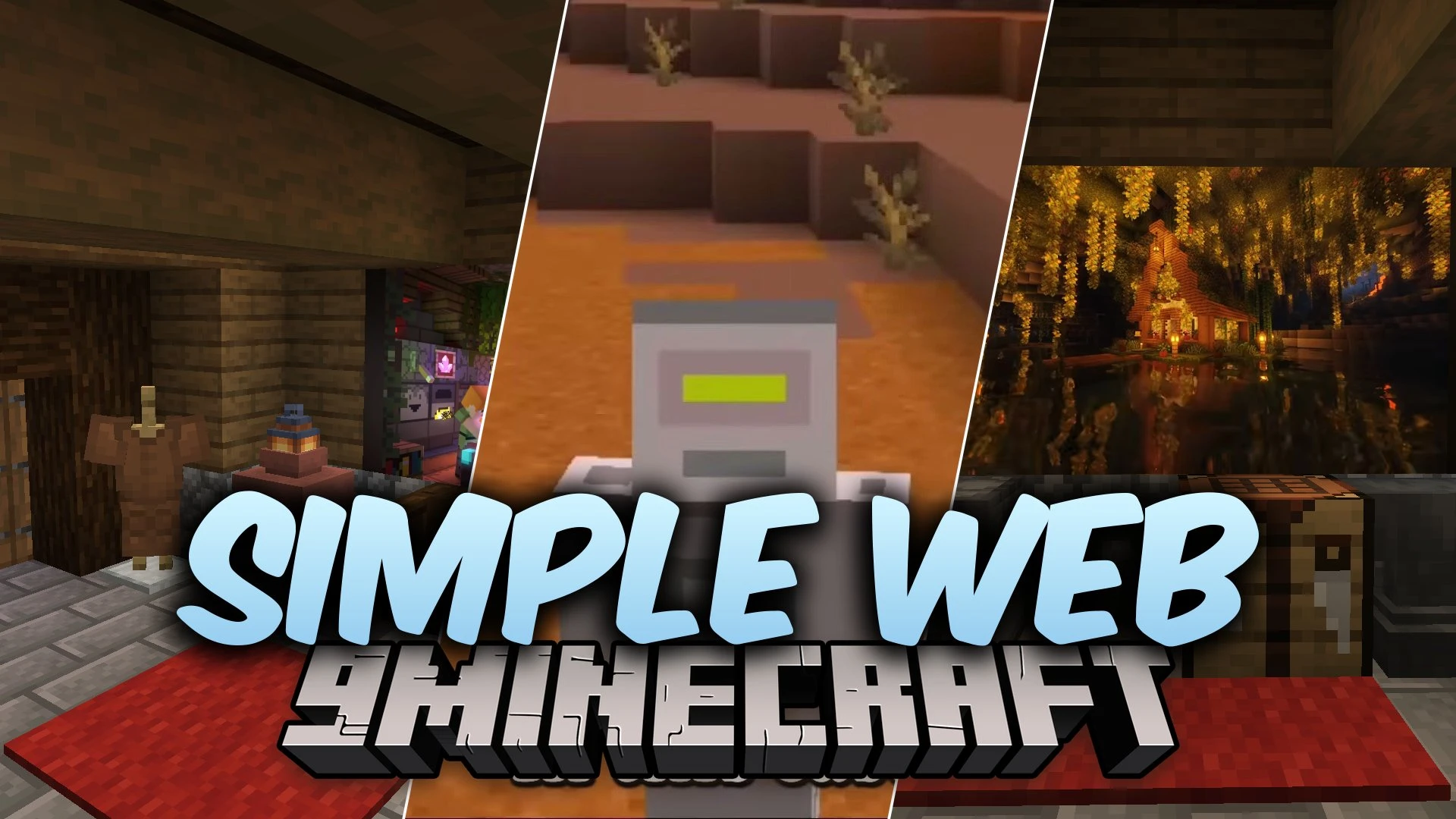
Simple Web Mod adds working web browser screens directly into Minecraft. This client-side mod works in any singleplayer world or multiplayer server without extra setup. You can open any website, watch videos in your house, and place unlimited displays anywhere you want.
Features:
- Client-Side Web Screens: Adds working displays that open any website inside the game without needing server setup.
- Screen Sharing: Lets you share your display location and size with friends who also have the mod installed.
- Places unlimited web displays around any world or multiplayer server.
- Lets you interact with web pages using your crosshair to click buttons and your keyboard to type.
- Protects player safety by only sharing the screen’s position and size with friends, never the actual web content.
Commands:
/screen: starts the screen placement mode so you can pick two corners./screen share name: shares the screen you are looking at with another player.
How to Use:
- Type
/screenin chat and Right-Click two corners to create your web display. - Left-Click on a screen to focus on it, then use your crosshair to click buttons and your keyboard to type.
- Click outside the screen or press Shift+Escape to unfocus from the display.
- Double-Click an unfocused screen to remove it from the world.
- Look at a display and run
/screen share nameto send its position and size to a friend, who must accept the request to see it.
Simple Web Mod Download Links
Quick facts
- Edition: Minecraft Java
- File type: .jar
- Minecraft version listed: 26.3
- How to install: Install the matching mod loader (Forge, Fabric or NeoForge) for your Minecraft version. → Download the .jar. → Put it in the .minecraft/mods folder and launch that loader profile.
- Where to get it: In MC Java Mods, or directly above on this page.
Install steps are the general flow for this file type — How to install Minecraft Java mods & modpacks walks through it step by step.
Simple Web Mod (26.3) – Browse Websites and Watch Videos Right Inside Your World is a free Minecraft Java mod. Compatible with Minecraft 26.3. Download it and open it directly in the game.