
ModsJava
Identity 9minecraft Mod (26.3, 26.2) – Morph Into the Mobs You Slay
Java mod listed for Minecraft 26.x. Download on the author's site.
⬇ Download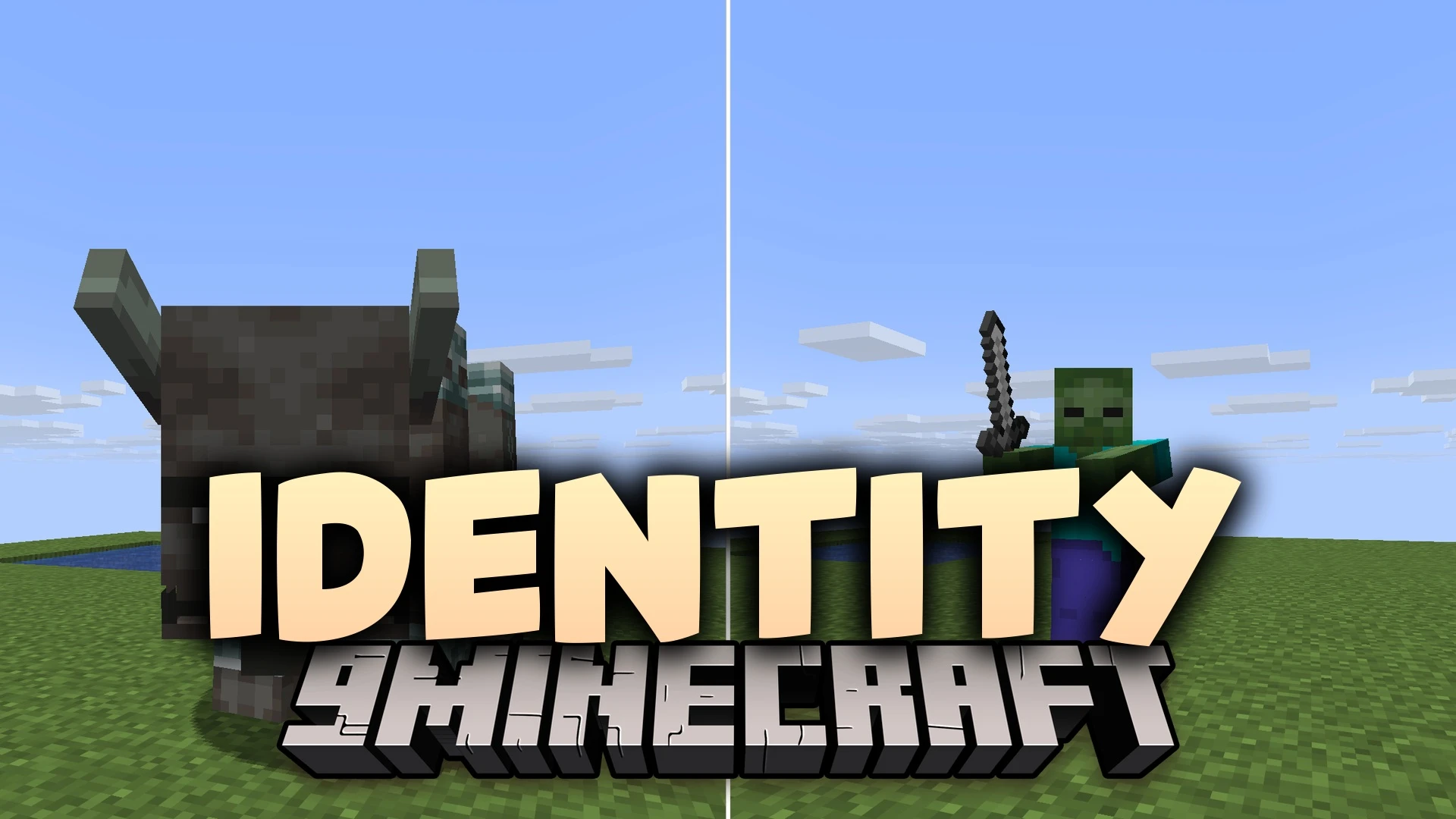


Identity 9minecraft Mod lets you transform into the mobs you defeat in your world. When you slay a zombie, you unlock its form and can walk around looking just like it. This mod gives you the real size, health, powers, and weaknesses of every shape you collect, from tiny bats to the Warden. It turns survival into a fun hunt to collect every body in the game.
Features:
- Shape Collection: Defeating any mob unlocks its form for you to use whenever you want, while Creative mode unlocks all mobs right away.
- Real Mob Stats: Your size, hitbox, eye height, and maximum health change to match the mob you become.
- Special Mob Powers: Pressing the ability key lets you use active skills with a visual cooldown icon in the corner of your screen.
- Mob Weaknesses: Undead forms burn in daylight without a helmet, and water mobs suffocate on dry land.
- AI Reactions: Monsters ignore you when you look like one of them, wolves and foxes hunt you if you become their prey, and villagers run away from scary shapes.
- Saves your active shape and favorites with the world so they stay even after you die and respawn.
- Shows your chosen mob form to all other players on a multiplayer server.
Passive Traits:
- Bats, Blazes, Ghasts, Bees, Parrots, and Phantoms: Give you the ability to fly.
- Fish, Squid, and Axolotls: Let you breathe underwater, though you slowly suffocate on land.
- Bats: Let you see clearly in the dark.
- Spiders: Let you climb up walls.
Active Abilities:
- Blaze: Shoots fireballs.
- Creeper: Explodes without breaking blocks.
- Enderman: Teleports you to the spot you are looking at.
- Snow Golem: Throws snowballs.
- Witch: Throws potions.
- Warden: Fires a sonic boom attack.
Commands:
/identity: Lets server admins grant or remove shapes, force a player into a shape, and manage shapes.
Configuration:
- Single configuration file: Lets server owners require multiple kills to unlock a mob, limit flight, change ability cooldowns, or hide player nametags above disguised players.
Gameplay:
- Defeat any mob in survival mode to unlock its shape, or switch to Creative mode to unlock everything at once.
- Press the key next to 1 (usually ` or ~) to open the shape menu.
- Use the search box to find a mob by name, or right-click a live model to pin it to the top as a favorite.
- Left-click a mob in the menu to transform into it, or click the player head icon to return to your normal body.
- Press R while morphed to use your mob’s special ability and watch the corner icon refill as it cools down.
Screenshots:


Identity 9minecraft Mod Download Links
Quick facts
- Edition: Minecraft Java
- File type: .jar
- Minecraft versions listed: 26.3, 26.2
- How to install: Install the matching mod loader (Forge, Fabric or NeoForge) for your Minecraft version. → Download the .jar. → Put it in the .minecraft/mods folder and launch that loader profile.
- Where to get it: Opens on the file's original source — not every file is mirrored on our own servers.
Install steps are the general flow for this file type — How to install Minecraft Java mods & modpacks walks through it step by step.
Identity 9minecraft Mod (26.3, 26.2) – Morph Into the Mobs You Slay is a free Minecraft Java mod. Compatible with Minecraft 26.3, 26.2. Download it and open it directly in the game.