
DIH Client Mod (26.2) – Automate Mining and Movement with AI Pathfinding
Java mod listed for Minecraft 26.x. Downloads from the MC Java Mods app on Android.
⬇ Download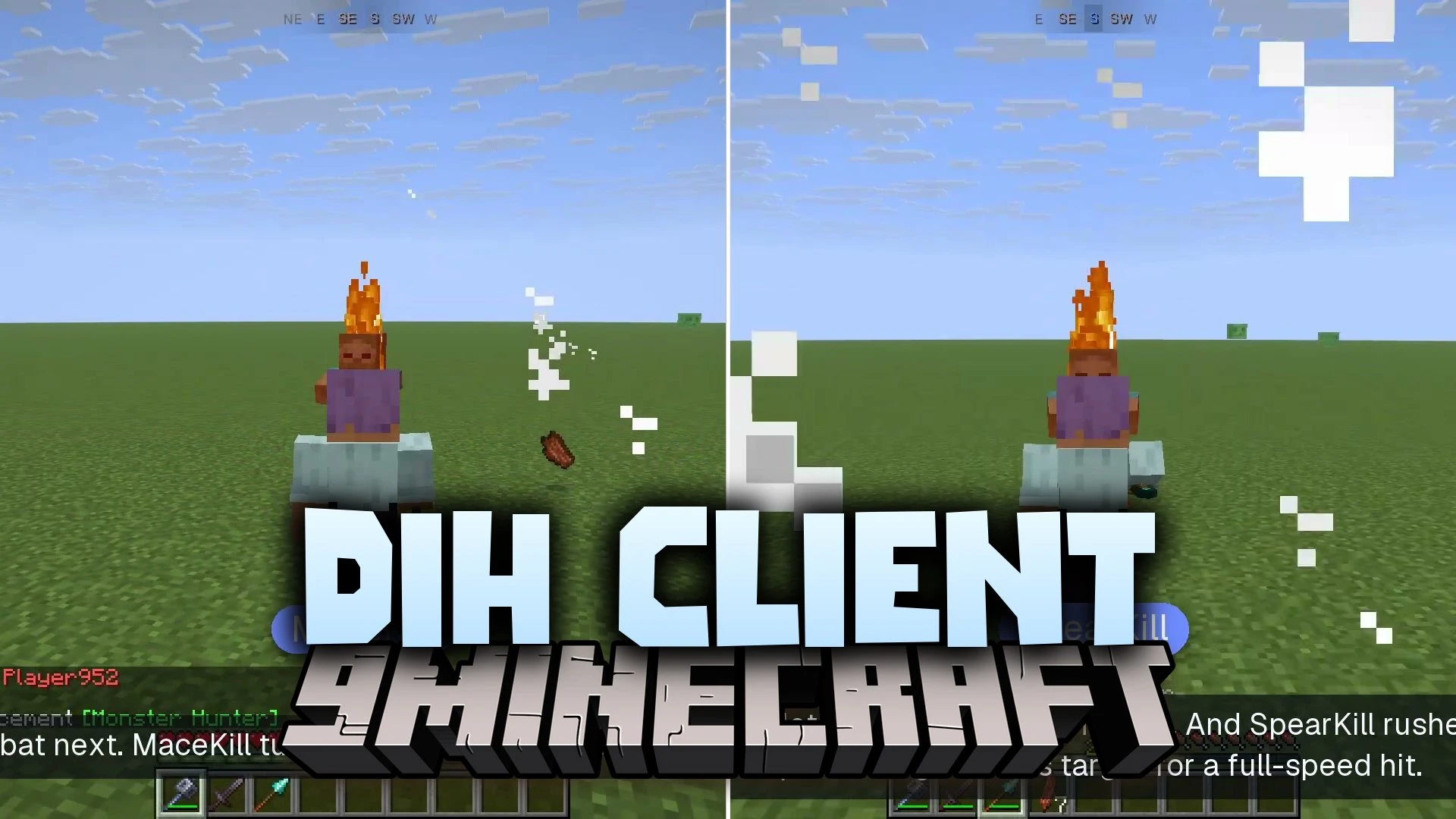


DIH Client Mod brings packet testing tools, macro automation, and advanced pathfinding to your game. The client lets you send custom payloads, inspect NBT data, and manage client-side events with ease. It includes a built-in Baritone engine that mines ores, follows paths, and builds schematics on command. You can also connect artificial intelligence services to read in-game chat and guide your character automatically. In addition, the client reads world seeds to mark structure locations on your map screen.
Features:
- Baritone Pathfinding: Runs movement routines directly, letting your character mine ores, follow targets, parkour, use elytra, and build structures automatically.
- Packet and Payload Tools: Lets you test network packets, send custom payloads, inspect NBT data, and sync settings over LAN.
- Macro Editor: Creates custom macros with dedicated actions and trigger conditions to automate key actions.
- AI Control Mode: Connects to external AI services like Groq, OpenAI, Claude, or Gemini to read chat text and trigger movement tasks.
- Structure Finder: Reads the world seed to display vanilla structure locations directly on fullscreen maps.
- Tracker Logs: Keeps a record of nearby player sightings, potential threats, and opened storage containers.
- Includes an experimental auto-sleep system that rests in nearby beds when night arrives.
- Supports extra addons that bring their own modules, custom events, and HUD elements.
- Transfers accounts, proxies, macros, and configuration settings from older client setups on first start.
Commands:
Note: This client uses . and # instead of / as its command prefixes. Type client commands starting with . and Baritone commands starting with #.
.help: lists client commands.#help: lists Baritone commands.
How to Use:
- Close the game launcher before starting setup.
- Run the installer file or place the files into your game directory.
- Select the new profile inside your launcher and start the game.
- Press Right Shift in game to open the module menu.
Screenshots:


DIH Client Mod Download Links
- Edition: Minecraft Java
- File type: .jar
- Minecraft version listed: 26.2
- How to install: Install the matching mod loader (Forge, Fabric or NeoForge) for your Minecraft version. → Download the .jar. → Put it in the .minecraft/mods folder and launch that loader profile.
- Where to get it: In MC Java Mods, or directly above on this page.
Install steps are the general flow for this file type — How to install Minecraft Java mods & modpacks walks through it step by step.
- Downloads as 551493.mcaddon
- Download size: 22.3 MB
- Download link checked 19 Nov 2026 — working
- Mirrored on our own servers — the download does not depend on the original host
These come from our own check of the pack file, not from the source page.