
ModsJava
Custom Disenchanter Mod (26.3, 1.20.1) – Remove and Save Specific Enchantments
Java mod listed for Minecraft 1.20–26.x. Downloads from the MC Java Mods app on Android.
⬇ Download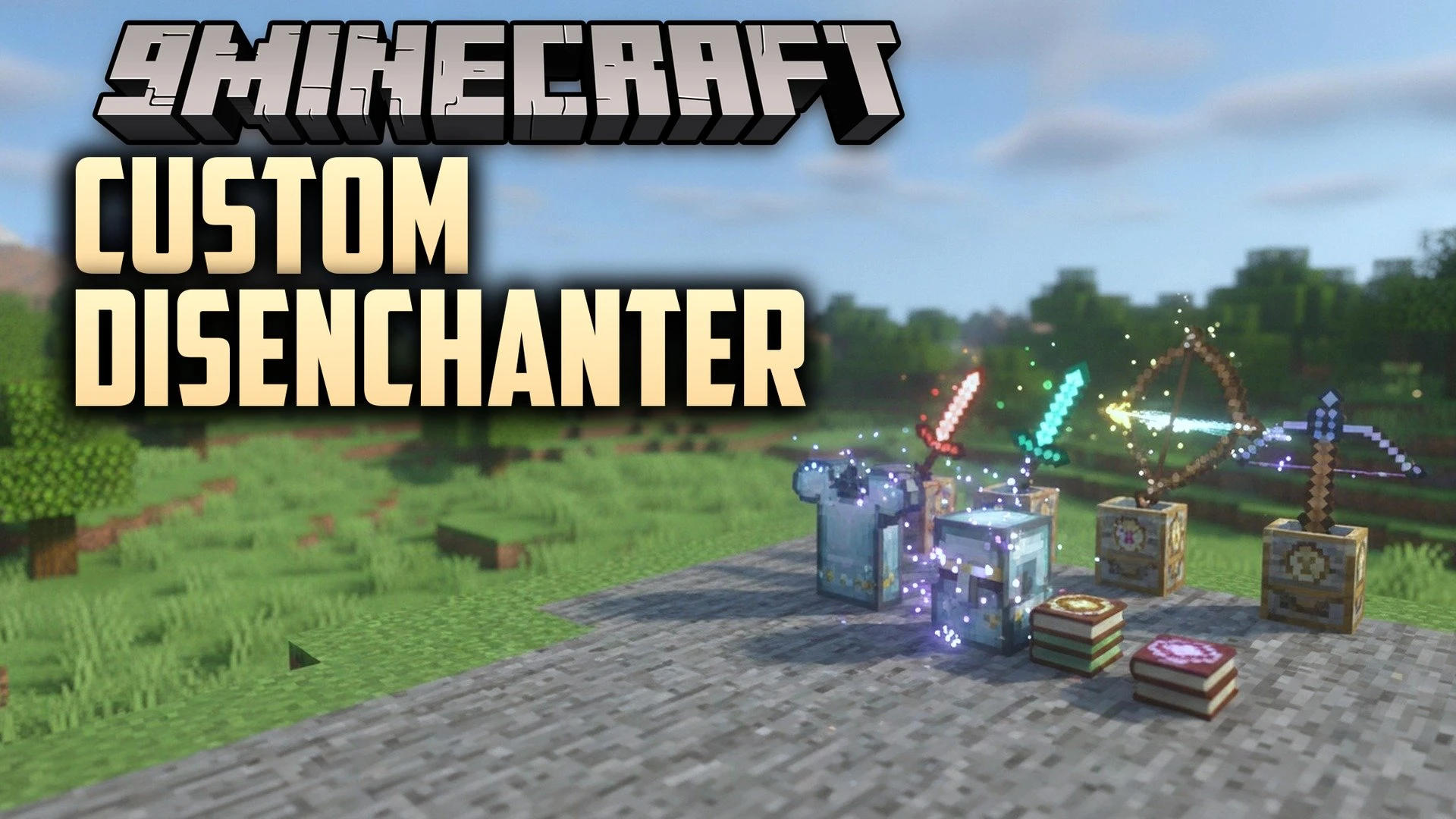
Custom Disenchanter Mod adds a special block that lets you remove specific enchantments from your gear. In vanilla Minecraft, a grindstone wipes out every enchantment on an item at once. This mod gives you full control to pick which enchantments stay on your tools and which ones come off. The removed enchantments transfer onto a plain book so you can save and reuse them later.
Features:
- Selective Removal: Lets you take off unwanted enchantments while keeping the good ones on your weapon, armor, or tool.
- Enchantment Saving: Moves the extracted enchantments onto a normal book in your inventory for future use.
- Includes a simple menu inside the Disenchanter Block to manage your enchanted items.
- Adds a custom Creative mode tab so you can find the block quickly.
- Keeps items safe inside the block’s inventory and works with hoppers for automation.
- Runs smoothly in both singleplayer worlds and multiplayer servers.
How to Use:
- Craft or grab a Disenchanter Block from the Creative menu and place it down.
- Keep at least one normal book in your player inventory to store the removed enchantments.
- Right-click the block to open the disenchanter menu.
- Put your enchanted item into the slot.
- Click on the specific enchantments you want to take off.
- Take back your updated item along with the newly enchanted book.
Custom Disenchanter Mod Download Links
Quick facts
- Edition: Minecraft Java
- File type: .jar
- Minecraft versions listed: 26.3, 1.20.1
- How to install: Install the matching mod loader (Forge, Fabric or NeoForge) for your Minecraft version. → Download the .jar. → Put it in the .minecraft/mods folder and launch that loader profile.
- Where to get it: In MC Java Mods, or directly above on this page.
Install steps are the general flow for this file type — How to install Minecraft Java mods & modpacks walks through it step by step.
File checked by MCModsHub
- Downloads as 551656.mcaddon
- Download size: 43 KB
- Download link checked 19 Nov 2026 — working
- Mirrored on our own servers — the download does not depend on the original host
These come from our own check of the pack file, not from the source page.