
ModsJava
Soul Projector Mod (26.3, 1.21.1) – Scout Caves and Bases Safely in Ghost Form
Java mod listed for Minecraft 1.21–26.x. Downloads from the MC Java Mods app on Android.
⬇ Download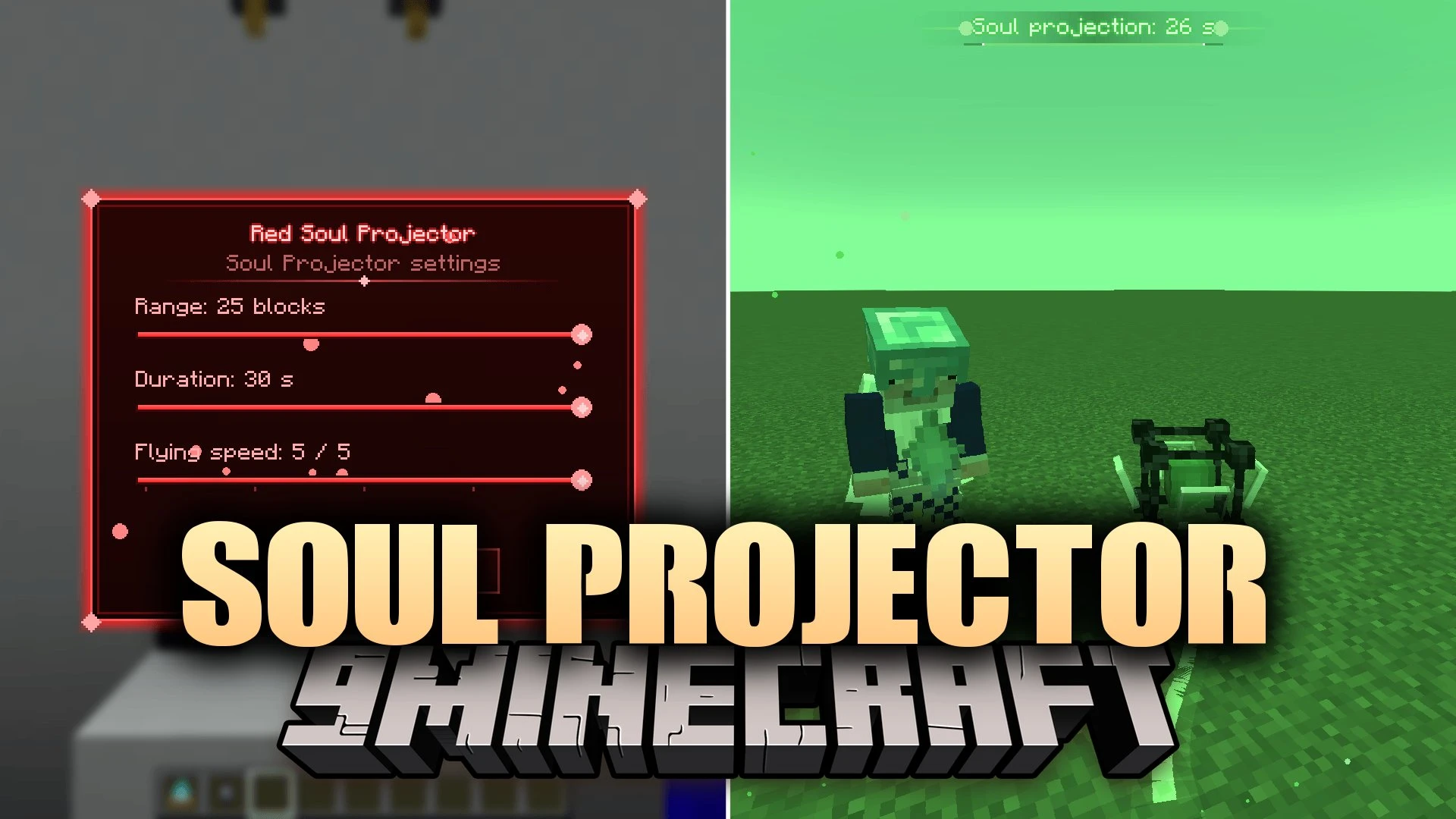


Soul Projector Mod lets you leave your body and fly around as a see-through light-blue ghost. A glowing blue beam ties your spirit to your character so you can safely peek over walls or scout caves within a set range. Mobs ignore your ghost form completely, though taking damage to your real body pulls you right back.
Features:
- Ghost Projection: Turns you into a floating ghost while your physical body stays behind in the exact spot you left it.
- Two Upgrade Tiers: Offers a base cube and an Ancient version with four times the range, faster flight speed, and unlimited time.
- Remote Soul Shards: Lets you bind a shard to a placed block so you can project your spirit from that spot even when you are far away.
- Block Ownership: Protects placed cubes so only the owner who bound a shard to it can mine it by hand, while other players need explosions to break it.
- Custom Colors: Applies any of the 16 basic dyes at a Smithing Table or mixes colors like leather armor in a crafting grid to change the beam and glow color.
- Connects your ghost to your body with a stretchy soul beam that limits how far you can fly.
- Keeps your ghost hidden from all hostile mobs, though any hit to your real body passes the damage to you and ends the flight right away.
- Includes a settings menu to adjust flight speed, duration, and travel distance within the block’s limits.
- Accepts custom names from an Anvil and displays them at the top of the settings screen.
- Accepts Unbreaking and Mending enchantments on Soul Shards to keep them working longer.
- Sends a warning message to the owner whenever their linked block breaks.
- Freezes linked shards if the block is mined with Silk Touch until the block is placed back down in the world.
- Shows the owner, range, duration, and speed on screen when used with the Jade mod.
Projector Tiers Comparison:
| Stat | Base Tier | Ancient Tier |
|---|---|---|
| Range | 25 blocks | 100 blocks |
| Duration | Up to 30 seconds | Up to 5 minutes (or Unlimited) |
| Cooldown | 30 seconds | 10 seconds |
| Max Flying Speed | 5 | 8 |
Crafting & Items:
- Base Cube: Crafted with 4 Obsidian in the corners, 4 Glass on the sides, and 1 Nether Star in the center.
- Ancient Upgrade Template: Found inside Ancient City chests with a 15% chance, or duplicated using 7 Echo Shards and 1 Netherite Ingot.
- Ancient Tier Cube: Made at a Smithing Table by combining the Ancient Upgrade Template, the base cube, and 1 Netherite Ingot.
- Soul Shard: Made by crafting an Amethyst Shard above an Echo Shard to get a Soulless Shard, then cooking it on a Soul Campfire.
How to Use:
- Activate the block in your hand or after placing it down to leave your body and start flying as a ghost.
- Press the R key at any time to snap back to your body early.
- Hold Sneak and Right-Click with the item in hand, or Right-Click a placed block to open the settings menu and change your range, time, and flying speed.
- Hold a Soul Shard and Right-Click a placed block to claim ownership and link the shard for remote scouting.
- Click the Sever Connection button inside the settings menu if you want to unlink a shard from your block.
Screenshots:
Soul Projector Mod Download Links
Quick facts
- Edition: Minecraft Java
- File type: .jar
- Minecraft versions listed: 26.3, 1.21.1
- How to install: Install the matching mod loader (Forge, Fabric or NeoForge) for your Minecraft version. → Download the .jar. → Put it in the .minecraft/mods folder and launch that loader profile.
- Where to get it: In MC Java Mods, or directly above on this page.
Install steps are the general flow for this file type — How to install Minecraft Java mods & modpacks walks through it step by step.
File checked by MCModsHub
- Downloads as 551672.mcaddon
- Download size: 263 KB
- Download link checked 19 Nov 2026 — working
- Mirrored on our own servers — the download does not depend on the original host
These come from our own check of the pack file, not from the source page.