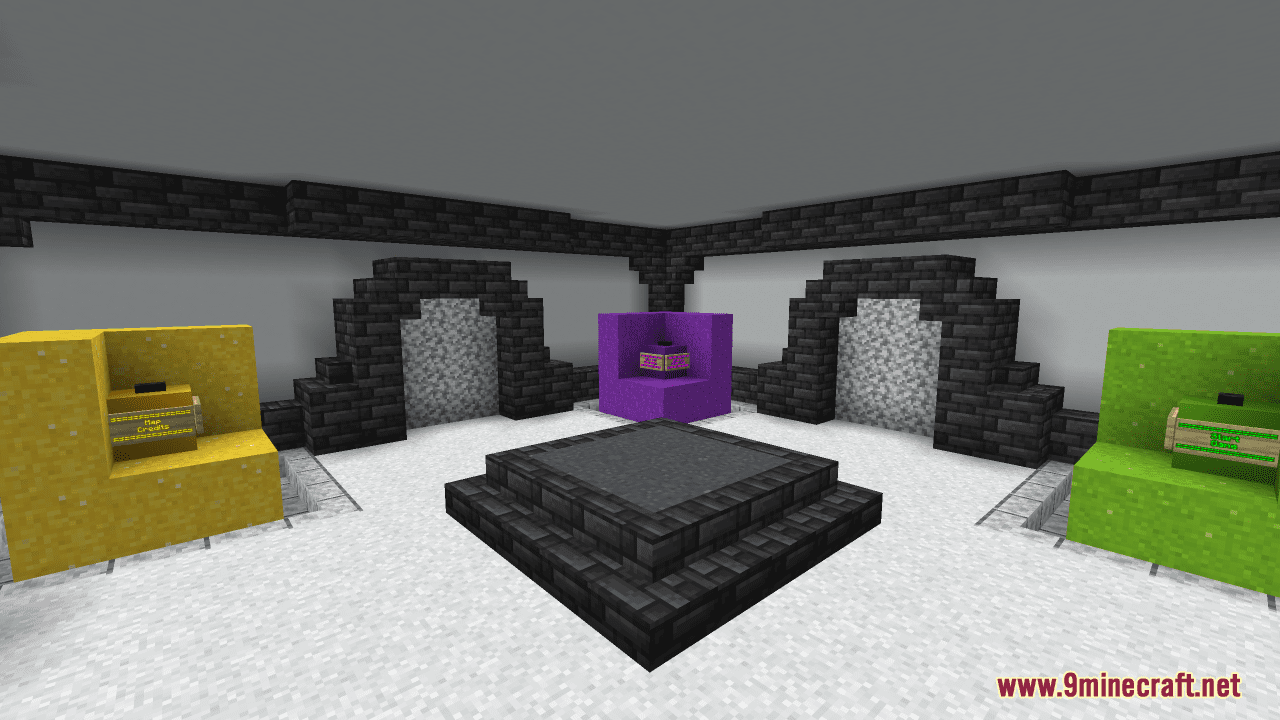
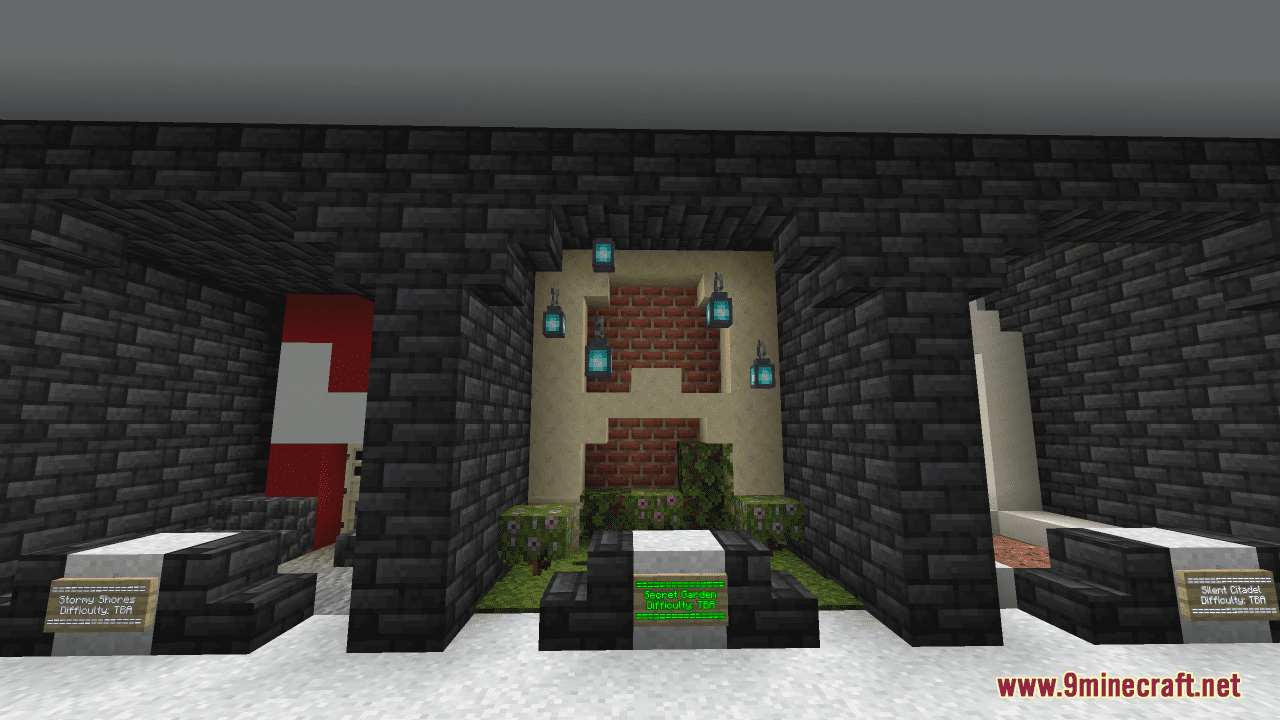
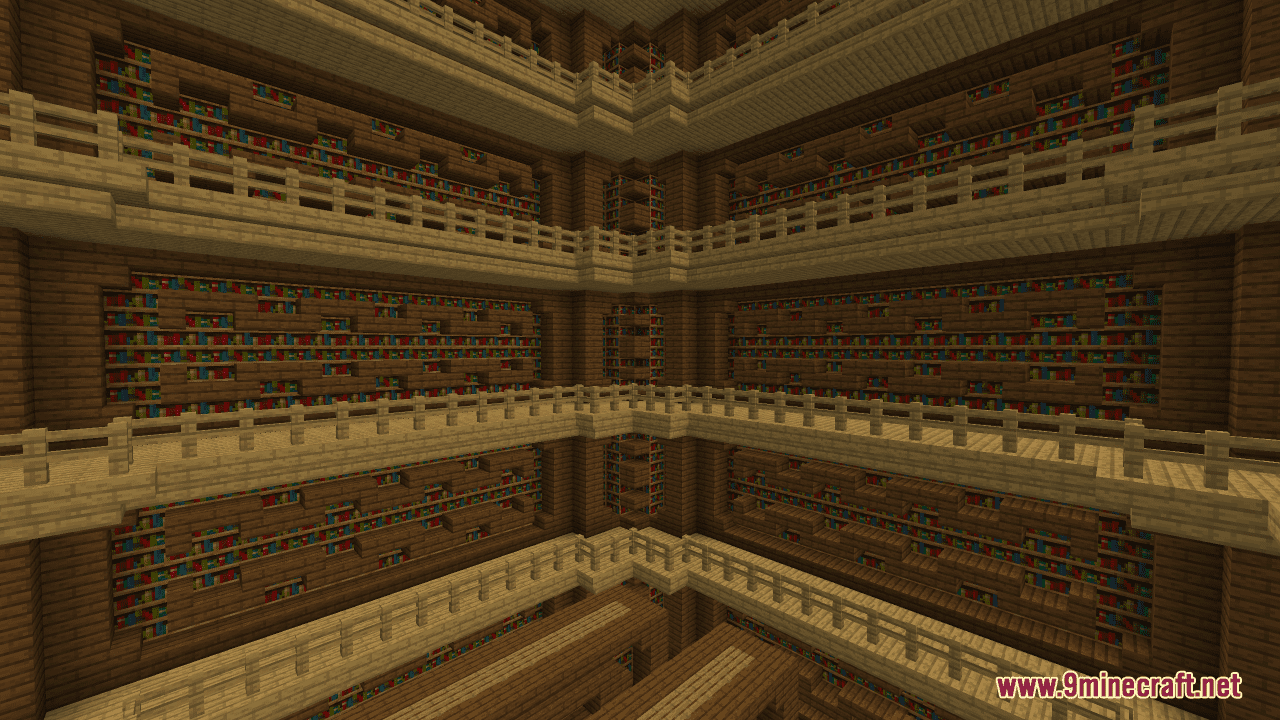
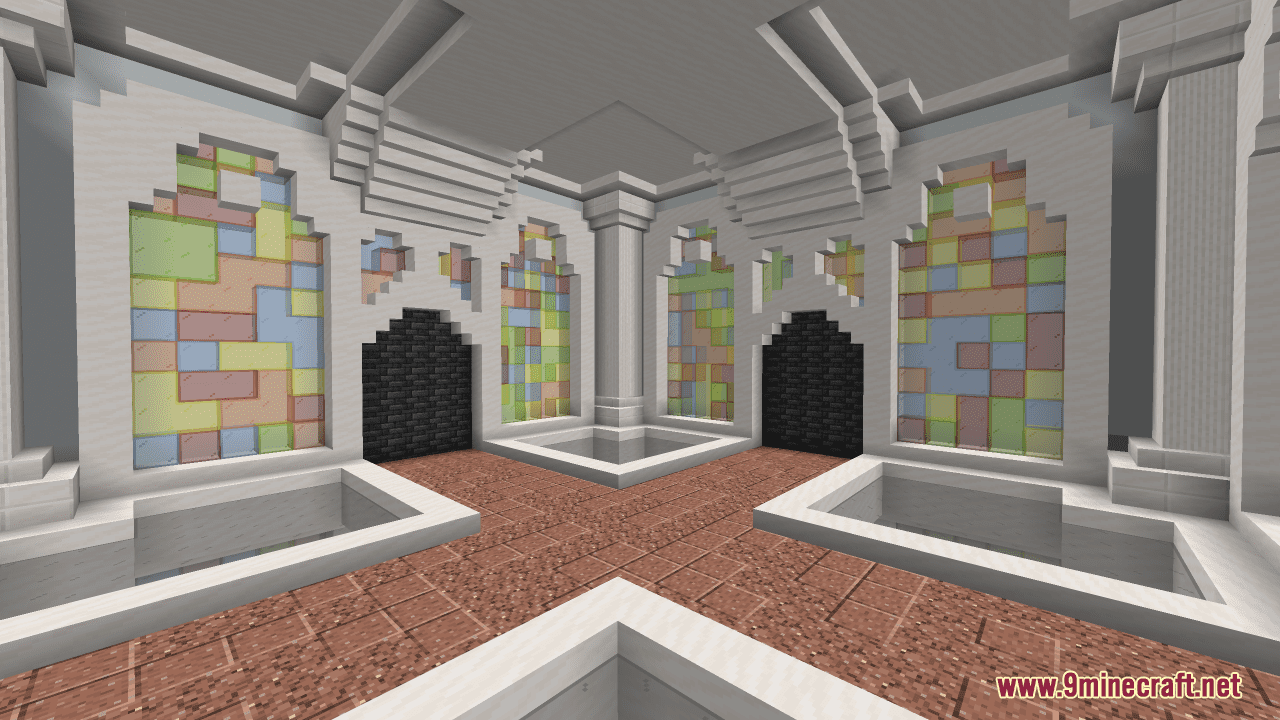
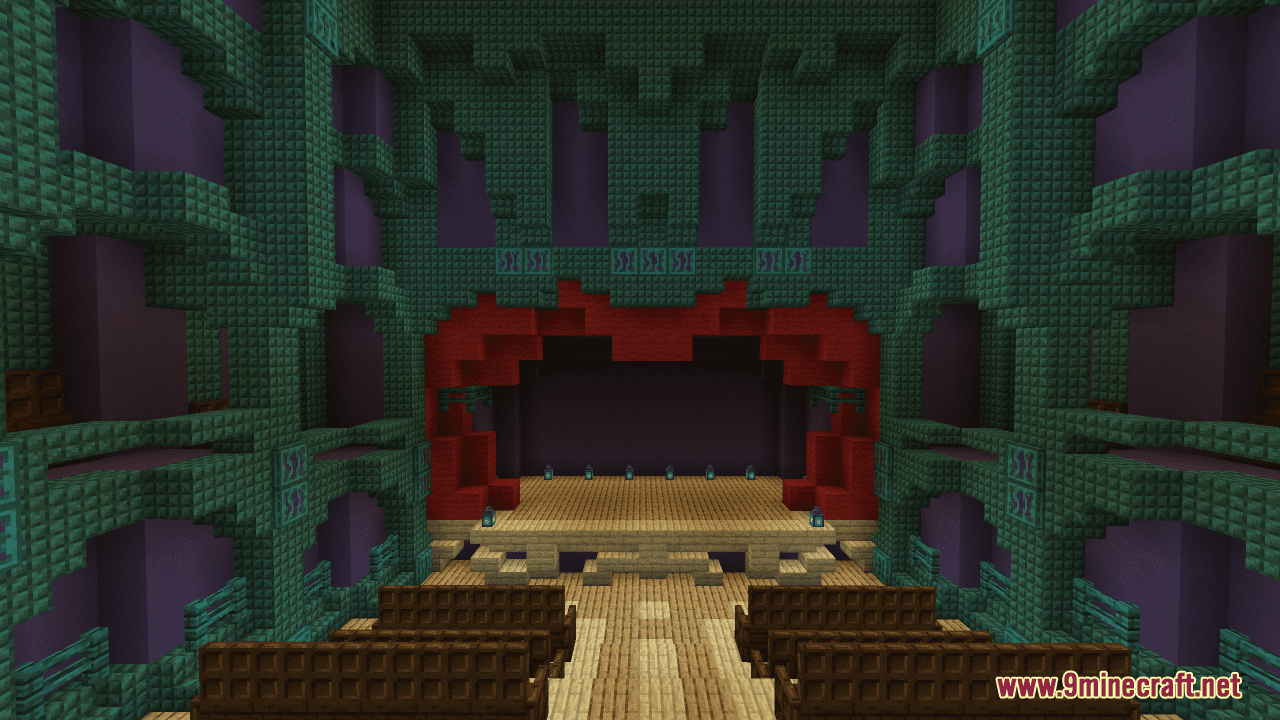
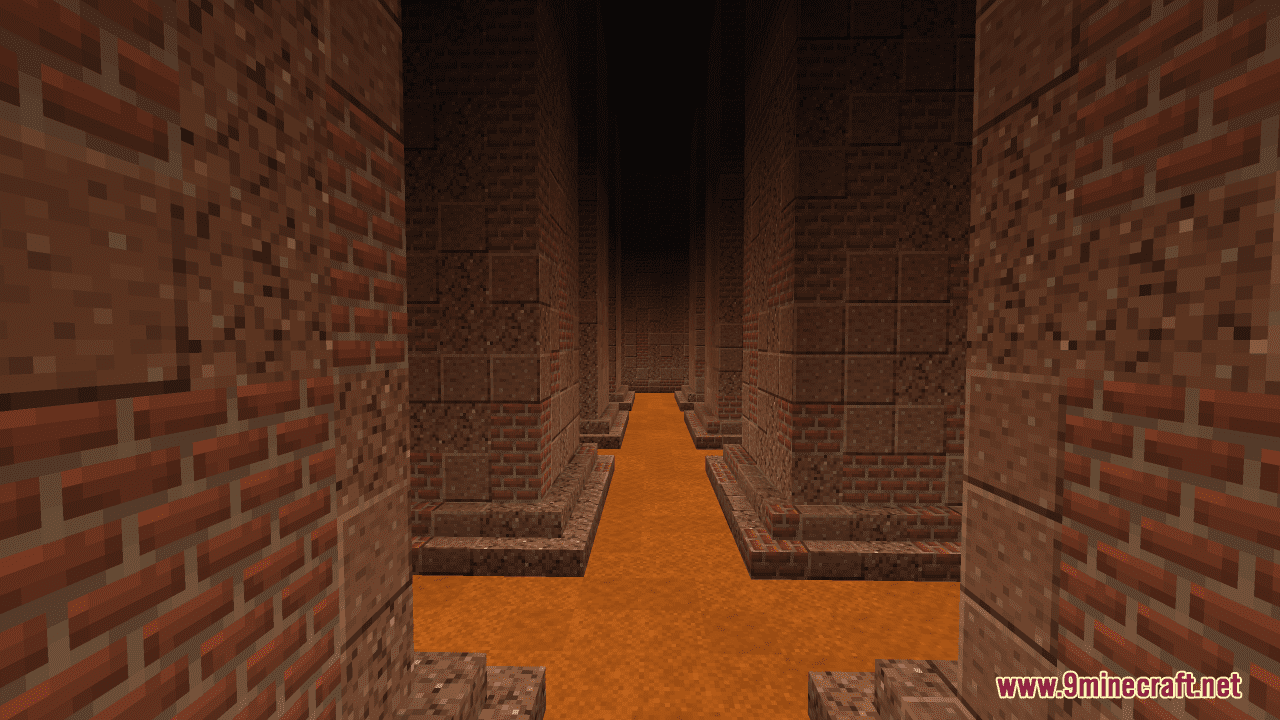
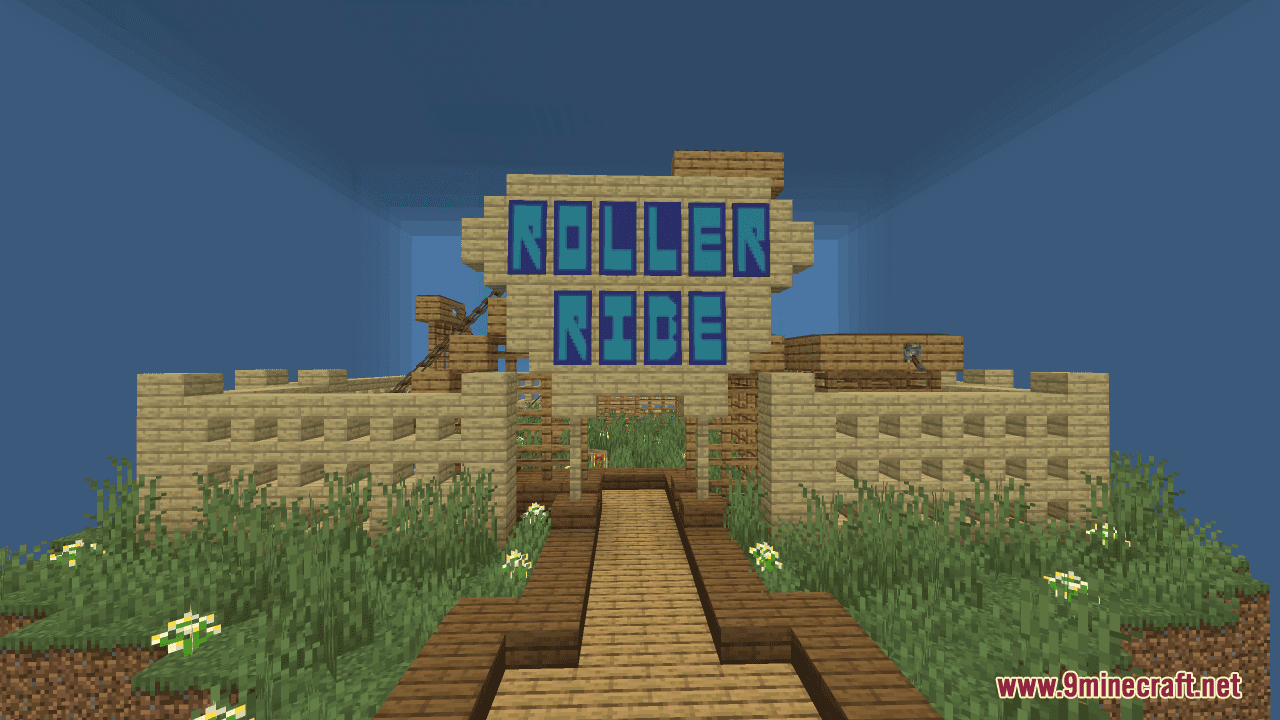
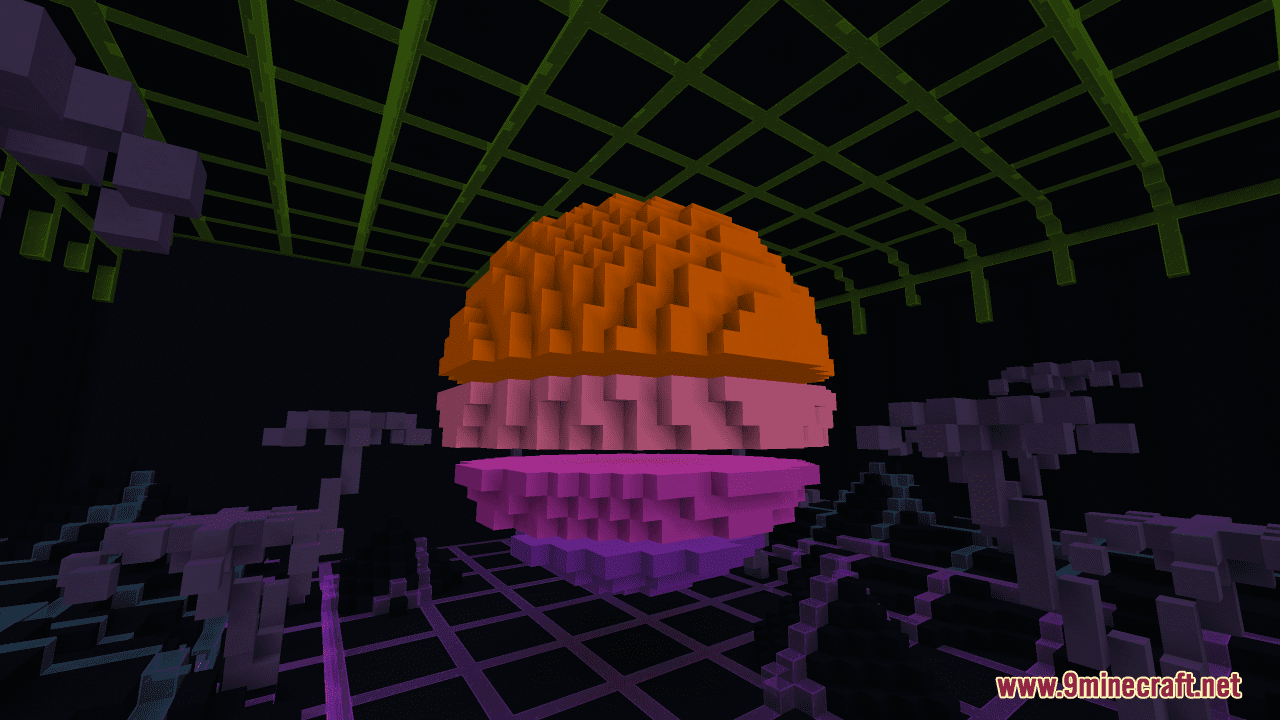
Find the Button: The Carlin Collection Map is a finding map created by DeuxiemeCarlin. This map offers a series of self-contained areas, each with a hidden button that players must find. With 20 unique levels, each varying in difficulty and environment, the map provides a fresh take on the classic “Find the button” gameplay. The levels are designed to be fun to explore and challenging and can be tackled in any order. Your objective, of course, is to find one button in each level, hidden away from view- and all you’ve got to do is follow three simple rules. Make sure your render distance is set to 20 or less, stay in adventure mode, and have fun.
Screenshots:
Find the Button: The Carlin Collection Map Download Links
- Edition: Minecraft Java
- File type: .zip (world save)
- Minecraft version listed: 1.20.1
- How to install: Download the .zip world. → Unzip it. → Move the folder into .minecraft/saves.
- Where to get it: In MC Java Mods, or directly above on this page.
Install steps are the general flow for this file type — How to install Minecraft Java maps & worlds walks through it step by step.
Find the Button: The Carlin Collection Map (26.2, 1.20.1) – A Fresh Take On FTB is a free Minecraft Java map. Compatible with Minecraft 1.20.1. Download it and open it directly in the game.