AddonsBedrock
Fake Blocks Addon (26.x, 1.21) – MCPE/Bedrock
Bedrock add-on listed for Minecraft 1.21 (behavior + resource pack). File opened and checked on 26 Sep 2026; installs from the MC Bedrock Mods app on Android.
⬇ Download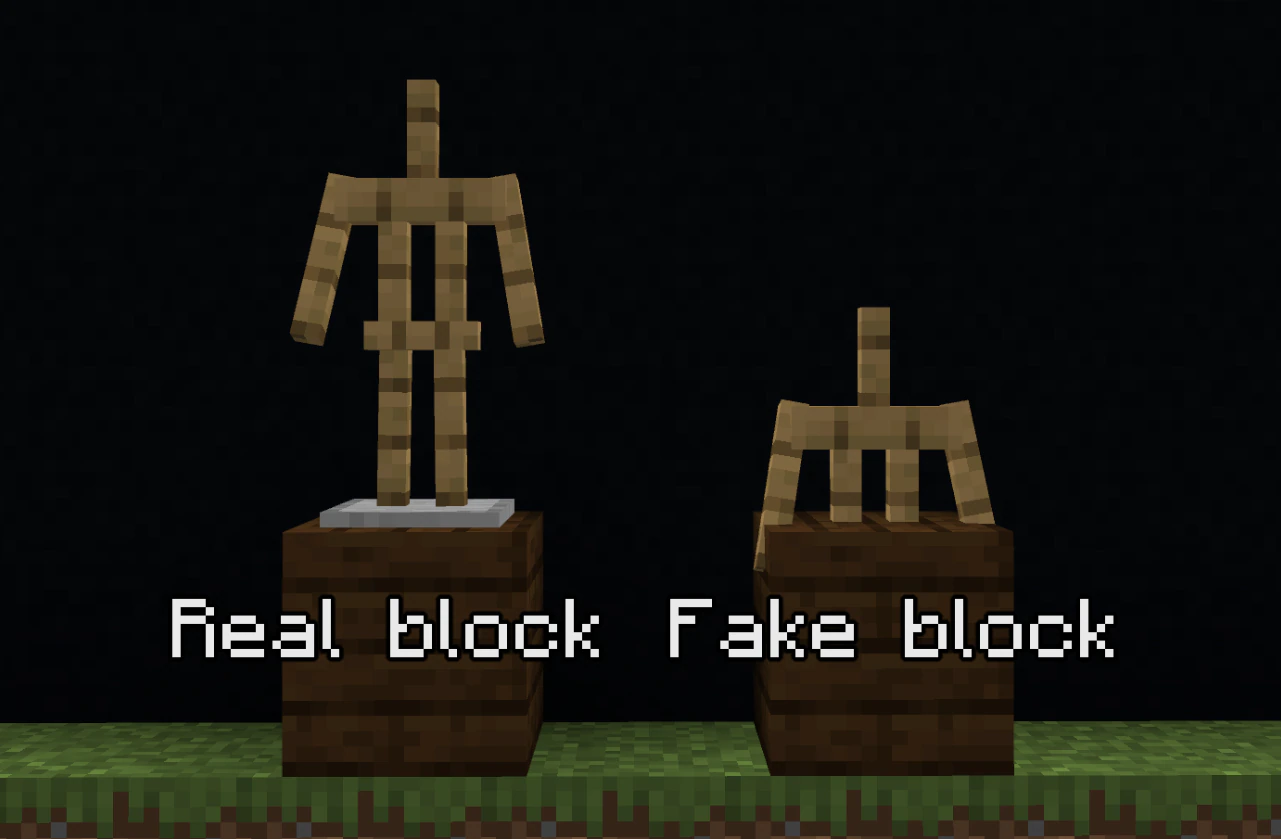
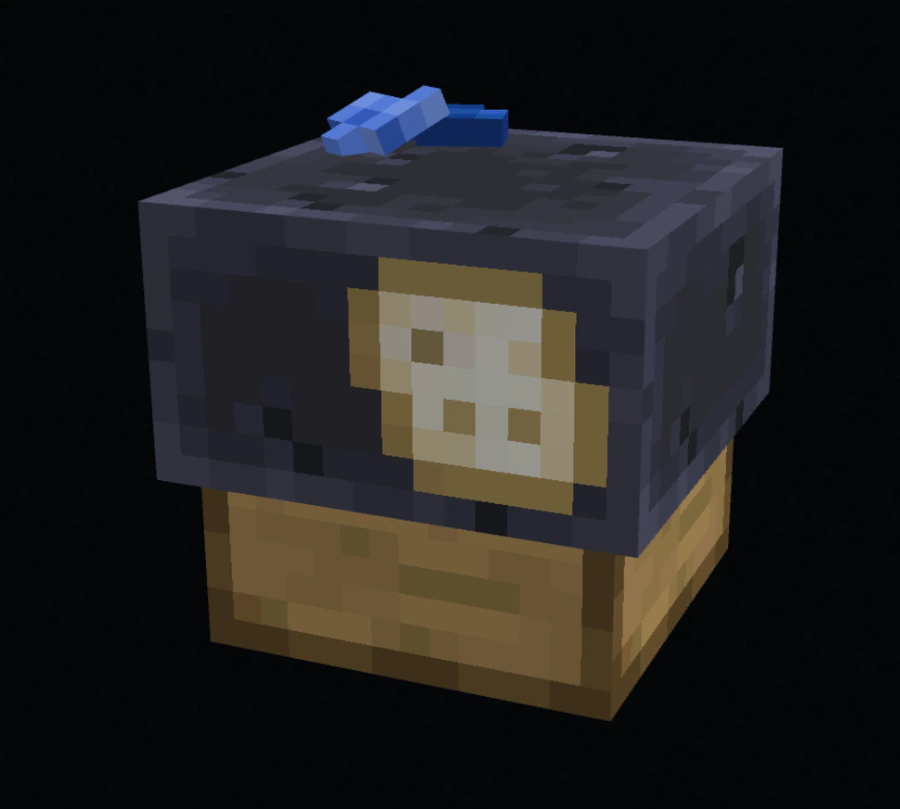
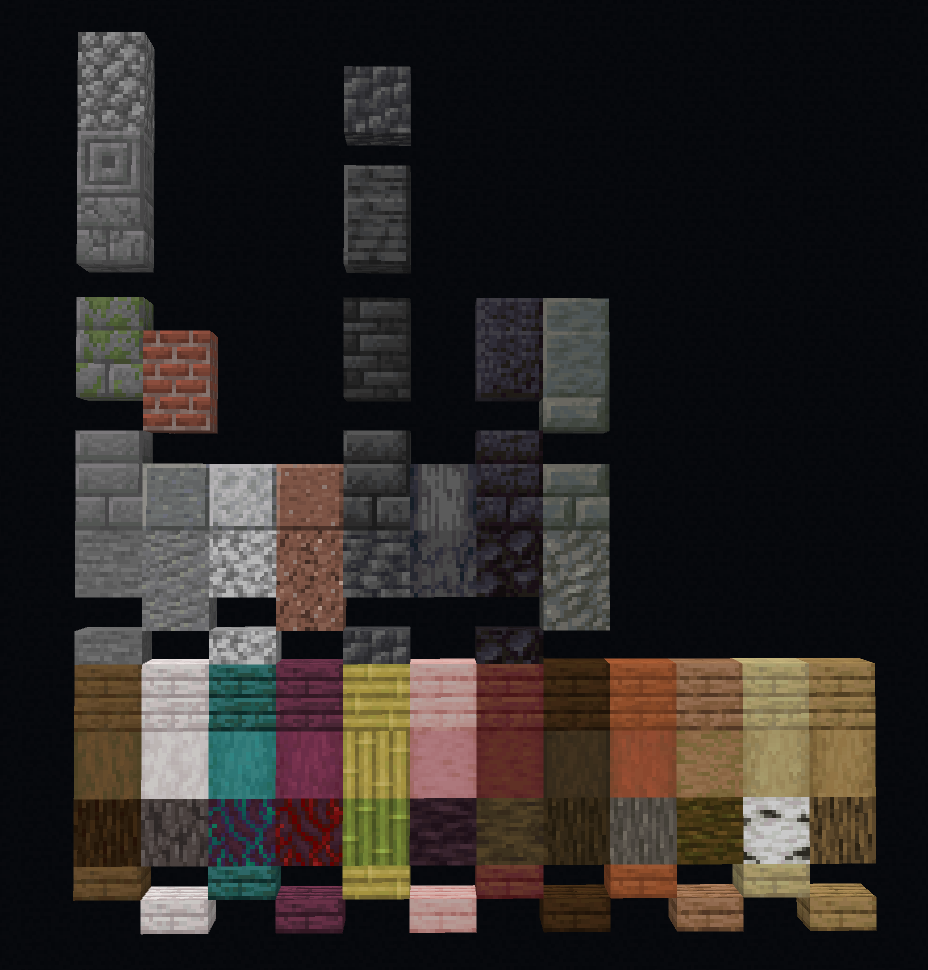
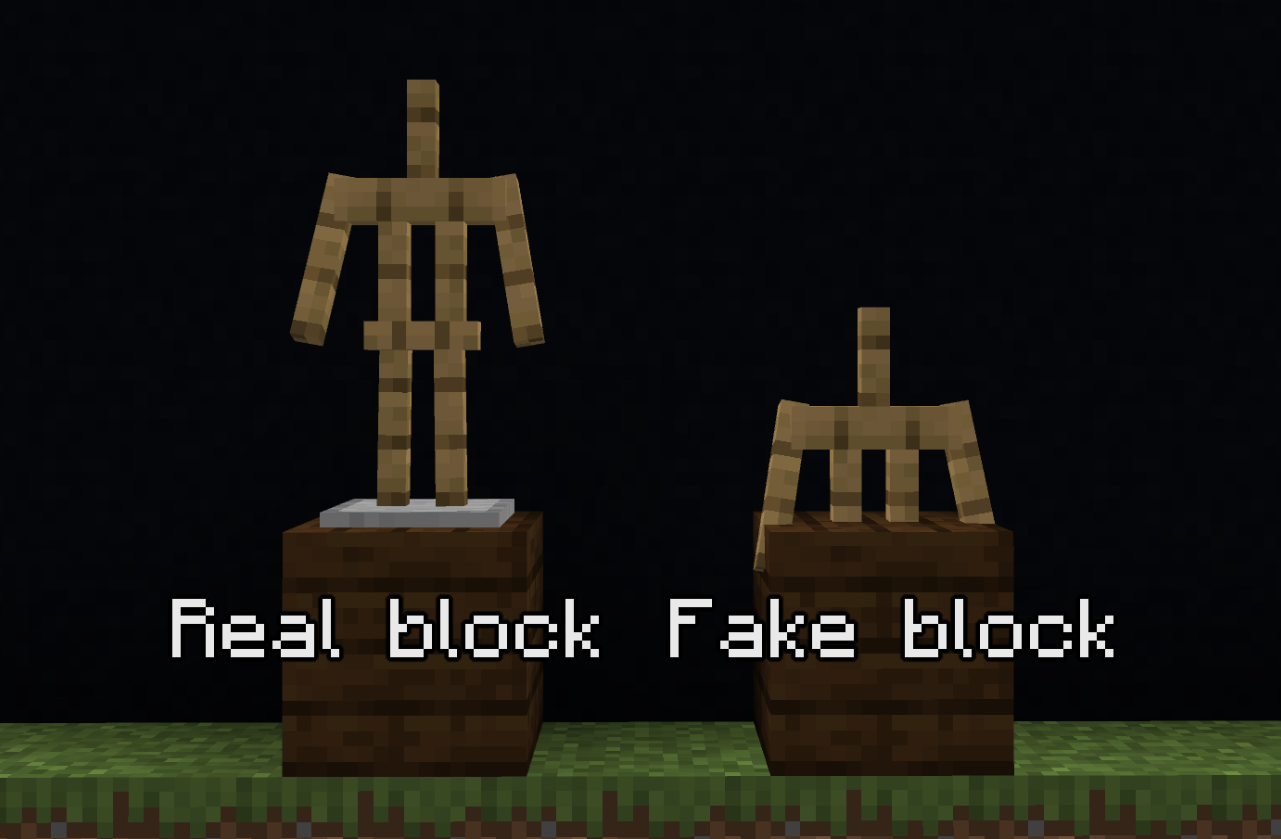
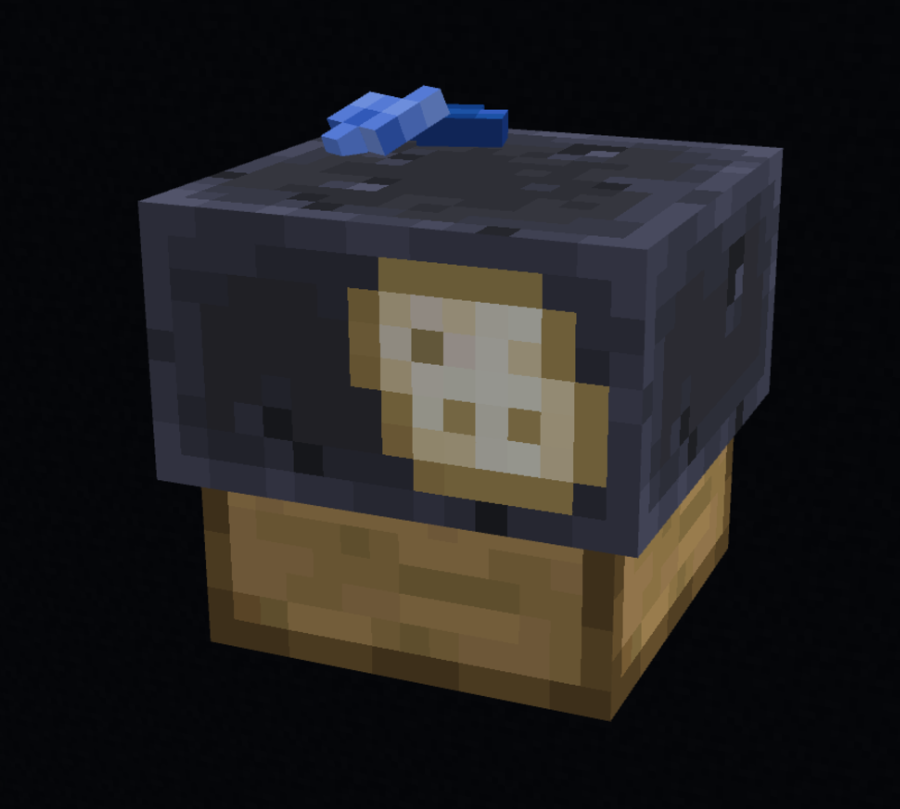
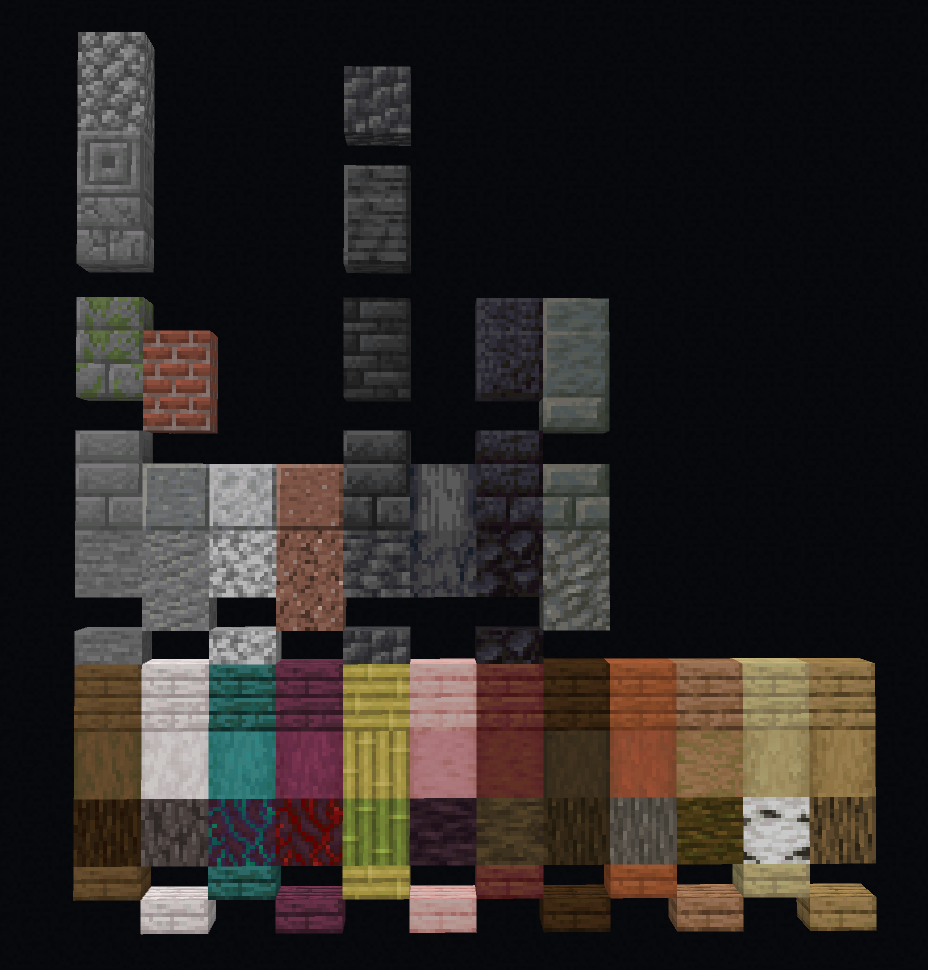
Fake Blocks Addon adds blocks that look like normal objects but don’t have physical impact. Players use these blocks to build traps or make walls that can be passed through. To begin, you need to craft a fake block machine and combine any block with lapis lazuli. When a block is placed down, the markings disappear to deceive opponents.
Features:
- Blocks that can be passed through.
- Build traps and pathways.
- Use a fake block machine.
- Combine lapis lazuli.
- Fake markings disappear automatically.
Screenshots:
Installation Note:
- You need to enable the Experimental Settings if the addon does not work.
Fake Blocks Addon Download Links
Quick facts
- Edition: Minecraft Bedrock
- File type: .mcpack or .mcaddon
- Minecraft version listed: 1.21
- How to install: Download the .mcpack or .mcaddon file. → Open it — Minecraft imports it. → In your world: Behavior Packs → Available → Activate, then the same under Resource Packs.
- Where to get it: In MCModsHub, or directly above on this page.
Install steps are the general flow for this file type — How to install Minecraft Bedrock addons & mods walks through it step by step.
File checked by MCModsHub
- Pack type: .mcaddon — behaviour and resource pack in one file
- Complete pack — everything it depends on is inside the file
- Download size: 259 KB
- Download link checked 22 Jul 2026 — working
- Mirrored on our own servers — the download does not depend on the original host
These come from our own check of the pack file, not from the source page.