
ModsJava
Player Use Counter Mod (26.3, 1.21.11) – Track Enemy Totems and Golden Apples
Java mod listed for Minecraft 1.21–26.x. Downloads from the MC Java Mods app on Android.
⬇ Download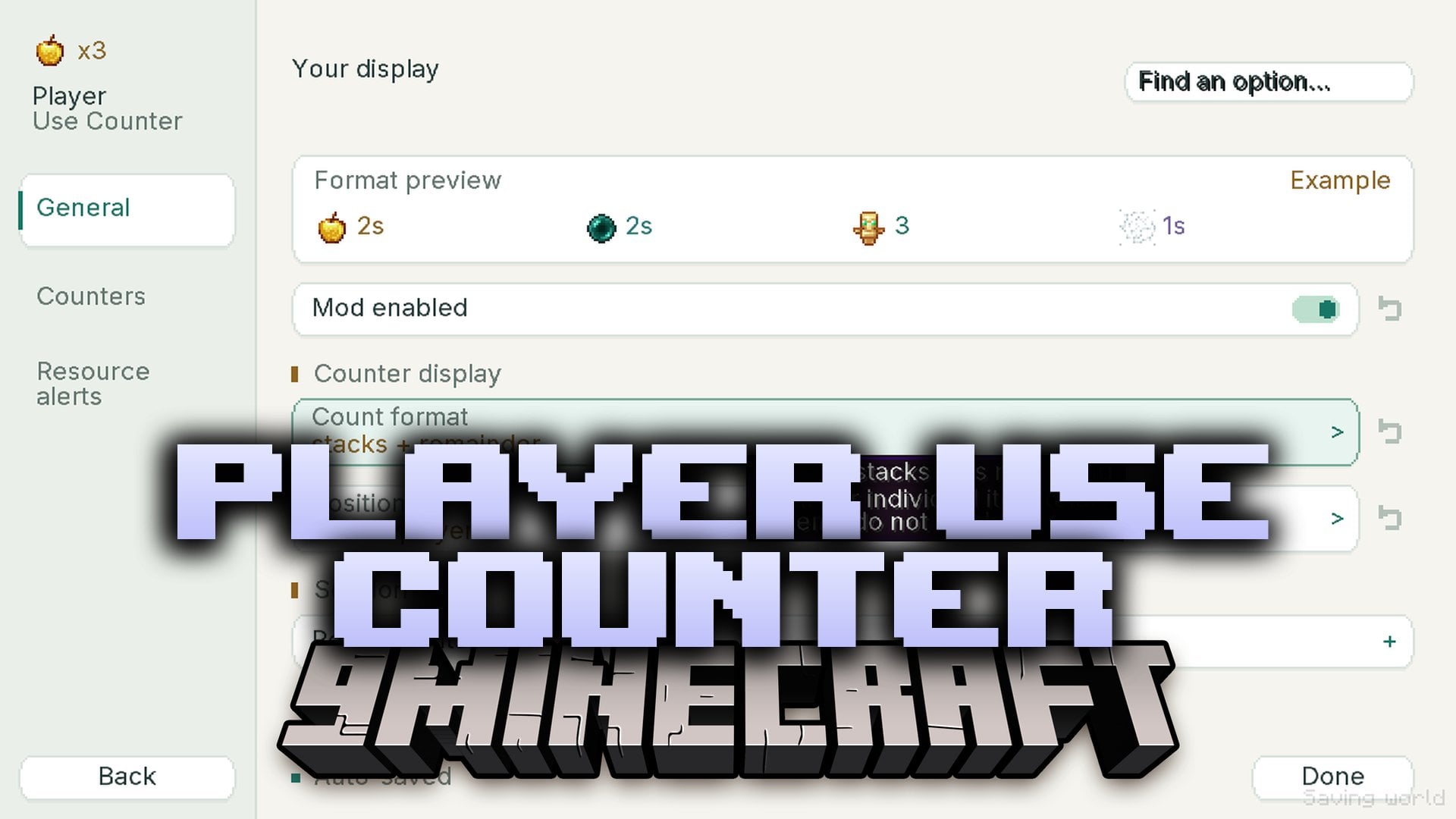
Player Use Counter Mod displays how many golden apples, ender pearls, totems, and cobwebs other players use in combat. These counters appear right beside players or above their nametags. The mod watches visible actions in the world rather than reading hidden inventories, helping you keep track of enemy supplies during a fight.
Features:
- Live Item Tracking: Shows item icons and usage counts for golden apples, ender pearls, totems of undying, and cobwebs.
- Automatic Duel Alerts: Detects opponents from incoming combat events without making you type in player names.
- Custom Display Formats: Displays either individual item amounts or full stacks alongside estimated remaining items.
- Shows one alert notification at a time using a queue system, a timer bar, and a custom duration.
- Resets a player’s counter automatically when you see them die, while totem pops keep the count going.
- Marks golden apple and cobweb counts with a
~symbol because they are estimates based on observed actions. - Keeps tracking actions even when you look away, as long as the server sends the event data to your client.
- Lets you set custom alert thresholds and optional starting-stock estimates for your opponents.
- Keeps resource alerts active even if you choose to hide the floating counter labels.
Commands:
/usecounter: Opens the settings menu to toggle the mod, adjust individual counters, or change label positions.
How to Use:
- Enter combat with another player to automatically start tracking their item usage and receiving duel alerts.
- Press F10 (or your rebound key in Minecraft Key Binds) to manually reset all current counts and duel alerts.
- Type
/usecounterin chat or open Mod Menu and select the mod to adjust count formats, starting-stock estimates, and alert thresholds.
Player Use Counter Mod Download Links
Quick facts
- Edition: Minecraft Java
- File type: .jar
- Minecraft versions listed: 26.3, 1.21.11
- How to install: Install the matching mod loader (Forge, Fabric or NeoForge) for your Minecraft version. → Download the .jar. → Put it in the .minecraft/mods folder and launch that loader profile.
- Where to get it: In MC Java Mods, or directly above on this page.
Install steps are the general flow for this file type — How to install Minecraft Java mods & modpacks walks through it step by step.
File checked by MCModsHub
- Downloads as 552139.mcaddon
- Download size: 1.4 MB
- Download link checked 20 Nov 2026 — working
- Mirrored on our own servers — the download does not depend on the original host
These come from our own check of the pack file, not from the source page.