
ModsJava
Visual Inputs Mod (26.3, 1.21.1) – Perfect Your PvP Timing with Tick-Based
Java mod listed for Minecraft 1.21–26.x. Downloads from the MC Java Mods app on Android.
⬇ Download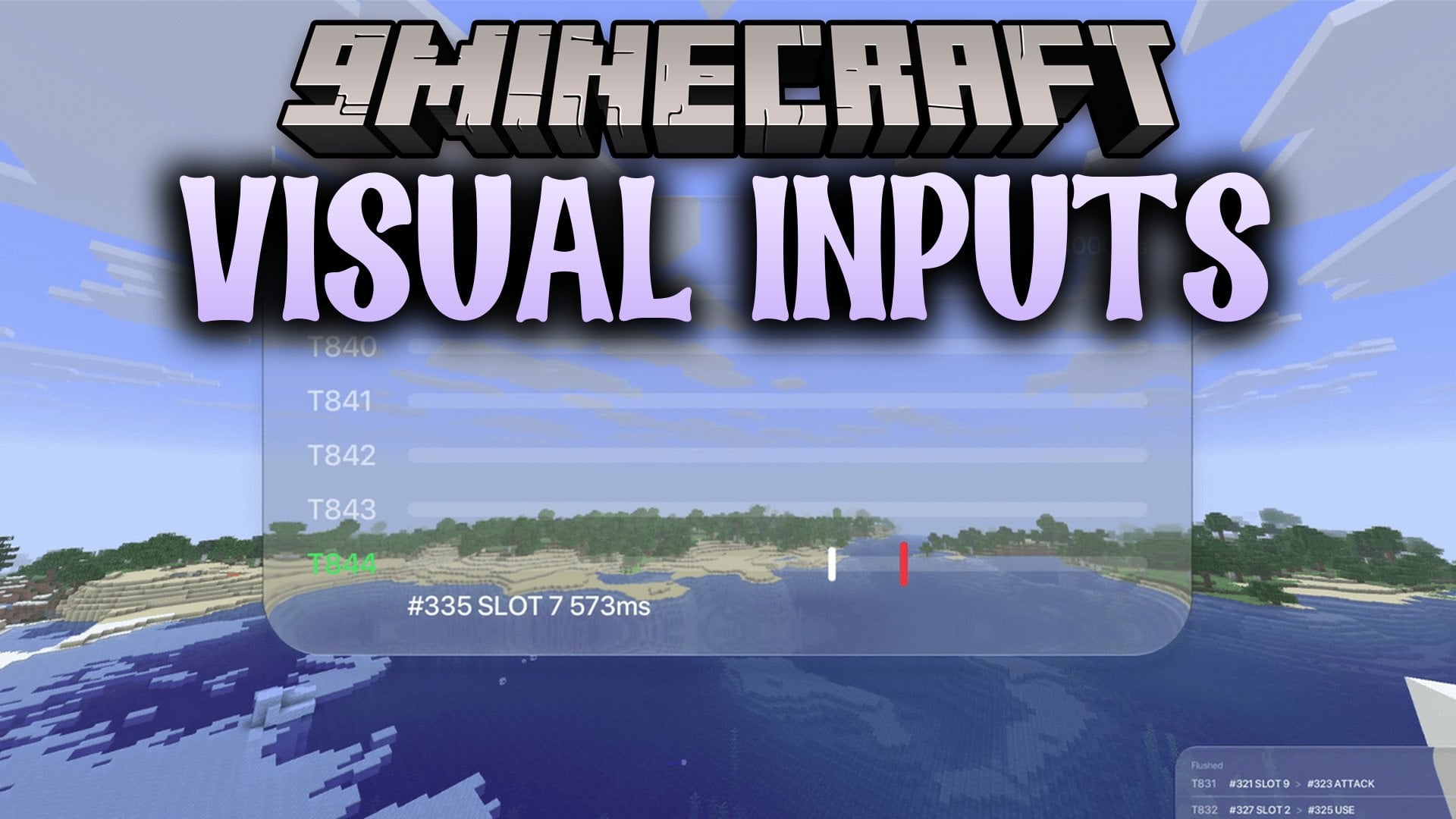
Visual Inputs Mod shows which keys and mouse buttons you press and the exact moment they land inside each game tick. This mod helps players understand how Minecraft orders inputs behind the scenes. You can see your exact button timings on a timeline, which is useful for practicing tricky PvP moves that need fast and accurate clicks.
Features:
- Flushed Inputs Widget: Displays an optional box above the timeline that lists the exact order the game client handles your pressed keys in each tick.
- Timeline Display: Shows where inside each game tick your button presses and optional release markers land.
- Colors the text based on which input device you press, like your keyboard or mouse.
- Lets you change the number of rows shown on the screen.
- Allows you to freely move and resize both on-screen widgets to fit your screen layout.
Visual Inputs Mod Download Links
Quick facts
- Edition: Minecraft Java
- File type: .jar
- Minecraft versions listed: 26.3, 1.21.1
- How to install: Install the matching mod loader (Forge, Fabric or NeoForge) for your Minecraft version. → Download the .jar. → Put it in the .minecraft/mods folder and launch that loader profile.
- Where to get it: In MC Java Mods, or directly above on this page.
Install steps are the general flow for this file type — How to install Minecraft Java mods & modpacks walks through it step by step.
File checked by MCModsHub
- Downloads as 552140.mcaddon
- Download size: 54 KB
- Download link checked 20 Nov 2026 — working
- Mirrored on our own servers — the download does not depend on the original host
These come from our own check of the pack file, not from the source page.