ModsJava
FOER Fish OnMC Extras R Mod (26.3, 1.21.11) – Custom HUDs and Fishing Stats
Java mod listed for Minecraft 1.21–26.x. Downloads from the MC Java Mods app on Android.
⬇ Download
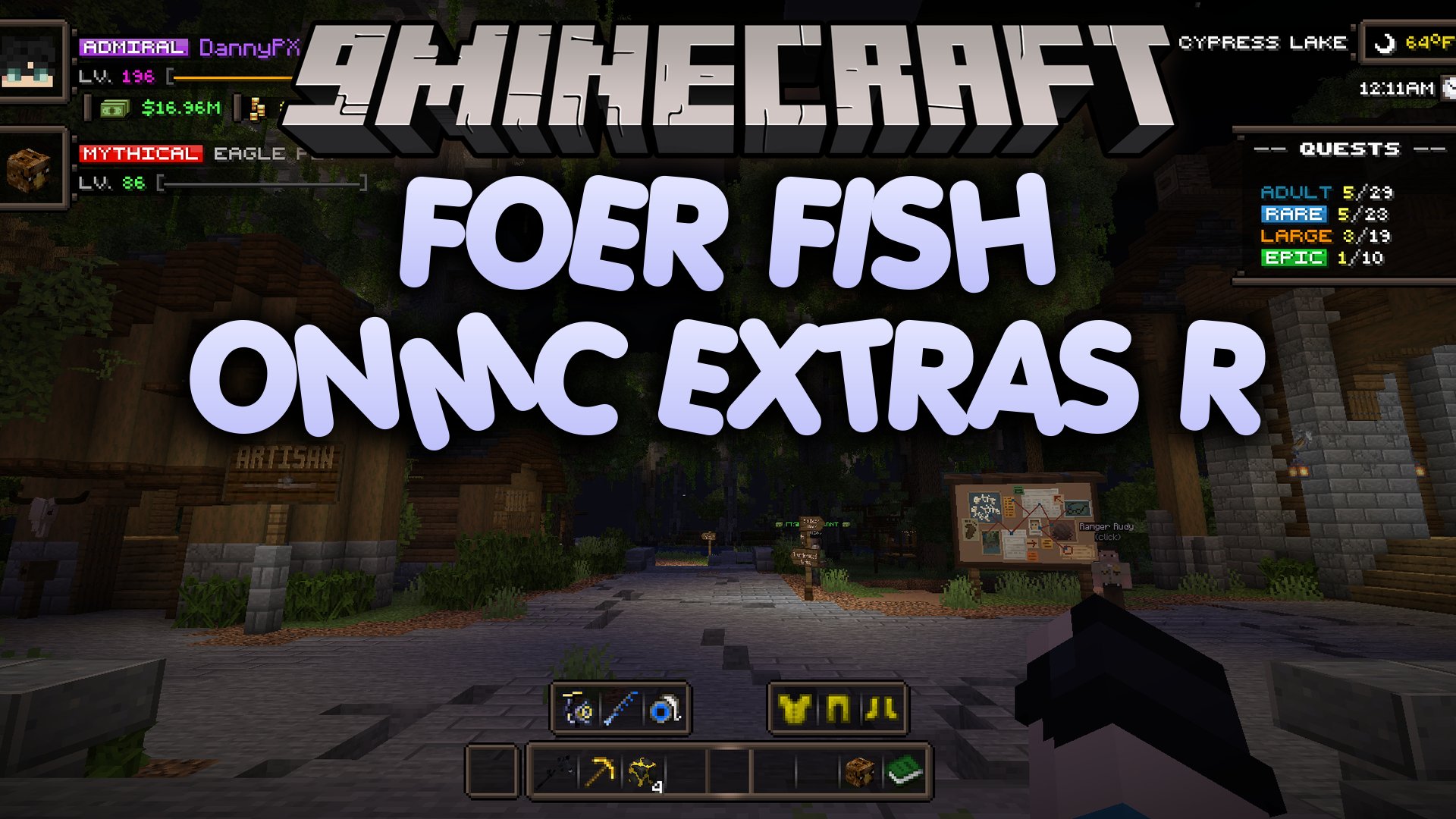
FOER Fish OnMC Extras R Mod adds quality-of-life tools and custom interface options for players on the play.fishonmc.net server. It tracks statistics for fish, pets, and all other items while adding visual details like a 3D bait model and a light source on your fishing bobber. Players can build custom HUDs, buttons, timers, and chat triggers to organize their screen and track server activities. This mod runs on Fabric and requires Fzzy Config to work.
Features:
- Statistics Tracking: Tracks stats for fish, pets, and all other items in a dedicated statistics panel, and lets you import existing stats.
- Custom Creators: Includes tools to build your own custom HUDs, buttons, chat triggers, timers, and notifications, plus placeholders to pull live data into text fields.
- Fishing Bobber Upgrades: Renders a 3D bait model below your fishing bobber and adds a light source directly to the bobber.
- Search Bars & Market Info: Adds search bars inside
/ah,/pv, and chests, and shows the price per item in the auction house. - Provides pre-made HUD elements for your hotbar, location, pet, profile, and active quests.
- Includes a new notifier system for fish catches and custom alerts.
- Displays pet percentages and shows the currently equipped item on your pets.
- Marks item rarity and adds tooltip hover details.
- Displays armor rolls and roll costs directly on the armor tooltip and the roll screen.
- Shows a tacklebox lock icon on the bait slot.
- Adds a toggle to hide your armor.
- Places small buttons inside your inventory for quick access to the Config Screen and Button Creator.
- Marks crew chat messages, shows notifications when crew members join or leave, and pins crew members to the top of the tab list.
How to Use:
- Join the
play.fishonmc.netserver with the mod installed. - Press O at any time to open the configuration screen directly, or click the small shortcut buttons inside your inventory to open the Config Screen and Button Creator.
- Drag and move the HUD elements on the HUD Screen to change their position on your display.
- Type inside the search bars when viewing
/ah,/pv, or chests to filter your items quickly.
FOER Fish OnMC Extras R Mod Download Links
Quick facts
- Edition: Minecraft Java
- File type: .jar
- Minecraft versions listed: 26.3, 1.21.11
- How to install: Install the matching mod loader (Forge, Fabric or NeoForge) for your Minecraft version. → Download the .jar. → Put it in the .minecraft/mods folder and launch that loader profile.
- Where to get it: In MC Java Mods, or directly above on this page.
Install steps are the general flow for this file type — How to install Minecraft Java mods & modpacks walks through it step by step.
File checked by MCModsHub
- Downloads as 552247.mcaddon
- Download size: 1020 KB
- Download link checked 20 Nov 2026 — working
- Mirrored on our own servers — the download does not depend on the original host
These come from our own check of the pack file, not from the source page.