
Lime's Backpacks Mod (26.3, 1.21.11) – Carry More Loot with Wearable Lanterns
Java mod listed for Minecraft 1.21–26.x. Downloads from the MC Java Mods app on Android.
Lime's Backpacks Mod adds six tiers of wearable backpacks that grow from 9 slots up to 81 slots of storage. You start with a basic Leather pack and…
⬇ Download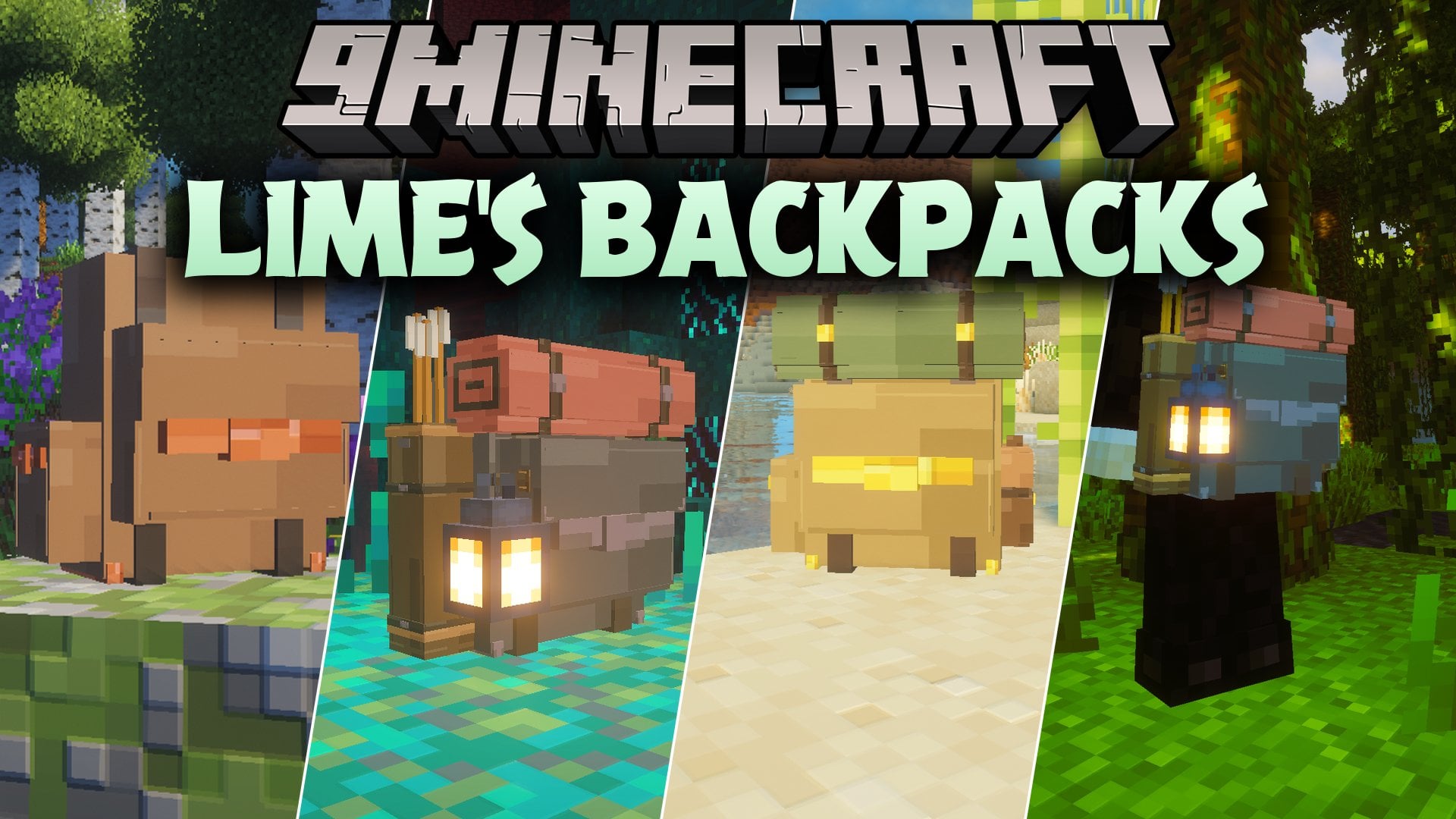


Lime’s Backpacks Mod adds six tiers of wearable backpacks that grow from 9 slots up to 81 slots of storage. You start with a basic Leather pack and upgrade it through Copper, Iron, Golden, Diamond, and Netherite tiers while keeping all your items safely inside. Higher tiers unlock extra tools attached to the bag, like a toggleable lantern for lighting up dark caves and a built-in quiver that feeds arrows directly to your bows and crossbows. You can wear these packs on your back, open them straight from your hand, or place them on the ground to move items automatically with hoppers. The mod works on its own and also pairs with optional mods like Trinkets Updated and LambDynamicLights for back-slot equipping and moving light.
Features:
- Six Upgradeable Tiers: Progress through Leather, Copper, Iron, Golden, Diamond, and Netherite backpacks, with each upgrade adding more slots and keeping all stored items inside during crafting.
- Attached Lantern and Quiver: Diamond and Netherite packs feature a toggleable lantern for light, while the Netherite pack also includes a quiver that supplies arrows directly to your bows and crossbows.
- Placeable With Hopper Automation: Place any backpack down in the world as a block and connect it to hoppers to insert or extract items automatically.
- Includes a custom user interface and distinct visual model details, colors, and materials for every single tier so players can tell which tier someone is carrying just by looking at their back.
- Lets you open and use backpacks directly from your hand, or wear them in a chest or back slot when paired with the optional Trinkets Updated mod.
- Lights up the surrounding area when the Diamond or Netherite backpack lantern is turned on alongside LambDynamicLights or Complementary shaders.
- Adds a dedicated advancement tab with 13 advancements and specific milestones for reaching each backpack tier.
Backpack Tiers, Storage, and Crafting Ingredients:
- Leather Backpack: Holds 9 slots and is crafted using 8 Leather surrounding any Bundle.
- Copper Backpack: Holds 18 slots and is crafted using 1 Leather Backpack, 4 Copper Ingots, 2 String, and 2 Leather.
- Iron Backpack: Holds 27 slots and is crafted using 1 Copper Backpack, 6 Iron Ingots, and 2 Chains.
- Golden Backpack: Holds 36 slots and is crafted using 1 Iron Backpack, 5 Gold Ingots, and 3 Green Wool.
- Diamond Backpack: Holds 54 slots, adds a toggleable lantern, and is crafted using 1 Golden Backpack, 4 Diamonds, 3 Emeralds, and 1 Lantern.
- Netherite Backpack: Holds 81 slots, includes both a toggleable lantern and an arrow-supplying quiver, and is crafted using 1 Diamond Backpack, 2 Netherite Ingots, 1 Nether Star, 2 Echo Shards, 2 Crying Obsidian, and any Shulker Box.
How to Use:
- Craft a Leather Backpack first using 8 Leather and any Bundle, then upgrade it one tier at a time by combining it with the next tier’s materials in a crafting table; you do not need to empty the bag before upgrading.
- Use the backpack straight from your hand, or equip it into your back slot if you have Trinkets Updated installed.
- Press B to open or close your equipped backpack and access its custom storage screen.
- Press G while carrying a Diamond or Netherite backpack to turn the attached backpack lantern on or off.
- Hold Crouch + Right-Click while holding a backpack in your hand to place it on the ground, where hoppers can push items in or pull items out.
- Hold Crouch + Right-Click on a placed backpack in the world to pick it back up into your inventory.
- Open Options → Controls → Lime’s Backpacks in the game menu if you want to change the B or G keybinds.
Screenshots:
Lime’s Backpacks Mod Download Links
- Edition: Minecraft Java
- File type: .jar
- Minecraft versions listed: 26.3, 1.21.11
- How to install: Install the matching mod loader (Forge, Fabric or NeoForge) for your Minecraft version. → Download the .jar. → Put it in the .minecraft/mods folder and launch that loader profile.
- Where to get it: In MC Java Mods, or directly above on this page.
Install steps are the general flow for this file type — How to install Minecraft Java mods & modpacks walks through it step by step.
- Downloads as 552292.mcaddon
- Download size: 4.4 MB
- Download link checked 20 Nov 2026 — working
- Mirrored on our own servers — the download does not depend on the original host
These come from our own check of the pack file, not from the source page.