
ModsJava
Disable Lightning Render Mod (26.3, 1.20.1) – Hide Blinding Lightning Bolts
Java mod listed for Minecraft 1.20–26.x. Downloads from the MC Java Mods app on Android.
⬇ Download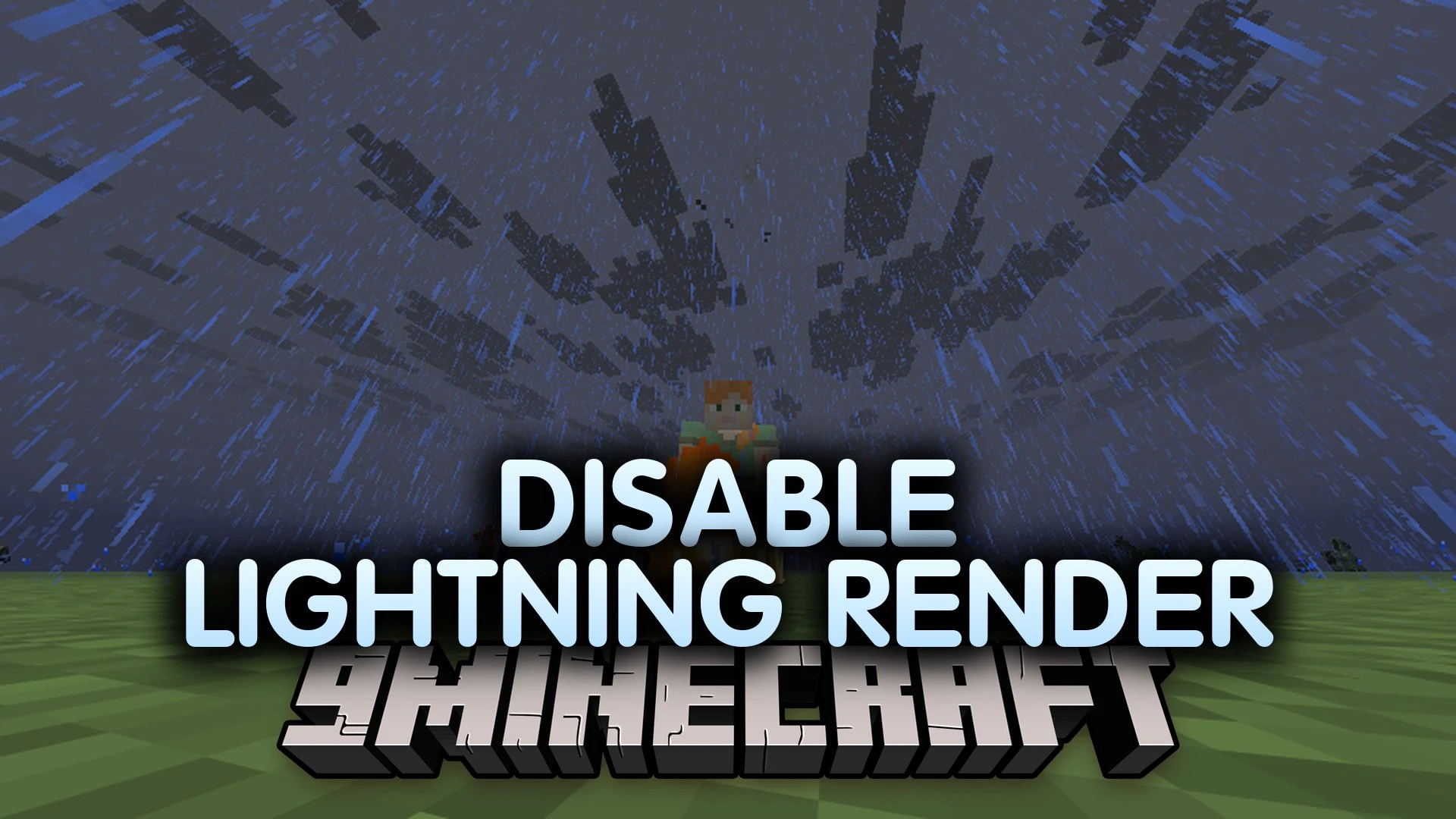
Disable Lightning Render Mod removes the visual lightning bolt from the screen during thunderstorms. The storm still plays normally because the bolt still hits the ground, starts fires, plays thunder sounds, and flashes the sky. You just do not see the bright bolt itself. This mod runs entirely on the client side, needs no extra mods to work out of the box, and works on any multiplayer server.
Features:
- Invisible Lightning Bolts: Stops the game from drawing the actual lightning bolt model when a strike happens.
- Normal Storm Mechanics: Keeps all other thunderstorm behavior unchanged, so lightning still strikes blocks, sets fires, makes loud thunder sounds, and causes the sky to flash.
- Runs completely on the client side and works when joining any multiplayer server.
- Hides lightning bolts automatically right out of the box with no required dependencies.
- Unlocks an optional on-and-off setting when paired with S-Lib version 4.0.0 or newer.
- Adds an in-game config screen with a Hide Lightning toggle button when both S-Lib and YetAnotherConfigLib (YACL) are installed (the Fabric version also requires Mod Menu to open this screen in-game).
Configuration:
config/disable_lightning_render.json5: stores the mod configuration file when S-Lib 4.0.0 or newer is installed.hideLightning: toggles whether lightning bolts are hidden or visible.
How to Use:
- Load into any singleplayer world or multiplayer server; the mod hides all lightning bolts automatically by default.
- To change the setting through the config file, install S-Lib 4.0.0 or newer, open
config/disable_lightning_render.json5, and edit thehideLightningoption. - To change the setting inside the game menu, install S-Lib and YACL (plus Mod Menu if you use Fabric), open the mod list, click the config button, and switch the Hide Lightning toggle.
Disable Lightning Render Mod Download Links
Quick facts
- Edition: Minecraft Java
- File type: .jar
- Minecraft versions listed: 26.3, 1.20.1
- How to install: Install the matching mod loader (Forge, Fabric or NeoForge) for your Minecraft version. → Download the .jar. → Put it in the .minecraft/mods folder and launch that loader profile.
- Where to get it: In MC Java Mods, or directly above on this page.
Install steps are the general flow for this file type — How to install Minecraft Java mods & modpacks walks through it step by step.
File checked by MCModsHub
- Downloads as 552315.mcaddon
- Download size: 14 KB
- Download link checked 20 Nov 2026 — working
- Mirrored on our own servers — the download does not depend on the original host
These come from our own check of the pack file, not from the source page.