
ModsJava
Hit Color V2 Mod (26.3, 1.21.1) – Customize Your Combat Damage Flash Colors
Java mod listed for Minecraft 1.21–26.x. Downloads from the MC Java Mods app on Android.
⬇ Download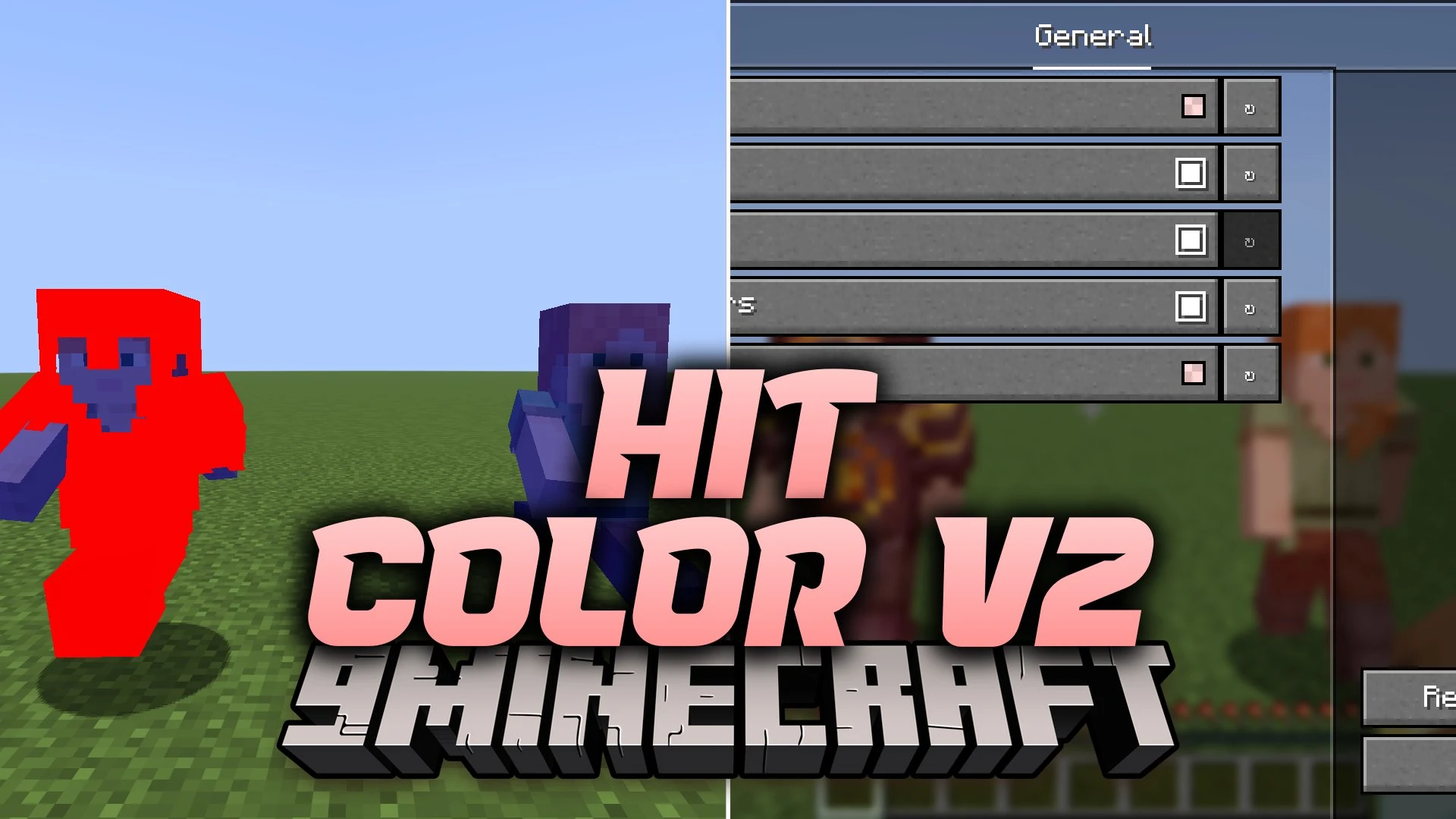

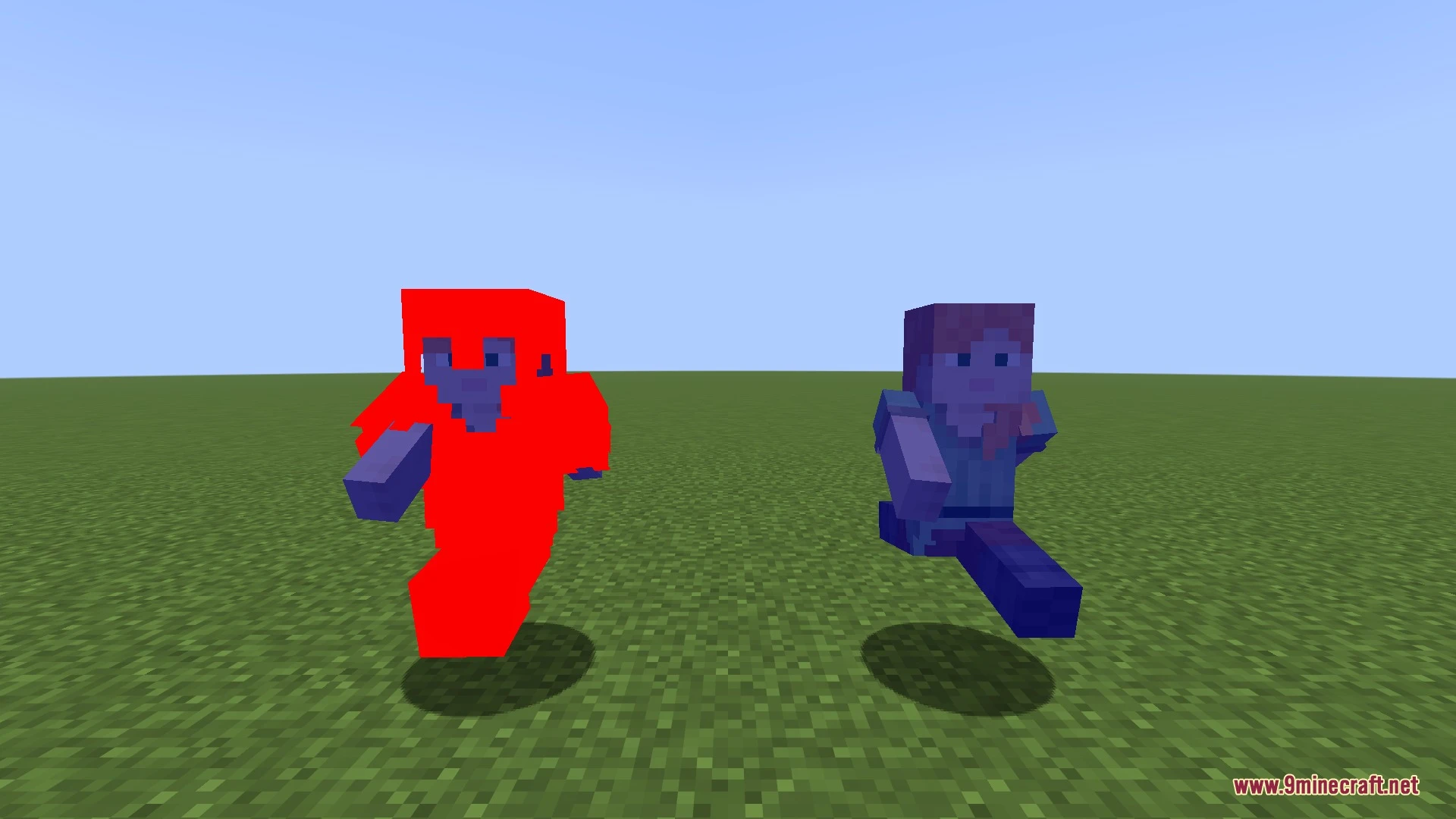
Hit Color V2 Mod changes how damage feedback looks during combat. Instead of the default red flash when hitting enemies or taking damage, this mod lets you pick any shade you want. You can adjust both the color and transparency to match your personal visual style. It runs entirely on the client, so you can join multiplayer servers without problems.
Features:
- Custom Hit Colors: Pick any color and transparency level for the damage flash effect.
- Armor Tinting: Apply the flash effect to armor pieces and trims with a separate color choice.
- Live Preview: See your color choices flash in real time inside the settings menu.
- Runs entirely on the client side without needing server installation.
- Opens directly through the Mod Menu interface for quick adjustments.
How to Use:
- Open your game pause menu and click on the Mod Menu button.
- Locate the mod in your list and open the settings screen.
- Choose your favorite flash color and adjust the transparency slider.
- Check the live preview character on the screen to confirm your new look.
Screenshots:
Hit Color V2 Mod Download Links
Quick facts
- Edition: Minecraft Java
- File type: .jar
- Minecraft versions listed: 26.3, 1.21.1
- How to install: Install the matching mod loader (Forge, Fabric or NeoForge) for your Minecraft version. → Download the .jar. → Put it in the .minecraft/mods folder and launch that loader profile.
- Where to get it: In MC Java Mods, or directly above on this page.
Install steps are the general flow for this file type — How to install Minecraft Java mods & modpacks walks through it step by step.
File checked by MCModsHub
- Downloads as 553173.mcaddon
- Download size: 62 KB
- Download link checked 21 Nov 2026 — working
- Mirrored on our own servers — the download does not depend on the original host
These come from our own check of the pack file, not from the source page.