ModsJava
Create Torpedo Troubles Mod (1.21.1) – Arm Your Vehicles with Bombs
Java mod listed for Minecraft 1.21. Downloads from the MC Java Mods app on Android.
⬇ Download


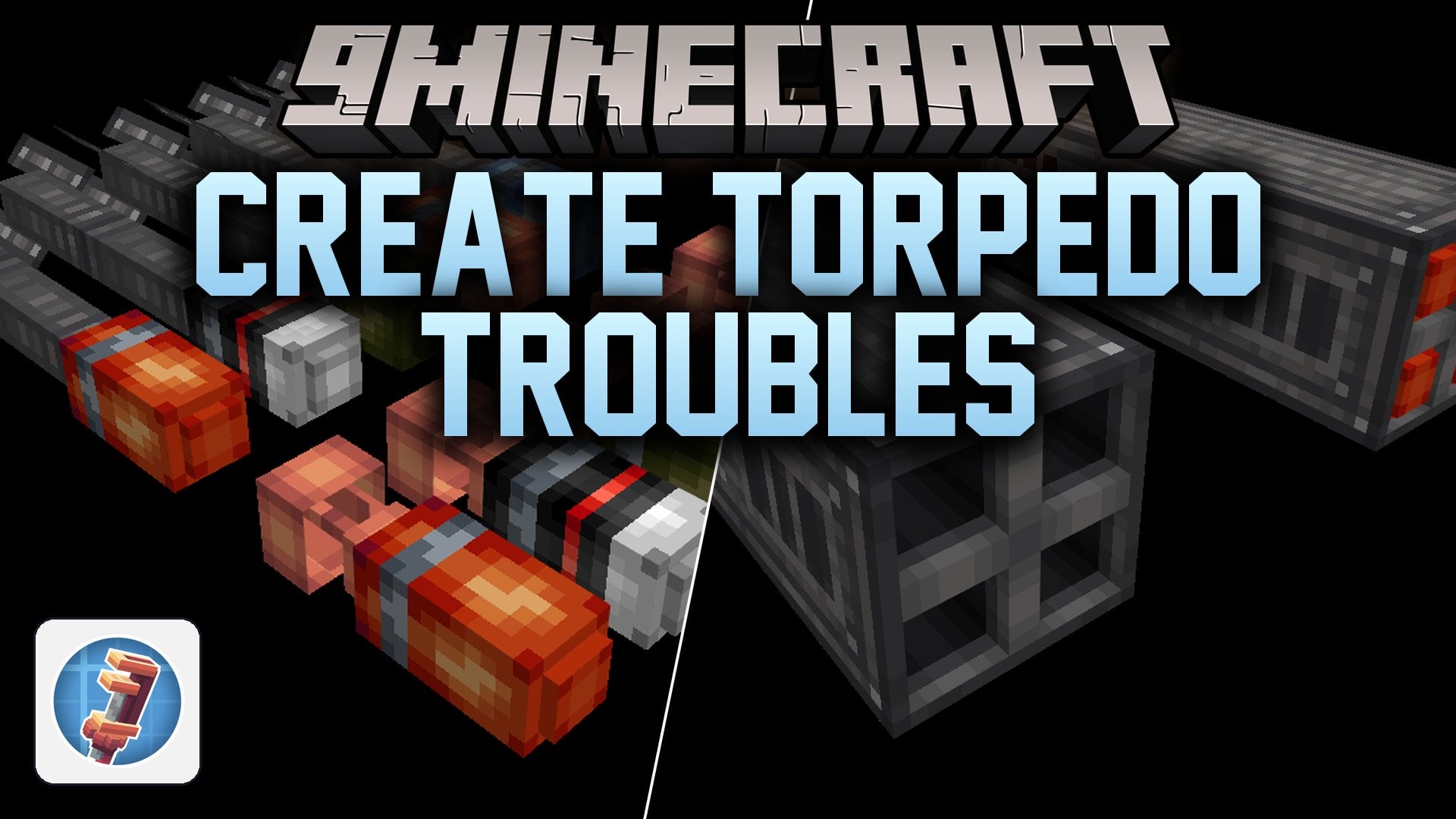
Create Torpedo Troubles Mod extends Create with explosive weapons for your custom vehicles and contraptions. This addon brings bombs, rockets, and torpedoes that fit on planes, airships, boats, and ground machines. You can attach different weapon holders and launchers to your builds and fire heavy payloads at targets across the land, sea, and sky.
Features:
- Strike Rockets: Small rockets built for firing in massive bursts, available in standard and Nitro speeds, plus High Explosive, Shrapnel, Smoke, Liquid, and APHE warhead types.
- Small Bombs: Compact bombs that fit on small planes and airships, giving you the same blast power as rockets at a much lower crafting cost.
- Small Torpedoes: Fast underwater munitions made for sinking light boats and water vessels.
- Small Universal Holder: A mounting block for flying contraptions that holds multiple small bombs or rockets at the same time.
- Quad Rocket Launcher: A heavy-duty launcher block built mainly for ground vehicles and water contraptions.
- Adds warhead parts like High Explosive, Shrapnel, Smoke, Liquid, and APHE for assembling your munitions.
Screenshots:
Create Torpedo Troubles Mod Download Links
Quick facts
- Edition: Minecraft Java
- File type: .jar
- Minecraft version listed: 1.21.1
- How to install: Install the matching mod loader (Forge, Fabric or NeoForge) for your Minecraft version. → Download the .jar. → Put it in the .minecraft/mods folder and launch that loader profile.
- Where to get it: In MC Java Mods, or directly above on this page.
Install steps are the general flow for this file type — How to install Minecraft Java mods & modpacks walks through it step by step.
File checked by MCModsHub
- Downloads as 553181.mcaddon
- Download size: 2.6 MB
- Download link checked 21 Nov 2026 — working
- Mirrored on our own servers — the download does not depend on the original host
These come from our own check of the pack file, not from the source page.