
Effortless Structure 9minecraft Mod (26.3, 26.2) – Build Massive Megabases
Java mod listed for Minecraft 26.x. Download on the author's site.
⬇ Download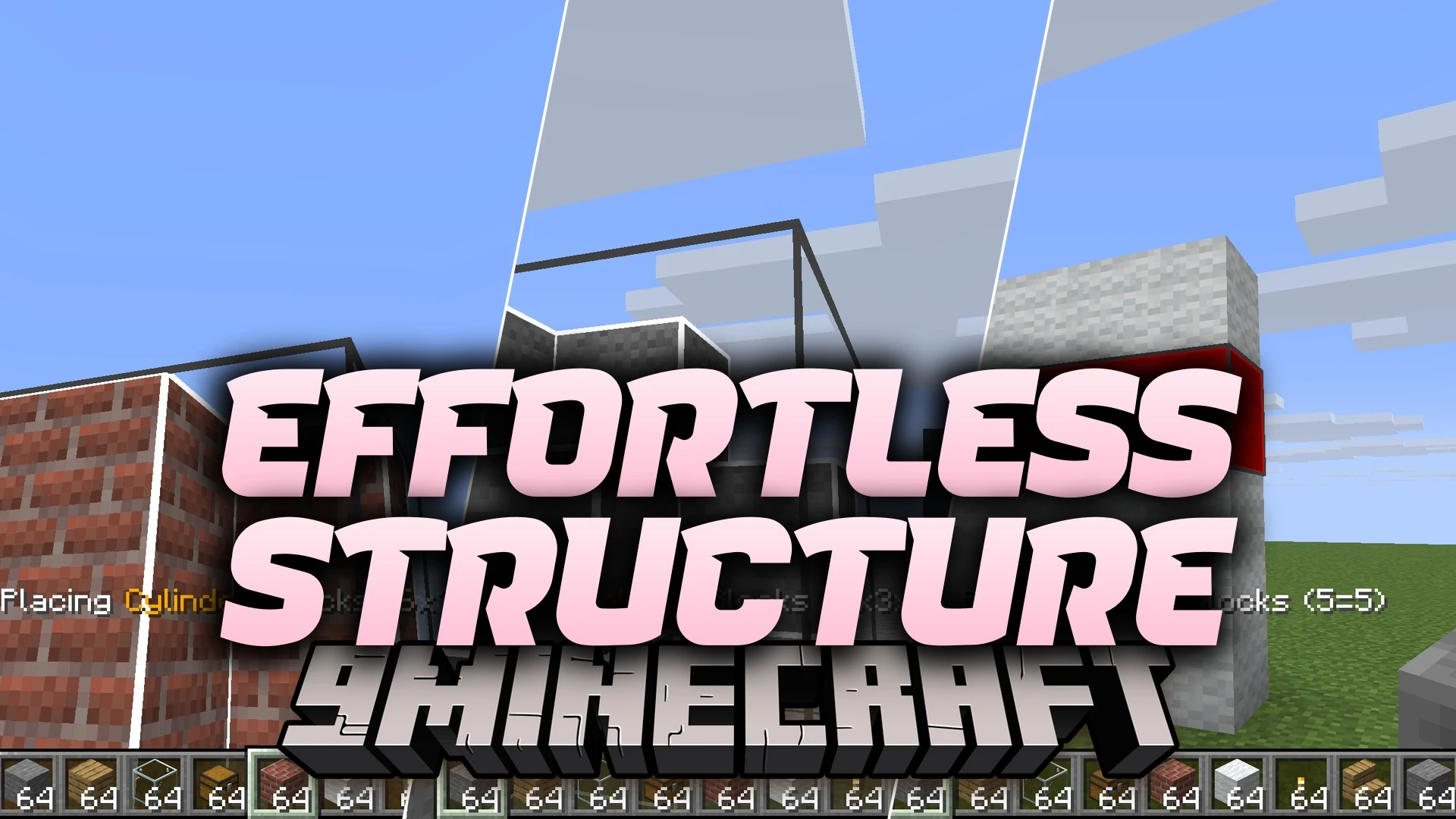


Effortless Structure 9minecraft Mod lets you build and break whole shapes at once instead of placing or mining one block at a time. It adds no new items or blocks to the game, so you keep using the normal blocks from your inventory while a radial menu controls what shape your click makes. The mod offers 13 different build modes, including walls, floors, spheres, cones, and pyramids, along with pattern tools like mirrors, arrays, and a block randomizer. You can undo mistakes, copy and paste existing structures, and see a live block count before placing anything. In Survival mode, it takes one item from your inventory for each block placed, and on multiplayer servers it checks reach distance and volume limits before allowing any build.
Features:
- Radial Shape Menu: Opens in the middle of the screen to let you pick from 13 build modes or reach quick buttons on the left for Undo, Redo, Replace, Settings, Pattern, and Clipboard.
- Two-Click Building and Breaking: Right-clicking two corners places a whole shape at once, while left-clicking two corners breaks an entire wall, line, or shape in two clicks.
- See-Through Live Preview: Shows a transparent preview with a white outline that follows your cursor, a live block count, and corner options for filled or hollow planes and fixed or variable length.
- Undo and Redo History: Records every build and break action so you can step backward or forward through recent changes, showing a short message with how many blocks were affected.
- Clipboard Copy and Paste: Copies a shape of existing blocks to paste somewhere else, and lets you nudge the pasted copy into position before placing.
- Uses the normal blocks already in your inventory without adding any new blocks or items to the game.
- Pulls one item from your inventory for every single block placed when playing in Survival mode.
- Includes a Replace mode that decides whether your new blocks can overwrite blocks that are already in the world.
- Checks every build request on multiplayer servers and rejects anything past the reach distance or volume limit with a “Build rejected by server” message, placing nothing at all.
- Lets server owners raise the reach distance and volume limits inside the server config file.
Build Modes:
- Disabled: Turns off shape building for normal vanilla block placing.
- Single: Places or breaks one block at a time.
- Line: Builds or removes a straight row of blocks between two points.
- Wall: Creates a flat vertical wall between your first and second click.
- Floor: Lays down a flat horizontal floor across the selected area.
- Cuboid: Forms a 3D box shape between two corners.
- Diagonal Line: Connects two points with an angled line of blocks.
- Diagonal Wall: Builds an angled vertical wall between two points.
- Slope Floor: Creates a slanted floor that rises or drops between two corners.
- Circle: Draws a flat ring or filled circle of blocks.
- Cylinder: Builds a vertical tube or solid pillar shape.
- Sphere: Generates a round 3D ball of blocks.
- Pyramid: Forms a four-sided pyramid rising from a base.
- Cone: Builds a round base that tapers up to a point.
Pattern Transformers:
- Array: Repeats your chosen shape multiple times using an offset you type in, while the preview shows where every copy will land.
- Mirror: Reflects your shape across a plane for instant symmetry.
- Radial Mirror: Copies and arranges your shape in a circle around a center point.
- Randomizer: Fills your chosen shape with a random mix of blocks pulled from a block list you set up.
Gameplay:
- Hold Left Alt to open the radial menu in the middle of your screen.
- Point your cursor at a build mode slice (such as Wall, Floor, Cuboid, or Sphere) and let go of Left Alt to pick it, or pick Disabled to go back to normal vanilla placing.
- Click the buttons on the left side of the radial menu if you want to open Undo, Redo, Replace, Settings, Pattern, or Clipboard.
- Hold the block you want to build with in your inventory, then Right-Click the first corner in the world.
- Move your view to watch the see-through preview, white outline, and live block count follow your cursor, and check the corner of the screen for options like filled or hollow planes and fixed or variable length.
- Press Right-Click a second time to place the whole shape at once.
- To remove a shape instead, Left-Click the first corner and Left-Click the second corner to break the entire line, wall, or shape in two clicks.
- Press the [ and ] keys (the default square bracket keys for Undo and Redo) to step back and forward through your recent builds and breaks.
- Open the Pattern screen from the radial menu to turn on Array, Mirror, Radial Mirror, or Randomizer on top of your active build mode.
- Select Clipboard mode to copy existing blocks and paste them elsewhere, then press the Arrow Keys, Page Up, and Page Down to nudge the pasted copy into the exact spot.
Screenshots:


Effortless Structure 9minecraft Mod Download Links
- Edition: Minecraft Java
- File type: .jar
- Minecraft versions listed: 26.3, 26.2
- How to install: Install the matching mod loader (Forge, Fabric or NeoForge) for your Minecraft version. → Download the .jar. → Put it in the .minecraft/mods folder and launch that loader profile.
- Where to get it: Opens on the file's original source — not every file is mirrored on our own servers.
Install steps are the general flow for this file type — How to install Minecraft Java mods & modpacks walks through it step by step.
Effortless Structure 9minecraft Mod (26.3, 26.2) – Build Massive Megabases is a free Minecraft Java mod. Compatible with Minecraft 26.3, 26.2. Download it and open it directly in the game.