
ModsJava
Clean Sleep Mod (26.3, 1.20.1) – Look Around Freely From Your Bed
Java mod listed for Minecraft 1.20–26.x. Downloads from the MC Java Mods app on Android.
⬇ Download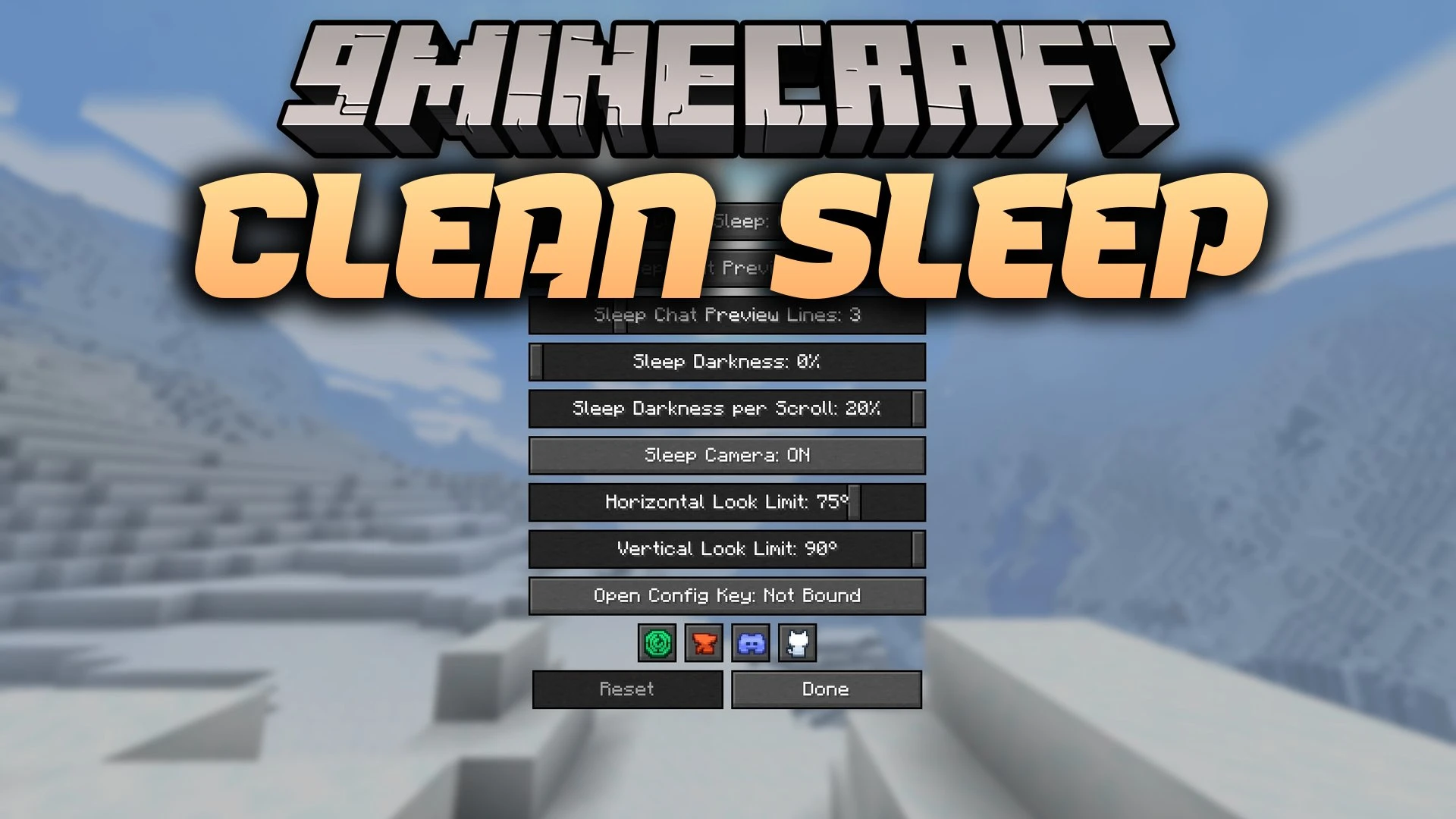
Clean Sleep Mod clears all screen clutter while your character rests in bed. It hides the chat box, hotbar, health meters, crosshair, and buttons so you can look outside during the night. The mod lets you move your head freely instead of locking your camera in one direction. You can still read quick chat previews, change the darkness level, or open chat whenever needed.
Features:
- Clean Sleeping View: Clears the hotbar, health hearts, hunger bar, crosshair, and menus as soon as you lie down.
- Free Camera Look: Lets you freely turn your view around your room or out the window while lying in bed.
- Screen Darkness Control: Adjusts the darkness of the resting overlay whenever you roll your mouse scroll wheel.
- Sleep Chat Preview: Shows new chat messages for a few moments before fading them away.
- Hidden Exit Button: Keeps the Leave Bed button invisible until you move your mouse over its location.
- Press T to open the full chat or / to type commands at any time.
- Click the Middle Mouse Button to toggle the chat preview on or off.
- Includes an optional keybind slot in controls to open the settings menu.
How to Use:
- Right-click a bed at night to lie down.
- Move your mouse around to look in any direction while waiting for morning.
- Roll your mouse scroll wheel up or down to change the bed screen darkness.
- Press the Middle Mouse Button to toggle temporary chat message popups.
- Move your cursor over the lower center of the screen to reveal the Leave Bed button and wake up early.
Clean Sleep Mod Download Links
Quick facts
- Edition: Minecraft Java
- File type: .jar
- Minecraft versions listed: 26.3, 1.20.1
- How to install: Install the matching mod loader (Forge, Fabric or NeoForge) for your Minecraft version. → Download the .jar. → Put it in the .minecraft/mods folder and launch that loader profile.
- Where to get it: In MC Java Mods, or directly above on this page.
Install steps are the general flow for this file type — How to install Minecraft Java mods & modpacks walks through it step by step.
File checked by MCModsHub
- Downloads as 553437.mcaddon
- Download size: 59 KB
- Download link checked 21 Nov 2026 — working
- Mirrored on our own servers — the download does not depend on the original host
These come from our own check of the pack file, not from the source page.