My Third Let's Play World Map (1.12.2) – Claim a Handcrafted Survival Kingdom
Minecraft Java map. Download on the author's site.
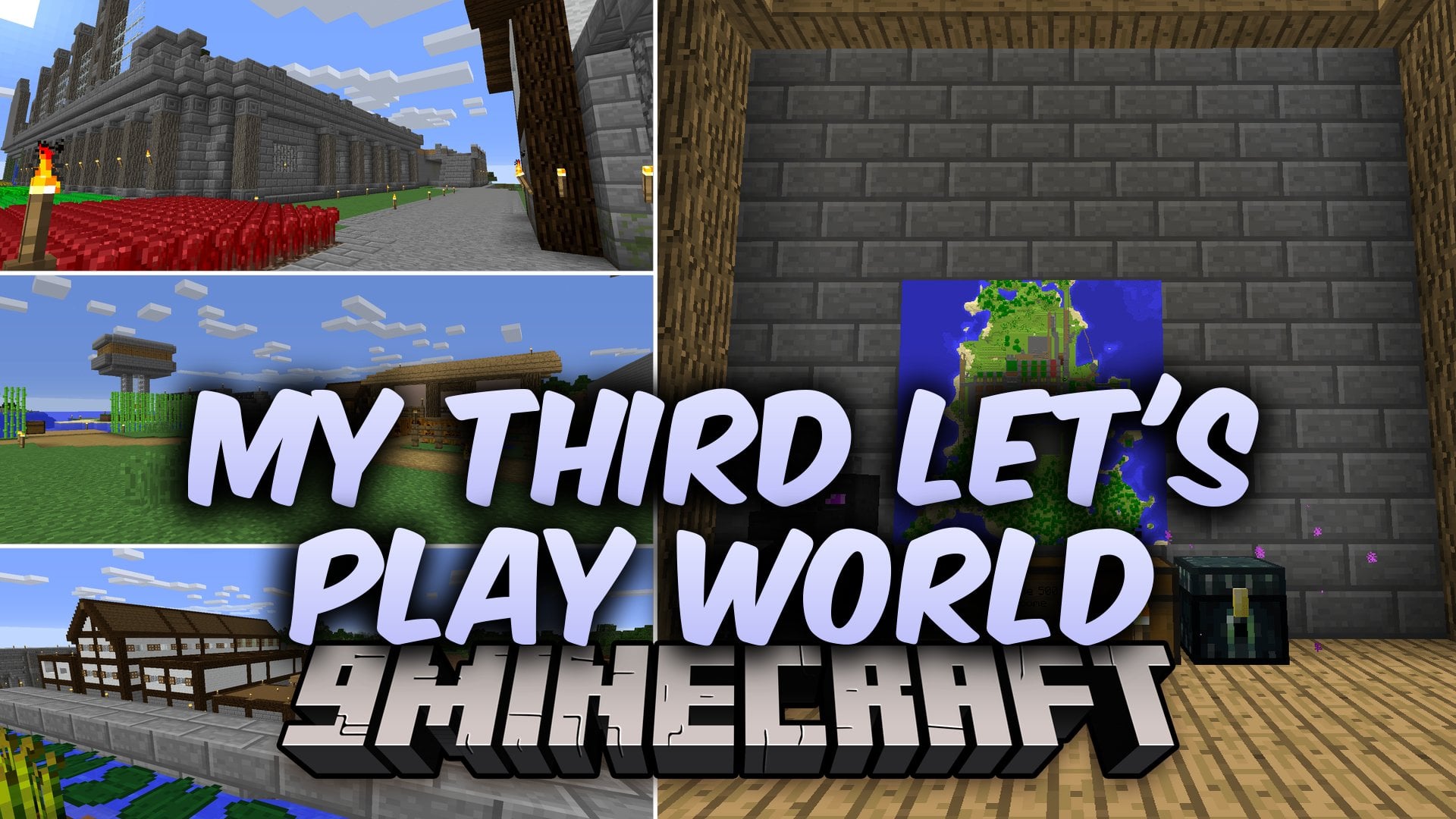
My Third Let's Play World Map drops you into a pre-built survival world ready for new adventures. This map includes player-made structures like a castle…
⬇ Download


My Third Let’s Play World Map drops you into a pre-built survival world ready for new adventures. This map includes player-made structures like a castle, farms, and town buildings crafted in survival mode. It gives you a clean starting point for survival play, roleplay scenarios, or building projects in Minecraft 1.12.2.
Features:
- Pre-Built Castle: Stands as a tall fortress ready for defense or remodeling.
- Working Farms: Provide food and resources right when you load into the map.
- Town Buildings: Offer ready-made houses and shelters spread across the settlement.
- Clean Player Slate: Clears all prior player data and achievements so you start fresh.
- Wolves in the world do not follow or respond to incoming players due to the reset player files.
- Works as an open base for survival challenges, roleplay games, or creative building.
How to Play:
- Load the world and check the spawn area to find basic supplies.
- Collect food and materials from the nearby fields and town buildings.
- Walk over to the stone fortress and set up your personal bedroom.
- Gather resources to expand the settlement with your own creations.
Screenshots:
My Third Let’s Play World Map Download Links
- Edition: Minecraft Java
- File type: .zip (world save)
- How to install: Download the .zip world. → Unzip it. → Move the folder into .minecraft/saves.
- Where to get it: Opens on the file's original source — not every file is mirrored on our own servers.
Install steps are the general flow for this file type — How to install Minecraft Java maps & worlds walks through it step by step.
My Third Let's Play World Map (1.12.2) – Claim a Handcrafted Survival Kingdom is a free Minecraft Java map. Download it and open it directly in the game.