ShadersJava
AstraLite Shaders (26.3, 1.20.1) – Fluffy Clouds for Low-End PCs
Java shader pack listed for Minecraft 1.20–26.x. Downloads from the MC Java Mods app on Android.
⬇ Download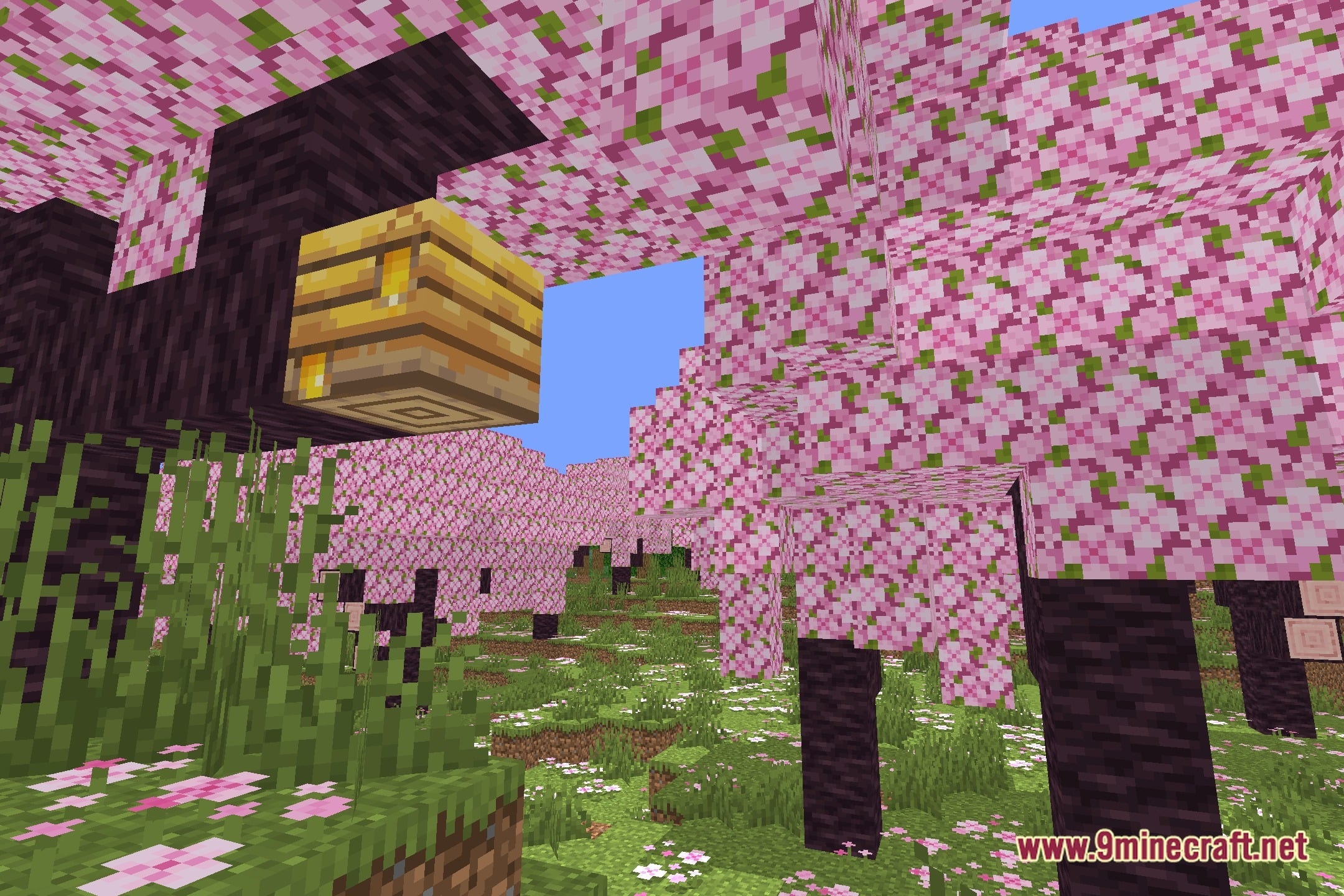
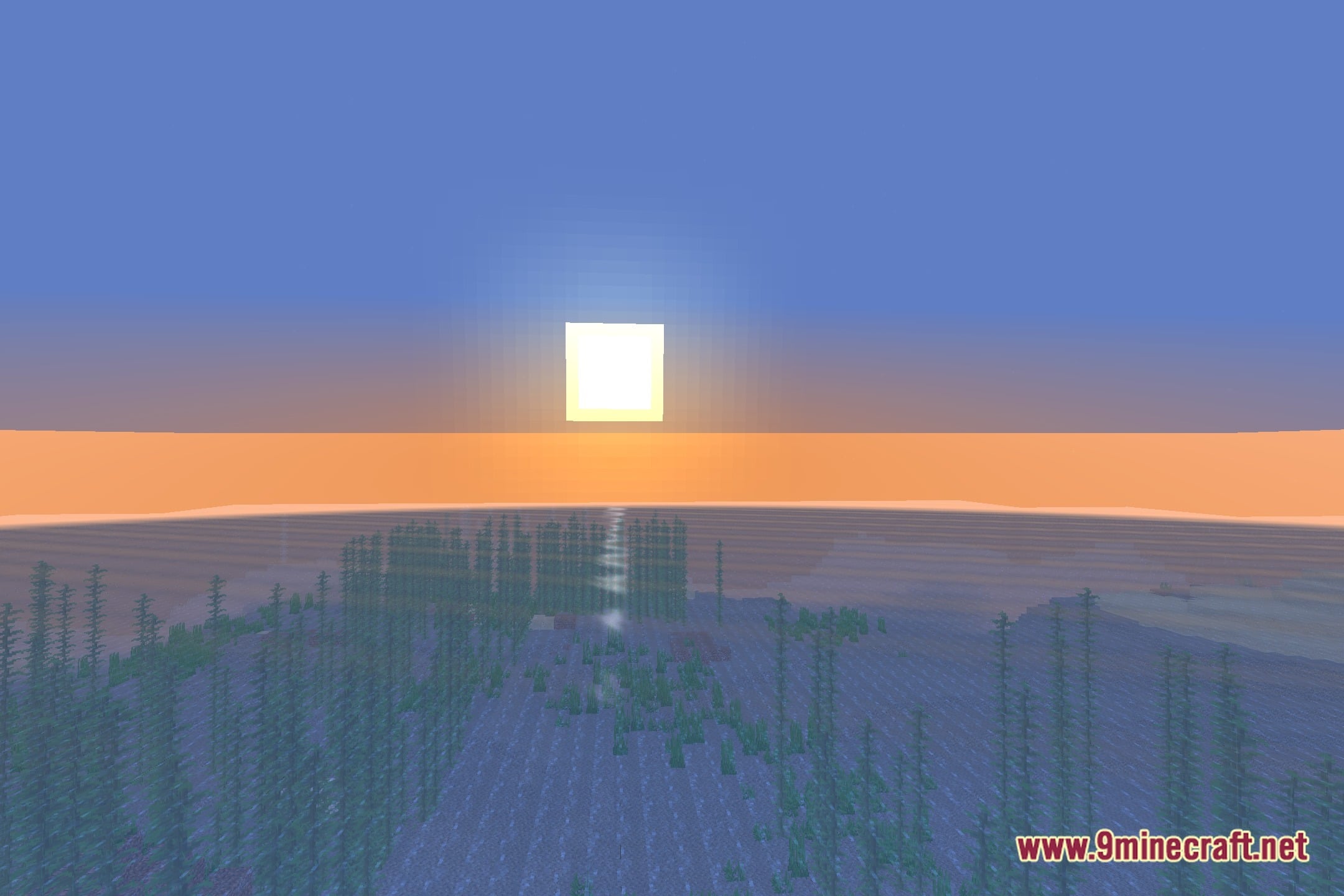
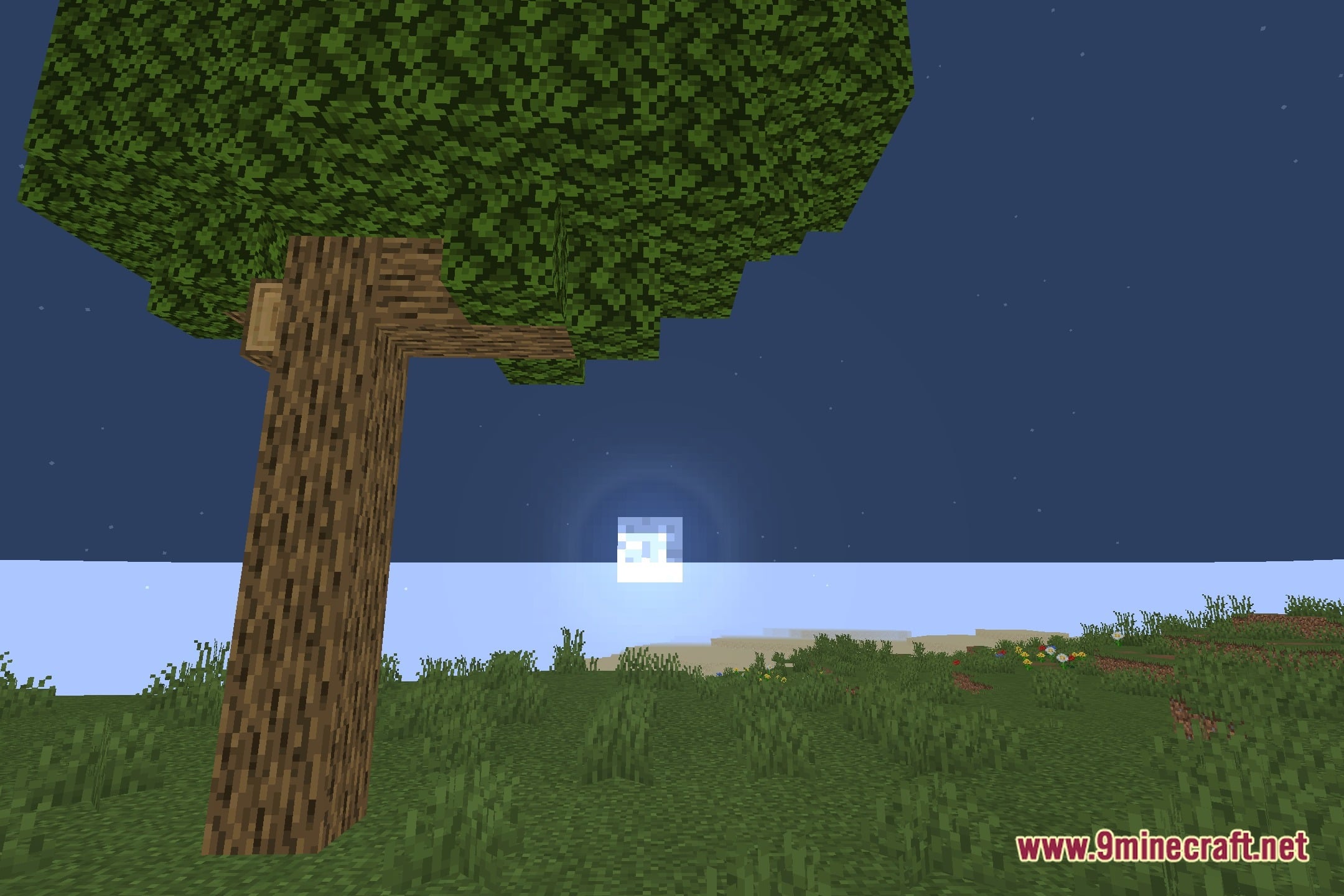
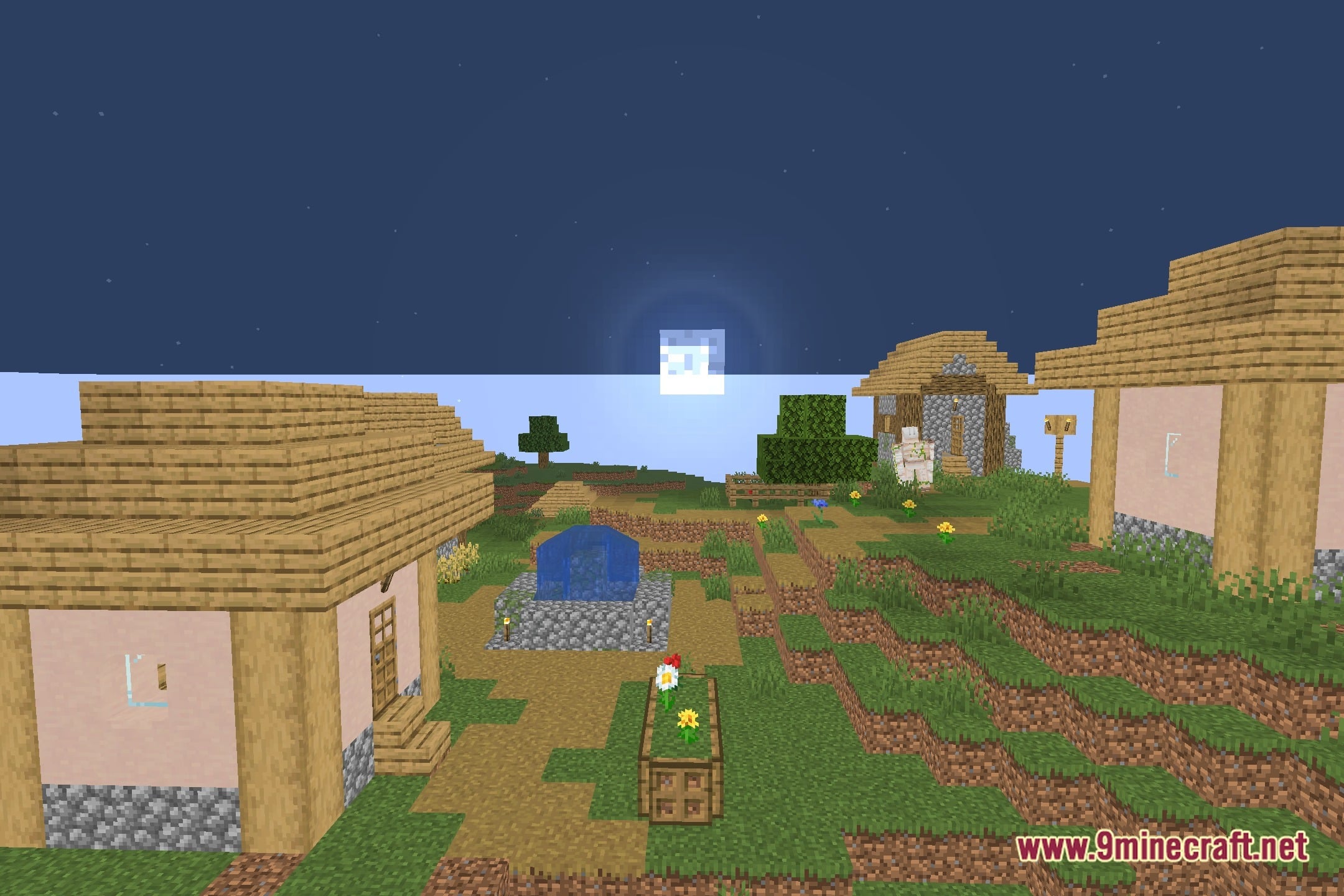
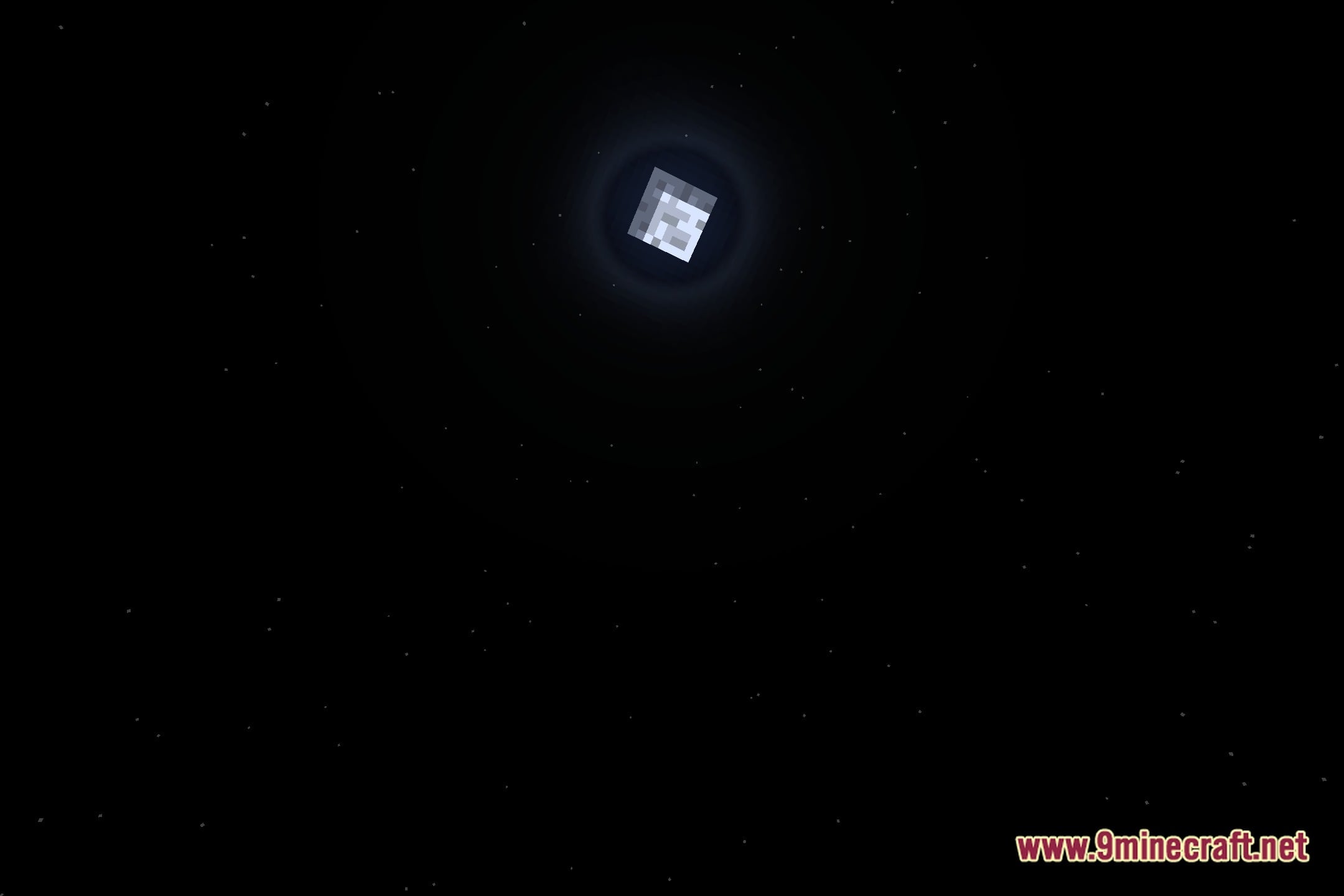
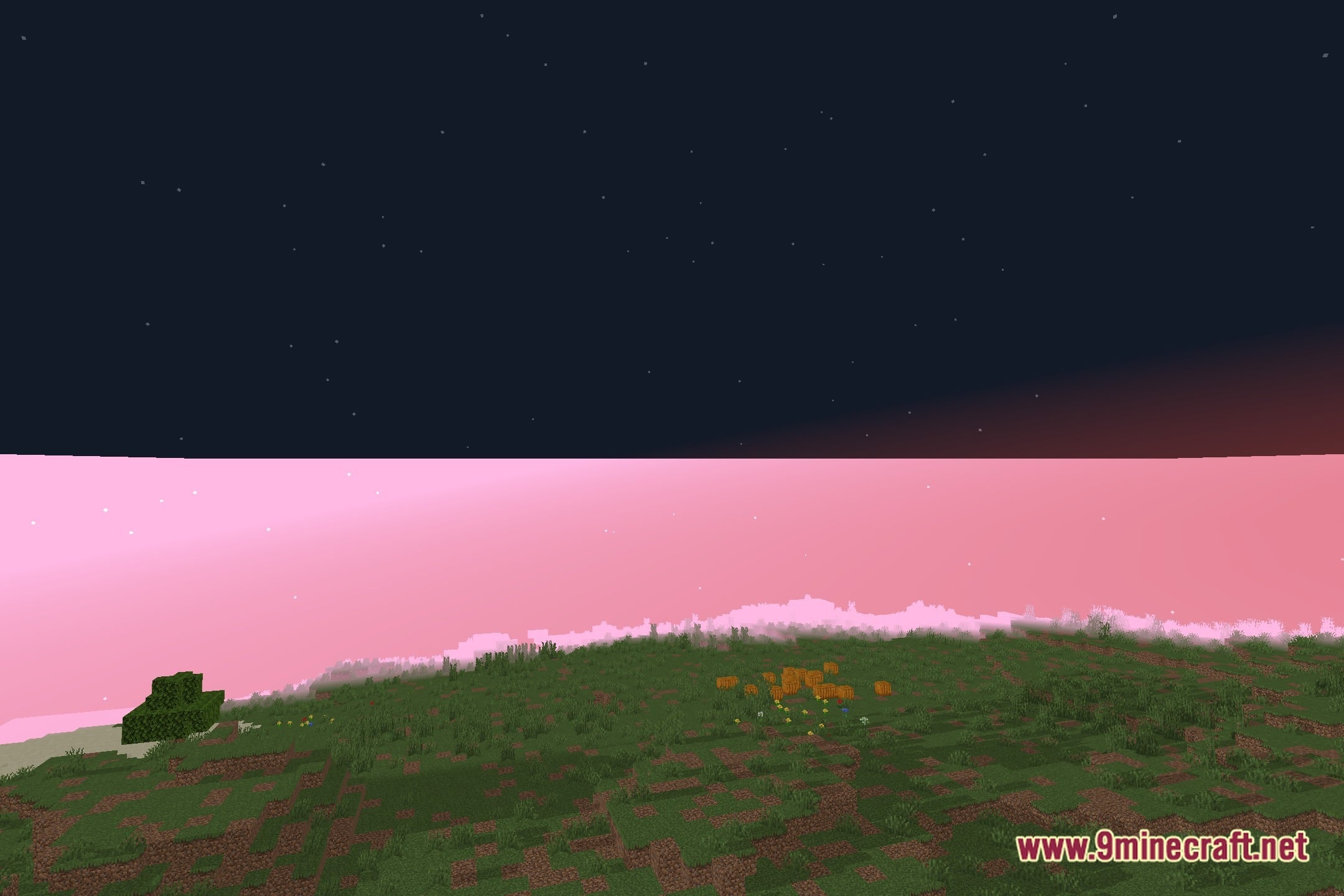
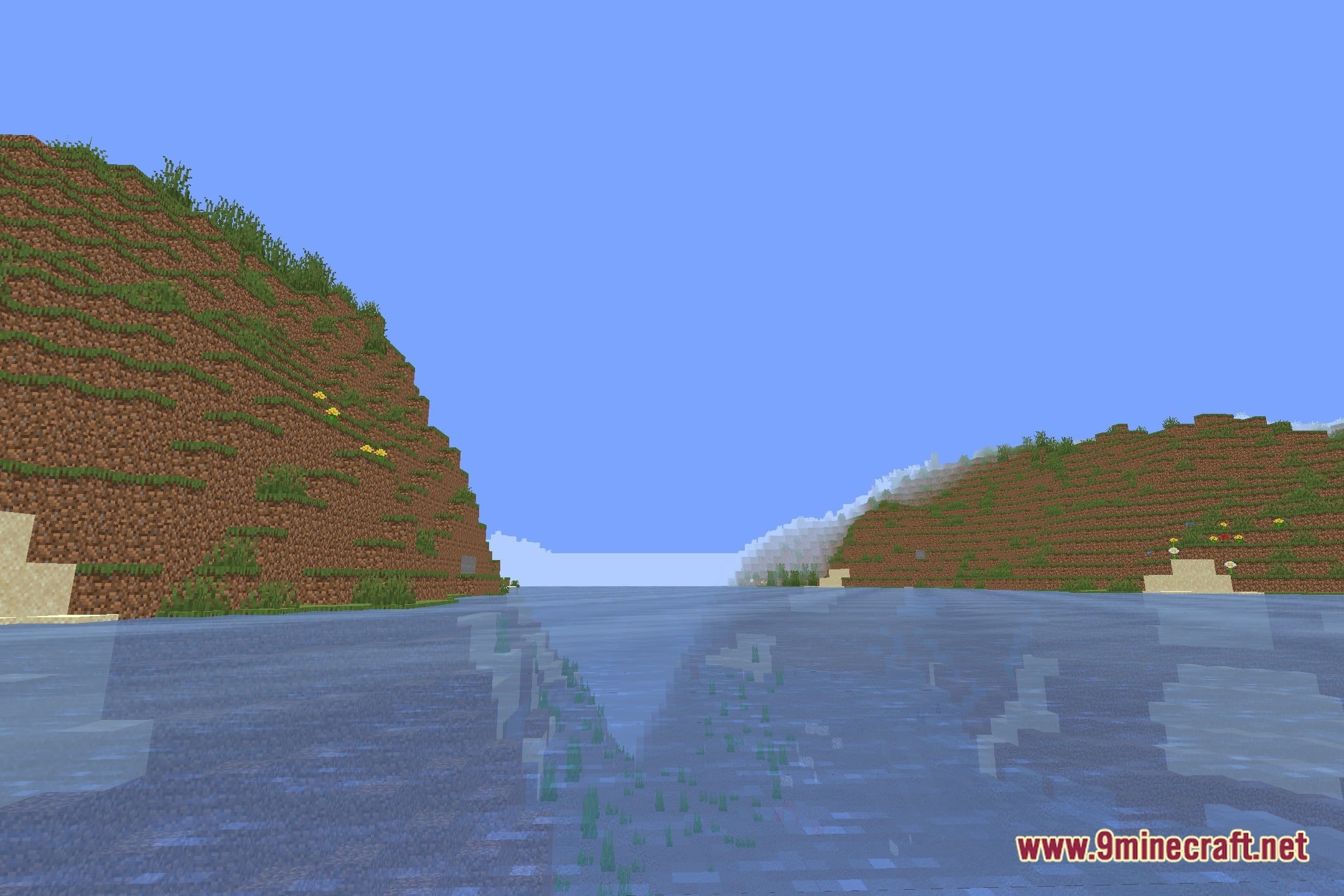
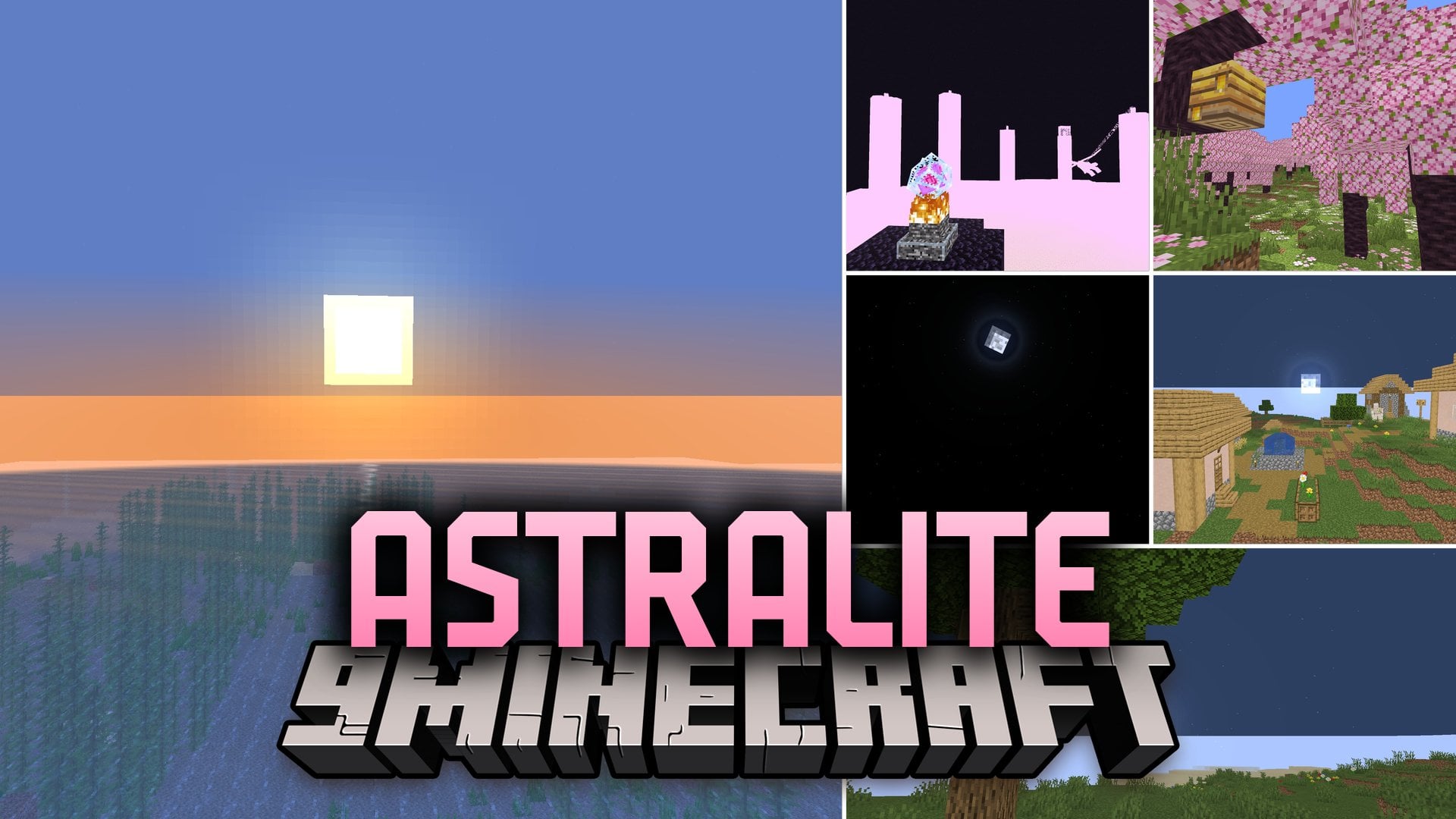
AstraLite Shaders illuminates your Minecraft world with clean vanilla lighting and soft clouds while keeping frame rates fast. It gives your skies fluffy cloud shapes and softens daytime brightness across every biome. The shader pack also changes the Nether dimension to give it a thick, fiery mood without slowing down your game. It runs well on modest computers so you can enjoy pretty scenery without stutter.
Features:
- Natural Lighting: Softens harsh sunlight and balances brightness across blocks during day and night.
- Better Clouds: Adds fluffy cloud layers that float across the sky instead of flat square shapes.
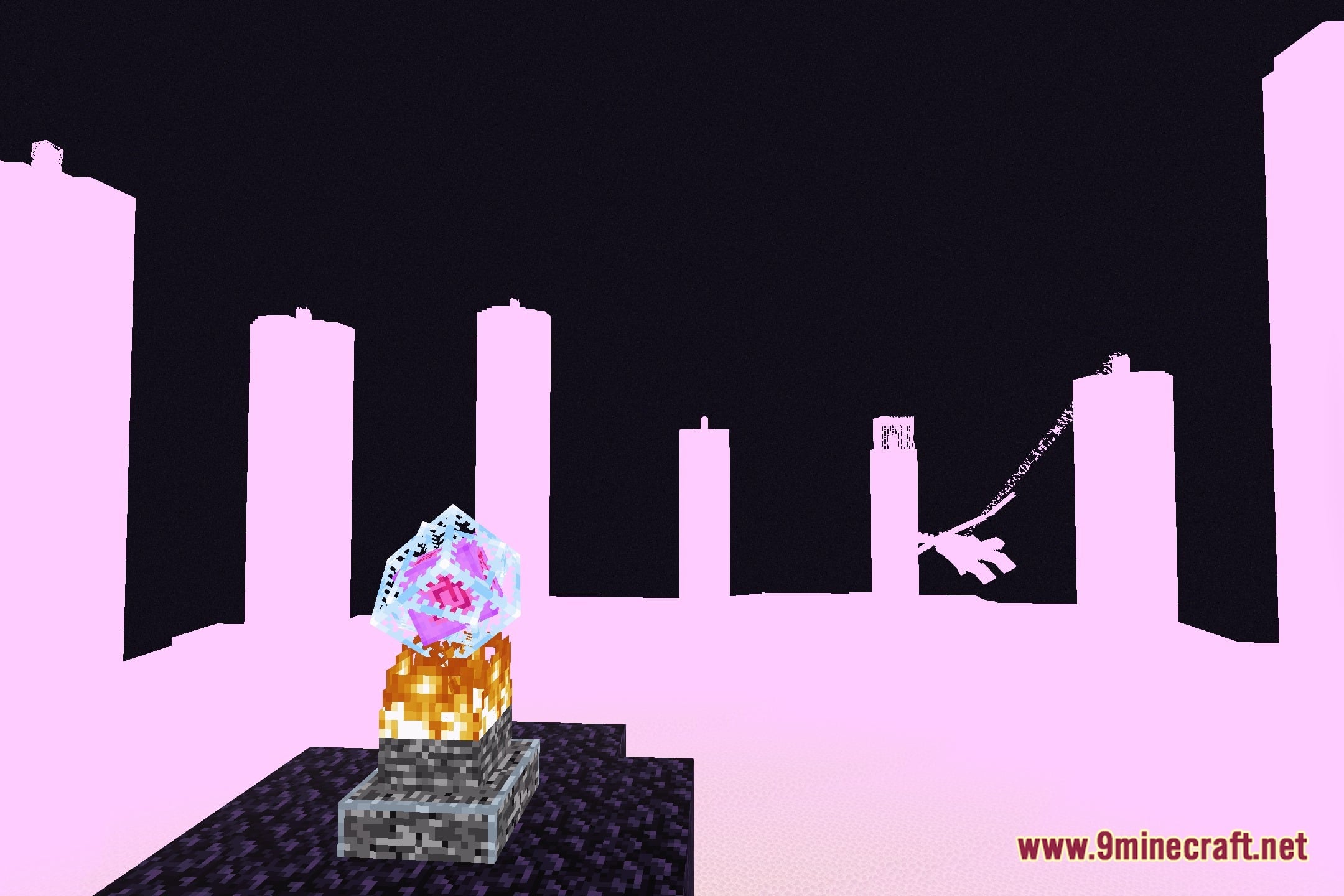
- Nether Atmosphere: Fills the underworld with thick red fog and smoky haze for dangerous exploration.
- Smooth Performance: Runs fast on budget PCs and low-end graphics cards without causing lag spikes.
- Keeps standard vanilla blocks easily recognizable while giving the environment a gentle polish.
Screenshots:
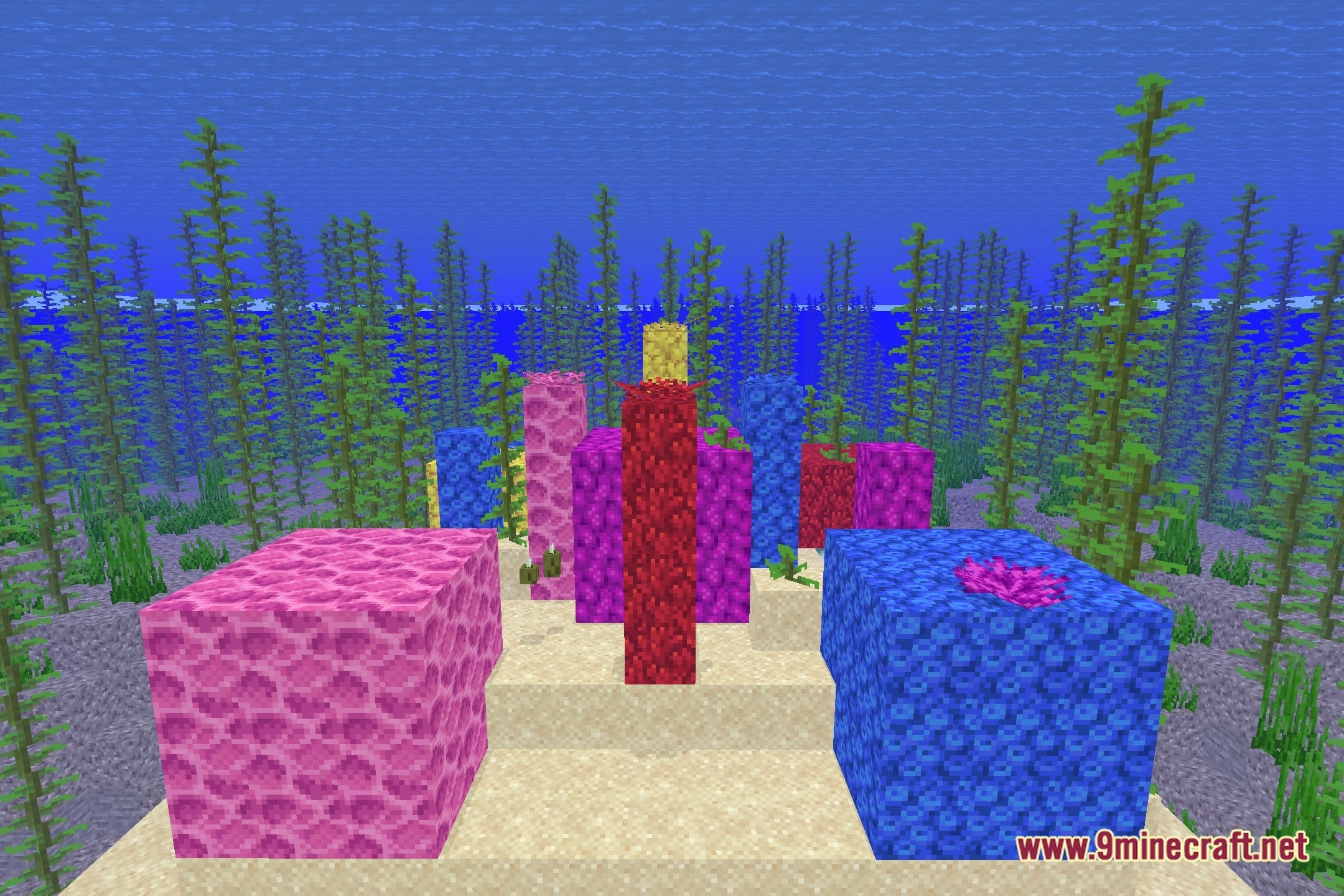
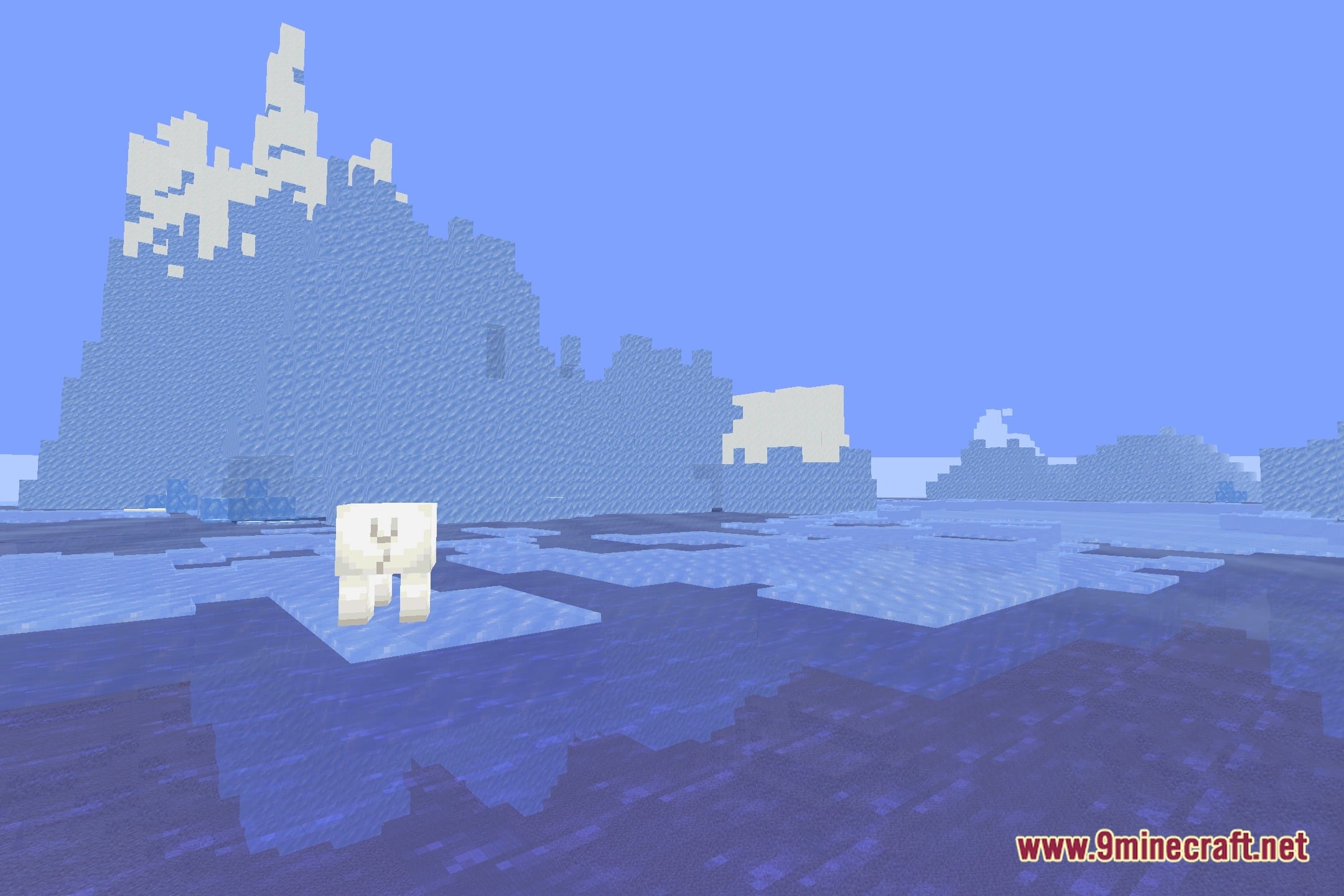
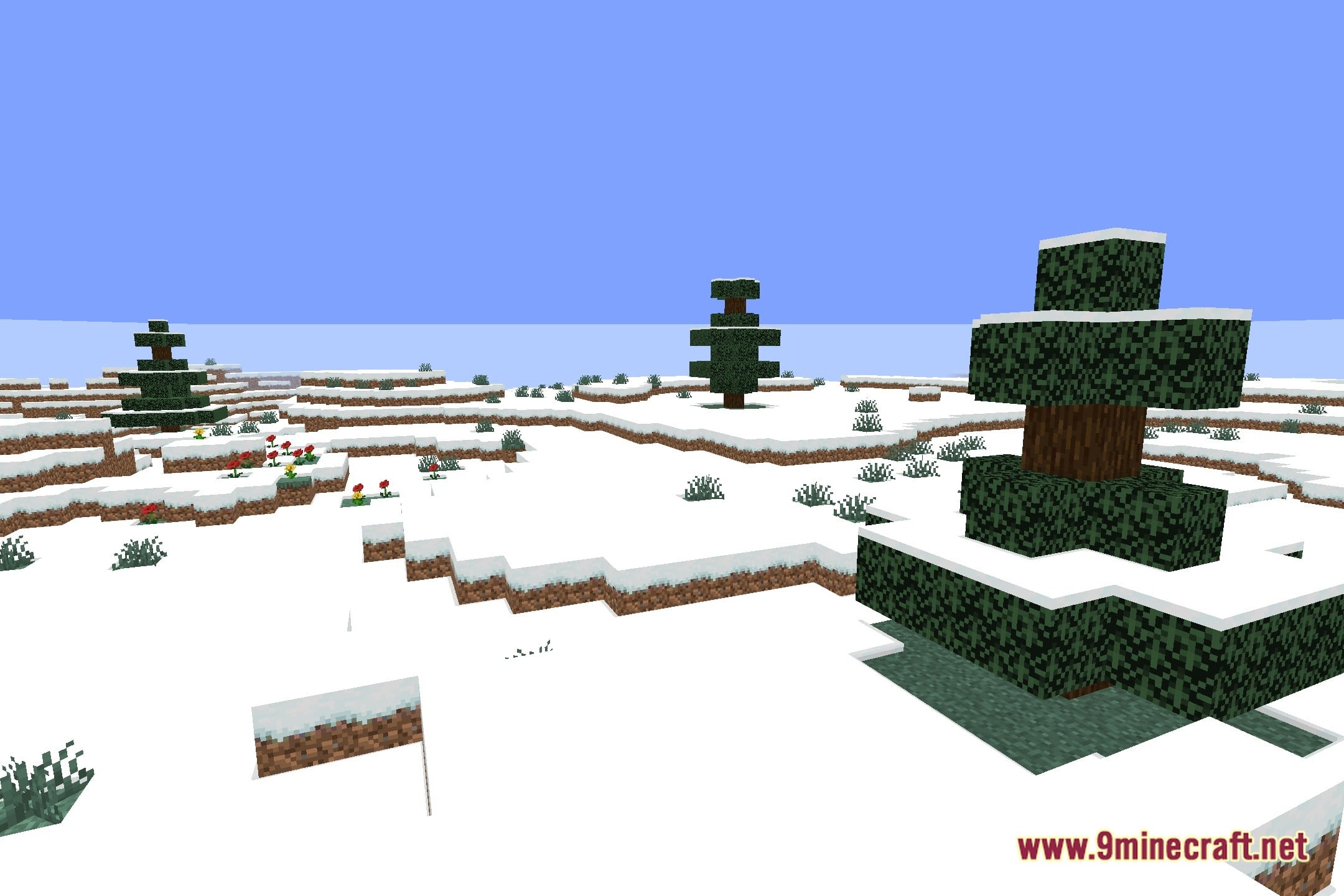
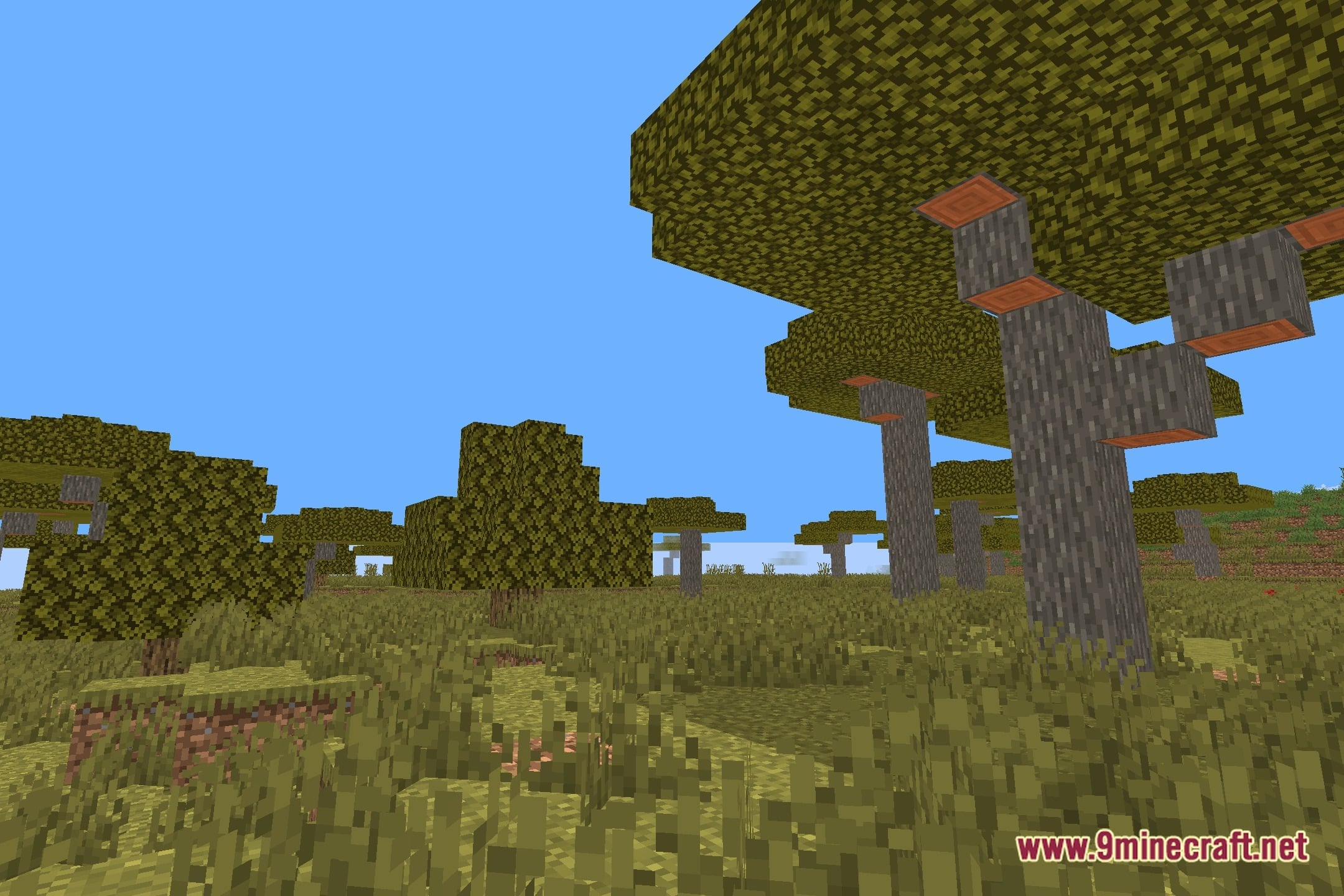
AstraLite Shaders Download Links
Quick facts
- Edition: Minecraft Java
- File type: .zip (resource pack)
- Minecraft versions listed: 26.3, 1.20.1
- How to install: Download the .zip resource pack — do not unzip it. → Put it in .minecraft/resourcepacks. → Enable it in Options → Resource Packs.
- Where to get it: In MC Java Mods, or directly above on this page.
Install steps are the general flow for this file type — see the MC Java Mods guides for the full walkthrough.
File checked by MCModsHub
- Downloads as 553776.mcpack
- Download size: 87 KB
- Download link checked 21 Nov 2026 — working
- Mirrored on our own servers — the download does not depend on the original host
These come from our own check of the pack file, not from the source page.