ModsJava
Astucy Client Modules Mod (26.1) – Rearrange Your In-Game HUD While Playing
Java mod listed for Minecraft 26.x. Downloads from the MC Java Mods app on Android.
⬇ Download


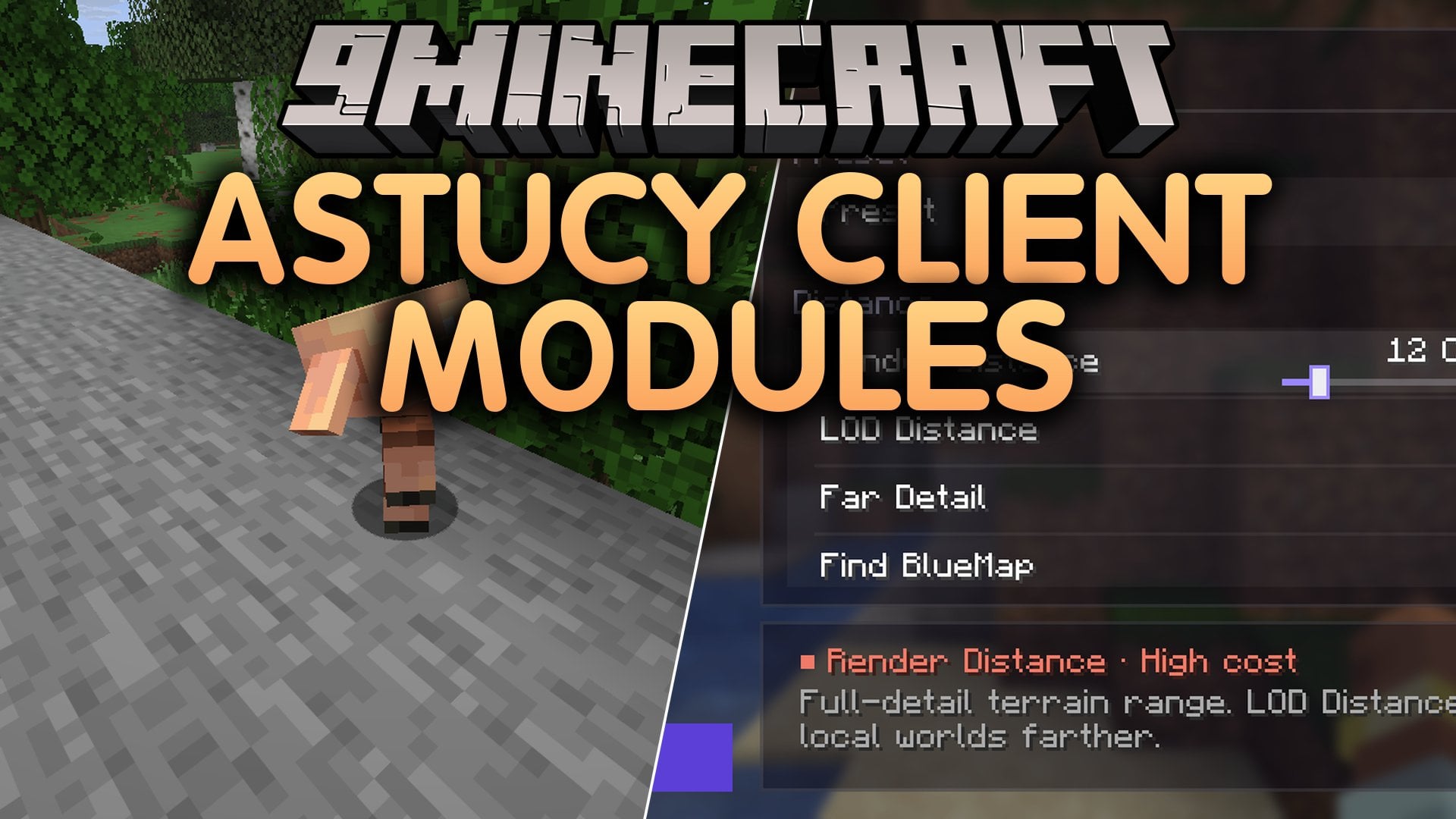
Astucy Client Modules Mod brings custom client modules and on-screen HUD controls straight into your Minecraft world. It lets you tweak visual elements, set up player profiles, and reposition HUD modules right from an in-game menu. All account data stays encrypted locally on your system using Windows DPAPI protection. Settings remain saved in your local app data folder so you keep full control over your setup while playing on Fabric servers.
Features:
- In-Game Client Menu: Opens instantly when you press Right Shift to adjust your modules, profiles, and HUD settings.
- Interactive HUD Editor: Lets you move screen elements around using a dedicated hotkey and press Tab to switch between active modules.
- Profile Management: Lets you set up and switch between different configuration profiles for your HUD setup.
- Encrypted Token Storage: Protects refresh tokens by encrypting them with Windows DPAPI so sensitive login data never leaks or logs to text files.
- Local Storage Directory: Keeps configuration files and account records safely outside game folders in the
%APPDATA%com.astucy.launcherdirectory.
How to Use:
- Press Right Shift while in a world or server to bring up the main client menu.
- Choose which client modules you want active during gameplay.
- Press your dedicated HUD editor key to enter edit mode and view your screen overlay.
- Press Tab inside the HUD editor to cycle through different modules and reposition them across your screen.
Screenshots:
Astucy Client Modules Mod Download Links
Quick facts
- Edition: Minecraft Java
- File type: .jar
- Minecraft version listed: 26.1
- How to install: Install the matching mod loader (Forge, Fabric or NeoForge) for your Minecraft version. → Download the .jar. → Put it in the .minecraft/mods folder and launch that loader profile.
- Where to get it: In MC Java Mods, or directly above on this page.
Install steps are the general flow for this file type — How to install Minecraft Java mods & modpacks walks through it step by step.
File checked by MCModsHub
- Downloads as 554158.mcaddon
- Download size: 748 KB
- Download link checked 22 Nov 2026 — working
- Mirrored on our own servers — the download does not depend on the original host
These come from our own check of the pack file, not from the source page.