ModsJava
More Keybinds Mod (26.3, 1.20.1) – Play Comfortably with Alternate Buttons
Java mod listed for Minecraft 1.20–26.x. Downloads from the MC Java Mods app on Android.
⬇ Download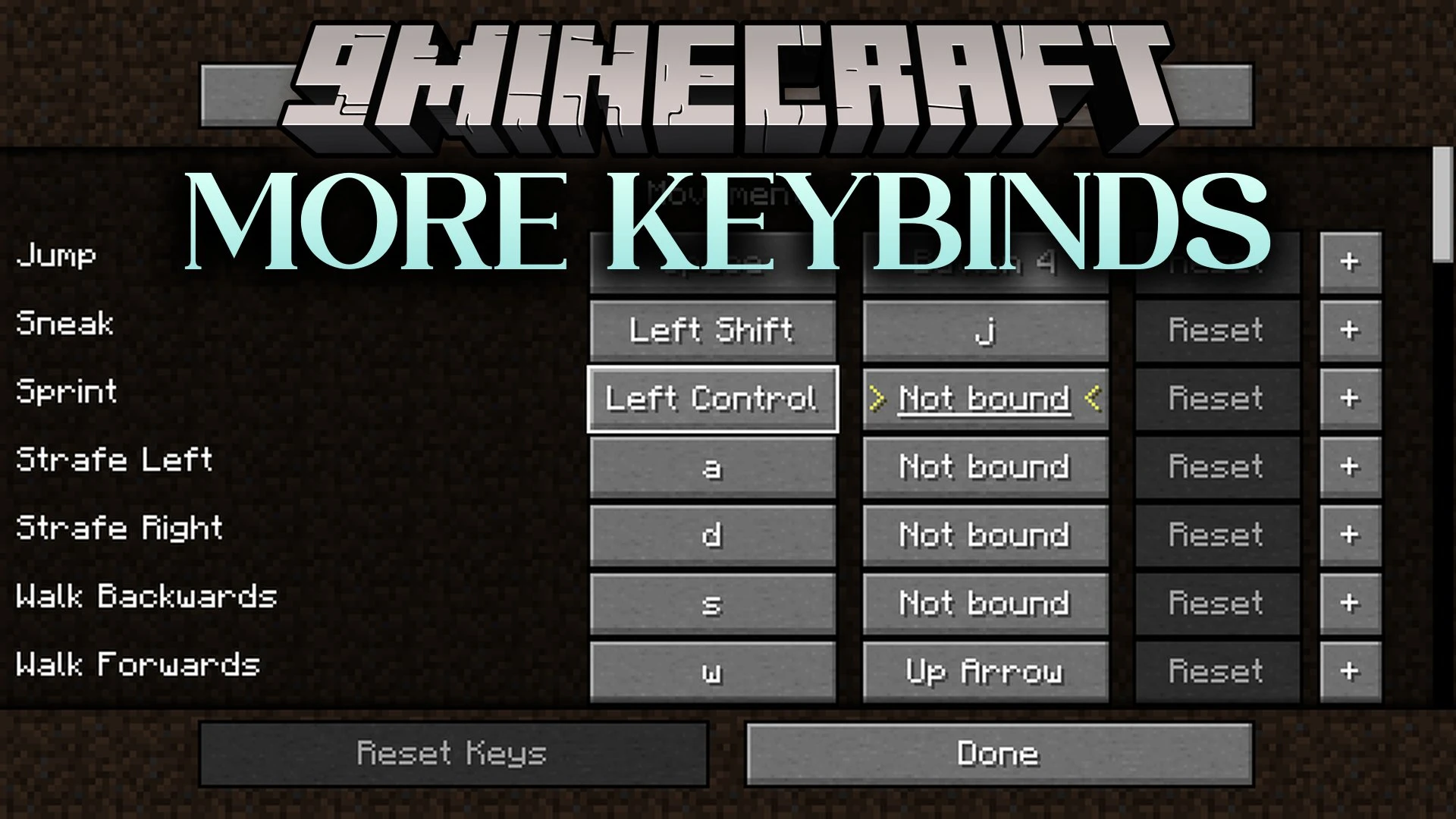
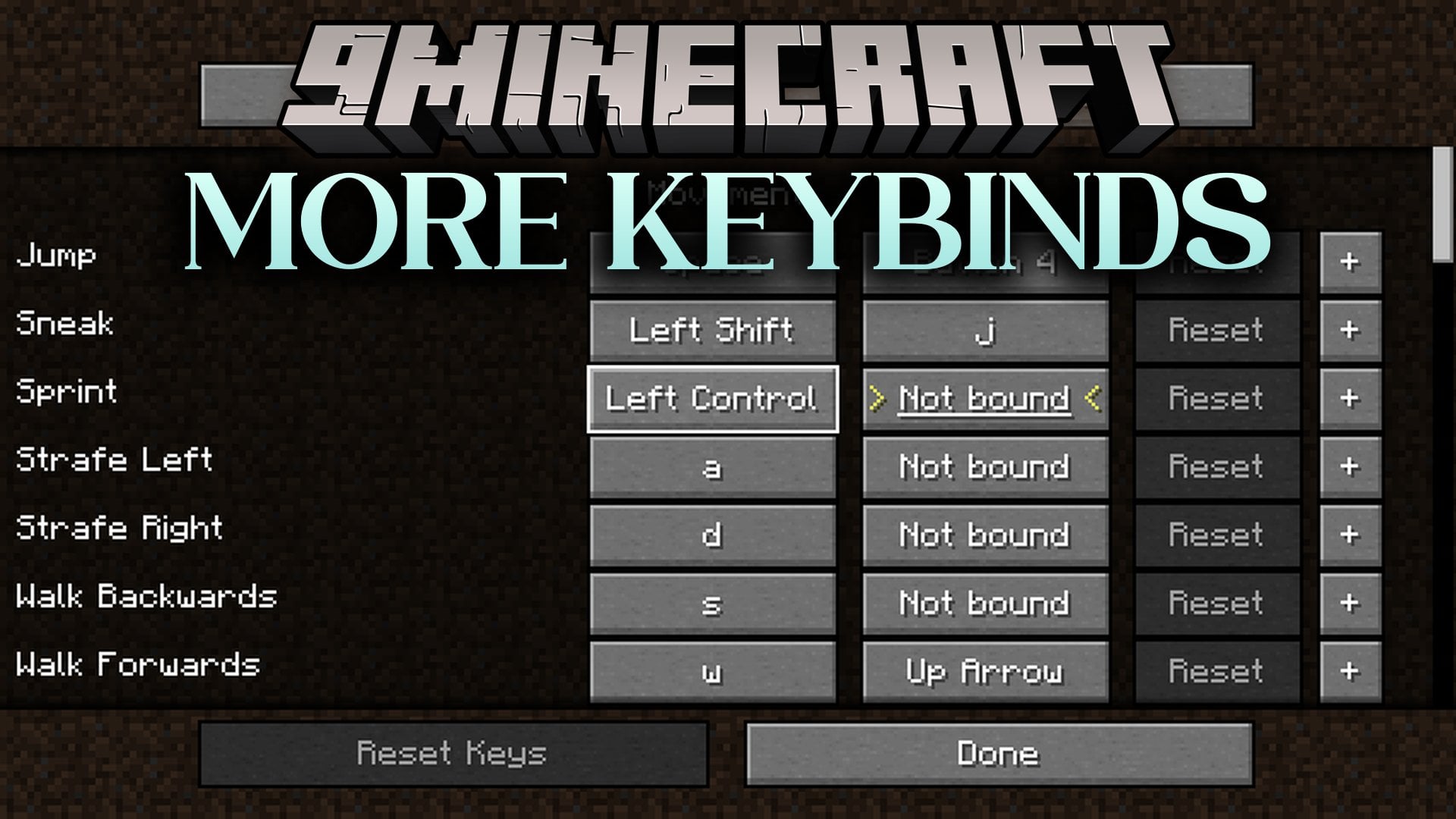
More Keybinds Mod lets you assign two or more buttons to any in-game action. It works across all controls in the game, including vanilla actions and controls added by other installed mods. You can walk with letter keys or arrow keys, jump using keyboard spaces or mouse side buttons, and access menus in different ways. The mod adds extra binding slots directly inside your normal controls menu without changing how default settings work.
Features:
- Secondary Key Slots: Adds a second button to every entry in your Key Binds menu between the main key and the Reset button.
- Multi-Key Editor: Provides a plus button for each control that opens an editor where you can set up to 6 extra keys.
- Works with both standard keyboard buttons and mouse clicks, including extra mouse side buttons.
- Applies to every key binding in the game, covering vanilla actions as well as custom bindings from other mods.
- Starts each new binding slot as Not Bound so your current controls stay clean until you choose to set them.
- Lets you reset any secondary key slot back to Not Bound at any time by pressing Escape.
How to Use:
- Go to the pause screen or main menu, then open Options → Controls → Key Binds.
- Find the action you want to change and look at the new second button placed between the default key and the Reset button.
- Click the second button and press any key or mouse button to set your alternate input.
- Press Escape while choosing a key if you want to set the slot back to Not Bound.
- Click the small + button next to a binding to open the editor when you want to add up to 6 extra keys.
More Keybinds Mod Download Links
Quick facts
- Edition: Minecraft Java
- File type: .jar
- Minecraft versions listed: 26.3, 1.20.1
- How to install: Install the matching mod loader (Forge, Fabric or NeoForge) for your Minecraft version. → Download the .jar. → Put it in the .minecraft/mods folder and launch that loader profile.
- Where to get it: In MC Java Mods, or directly above on this page.
Install steps are the general flow for this file type — How to install Minecraft Java mods & modpacks walks through it step by step.
File checked by MCModsHub
- Downloads as 554166.mcaddon
- Download size: 50 KB
- Download link checked 22 Nov 2026 — working
- Mirrored on our own servers — the download does not depend on the original host
These come from our own check of the pack file, not from the source page.