ModsJava
Config Guard Mod (26.3, 1.21.1) – Safely Tweak Modpack Settings
Java mod listed for Minecraft 1.21–26.x. Downloads from the MC Java Mods app on Android.
⬇ Download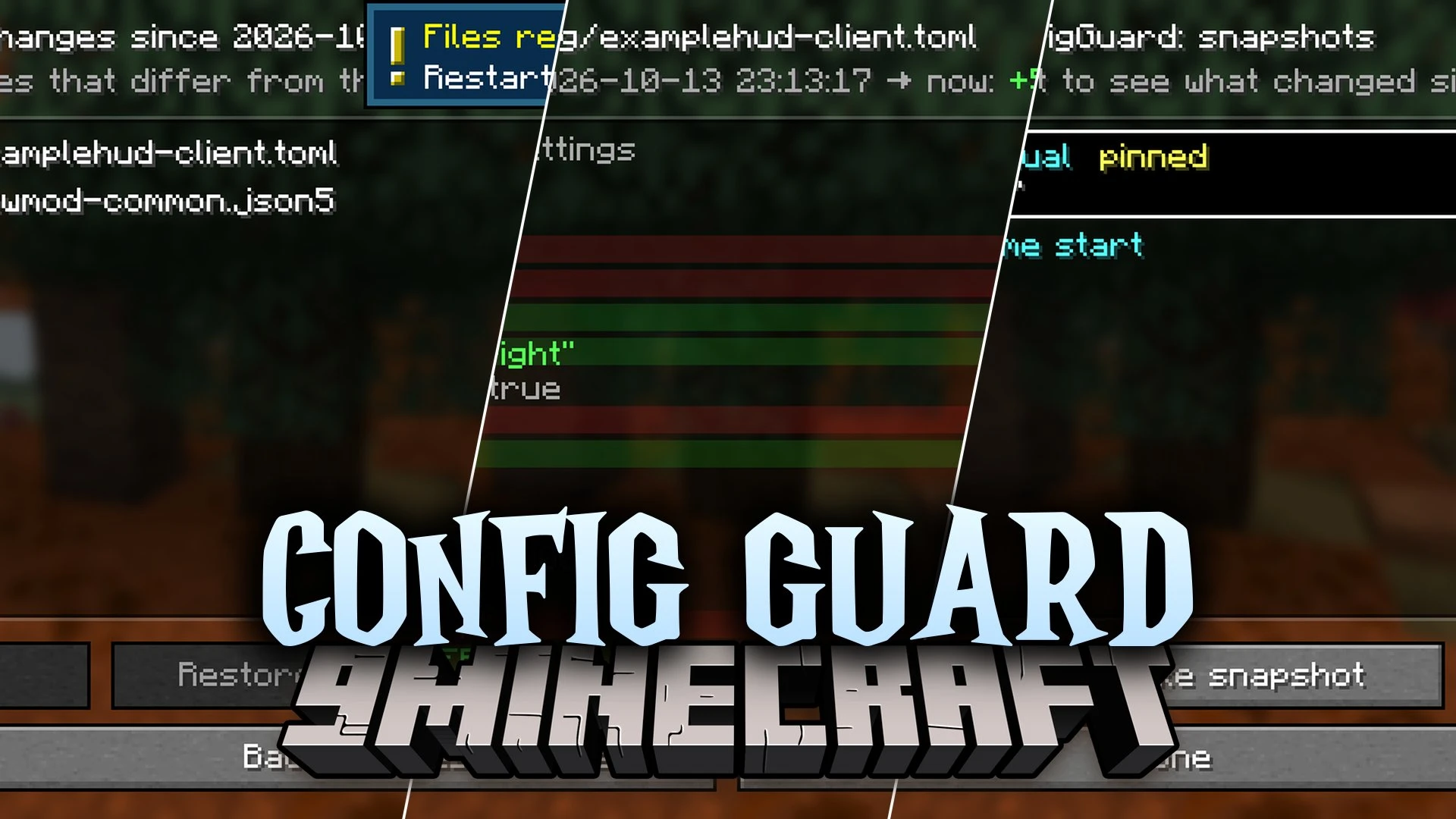


Config Guard Mod creates automatic backups of your settings folder and tracks changes line by line. It records snapshots whenever the game launches or shuts down, letting you roll back bad edits in a couple of clicks. Players who test modpacks and server hosts who change files by hand can view side-by-side differences before restoring. The mod works on client games and dedicated multiplayer servers without requiring complex setup.
Features:
- Automatic Snapshots: Captures the state of your settings whenever Minecraft opens or closes.
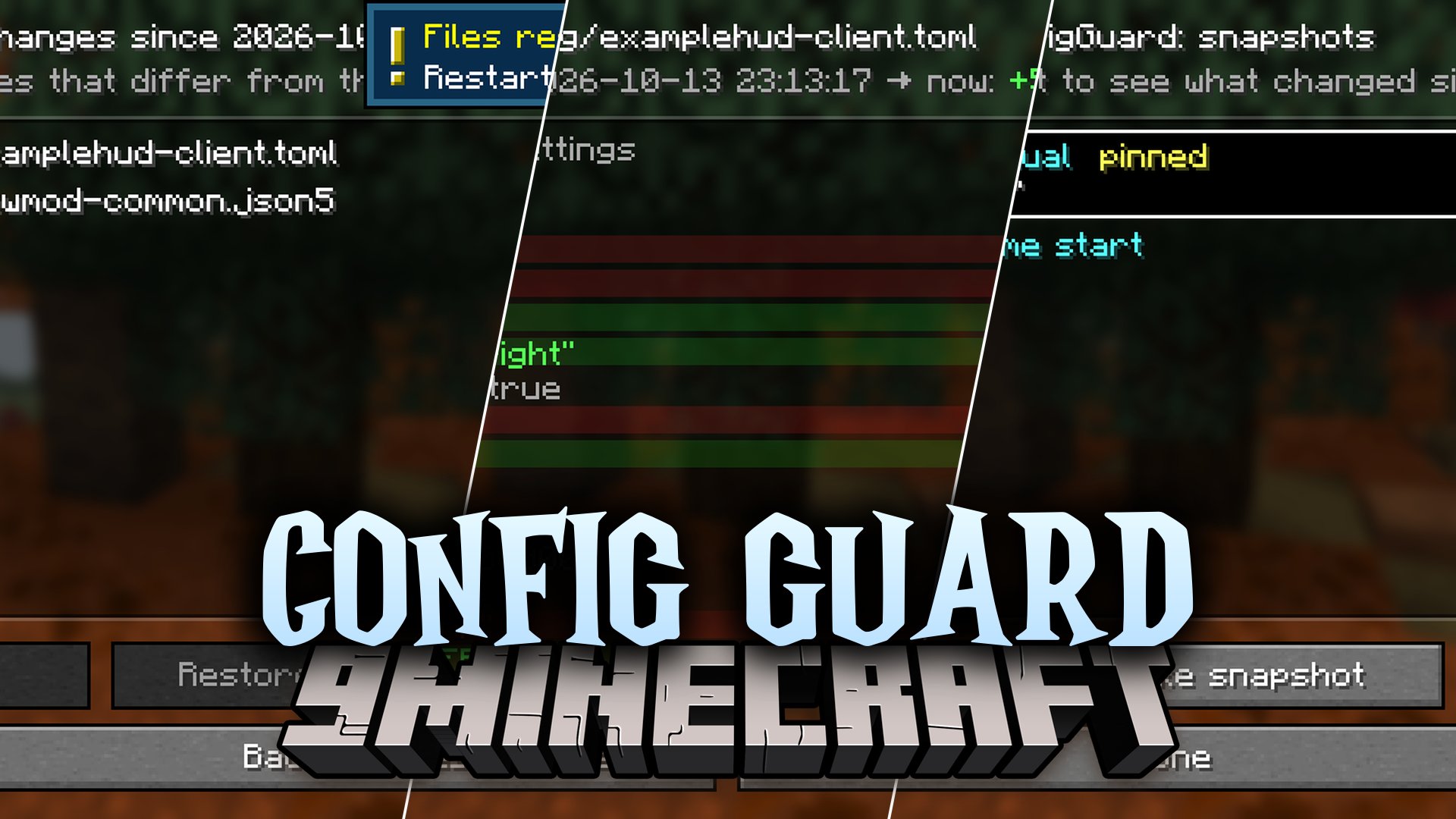
- Visual Diff Viewer: Shows removed lines in red and new lines in green so you know what changed.
- Safe Restore: Creates an extra snapshot before rolling back files, letting you undo any restoration.
- External Change Alerts: Notifies you if modpack updates or text editors changed files while the game was shut down.
- Pinned Saves: Locks chosen snapshots so automated cleanup limits never delete them.
- Compact Storage: Saves unique files by SHA-256 hash in the mod folder to prevent duplicate file copies.
- Lets you manually create snapshots with custom text labels at any moment.
- Restores a single file or an entire directory in two clicks.
- Works with text formats like TOML, JSON, JSON5, and standard properties files.
- Displays raw file sizes for non-text binary files.
- Operates on clients, dedicated servers, or both sides independently.
- Exports saved snapshots into portable ZIP archives for sharing or backup.
Commands:
/configguard snapshot [label]: takes a snapshot immediately with an optional custom label./configguard list: lists saved snapshots starting with the newest entries./configguard list <page>: browses older snapshots, showing ten entries per page./configguard changes <id>: shows all files that changed since the chosen snapshot./configguard diff <id>: prints a line-by-line file difference directly in the chat box./configguard restore <id> [path]: restores a single file or all changed files back to the saved state./configguard pin <id>: marks a snapshot as pinned so the game never deletes it./configguard unpin <id>: unpins a snapshot so normal cleanup rules apply to it again./configguard history 1: checks the history of when a file was added, edited, or removed./configguard find 1 <search>: searches for snapshots by label, snapshot ID, or change reason./configguard compare <from> <to>: compares two separate snapshots to inspect historical file changes./configguard export <id>: creates a verified ZIP package of a snapshot in the exports folder.
Configuration:
trackedPaths: controls which folders and files get captured, including config, defaultconfigs, options.txt, and server.properties.excludedGlobs: lists file extensions to ignore during snapshots, such as log, tmp, bak, lock, and old files.maxFileSizeKb: skips files that exceed this file size limit in kilobytes.maxSnapshots: sets the maximum number of unpinned snapshots kept before older ones are removed.snapshotOnStartup: toggles whether a snapshot is taken whenever the game starts.snapshotOnShutdown: toggles whether a snapshot is taken whenever the game closes.notifyExternalChanges: sends an in-game notification if files changed while the game was closed.
How to Use:
- Open the snapshot window through the Mod Menu config button, the NeoForge mod options, or by pressing your assigned hotkey from Controls.
- Review the list of snapshots to see when settings were backed up.
- Click a snapshot entry to view every file that was added, modified, or removed.
- Click the diff option beside any file to view removed lines in red and added lines in green.
- Press the restore button to bring back a single file or every changed file.
- Restart the game or server after restoring files so Minecraft reads the reverted settings.
Screenshots:
Config Guard Mod Download Links
Quick facts
- Edition: Minecraft Java
- File type: .jar
- Minecraft versions listed: 26.3, 1.21.1
- How to install: Install the matching mod loader (Forge, Fabric or NeoForge) for your Minecraft version. → Download the .jar. → Put it in the .minecraft/mods folder and launch that loader profile.
- Where to get it: In MC Java Mods, or directly above on this page.
Install steps are the general flow for this file type — How to install Minecraft Java mods & modpacks walks through it step by step.
File checked by MCModsHub
- Downloads as 554170.mcaddon
- Download size: 79 KB
- Download link checked 22 Nov 2026 — working
- Mirrored on our own servers — the download does not depend on the original host
These come from our own check of the pack file, not from the source page.