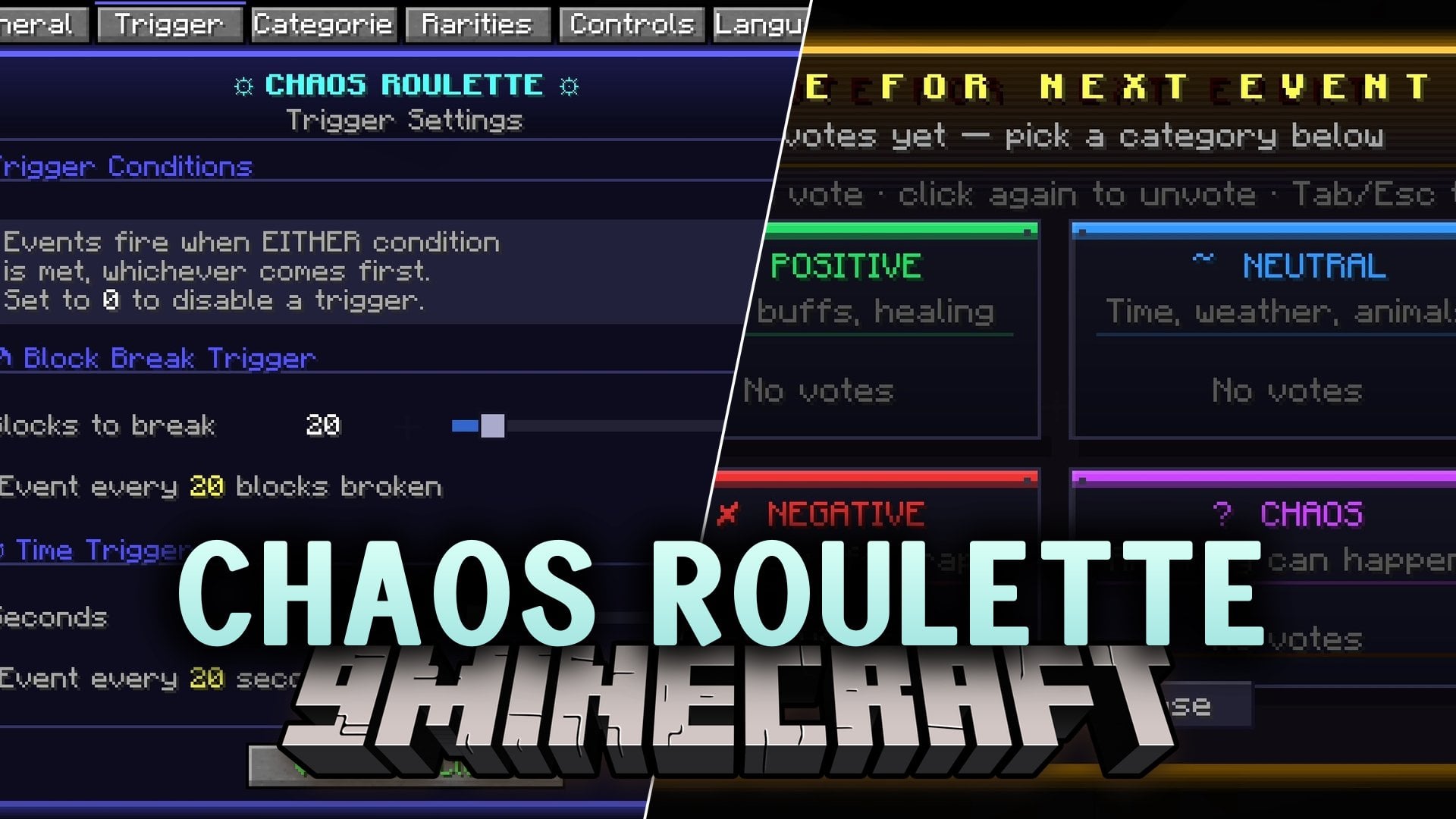
Chaos Roulette Mod (26.3, 1.20.1) – Spin a Random Event Wheel Every Time
Java mod listed for Minecraft 1.20–26.x. Downloads from the MC Java Mods app on Android.
⬇ Download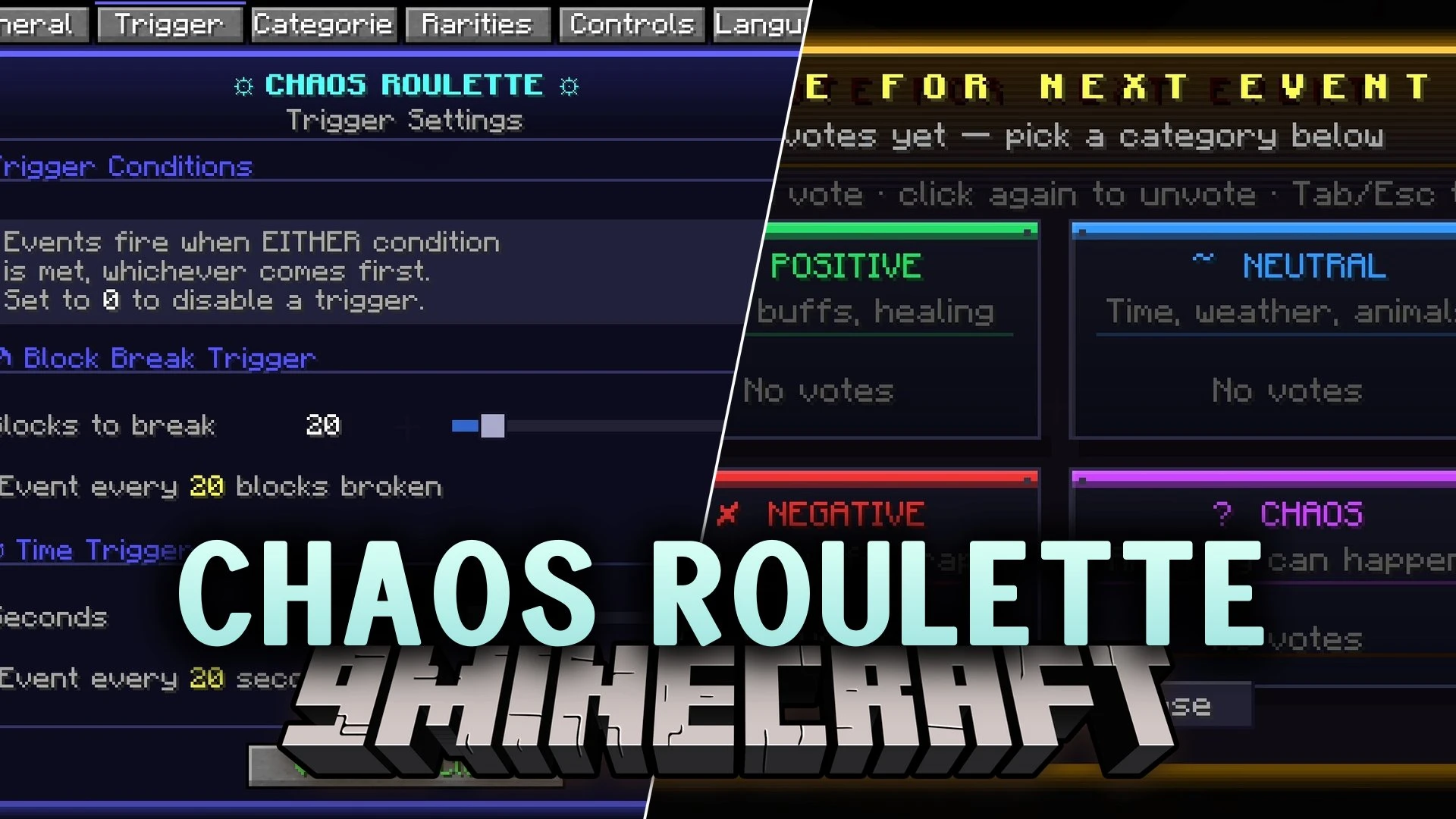


Chaos Roulette Mod brings 701 unique random events to your Minecraft world through a custom animated wheel. These events are triggered by player movement and fall into six rarity tiers, ranging from Common to Mythic, along with four distinct categories: Positive, Neutral, Negative, and Chaos. It changes normal survival by letting you play built-in arcade mini-games like Tetris, Snake, and Dinosaur to boost your luck before a spin, or vote on upcoming event types with friends. This mod works in both solo survival and multiplayer challenges on Forge.
Features:
- 701 Random Events: Triggers random events from player movement through a custom event roulette with its own animations and custom chat messages.
- Built-In Arcade Mini-Games: Lets you play classic mini-games including Snake, Dinosaur, and Tetris inside an arcade menu to increase your luck stat.
- Luck System: Affects your roulette spins based on your current luck level.
- Event Voting System: Lets players vote for the next type of event they want to see, making it fit well for multiplayer sessions.
- Includes a Welcome Journal that explains how the mod and its mechanics work.
- Tracks your unlocked events and achievements in a dedicated progress menu.
- Adds two custom mobs to the game: Koganei and Hell Courier.
- Gives you a hotbar keybind to stop an active event whenever you need a break.
- Includes customizable settings so you can adjust the rules to fit your world.
- Works in multiplayer servers and includes translations for more than 10 languages.
Event Rarities:
- Common
- Uncommon
- Rare
- Epic
- Legendary
- Mythic
Event Types:
- Positive: Good things that help you survive.
- Neutral: Random and unusual events.
- Negative: Events that make survival harder.
- Chaos: Completely unpredictable events.
How to Use:
- Move around the world to trigger the event roulette wheel, and read the Welcome Journal to learn the basics.
- Press G to open the Arcade menu and play Snake, Dinosaur, or Tetris to raise your Luck.
- Press TAB to open the voting screen and vote for the type of event you want next.
- Press [ to open the Events & Achievements menu and check event types and your progress.
- Press V at any time to stop an active event.
- Press ESC while the roulette is spinning to skip the animation; keep in mind that skipping the spin also cancels the event.
Screenshots:
Chaos Roulette Mod Download Links
- Edition: Minecraft Java
- File type: .jar
- Minecraft versions listed: 26.3, 1.20.1
- How to install: Install the matching mod loader (Forge, Fabric or NeoForge) for your Minecraft version. → Download the .jar. → Put it in the .minecraft/mods folder and launch that loader profile.
- Where to get it: In MC Java Mods, or directly above on this page.
Install steps are the general flow for this file type — How to install Minecraft Java mods & modpacks walks through it step by step.
- Downloads as 554180.mcaddon
- Download size: 596 KB
- Download link checked 22 Nov 2026 — working
- Mirrored on our own servers — the download does not depend on the original host
These come from our own check of the pack file, not from the source page.