
ModsJava
Potion View Mod (26.3, 1.21.1) – Never Open Inventories During Combat
Java mod listed for Minecraft 1.21–26.x. Downloads from the MC Java Mods app on Android.
⬇ Download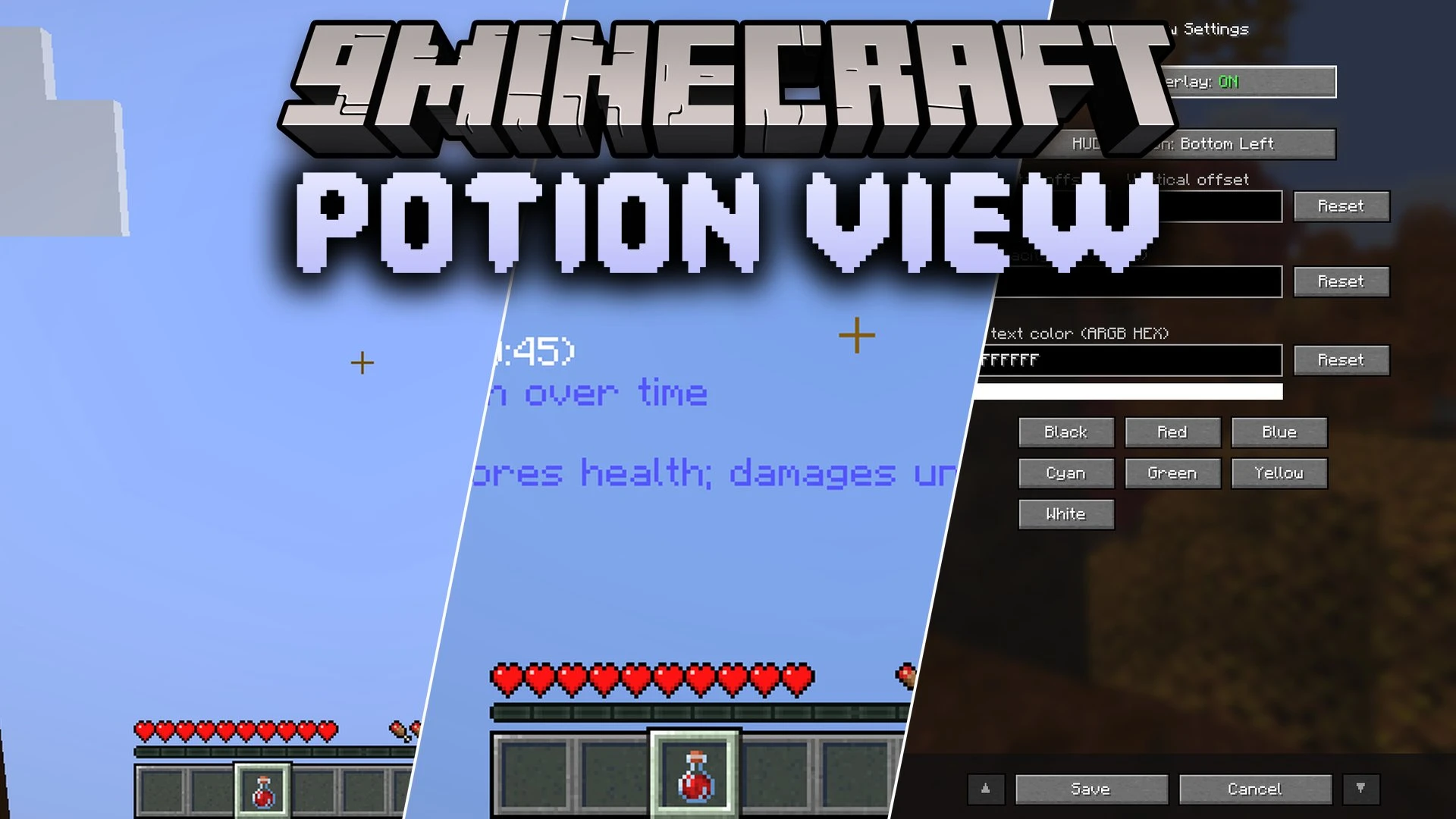


Potion View Mod displays all the potions in your inventory right on your main game screen. This mod lets you see how many potions you have left without opening your bag during a fight. You can also check effect details and change how the display looks to fit your screen.
Features:
- On-Screen Potion Counter: Shows icons and exact inventory counts for all your potions directly on your HUD.
- Quick Potion Info: Displays effect names, durations, and descriptions when you hold down a key.
- Lets you change the HUD position, colors, and transparency to match your style.
- Includes a toggle option so you can hide or show the display with a custom keybind.
- Works on the client side and gives you full access to all visual settings through Mod Menu.
How to Use:
- Keep potions in your inventory to see their icons and counts appear on your screen.
- Hold the Tab key to view the full effects, timers, and descriptions for those potions.
- Press your custom toggle keybind whenever you want to hide or show the potion display.
- Open the in-game settings through Mod Menu to adjust the HUD position, colors, and opacity.
Screenshots:
Potion View Mod Download Links
Quick facts
- Edition: Minecraft Java
- File type: .jar
- Minecraft versions listed: 26.3, 1.21.1
- How to install: Install the matching mod loader (Forge, Fabric or NeoForge) for your Minecraft version. → Download the .jar. → Put it in the .minecraft/mods folder and launch that loader profile.
- Where to get it: In MC Java Mods, or directly above on this page.
Install steps are the general flow for this file type — How to install Minecraft Java mods & modpacks walks through it step by step.
File checked by MCModsHub
- Downloads as 554200.mcaddon
- Download size: 49 KB
- Download link checked 22 Nov 2026 — working
- Mirrored on our own servers — the download does not depend on the original host
These come from our own check of the pack file, not from the source page.