
Copper Workforce Mod (26.2, 1.21.11) – Turn Copper Golems Into Farmers, Miners
Java mod listed for Minecraft 1.21–26.x. Downloads from the MC Java Mods app on Android.
⬇ Download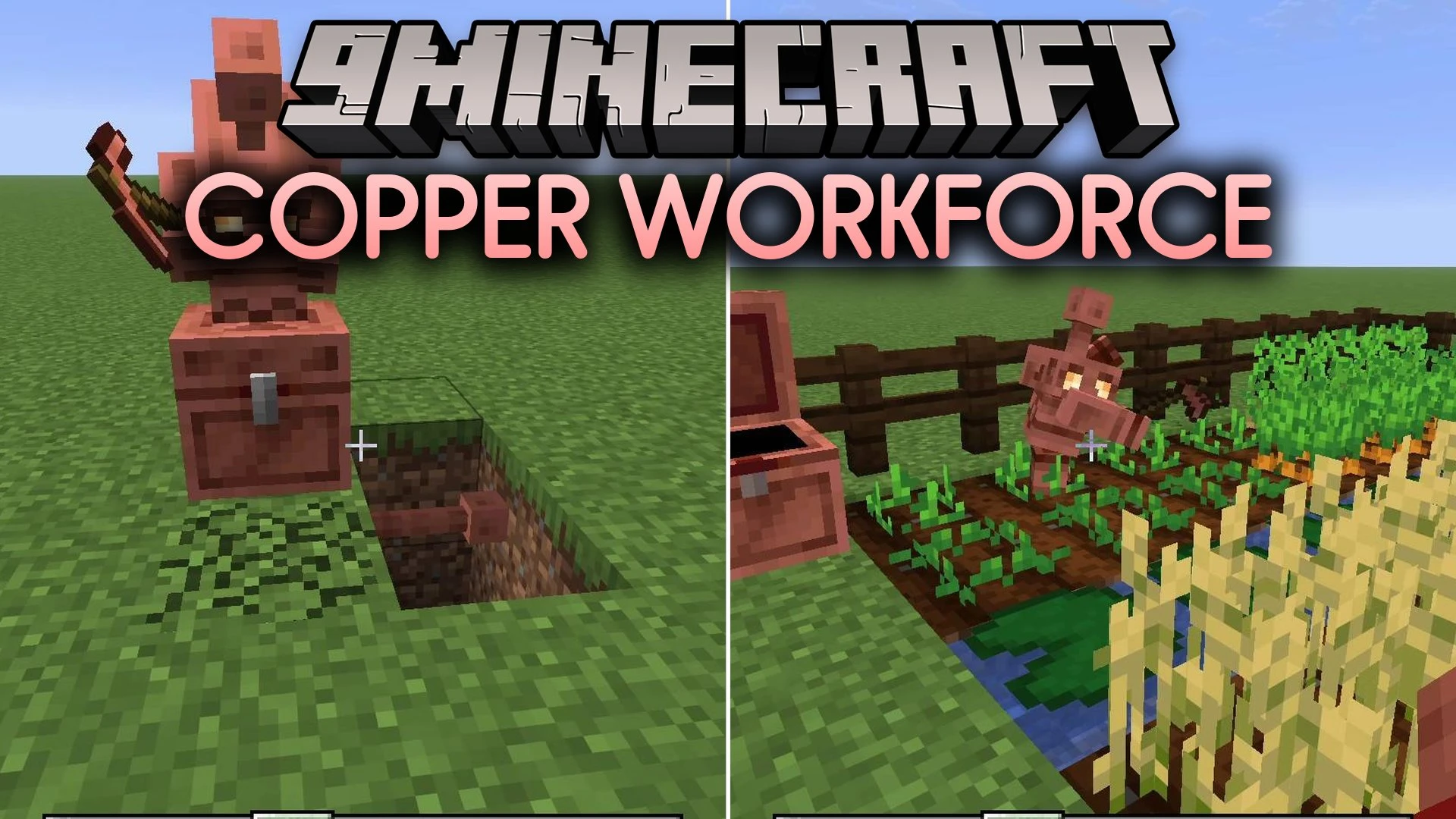


Copper Workforce Mod gives Copper Golems useful jobs depending on the tool you hand them. Instead of adding new blocks, items, or menus, this mod turns your golems into a Farmer, Guard, Miner, or Lamplighter using simple vanilla gear. You can automate farming, light up dark areas, dig out underground rooms, and protect your base just by right-clicking a golem with a tool. The mod runs on both client and server and keeps a clean vanilla feel while changing how oxidation works.
Features:
- Four Tool-Based Jobs: Handing a hoe, torches, a sword, or a pickaxe to a Copper Golem gives it a specific role right away without any menus.
- Helmet Armor Support: Golems can wear any vanilla helmet, which renders just like normal armor to give them extra protection.
- Oxidation Changes: Oxidized golems become slower but tougher, and they no longer freeze into statues by default.
- Statue Memory: If a golem does turn into a statue, it holds onto its equipped tool and helmet.
- Adds custom work animations where each tool has its own swing motion and golems climb scaffolding hand over hand.
- Keeps your builds safe because miner golems only dig natural blocks and only work in loaded chunks.
Golem Jobs:
- Farmer (Hoe): Harvests grown crops, replants the seeds, and puts the collected food into a copper chest.
- Lamplighter (Torches): Walks around and places torches to light up dark spots.
- Guard (Sword): Stands watch at its post, steps up to fight nearby monsters, and returns to its post after the fight while staying away from creepers.
- Miner (Pickaxe): Digs out tunnels or rooms based on a nearby lightning rod, carries mined blocks back to a chest, and builds scaffolding towers to reach high spots.
Configuration:
config/copperworkforce.json: file used to adjust and tune all mod settings.
How to Use:
- Hold a hoe, torches, a sword, or a pickaxe in your hand and Right-Click a Copper Golem to assign its job; the golem will show a little sparkle and swing its arm.
- Right-Click a working golem with an empty hand to take its tool back.
- Hold any helmet and give it to your golem for extra defense, or hold Sneak + Right-Click with an empty hand to take the helmet off.
- To direct a Miner golem, place a lightning rod on a wall near the golem so it digs a long tunnel, or place the lightning rod under the ceiling pointing down so it digs out a big room.
- Give scaffolding to a Miner golem so it can build a tower and mine high ceiling blocks.
Screenshots:
Copper Workforce Mod Download Links
- Edition: Minecraft Java
- File type: .jar
- Minecraft versions listed: 26.2, 1.21.11
- How to install: Install the matching mod loader (Forge, Fabric or NeoForge) for your Minecraft version. → Download the .jar. → Put it in the .minecraft/mods folder and launch that loader profile.
- Where to get it: In MC Java Mods, or directly above on this page.
Install steps are the general flow for this file type — How to install Minecraft Java mods & modpacks walks through it step by step.
- Downloads as 554270.mcaddon
- Download size: 95 KB
- Download link checked 22 Nov 2026 — working
- Mirrored on our own servers — the download does not depend on the original host
These come from our own check of the pack file, not from the source page.