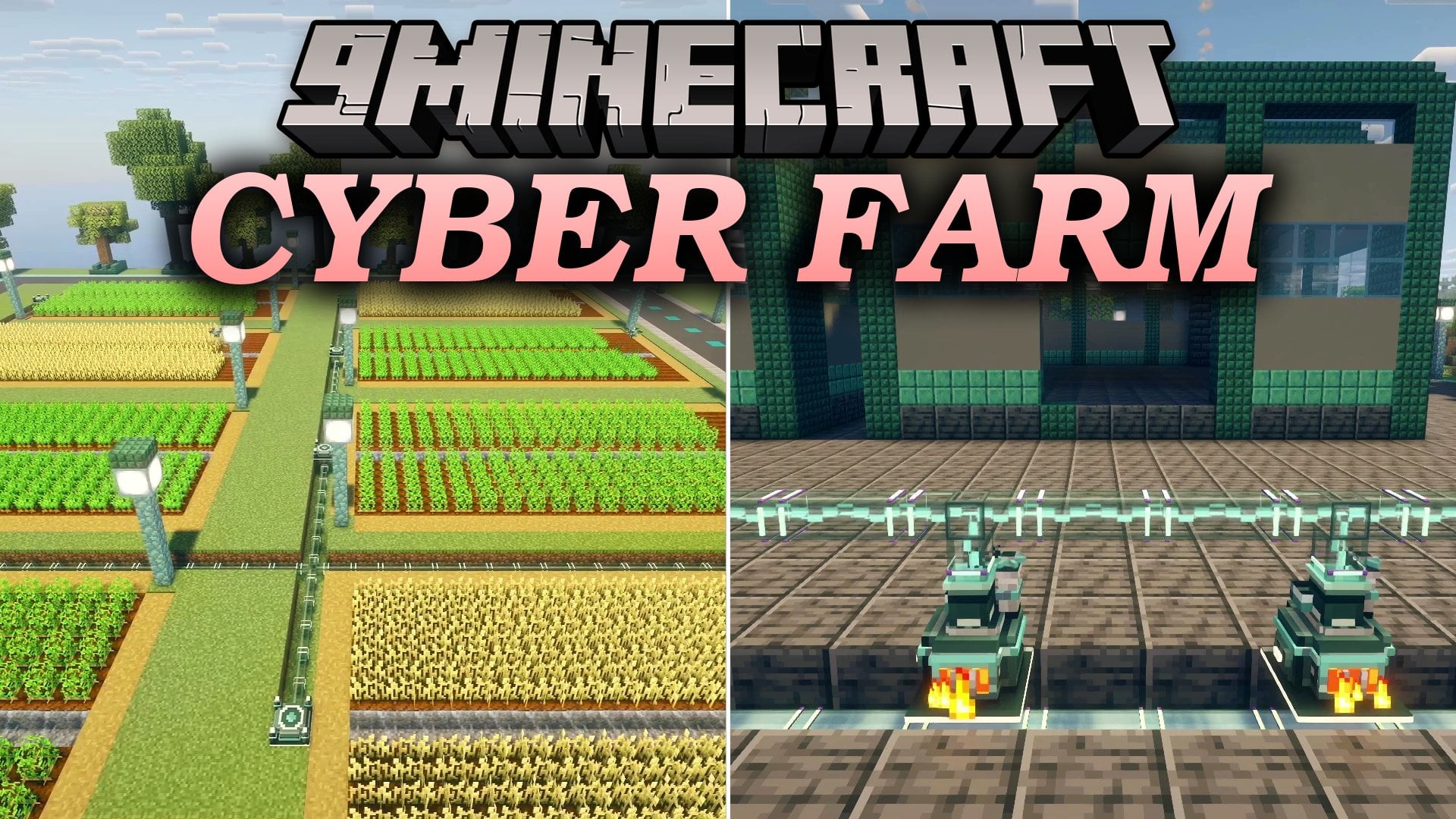
Cyber Farm Mod (26.2, 1.20.1) – Automate Your Base with Flying Drones
Java mod listed for Minecraft 1.20–26.x. Downloads from the MC Java Mods app on Android.
⬇ Download


Cyber Farm Mod adds customizable flying drones, animated power plants, and a giant pilotable mech to automate and defend your base. You can build drones using 4 frame types, 15 function modules, and 6 upgrade addons without needing any programming knowledge. The power system grows from simple combustion generators and biogas turbines all the way up to a full cooling-tower nuclear fission reactor that stores up to 2 billion FE in a Resonance Core. Players can also trade with the Drone Mechanist to build a 10-level tech village, watch a live 3D map of their base on a Hologram Table, and pilot a 3.5-block-tall mech suit at the end of the tech tree. This mod uses standard FE power and connects directly with cables, batteries, and storage blocks from other tech mods.
Features:
- No-Code Drone Automation: Drones do not need any programming to work; you only need to place a Drone Dock and mark a work area with the Survey Tool.
- Animated Multiblock Machines: Placing Cyber Frames around machines makes them open up into animated 3D models that light up while working, and breaking a frame closes them back up.
- Nuclear and Biogas Power Plants: Power progresses from a starter Combustion Generator to biomass, biogas, and methane in a Gas Turbine, a multiblock Steam Engine, and finally a Fission Reactor feeding a Steam Turbine.
- Base Defense System: Guard drones shoot hostile mobs with lasers, Laser Turrets burn enemies within 16 blocks, and Bomb Mini Drones fly into monsters and explode while ignoring players, villagers, animals, and named mobs.
- Tech Village Progression: A Drone Mechanist spawns in rare outposts and offers supply contracts that let you and your drones build a working tech village across 10 levels and 7 buildings learned from Blueprint Discs.
- Pilotable Endgame Mech: A 3.5-block-tall mech opens and closes around your player like a flower, letting you walk, jump, punch, and install upgrades inside the Mech Hangar.
- Includes dark teal, mint, and steel machine styles, plus smaller farm drones with moving tools.
- Adds glass pipes and cables that show what flows inside them, along with tanks that connect together to form one large tank.
- Lets you send FE power wirelessly across the map using a Transmitter Dish connected to up to 4 Receiver Dishes.
- Stores massive amounts of energy in the Resonance Core, a buildable battery that holds up to 2 billion FE.
- Pushing the Fission Reactor too hard causes a nuclear meltdown, requiring coolant, a Geiger Counter, and a Hazmat Suit to deal with radiation and the Radiation Sickness effect.
- Adds real-world drone crafting materials including aluminum, carbon fiber, Uranium Ore, Deepslate Uranium Ore, and three tiers of circuits.
- Projects a live 3D map of your base on the Hologram Table, showing docks, flying drones, players, and hostile mobs, with the option to merge tables into a 2×2 or 3×3 display.
- Looking directly at any machine, tank, or drone displays a status panel showing what it is currently doing.
- Ten different machines accept Speed, Efficiency, and Battery addons to improve how they run.
- Locks in multiblocks or schematics with the Multiblock Projector so Builder drones can clear the area and build the structure layer by layer using blocks from chests next to their dock.
- Includes a Builder Swarm Dock that runs four Mini Drones at the same time for faster building.
- Runs smoothly on servers and singleplayer worlds, with 20 nonstop working drones adding only about 0.4 ms per tick and optimized rendering for up to 40 drones on screen at once.
- Works with JEI and REI to view all 119 crafting recipes, and includes the in-game Drone Engineer’s Handbook for guides (using GuideME or Patchouli depending on your game version).
Drone Frames, Modules, and Addons:
- Drone Frames: Choose from Basic, Advanced, Elite, or the half-size Mini Frame and put them together inside the Drone Assembler.
- Harvester Module: Harvests crops in the marked area for 80 FE per harvest.
- Planter Module: Plants seeds across farmland for 20 FE per seed planted.
- Logger Module: Chops down trees for 40 FE per log and 10 FE per leaf block.
- Rancher Module: Shears or milks farm animals for 30 FE per action.
- Fertilizer Module: Fertilizes crops for 20 FE per use.
- Taxi Module: Carries and transports targets for 100 FE per trip.
- Transport Module: Moves items between storage blocks with no extra FE cost per trip.
- Quarry Module: Mines out blocks in the selected work zone.
- Fisher Module: Automates fishing tasks for your base.
- Breeder Module: Breeds animals inside their pens.
- Builder Module: Clears land and places blocks layer by layer from linked blueprints.
- Guard Module: Patrols and hunts down hostile mobs with a laser weapon.
- Bomb Module: Fits onto Mini Drones so they fly directly into hostile mobs and detonate.
- Sponge Module: Clears water from the work area.
- Tank Module: Carries fluids for drone tasks.
- Drone Addons: Slot in Speed, Stack, Battery, Fortune, Silk Touch, and Anchor addons to upgrade how each drone performs.
Mech Modules:
- Jet Module: Equips the mech suit inside the Mech Hangar for flight movement.
- Drill Module: Equips the mech with a mining drill.
- Blade Module: Fits a close-combat blade onto the mech.
- Armor Module: Adds extra protection to the mech frame.
How to Use:
- Press L to open the advancement tab and follow the step-by-step progression path, or read the in-game Drone Engineer’s Handbook.
- Place a machine block down and place the required Cyber Frames around it so it opens into its working 3D form.
- Craft a Basic, Advanced, Elite, or Mini Frame, pick your function modules and addons, and combine them inside the Drone Assembler.
- Place a Drone Dock and power it using a Combustion Generator or higher-tier power plant; the dock charges the drone and stores items it brings back.
- Hold the Survey Tool to mark the work area for your drone so it knows where to farm, mine, or patrol.
- To build structures automatically, lock a multiblock or schematic with the Multiblock Projector, link it to a Drone Dock or Builder Swarm Dock, and put the needed building blocks into chests next to the dock.
Screenshots:
Cyber Farm Mod Download Links
- Edition: Minecraft Java
- File type: .jar
- Minecraft versions listed: 26.2, 1.20.1
- How to install: Install the matching mod loader (Forge, Fabric or NeoForge) for your Minecraft version. → Download the .jar. → Put it in the .minecraft/mods folder and launch that loader profile.
- Where to get it: In MC Java Mods, or directly above on this page.
Install steps are the general flow for this file type — How to install Minecraft Java mods & modpacks walks through it step by step.
- Downloads as 554271.mcaddon
- Download size: 2.6 MB
- Download link checked 22 Nov 2026 — working
- Mirrored on our own servers — the download does not depend on the original host
These come from our own check of the pack file, not from the source page.