
Having a Blast Mod (26.3, 1.20.1) – Cartoon Explosions and Self-Rebuilding
Java mod listed for Minecraft 1.20–26.x. Downloads from the MC Java Mods app on Android.
⬇ Download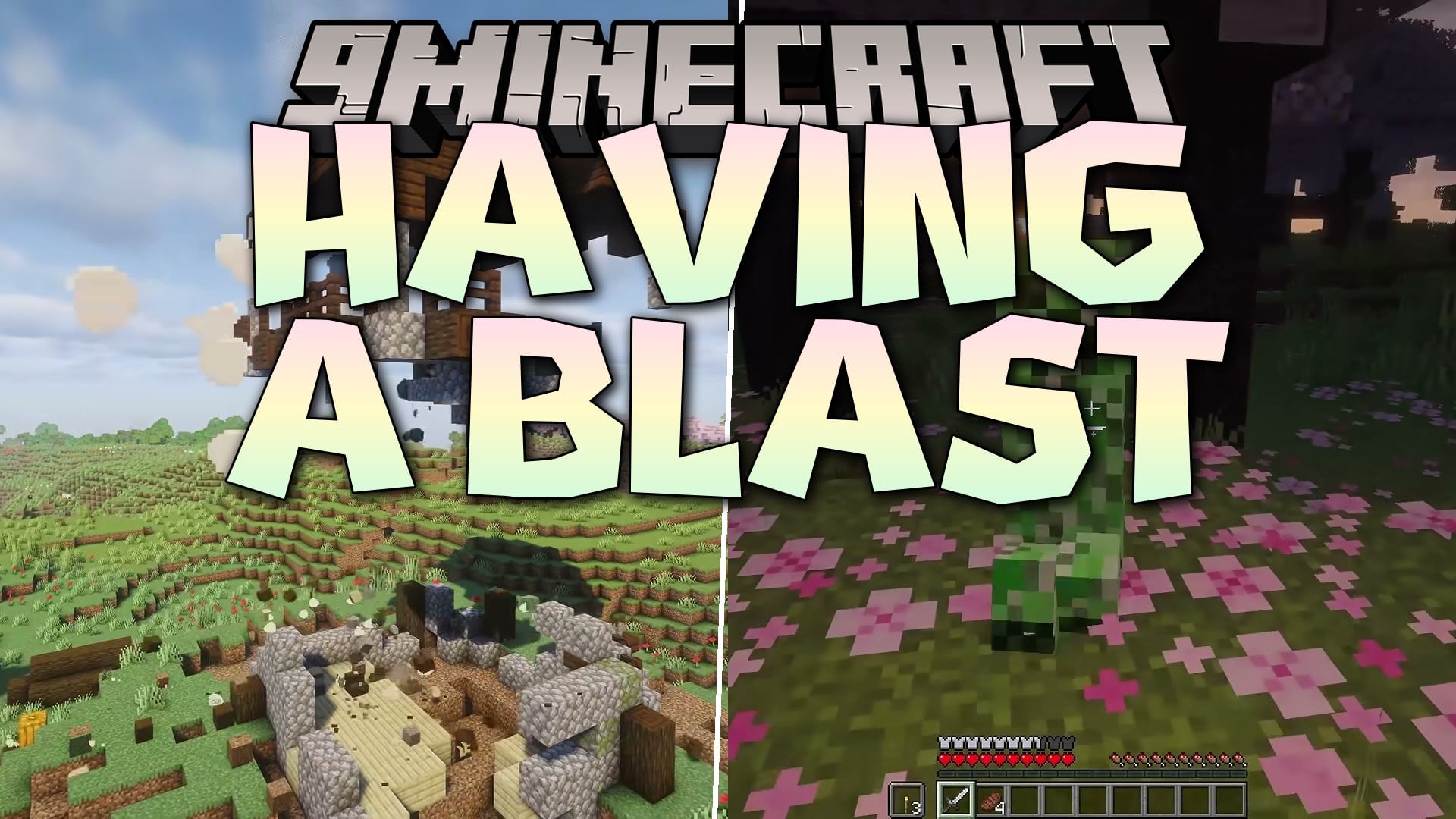


Having a Blast Mod transforms every explosion in the game into a cartoon show with flying blocks and optional crater rebuilding. When blasts happen, affected blocks fly through the air, bounce on the ground, and pop into their normal item drops. It also includes an auto-repair system for seven explosion types, including creepers, TNT, beds, respawn anchors, end crystals, ghast fireballs, and the wither. Players can install the mod on their client to enjoy the animations on any server or Realms, or put it on a multiplayer server to turn on automatic hole repairs. The mod runs without requiring any other libraries and works well alongside Sodium, Iris shaders, Mob Reactions, and Explosive Enhancement.
Features:
- Cartoon Explosions: Replaces standard blasts with a glowing pixel-art fireball dome that swells and fades, a fiery shockwave ring, round smoke puffs that form a small mushroom cloud, and flying sparks.
- Bouncing Flying Blocks: Makes blasted blocks fly out in real arcs, tumble, squash, and bounce on the ground where they land before popping one by one into their item drops.
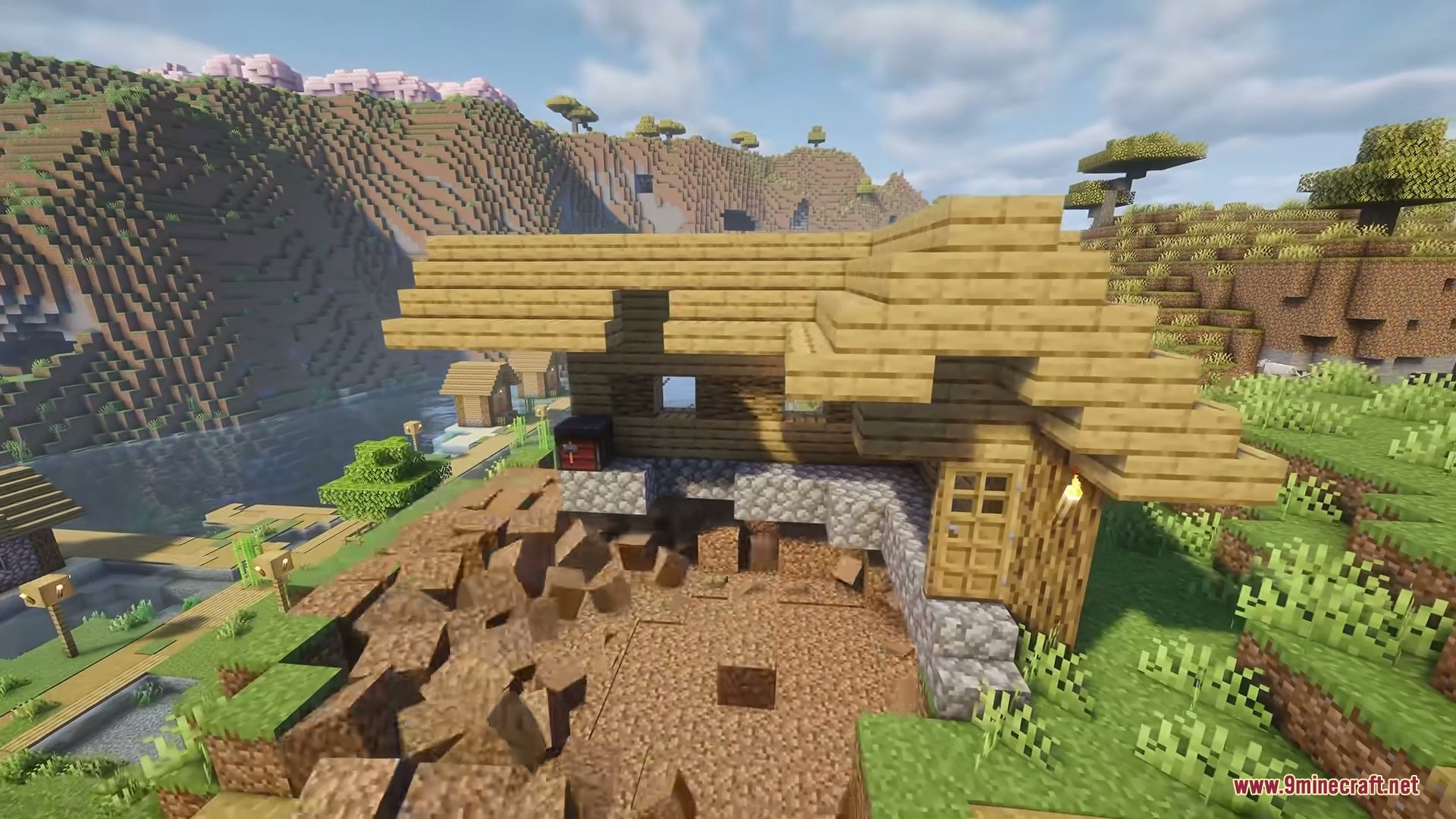
- Auto-Repair Craters: Rebuilds explosion holes after a set delay, starting from the bottom row as blocks hop back out of the ground.
- Safe Item Protection: Blocks set to repair drop nothing to prevent duplication, while chests keep their items, and paintings, item frames, and armor stands return with all their gear intact.
- Adds a wind-up animation where lit TNT pumps and holds its breath before blowing up, and creepers swell up even bigger than usual.
- Never overwrites new blocks that a player places inside a crater before the repair happens.
- Keeps the explosion source used up during repairs, meaning the terrain comes back, but the detonated TNT, crystal, bed, or anchor does not return.
- Saves pending repairs across server restarts and in unloaded chunks so craters always finish rebuilding.
- Keeps game performance at 60 FPS and above, even when 100 TNT blocks explode at the same time.
- Displays visual effects purely on the client side, allowing you to see the cartoon blasts on vanilla servers and Realms.
- Allows players without the mod to join a server that has it installed, where they will still see the blocks rebuild without the hopping animation.
- Works alongside Explosive Enhancement by using that mod’s fireball effect while keeping the flying blocks and crater repairs active.
Auto-Repair Explosion Types:
- Creeper blasts (off by default, toggled with its own switch).
- TNT blasts (off by default, toggled with its own switch).
- Bed blasts (off by default, toggled with its own switch).
- Respawn anchor blasts (off by default, toggled with its own switch).
- End crystal blasts (off by default, toggled with its own switch).
- Ghast fireball blasts (off by default, toggled with its own switch).
- Wither blasts (off by default, toggled with its own switch).
Having a Blast Mod – Video Showcase
Commands:
/havingablast repair [true|false]: Turns automatic crater repair on or off for a specific explosion type./havingablast repair delay [seconds]: Sets how many seconds to wait after an explosion before the hole starts rebuilding./havingablast repair speed [percent]: Changes how fast the crater rebuilds, from 25 to 400 (default is 100)./havingablast repair status: Shows which repair switches are currently turned on and how many blocks are waiting to be rebuilt./havingablast repair now: Immediately rebuilds all blocks that are currently waiting for repair.
Configuration:
config/havingablast.json: Stores all mod settings, including toggles for cartoon explosions, blast intensity, block pops, maximum debris at once, the repair animation, individual repair switches for each explosion type, repair delay (30 seconds by default), and repair speed.
How to Use:
- Blow up any block or mob in your world to see the cartoon explosions, which are turned on automatically from the start.
- In singleplayer, open the settings through Mod Menu (on Fabric or Quilt) or the Mods list (on NeoForge or Forge) to turn on auto-repair switches and adjust the debris, delay, or speed options.
- On a multiplayer server, an operator can type
/havingablast repaircommands in chat to turn on and manage crater rebuilding for the whole server.
Screenshots:


Having a Blast Mod Download Links
- Edition: Minecraft Java
- File type: .jar
- Minecraft versions listed: 26.3, 1.20.1
- How to install: Install the matching mod loader (Forge, Fabric or NeoForge) for your Minecraft version. → Download the .jar. → Put it in the .minecraft/mods folder and launch that loader profile.
- Where to get it: In MC Java Mods, or directly above on this page.
Install steps are the general flow for this file type — How to install Minecraft Java mods & modpacks walks through it step by step.
- Downloads as 554288.mcaddon
- Download size: 206 KB
- Download link checked 22 Nov 2026 — working
- Mirrored on our own servers — the download does not depend on the original host
These come from our own check of the pack file, not from the source page.